
 Dark Modern Neue for Visual Studio Code




See more details
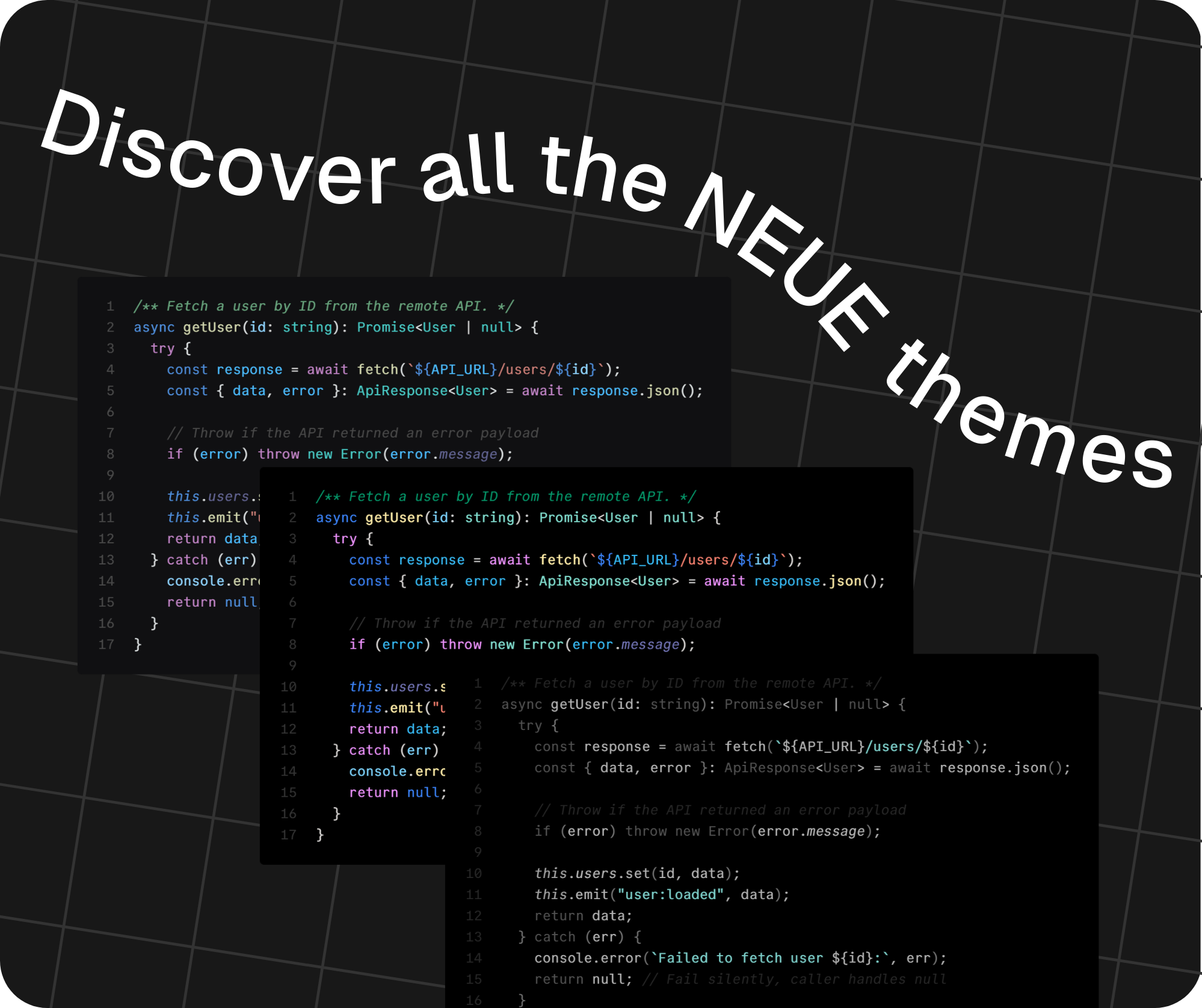
Default Dark Modern Neue
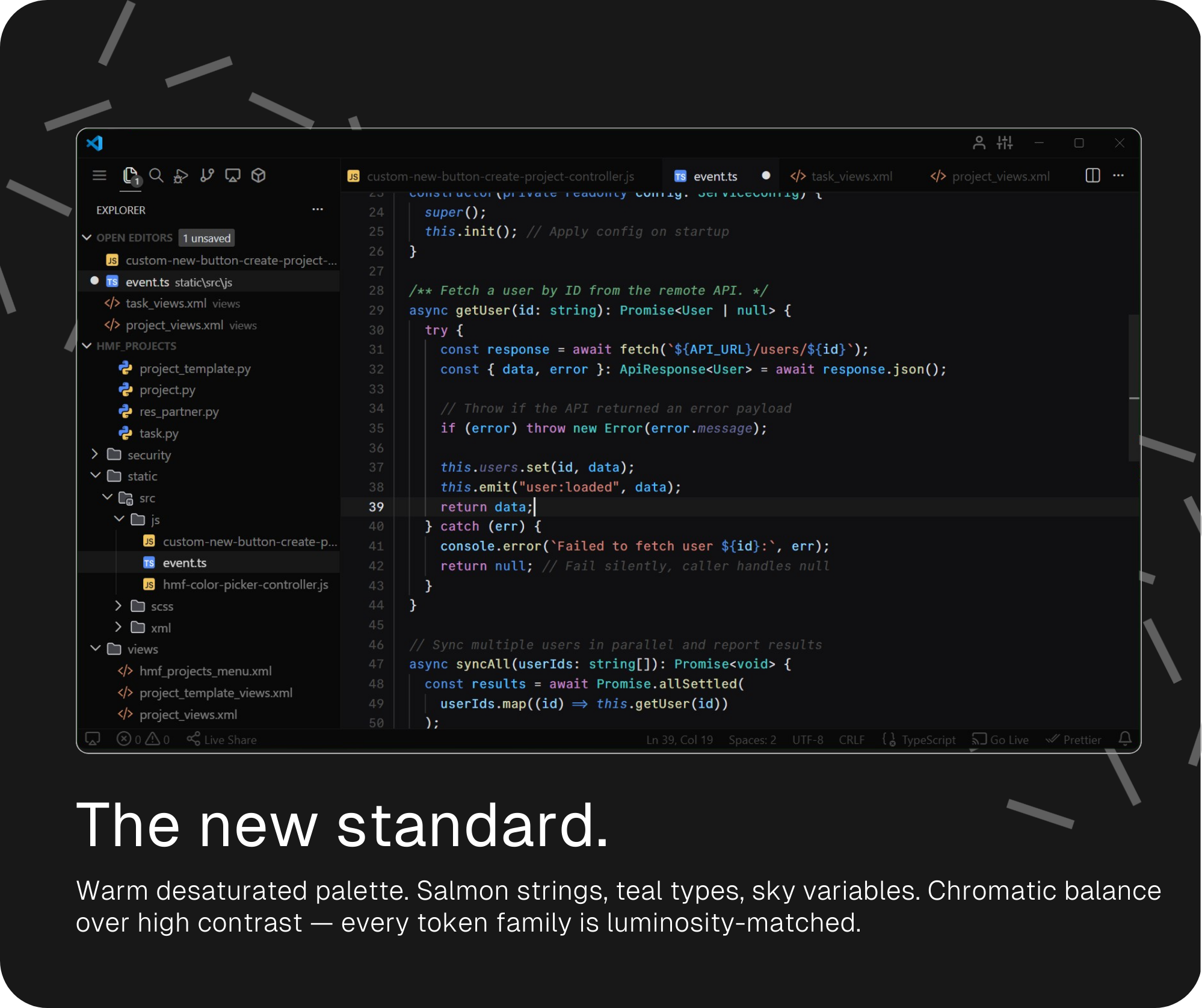
Dark Modern Neue — GitHub Scheme
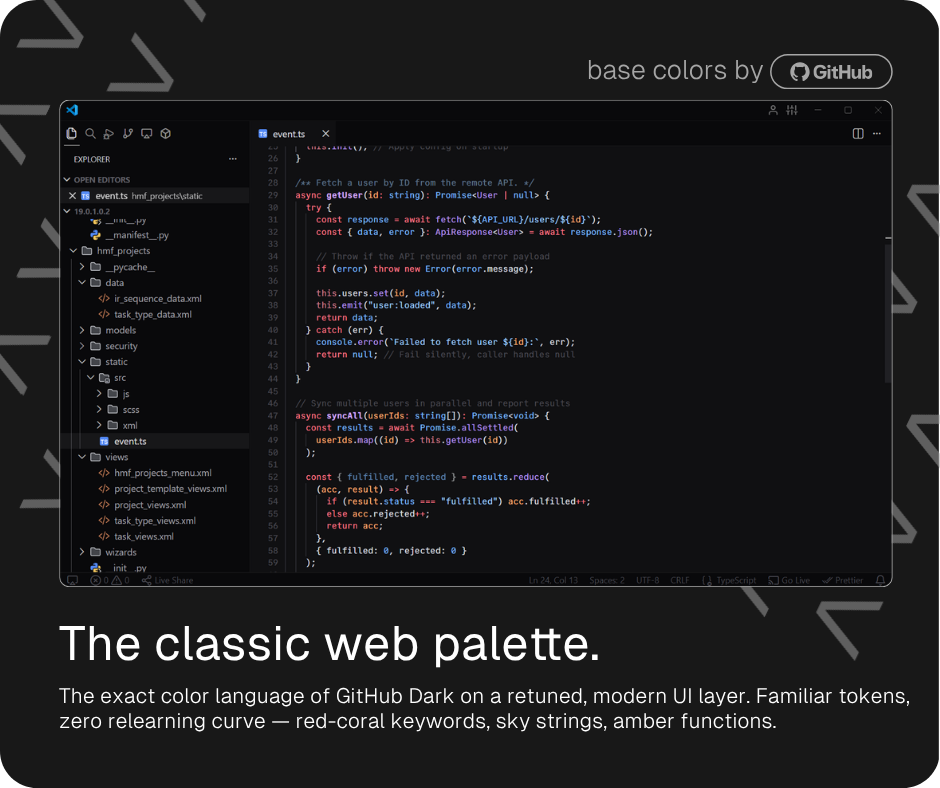
Dark Modern Neue — Minimal
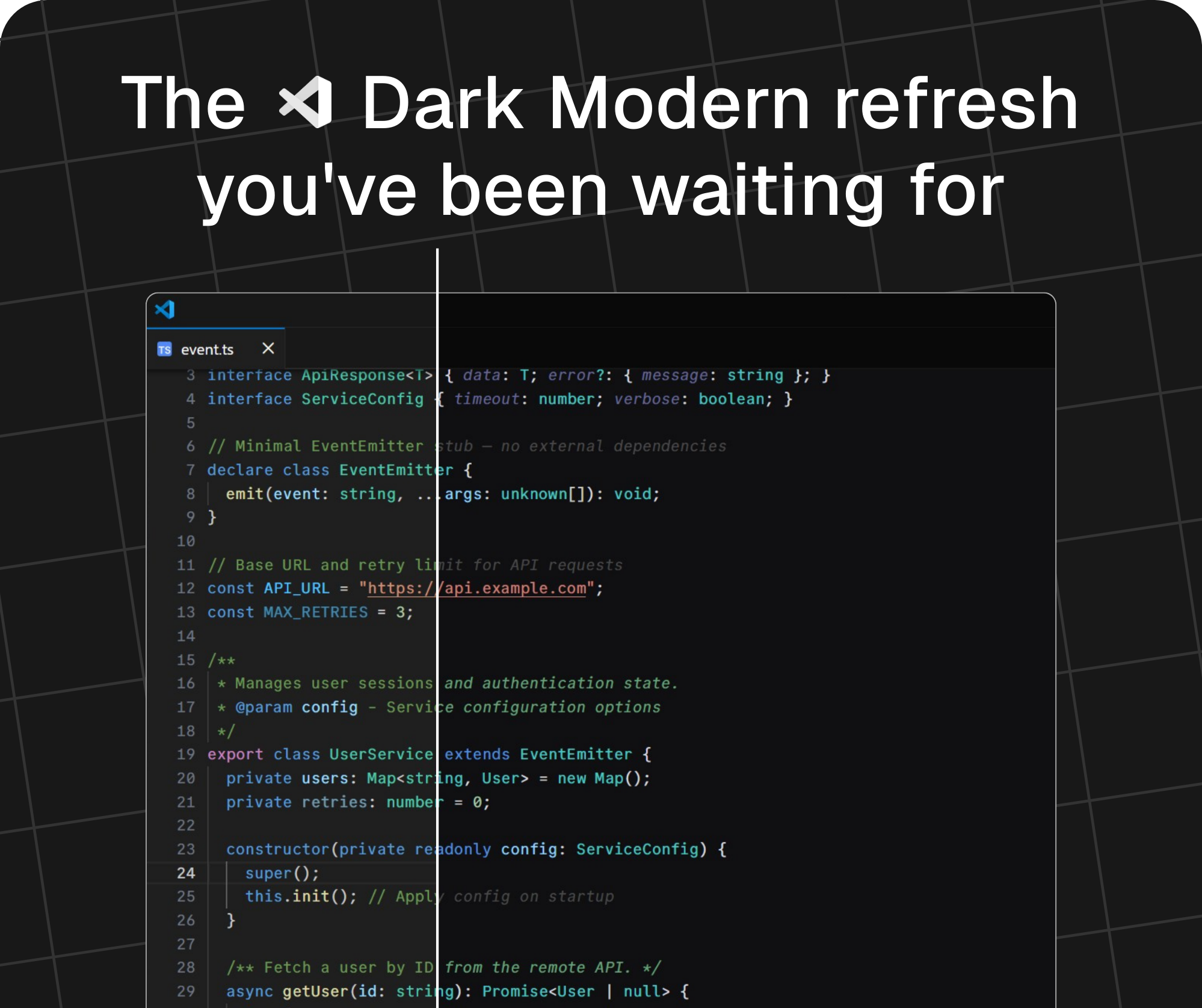
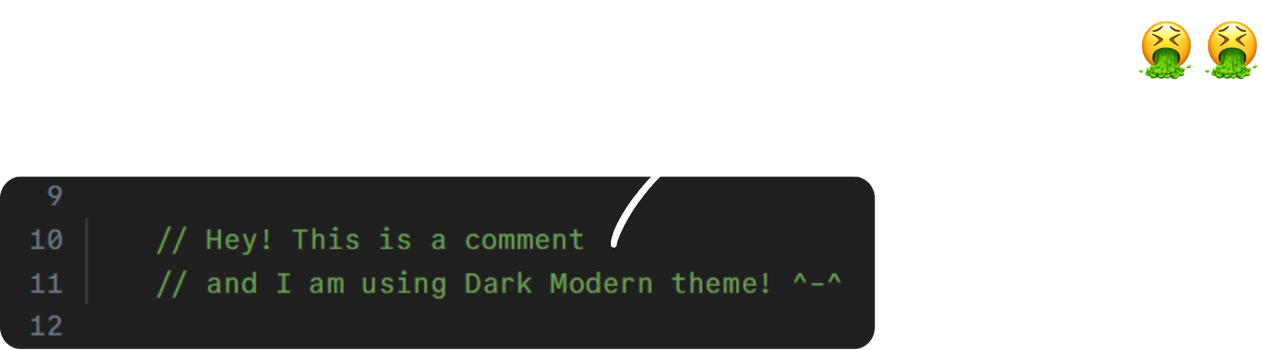
I couldn't stand the bright, saturated green that Dark, Dark+, and Dark Modern use for comments:
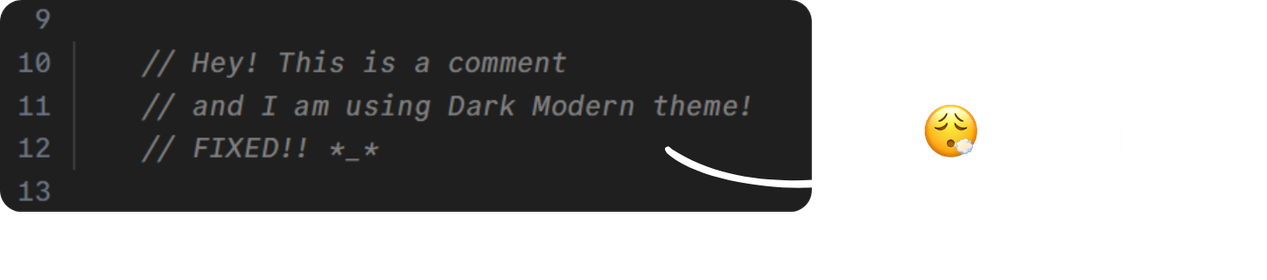
So the first thing I did was replace it with a soft italic gray — comments should whisper, not shout.
From there I updated the base colors with warmer, desaturated tones for a more modern feel, drawing inspiration from the Dark 2026 palette released in February. I also looked closely at how Cursor styles its Anywhere theme — which I've also ported to VS Code (check it out here).
See Dark Modern and Dark Modern Neue comparison table
| Token | Dark Modern | NEW! Dark Modern Neue |
|---|---|---|
| Comments |  |
  |
| Strings |  |
 |
| Keywords / Storage |  |
 |
| Functions |  |
 |
| Types / Classes |  |
 |
| Variables |  |
 |
| Constants / Enums |  |
 |
| Numbers |  |
 |
| Control flow |  |
 |
| Properties | |
 |
| Regex |  |
 |
Then came a GitHub Scheme variant — the classical GitHub palette brought into the modern Dark Modern Neue UI. Familiar colors for developers who live in GitHub's interface every day.
See Dark Modern Neue and the GitHub Scheme comparison table
| Token | Default |  GitHub Scheme GitHub Scheme |
|---|---|---|
| Comments | |
 |
| Strings | |
 |
| Keywords / Storage | |
 |
| Functions | |
 |
| Types / Classes | |
|
| Variables | |
 |
| Numbers | |
|
| Control flow | |
|
| Regex | |
 |
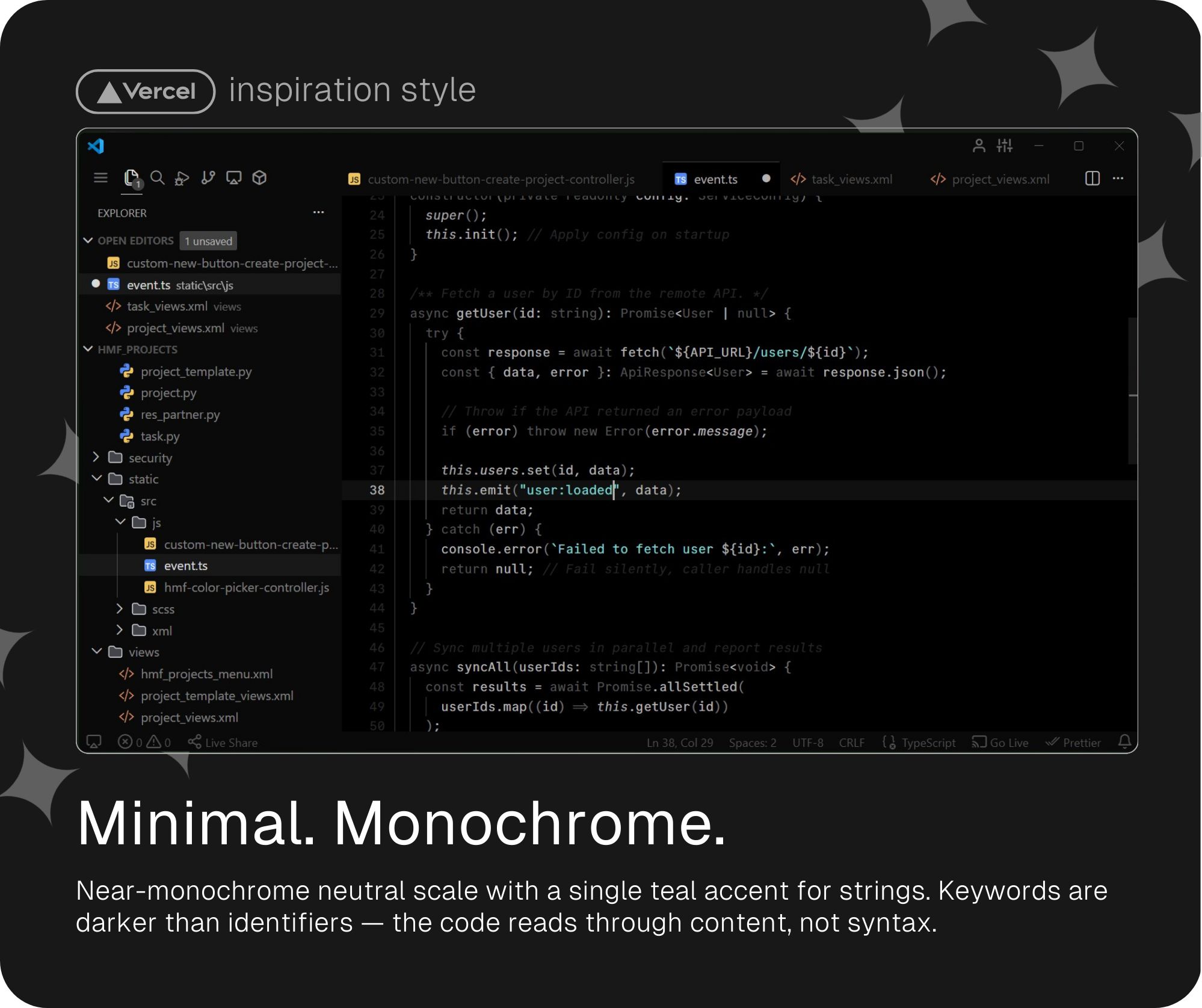
And finally, my personal favorite: a monochrome and super minimalistic variant in the spirit of Vercel's aesthetic — near-zero color, inverted hierarchy, with a single elegant teal accent reserved for strings.
See Dark Modern Neue Minimal table
| Token |  Minimal Minimal |
|---|---|
| Comments |  |
| Strings |  |
| Keywords / Storage |  |
| Functions |  |
| Types / Classes |  |
| Variables | |
| Constants / Enums |  |
| Numbers | |
| Control flow | |
| Properties | |
| Regex | |
- Open VS Code
- Go to Extensions (
Ctrl+Shift+X) - Search for
Dark Modern Neue - Click Install
- Open Command Palette (
Ctrl+Shift+P) →Preferences: Color Theme - Select your preferred variant
Paste all of this on your settings.json and you will get the cleanest and minimalistic VS Code ever.
settings.json
Get the fonts I've mentioned down below:
| CommitMono (I use this one😎) | Jetbrains Mono | Cascadia Code updated! |
|---|---|---|
| Download | Download | Download |
Dark Modern Neue family is an open source project, and contributions are welcome!
There are many ways to contribute, from reporting bugs and submitting enhancement suggestions to improving the themes by submitting pull requests.
Found a specific issue with a token or color? Open an issue on GitHub and include the language, scope, and a screenshot if possible.
Copyright © 2026 Alberto Cantero


{
  "window.zoomLevel": 0.6,

  "editor.fontFamily": "CommitMono",
  "editor.fontSize": 13,
  "editor.lineHeight": 1.5,
  "editor.letterSpacing": 0.15,

  // Jetbrains Mono settings
  // "editor.fontFamily": "JetBrains Mono",
  // "editor.fontSize": 13,
  // "editor.lineHeight": 1.5,
  // "editor.letterSpacing": 0.2,

  // Cascadia Code settings
  // "editor.fontFamily": "Cascadia Code SemiLight",
  // "editor.fontSize": 14,
  // "editor.letterSpacing": 0.25,
  // "editor.lineHeight": 1.5,

  "editor.fontLigatures": true,
  "editor.fontVariations": true,
  "editor.tabSize": 4,
  "editor.unicodeHighlight.nonBasicASCII": false,
  "editor.occurrencesHighlight": "off",
  "editor.selectionHighlight": false,
  "editor.cursorBlinking": "smooth",
  "editor.cursorSmoothCaretAnimation": "on",
  "editor.wordWrap": "off",
  "editor.bracketPairColorization.independentColorPoolPerBracketType": false,
  "editor.semanticHighlighting.enabled": true,
  "editor.scrollbar.horizontal": "hidden",
  "editor.scrollbar.vertical": "visible",
  "editor.scrollbar.verticalScrollbarSize": 12,
  "editor.stickyScroll.enabled": false,
  "editor.minimap.enabled": false,
  "editor.autoClosingBrackets": "always",
  "editor.bracketPairColorization.enabled": false,

  "workbench.productIconTheme": "feather-vscode",
  "workbench.iconTheme": "jetbrains-file-icon-theme-dark",
  "workbench.preferredDarkColorTheme": "Visual Studio Dark Modern Neue",
  "workbench.colorTheme": "Visual Studio Dark Modern Neue",
  "workbench.activityBar.location": "top",
  "workbench.tree.renderIndentGuides": "onHover",
  "workbench.tree.indent": 12,
  "workbench.tree.enableStickyScroll": false,
  "workbench.statusBar.visible": true,
  "workbench.editor.showTabs": "multiple",
  "workbench.layoutControl.enabled": false,
  "workbench.startupEditor": "none",
  "workbench.tips.enabled": false,
  "workbench.sideBar.location": "left",
  "workbench.editor.decorations.colors": true,
  "workbench.secondarySideBar.defaultVisibility": "hidden",

  "window.titleBarStyle": "custom",
  "window.menuStyle": "inherit",
  "window.customTitleBarVisibility": "windowed",
  "window.menuBarVisibility": "compact",
  "window.commandCenter": false,
  "window.title": " ",

  "terminal.integrated.fontFamily": "CommitMono",
  "terminal.integrated.fontLigatures.enabled": false,
  "terminal.integrated.cursorStyle": "line",
  "terminal.integrated.cursorStyleInactive": "none",

  "breadcrumbs.enabled": false
}