
An AI-powered code editor for Android
Cursor / Windsurf — but open source and runs on your phone.


Xed-Editor is a full-featured code editor for Android that brings desktop-class development to your phone. Built on a modern Kotlin + Jetpack Compose stack, it packs in a proper terminal, language server support, and a multi-agent AI system — all running locally with zero telemetry.
Forked from Rohit Kushvaha's original work, actively maintained by algospider (Mohan Sharma).
- Native vibe-coding agent — multi-pipeline architecture (GenerationHandler, transformer chain, 30+ tools, security hooks, context memory)
- Multi-provider — OpenAI-compatible APIs, Google AI, Claude, Gemini CLI, OpenCode, Codex CLI, Antigravity
- MCP bridge — external agents can hook into the same editor tooling via the Model Context Protocol
- On-device — no data leaves your phone unless you configure otherwise
- Full Termux-based terminal with proot/Ubuntu chroot support
- Session management, extra keys, customizable keybinds
- Working directory integration with the editor
- Diagnostics, completions, go-to-definition, hover documentation
- Languages: Python, TypeScript/JavaScript, HTML, CSS, JSON, XML, Markdown, Bash
- Dynamic file-type registration and extensible server management
- Syntax highlighting, minimap, multi-cursor editing, code folding, bracket matching
- Drag-and-drop split panes, smart toolbar, full-screen mode
- Custom fonts for editor, terminal, and UI
- Index-based code search via Room DB (persistent, fast)
- Find/replace across files, command palette
- Git status and file information in properties panel
- Material 3 theming with dynamic colors
- Custom fonts, icon packs, keybinds, auto-closing brackets
- Plugin system with extension repository and detail screens
- Zero telemetry — no Firebase, no analytics, no tracking
- Your code stays on your device. No phone-home.
| Layer | Technology |
|---|---|
| Language | Kotlin 2.3.0 |
| UI | Jetpack Compose + Material 3 |
| Editor Engine | SoraX (TextMate grammars, Tree-sitter, Monarch) |
| Build | AGP 8.13.1, Gradle 8.x, KSP |
| Networking | Ktor, OkHttp (with SSE) |
| Persistence | Room, DataStore Preferences |
| AI/LLM | OpenAI-compatible APIs, Gemini, Claude, Anthropic |
| Protocol | Model Context Protocol (MCP) Kotlin SDK |
| Terminal | Termux (emulator + view) |
| Git | JGit |
| Min SDK | 26 (Android 8.0) |
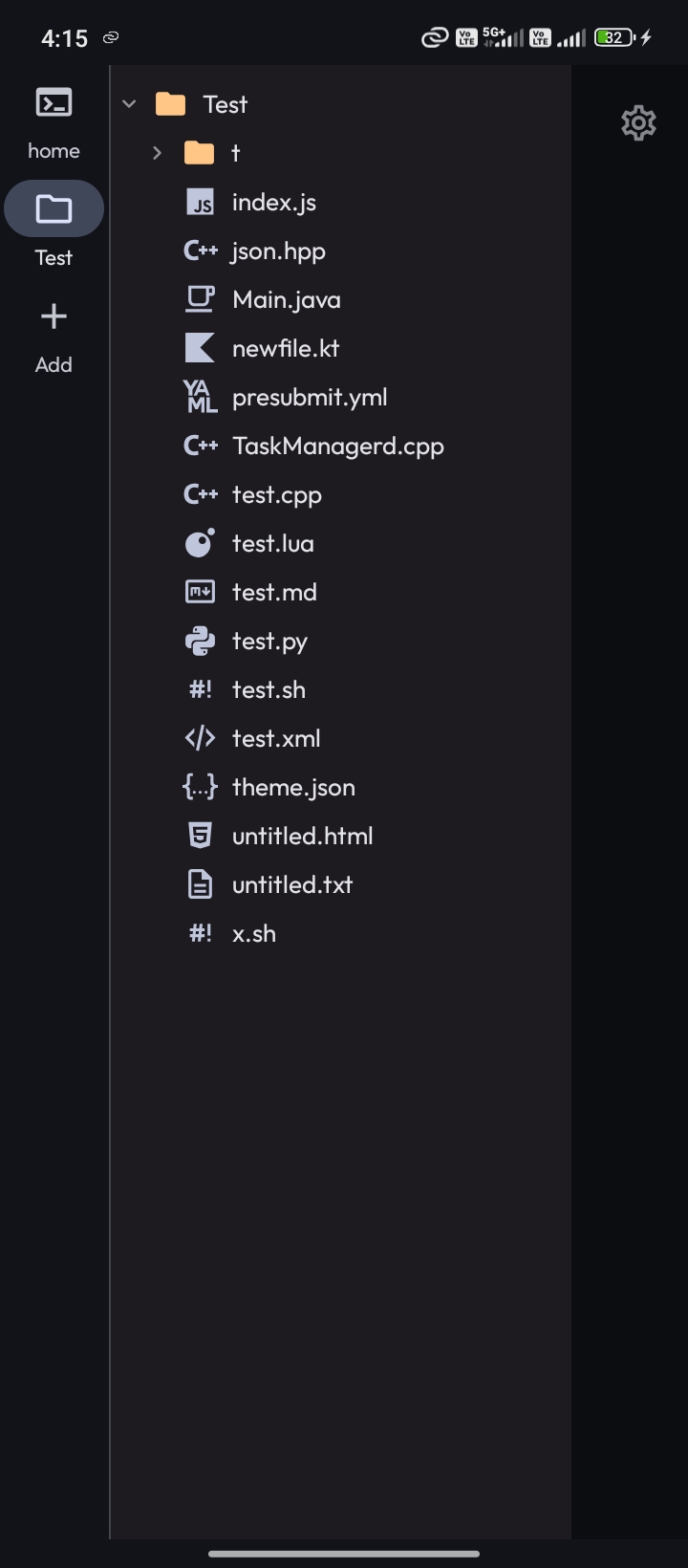
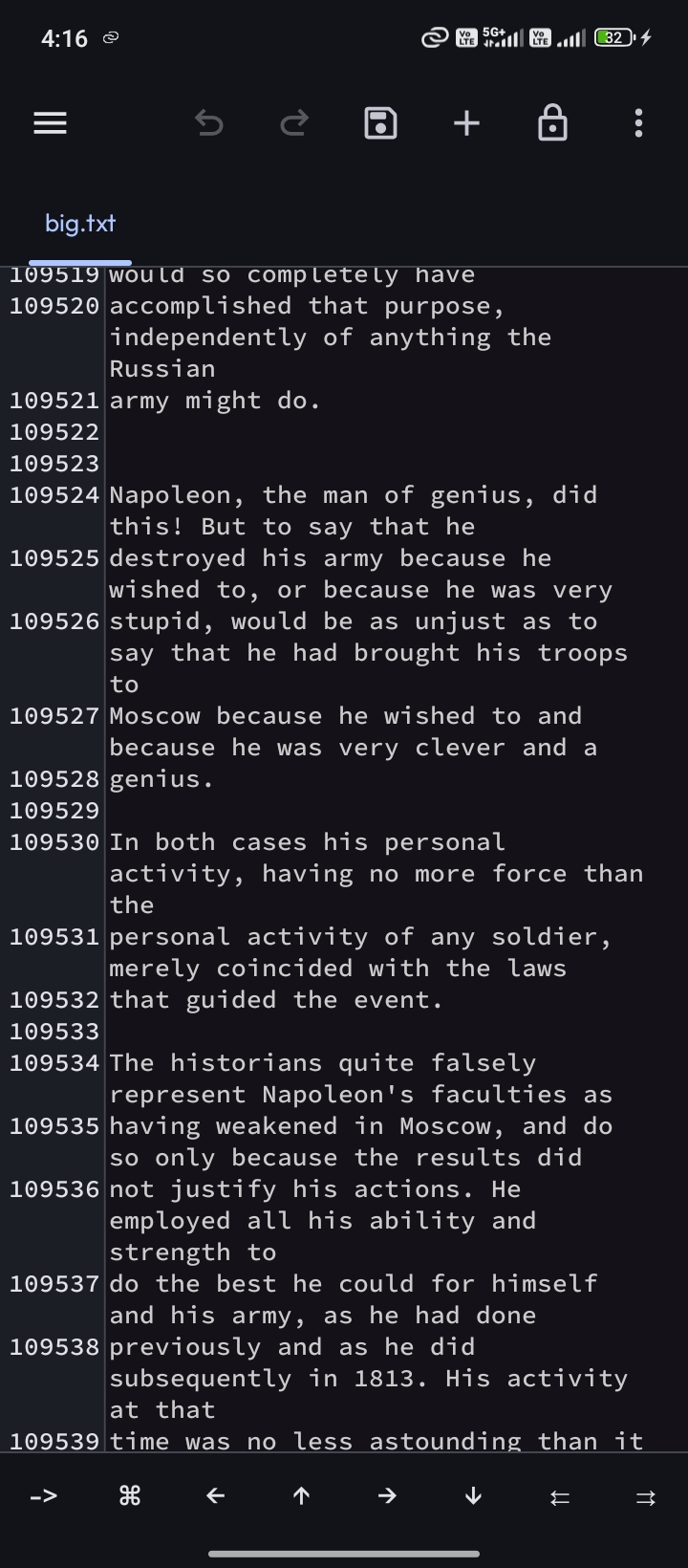
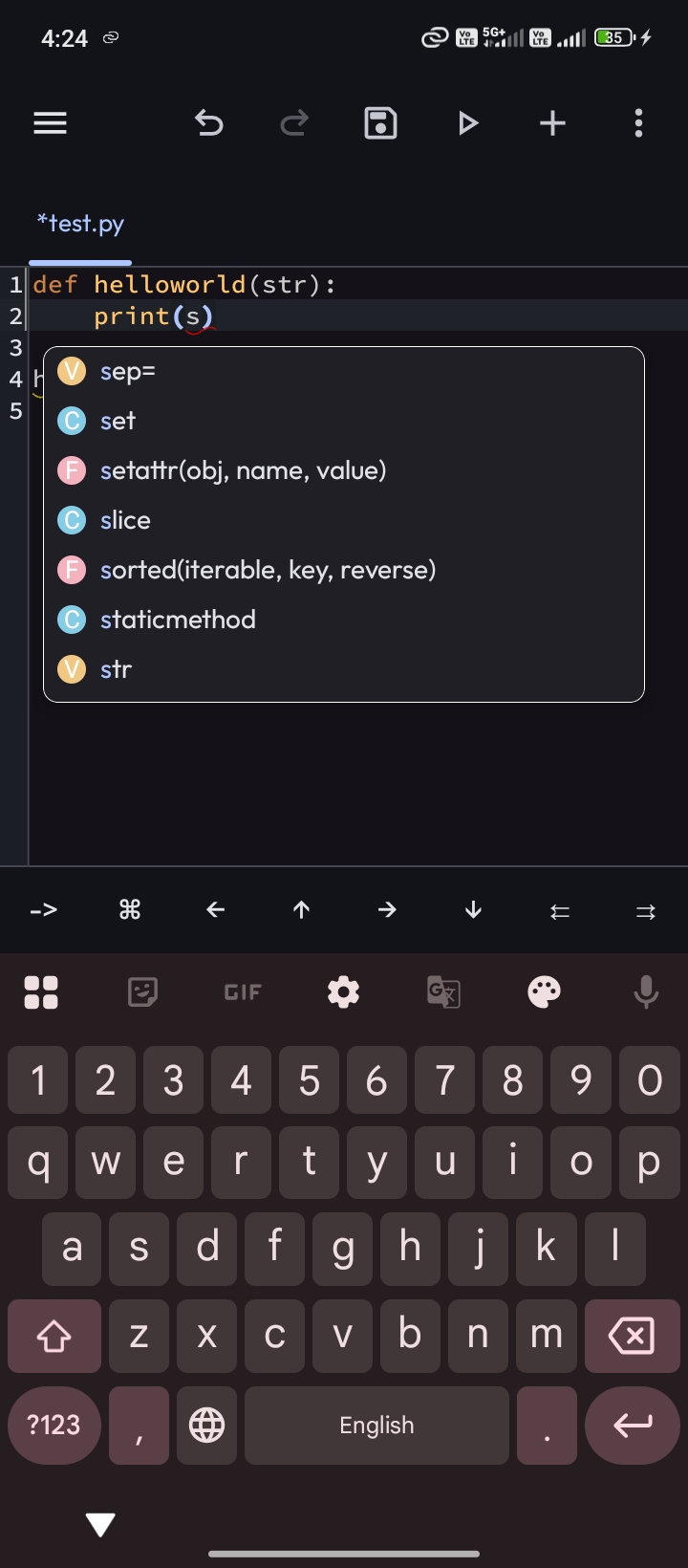
- Download the latest APK (requires Android 8.0+)
- Open the AI sheet from the toolbar
- Add an API key for your preferred AI provider
- Start coding — just type what you want done
Nightly debug builds are available via GitHub Actions. Grab them if you're feeling adventurous.
Xed-Editor/
├── app/                          # Main application module
├── core/
│   ├── main/                     # Core app logic
│   ├── ai/                       # AI integration layer
│   ├── vibe-coding/              # Vibe-coding agent system
│   │   ├── ai-core/              # Core AI abstractions
│   │   ├── ai-models/            # LLM model definitions
│   │   ├── ai-providers/         # Provider implementations
│   │   ├── ai-service/           # AI service orchestration
│   │   ├── ai-streaming/         # Streaming response handling
│   │   ├── ai-integration/       # Integration glue
│   │   ├── ai-mcp-client/        # MCP client bridge
│   │   ├── ai-persistence/       # AI session & context storage
│   │   ├── agent-runtime/        # Tool execution engine
│   │   └── agent-tools-search/   # Code search tooling
│   ├── components/               # Shared UI components
│   ├── resources/                # Resources & theming
│   ├── extension/                # Plugin/extension system
│   ├── terminal-emulator/        # Terminal emulation
│   ├── terminal-view/            # Terminal UI
│   └── termux-shared/            # Termux integration
├── soraX/                        # SoraX editor engine (submodule)
├── plugin-sdk/                   # Plugin development SDK
├── baselineprofile/              # Baseline profile module
├── benchmark/                    # Benchmarking module
├── docs/                         # Documentation
└── scripts/                      # Utility scripts
Releases are triggered manually from GitHub Actions (Android Release CI workflow):
- Go to Actions → Android Release CI → Run workflow
- Enter the version name (or leave blank to use
version.properties) - Optionally add changelog notes — defaults to
CHANGELOG.md - The workflow builds a signed APK, creates a GitHub release, and auto-bumps
versionCode
./scripts/bump-version.sh patch     # 3.2.9 → 3.2.10
./scripts/bump-version.sh minor     # 3.2.9 → 3.3.0
./scripts/bump-version.sh major     # 3.2.9 → 4.0.0
./scripts/bump-version.sh manual 3.5.0   # specific version
Before running the release, add notes to
CHANGELOG.mdunder the new version header.
The native vibe-coding agent uses a pipeline architecture:
- GenerationHandler — manages multi-step LLM interactions (model calls, tool call loops, compaction, doom-loop detection)
- Transformer chain — input/output transformers for placeholders, prompt injection, think tags, base64 images, lorebook documents
- Tool system — 30+ tools for reading/writing files, search, command execution, git, LSP queries, web fetching
- Security hooks — blocks dangerous patterns (eval, pickle, SQL injection) before writes
- Context memory — tracks project structure, recent edits, and tool history across the session
Under the hood it talks to any OpenAI-compatible API, Google AI, Claude, or custom providers you configure. The MCP bridge allows external agents to hook into the same editor tooling.
Because nothing on Android had all of these in one package:
| Feature | Xed-Editor | Others |
|---|---|---|
| AI agents | ✅ Native + multi-provider | ❌ Rare or proprietary |
| Full terminal | ✅ Termux-based | ❌ Limited or none |
| LSP support | ✅ Multi-language | ❌ Often missing or basic |
| Open source | ✅ GPLv3 | ❌ Usually closed |
| Privacy | ✅ Zero telemetry | ❌ Analytics galore |
| Active dev | ✅ Regular releases | ❌ Abandoned |
- Discord — active community chat
- Telegram — announcements channel
- GitHub Issues — bugs, feature requests, ideas
- Contributing Guide — how to build & contribute
GPL v3 — see LICENSE.
Copyright (C) 2025 Rohit Kushvaha — Fork maintained by algospider (Mohan Sharma)