All-in-One Drone Show & Smart Swarm Framework for PX4



MDS is a unified platform for PX4-based drone performances and intelligent swarm missions. Whether you want to run pre-planned, decentralized drone shows using SkyBrush outputs or orchestrate live, collaborative swarms with leader–follower clustering, MDS has you covered.
- Overview
- Demo Videos
- Key Features
- Getting Started
- Documentation
- Version & Changelog
- Commercial Support
- Contact & Contributions
- Disclaimer
- Additional Resources
- License
MDS 3 combines three core components into a single, cohesive package:
- Runs on any Linux-based autopilot platform (Raspberry Pi, NVIDIA Jetson, or similar)
- Handles MAVSDK integration, local trajectory execution, and failsafe monitoring
- Dynamic formation logic and autonomous operation
- Hosts formation-planning engine, mission dispatcher, and WebSocket/MAVLink router
- Provides global setpoint management, three-way startup handshake, and health-check services
- Deploy on cloud VM (Ubuntu 22.04/23.04) or on-premises server
- Full-featured React GUI for real-time monitoring and control
- Upload offline "ShowMode" trajectories (CSV/JSON from SkyBrush)
- Visualize live positions, assign leaders/followers, and trigger mission modes
- 3D Trajectory Planning with interactive waypoints and terrain elevation
- Supports both Drone-Show mode and Smart-Swarm mode
In short, MDS 3 is one package for:
- Offline Drone Shows: Pre-planned, synchronized formations from SkyBrush CSV
- Smart Swarm Missions: Decentralized leader–follower missions with robust failsafe handling
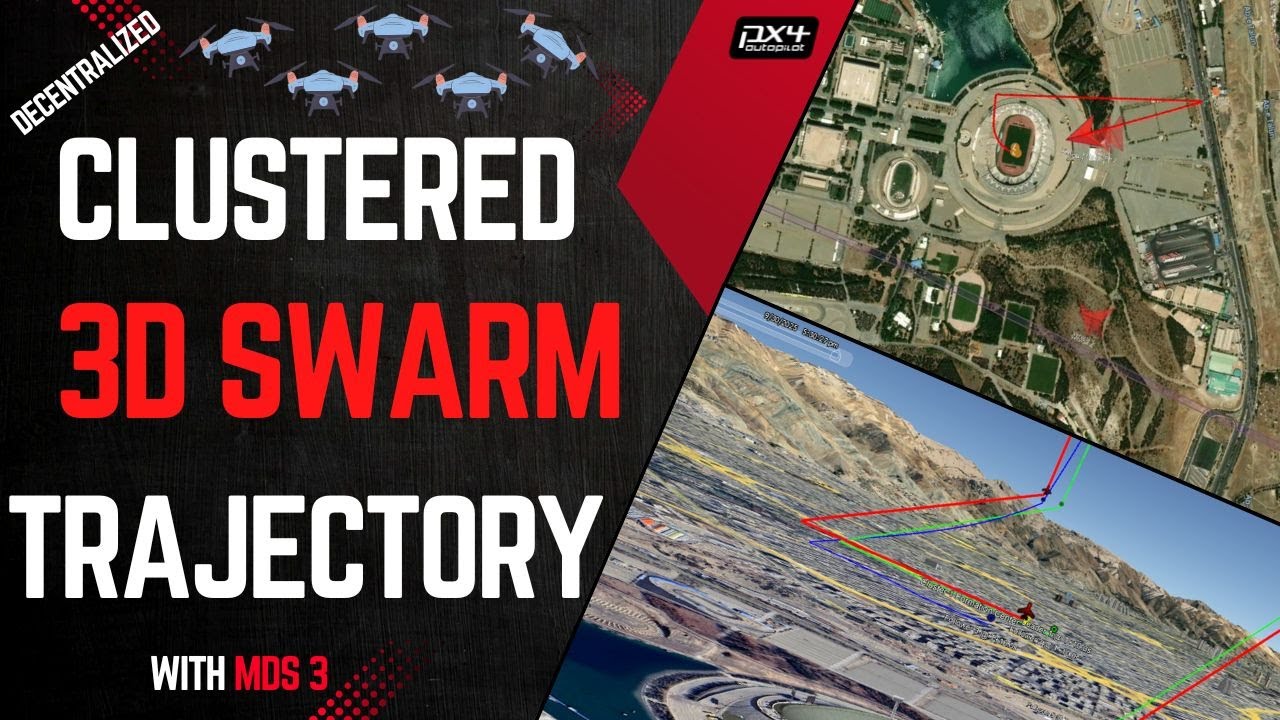
3D Drone Swarms in Action | Mission Planning + Autonomous Clustered Formation
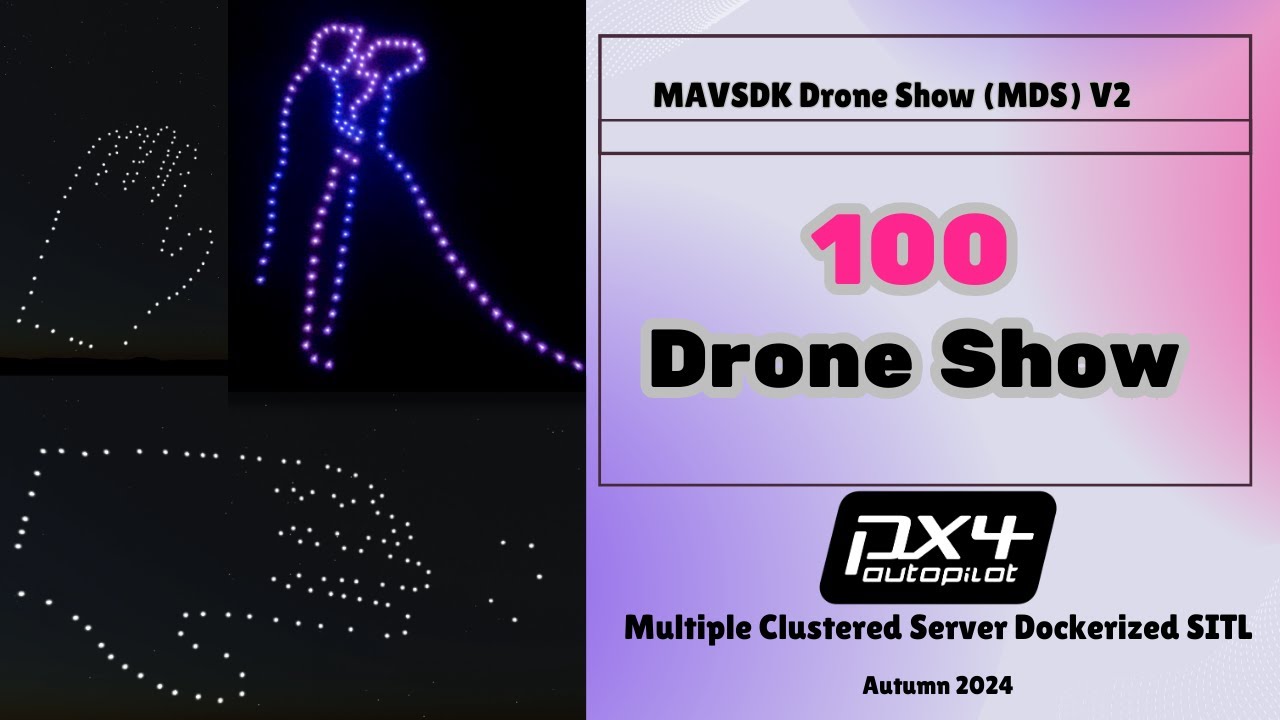
Large-Scale Cloud Simulation
Live Leader-Follower Clustering
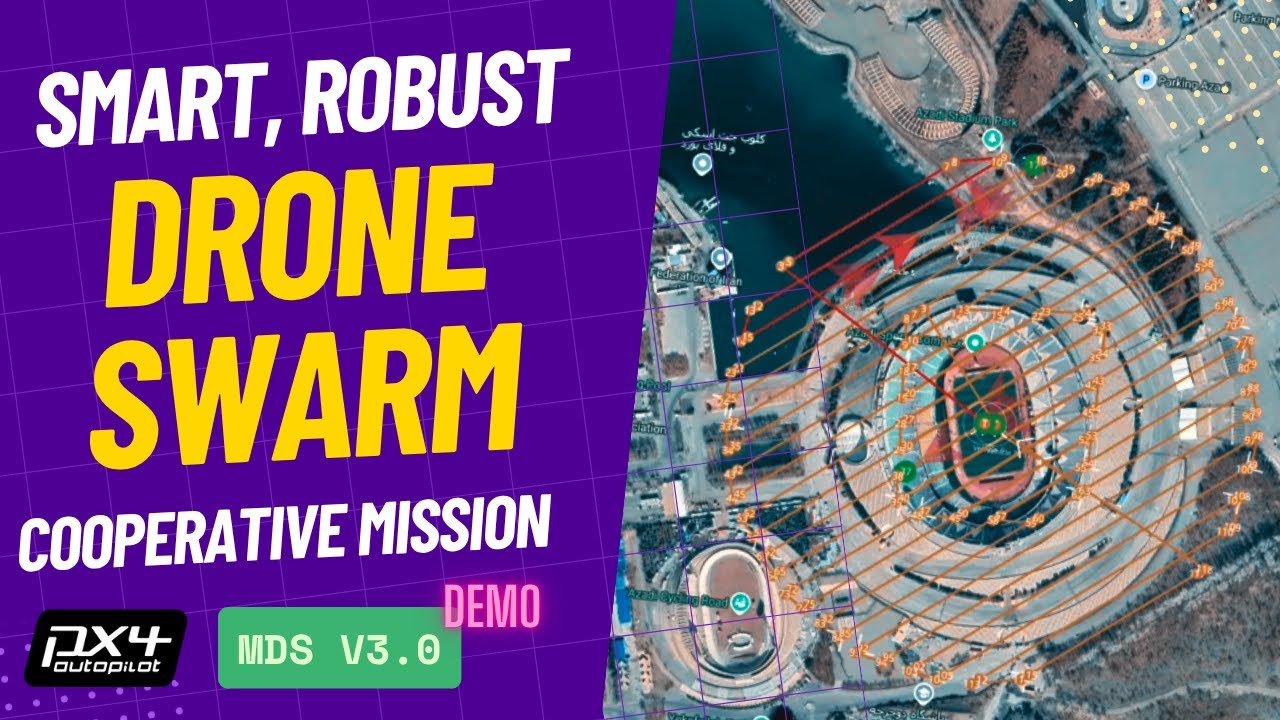
- Shared Docker image and codebase for offline shows and live swarm missions
- Single command-line interface and unified React dashboard
- Streamlined deployment workflow
- Converts SkyBrush CSV/JSON into MAVSDK-compatible "ShowMode" files
- Global setpoint propagation for perfect synchronization (10–100+ drones)
- Preflight sanity checks (battery, GPS lock, ESC health)
- Clustered leader–follower architecture with Kalman-filter state estimation
- Automatic leader failure detection and re-election
- Dynamic formation reshaping and per-drone role changes
- In-flight failsafe monitors for communication, altimeter, ESC health
- Three-way acknowledgement chain (Drone ⇄ PX4 ⇄ MAVSDK ⇄ GCS)
- "OK-to-Start" broadcast prevents premature launches
- Guaranteed readiness before takeoff
- Race-condition fixes under high CPU load
- Emergency-land command reliability during mode transitions
- Network buffer tuning for large-scale simulations (100+ drones)
- Live monitoring: position, battery, mode, failsafe status per drone
- Mission upload interface for offline trajectories or real-time swarm commands
- 3D Trajectory Planning: Interactive waypoint creation with real terrain elevation
- Professional trajectory management with speed optimization
- Requires Mapbox access token for full functionality
- Formation editor (drag-and-drop) - coming soon
- REST API endpoints via MAVLink2REST
- Prebuilt image includes: PX4 1.16, MAVSDK, MAVLink Router, MAVLink2REST, Gazebo
- Auto hardware-ID detection
- Dynamic container creation scripts
- SkyBrush CSV → MDS converter script
- JSON-based mission/formation files with validators
- Parameter tuning utilities for leader election, Kalman filters, failsafe timeouts
MDS requires Python 3.11, 3.12, or 3.13. The latest Raspberry Pi OS includes Python 3.13 and is fully supported.
📖 See Python Compatibility Guide for details and troubleshooting.
The fastest way to try MDS is with our SITL (Software-In-The-Loop) demo:
📖 SITL Demo Guide - Complete step-by-step setup
This guide covers:
- Docker image pull/load commands
- Environment setup (
setup_environment.sh,create_dockers.sh) - Network, MAVLink Router, Netbird VPN configuration
- React dashboard startup (
linux_dashboard_start.sh --sitl) - Uploading offline trajectories or launching live swarm missions
- 3D Trajectory Planning setup (add Mapbox access token to
.env)
Quick Start Option: 📖 Quick Start Guide - Essential steps only (condensed version)
For custom repositories, production SITL deployments, or advanced scenarios:
📖 Advanced SITL Guide - Custom configuration and environment variables
⚠️ Advanced configuration requires good understanding of Git, Docker, and Linux
- Deep understanding of flight control systems and safety protocols
- Aviation regulations compliance
- Extensive testing in controlled environments
- Professional drone operation knowledge and certifications
- Additional hardware setup, networking, and safety configurations
For real hardware deployment assistance, see the Contact section.
All project documentation is organized in the docs/ folder:
📖 Documentation Index - Complete guide to all available documentation
| Category | Description | Link |
|---|---|---|
| Quick Start | Fast SITL demo setup | docs/quickstart/ |
| Guides | Comprehensive setup and configuration | docs/guides/ |
| Features | Detailed feature documentation | docs/features/ |
| Hardware | Hardware-specific guides | docs/hardware/ |
| API | API documentation | docs/api/ |
| Versioning | Version management workflow | docs/VERSIONING.md |
- SITL Comprehensive Guide - Full SITL setup and usage
- Advanced SITL Configuration - Custom deployments
- CSV Migration Guide - Configuration format migration
- Python Compatibility - Python version requirements
- Swarm Trajectory Feature - Smart swarm capabilities
- Origin System - Coordinate system implementation
- Control Modes and Coordinates - Comprehensive control modes, coordinate systems, and Phase 2 reference
Current Version: 3.6 (November 2025)
Major updates in this version:
- Documentation restructure and professional organization
- Unified versioning system across entire project
- Enhanced GCS configuration with .env auto-update
- Production-ready UI/UX improvements
- Dark mode fixes and accessibility improvements
📖 Full Changelog - Complete version history from v0.1 to current
📖 Versioning Guide - How we manage versions and releases
MDS uses dual licensing to support everyone - from students to enterprises.
✅ PolyForm Noncommercial - For education, research, non-profits
- Students, teachers, researchers
- Non-profit organizations
- Personal hobbyist projects
- Unlimited drones for non-commercial use
✅ PolyForm Small Business - For small commercial operations
- FREE if ALL apply:
- < 100 employees/contractors
- < $1M USD annual revenue
- < 10 drones per operation
- Perfect for startups and small businesses
📄 See LICENSE for full details →
📄 Required if ANY apply:
- 100+ employees, OR
- $1M+ revenue, OR
- 10+ drones in operation
Commercial licensing information →
Whether you need a license or implementation support:
- 💼 Commercial Licensing - Flexible terms for large-scale use
✈️ Custom Development - Specialized features- 🚁 Hardware Implementation - Real drone deployment
- 🏢 Enterprise Integration - Custom APIs and systems
- 📊 Performance Optimization - Large swarm operations
- 🔧 Training & Support - Professional assistance
Contact: p30planets@gmail.com
We welcome contributions, bug reports, feature suggestions, and commercial inquiries:
- Email: p30planets@gmail.com
- LinkedIn: Alireza Ghaderi
- GitHub Issues: Report bugs or request features
We welcome code, documentation improvements, Docker recipes, and new swarm algorithms:
- Fork the repository
- Create a feature branch from
main-candidate - Make your changes with clear commit messages
- Submit a pull request with detailed description
See our Contributing Guide for more details.
Using offboard mode or live swarm control on real drones carries significant risk. Before attempting any real-world flights:
- Ensure you have the necessary expertise and certifications
- Understand all safety implications and failure modes
- Implement robust failsafe procedures
- Prioritize regulatory compliance and flight safety
- Conduct extensive testing in controlled environments
- Follow all local aviation regulations and laws
The maintainers assume no liability for damage, injury, or legal consequences resulting from use of this software.
📄 Read full legal disclaimer →
This software is developed for peaceful, educational, and research purposes. While we cannot enforce all uses, we strongly encourage ethical applications that:
- Prioritize safety and regulatory compliance
- Advance education and knowledge
- Respect human rights and dignity
- Consider the societal impact of drone technology
By using this software, you accept full responsibility for your actions and their consequences.
- GitHub Repository: https://github.com/alireza787b/mavsdk_drone_show
- SITL Demo Guide: docs/guides/sitl-comprehensive.md
- Documentation Index: docs/README.md
- MAVSDK Documentation: https://mavsdk.mavlink.io/
- PX4 Autopilot: https://px4.io/
- Netbird VPN: https://docs.netbird.io/
- MAVLink2REST: https://github.com/mavlink/mavlink2rest
- SkyBrush Drone Show Tool: https://skybrush.io/
© 2025 Alireza Ghaderi
This software is available under multiple licenses to support different users:
📄 LICENSE - Main license file with decision guide
Free Licenses:
- PolyForm Noncommercial - Education, research, non-profits
- PolyForm Small Business - Small commercial (< 10 drones, < 100 employees, < $1M revenue)
Commercial License:
- Commercial Licensing - Large operations (10+ drones, 100+ employees, or $1M+ revenue)
Attribution Required: All uses must credit the original project
Free Small Commercial: Operations with < 10 drones, < 100 employees, and < $1M revenue can use for FREE
Large Commercial: Contact p30planets@gmail.com for licensing
📄 Full License Details → 📄 Legal Disclaimer → 📄 Ethical Use Statement →
⭐ If you find this project useful, please consider giving it a star on GitHub!

