



Tiny (1Kb gzipped) JavaScript carousel with all the features most of us will ever need.
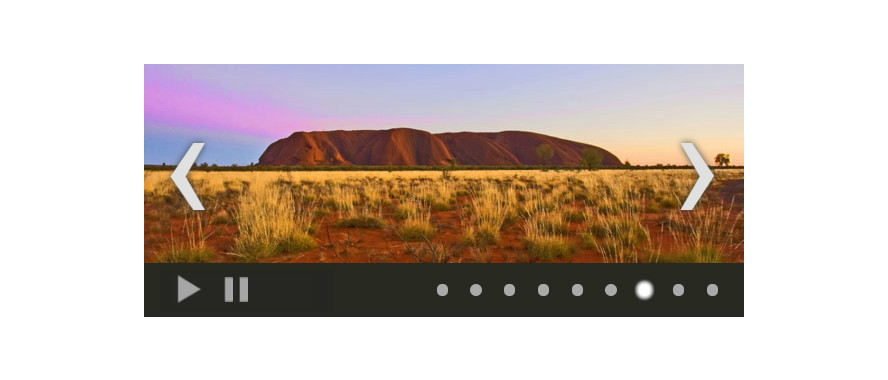
— Inspired by the blazing fast, lightweight, cross-platform and crazy popular Vanilla JS framework.
-
Via NPM:
npm install --save vanilla-js-carousel
or in case you love shortcuts:
npm i --S vanilla-js-carousel
-
Old school:
<script src="dist/vanilla-js-carousel.min.js"></script>
-
Include the CSS and feel free to edit it or write your own:
<link rel="stylesheet" href="dist/vanilla-js-carousel.css" />
-
Write some markup:
<div class="js-Carousel" id="carousel">
    <ul>
        <li><img src="image-1.jpg" alt=""></li>
        <li><img src="image-2.jpg" alt=""></li>
        <li><img src="image-3.jpg" alt=""></li>
    </ul>
</div>
-
If you installed via NPM:
const Carousel = require("vanilla-js-carousel");
-
Initialize the carousel:
var carousel = new Carousel({
    elem: 'carousel',    // id of the carousel container
    autoplay: false,     // starts the rotation automatically
    infinite: true,      // enables the infinite mode
    interval: 1500,      // interval between slide changes
    initial: 0,          // slide to start with
    dots: true,          // show navigation dots
    arrows: true,        // show navigation arrows
    buttons: false,      // hide play/stop buttons,
    btnStopText: 'Pause' // STOP button text
});

// Show slide number 3 (Numeration of slides starts at 0)
carousel.show(2);

// Move to the next slide
carousel.next();
| Option | Type | Default | Description |
|---|---|---|---|
| elem | string | carousel | The id of the carousel container in the HTML markup |
| interval | int | 3000 | Auto play interval in milliseconds |
| initial | int | 0 | Index of the slide to start on |
| autoplay | boolean | false | Enables auto play of slides |
| infinite | boolean | false | Enables infinite mode |
| dots | boolean | true | Display navigation dots |
| arrows | boolean | true | Display navigation arrows (<prev>/<next>) |
| buttons | boolean | true | Display navigation buttons (<stop>/<play>) |
| Option | Type | Default | Description |
|---|---|---|---|
| btnPlayText | string | Play | Text for <play> button |
| btnStopText | string | Stop | Text for <stop> button |
| arrPrevText | string | ‹ |
Text for <prev> arrow |
| arrNextText | string | › |
Text for <next> arrow |
| Method | Argument | Description |
|---|---|---|
| .show(index) | index: int | Moves the carousel to slide by index |
| .live() | Returns the current slide's index | |
| .prev() | Triggers previous slide | |
| .next() | Triggers next slide | |
| .play() | Starts the autoplay | |
| .stop() | Stops the autoplay |
npm test
| Browser | Support | Dependencies |
|---|---|---|
| Chrome | yes | - |
| Firefox | yes | - |
| Safari | yes | - |
| Opera | yes | - |
| IE | yes* | Polyfill for .classList in IE9 |
* IE9 and up
Free. Unlicense.