Welcome to the Noted App, a simple and convenient tool for creating, saving, and organizing your notes in a digital format.
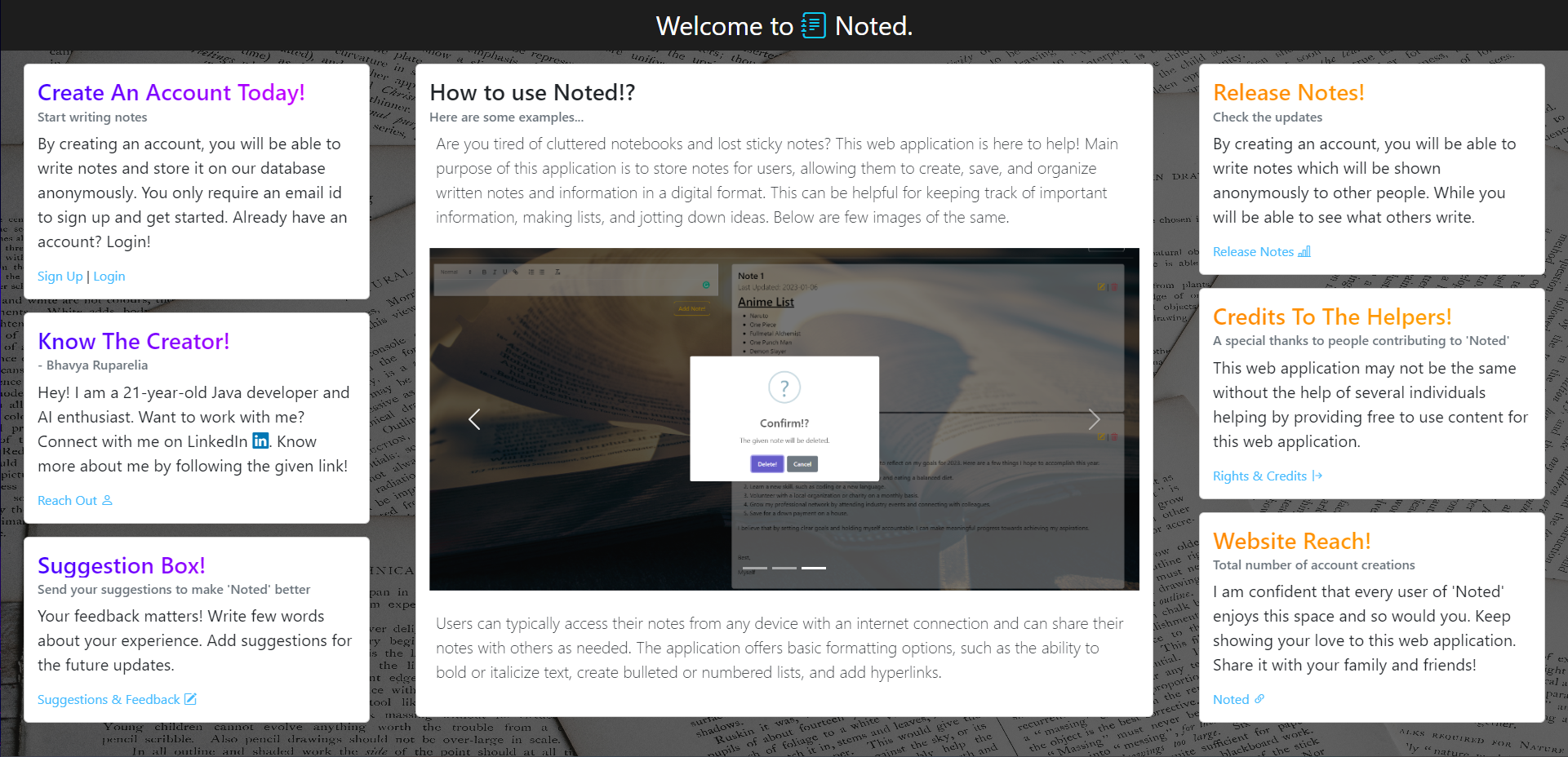
- Create and save notes with basic formatting options such as bold, italic, and hyperlinks
- Access your notes from any device with an internet connection
- Sign up for a free account on our website.
- Start creating and organizing your notes.
- Access your notes from any device with an internet connection.
I hope you enjoy using the Noted App! If you have any feedback or suggestions for improvement, please don't hesitate to contact me.
Before you begin, make sure you have the following software installed on your machine:
- Java 8 or higher
- Node.js
- Maven
- Clone the repository onto your local machine:
git clone https://github.com/bhavya6701/noted.git - Navigate to the /Noted/src directory of the project and install the Node.js dependencies:
npm install - Navigate to the /Noted/noted/src/main directory and install the Java dependencies using Maven:
mvn install - Start the SpringBoot server by running the java application in an IDE.
- Start the client by navigating to the /Noted/src directory of the project running the following command in terminal:
npm start
The application will be running at http://localhost:3000 while the SpringBoot server will be running at http://localhost:8080.
Thanks for checking out my project :)