RouteList: add bookmark icon to flagged routes#98
RouteList: add bookmark icon to flagged routes#98incognitojam merged 8 commits intocommaai:masterfrom
Conversation


deployed preview: https://98.connect-d5y.pages.devWelcome to connect! Make sure to:
Mobile
Desktop
|
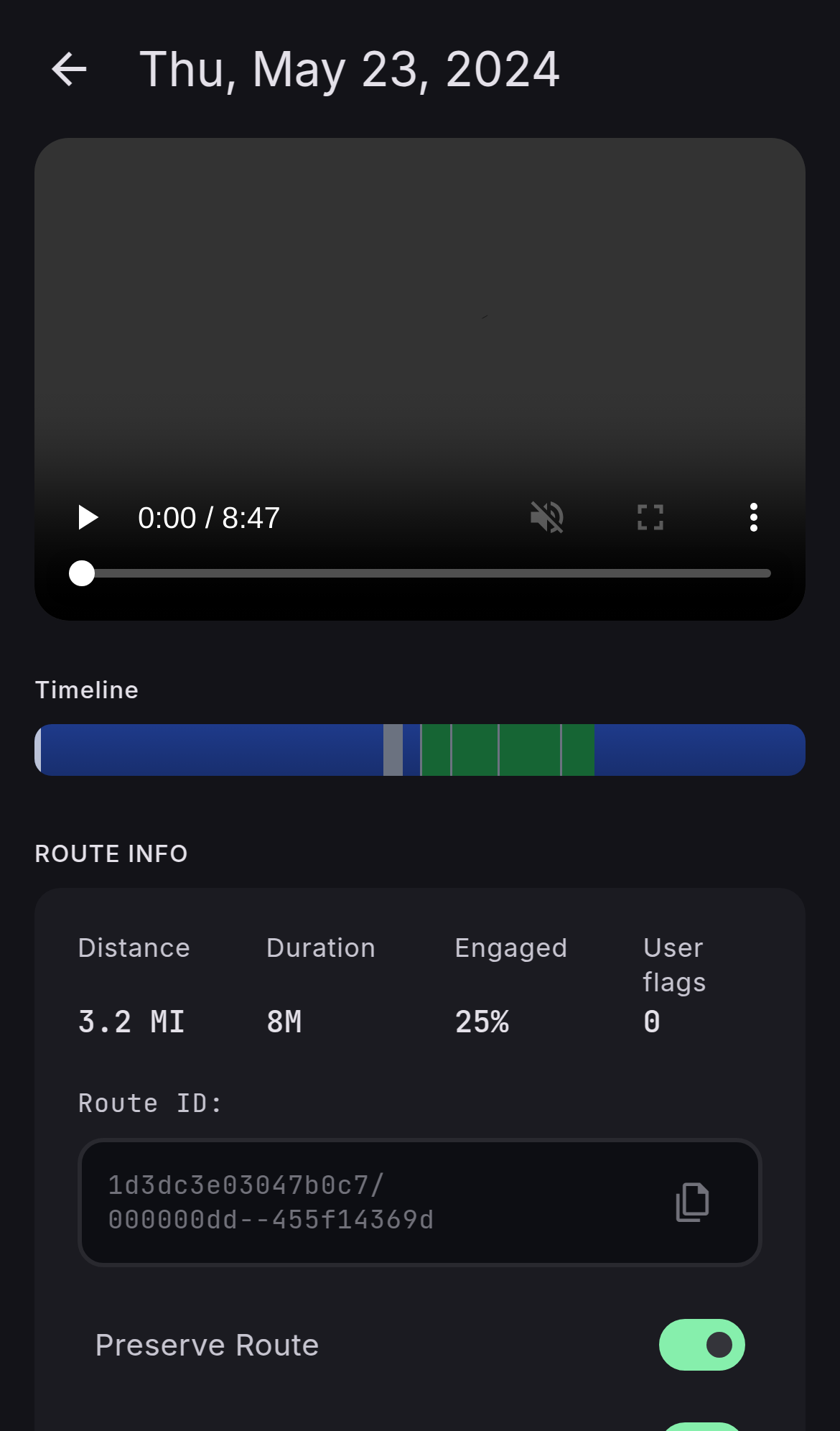
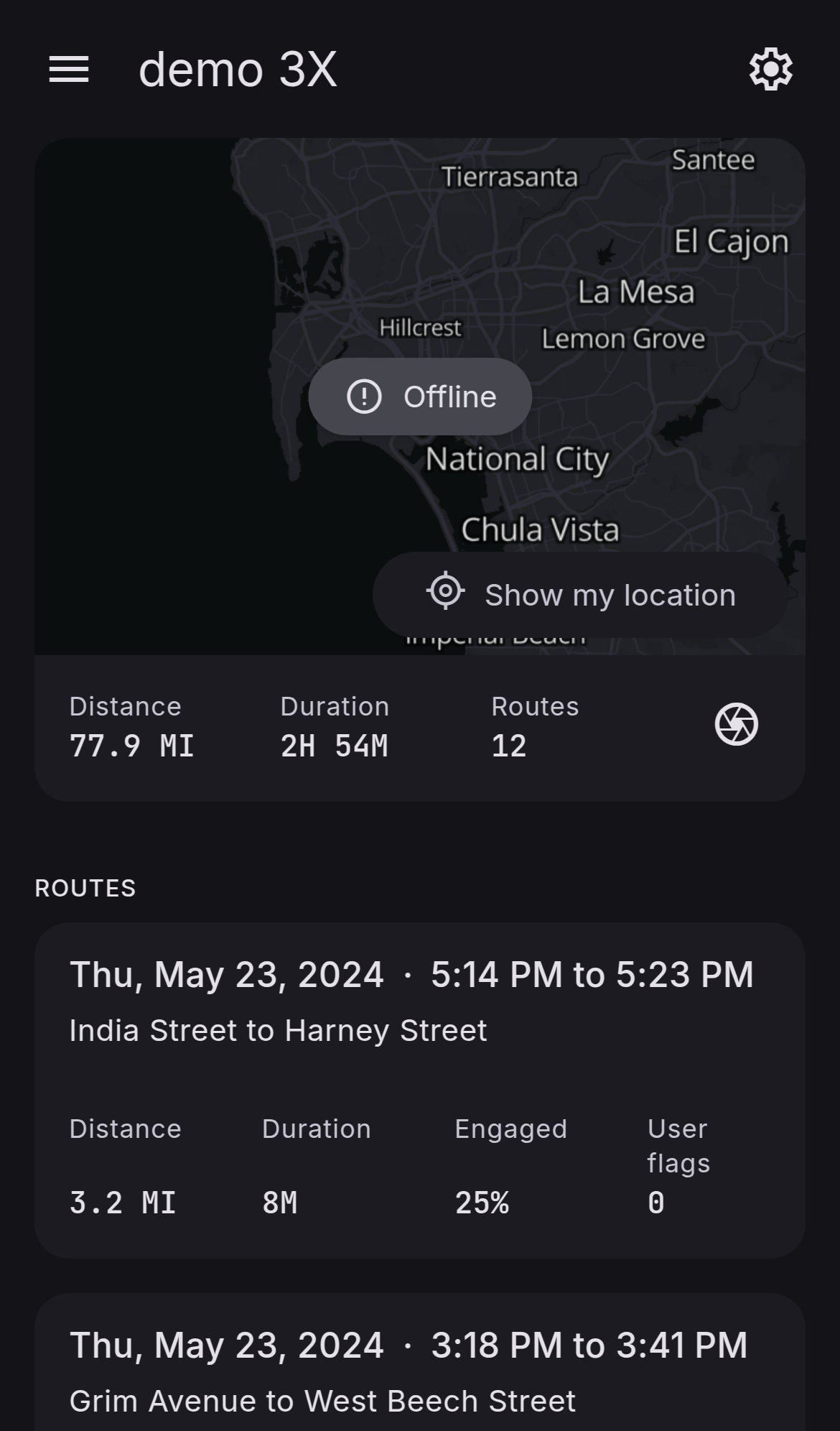
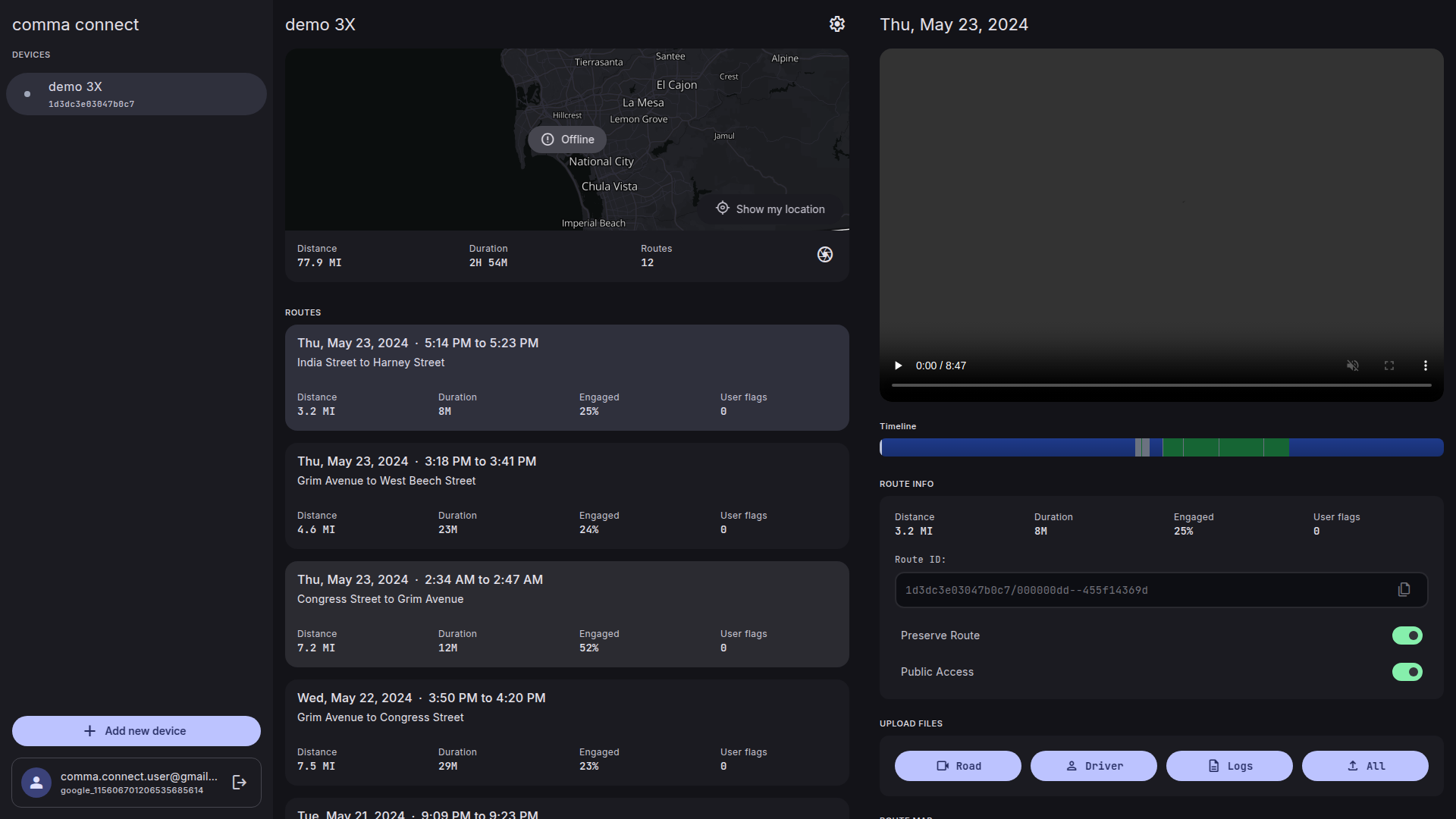
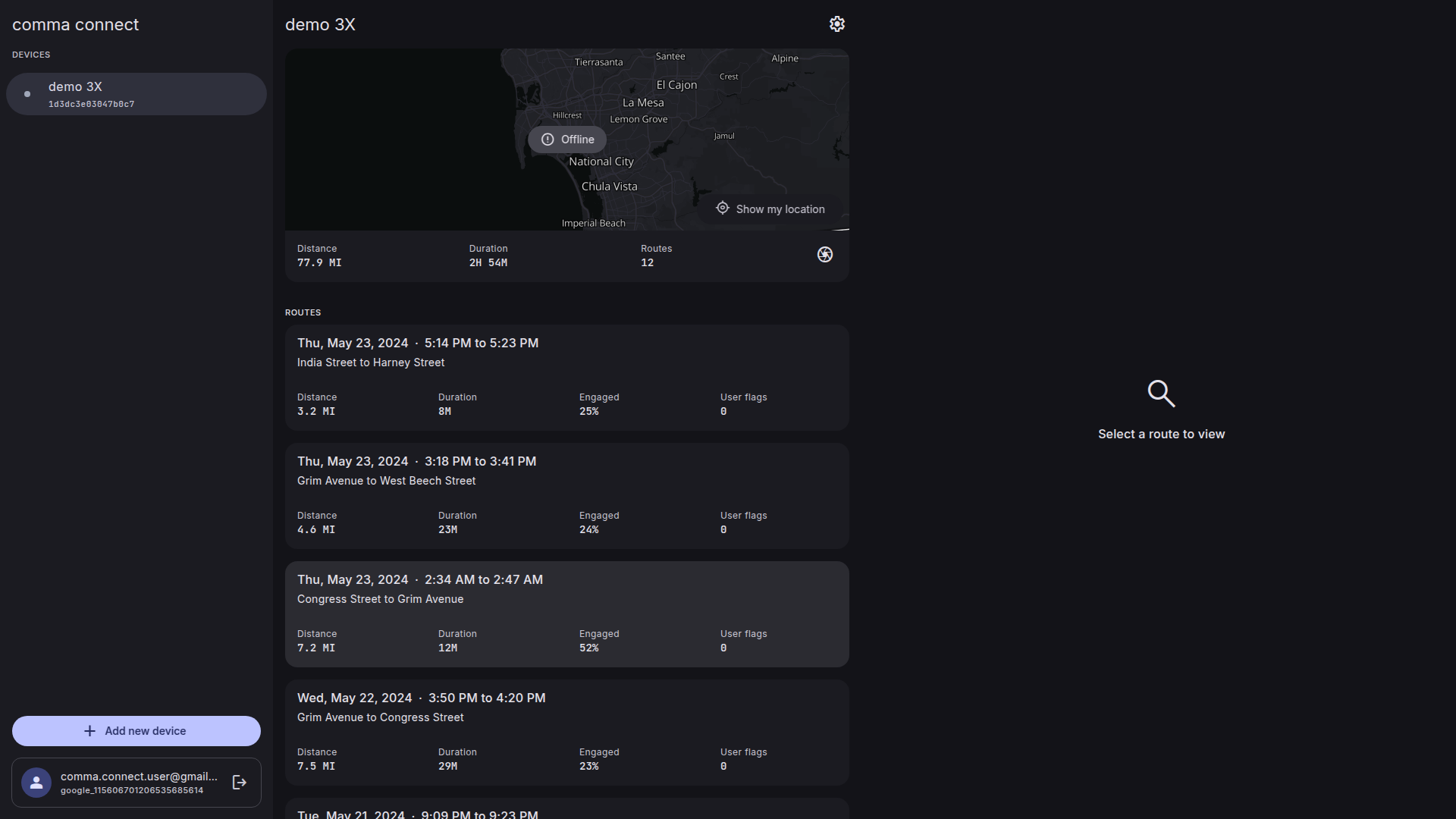

|
I feel like having a bookmark icon makes it seem like a button that you could press to bookmark routes from the web |

|
TL;DR - It can appear clickable though the tradeoff could be worth it since it improves searching for clips for users today in a lean, minimal, familiar way -- Main reason why I choose a bookmark, versus heart or star, etc. is because openpilot UI uses the same symbol when people are flagging things while driving. I thought it was consistent with what you’d expect when looking on connect and seeing a clip with the same icon that you pressed on your comma device while driving. I guess if a “heart” feature is about to get implemented where you can favorite clips so they appear in a different folder(similar to the photo UX on iPhones) then I’d say the bookmark feature isn’t worth implementing right now. The “heart” feature seems to be more complex than the bookmark feature so I thought the bookmark feature would be a good intermediary thing to have to improve the UX in searching for clips that users could use sooner vs waiting on the “heart” feature |
|
Either way I’d still do a PR to remove the top left circle car icon on the card. It doesn’t help make searching for drives easier since it appears on all cars and is more stylistic(which is fine) but with the small space the card has, the icon ends up creating more noise. I think trip cards should only contain elements that help user find drives easier/faster which is important because currently most users go on connect to do one thing, which is look for past drives |
 incognitojam
added
design
incognitojam
changed the title
incognitojam
added
design
incognitojam
changed the title
Changes:
Total lines: 4048 (-11) |
|
Sorry you didn't get a response on this, priority has been shipping the updated flash.comma.ai the last month or so
I think we can avoid making it look clickable with a different icon/having it filled? In #172 I tried adding an icon for this and just used a flag in a circle (forgot that we use the bookmark icon in openpilot) and it doesn't look like a button to me. Want to rebase this PR and try adding it again? |


 ugtthis
force-pushed
the
show-clearer-bookmarked-routes
branch
from
ugtthis
force-pushed
the
show-clearer-bookmarked-routes
branch
from
07f9865 to
36ad513
Compare
|
No worries! Thanks for getting back to me
I changed the icon to match the timeline colors of what you'd see if a user has flags on the timeline UI but I am using the same flag icon you referenced. I also was aiming for the flag icon to look more like a badge to indicate the status of a card rather than a element that can be clicked/interacted with.
I still kept Avatar component removed since it is still not being used by anything else. |

|
Those stats are a little concerning 😅 |

 incognitojam
left a comment
incognitojam
left a comment
incognitojam
left a comment
There was a problem hiding this comment.
I'm okay with merging this, there is still a decision to be made about whether to use "bookmarks" or "flags" (like you said openpilot has a bookmark icon, so maybe we should just use that too) but the style can be changed later.
| } | ||
| subhead={location()} | ||
| trailing={ | ||
| <Show when={timeline()?.userFlags}> |
There was a problem hiding this comment.
I think this should be wrapped in a <Suspense> otherwise it blocks the RouteCard from showing until the timeline is fetched
There was a problem hiding this comment.
I dont think suspense is needed here because:
- We're simply conditionally showing the flag icon only after the data loads - using
timeline()?.userFlagswith<Show>automatically handles the pending state by showing nothing until the data arrives RouteCardwon't be blocked because in SolidJS, resources are granular - the rest of the component continues rendering whiletimeline()loads. Only the specific UI element that depends ontimeline()?.userFlagswaits- Suspense would be needed if we wanted to show a loading indicator instead of nothing while the data loads
Let me know what you think
There was a problem hiding this comment.
When I scroll the route list right now on the live site, I can see the stats loading, but on this PR when I scroll it shows the whole card loading instead
There was a problem hiding this comment.
• I think the root issue was "Engaged" statistic was accessing timeline data directly without checking if it exists
• Fixed by adding timeline() ? check before calling formatEngagement
• This prevents rendering from blocking while timeline data loads
• Cards now render immediately with statistics loading independently, just like on the live site
The PR site seems to be loading as expected when I checked. let me know if you see differently
There was a problem hiding this comment.
It's still doing the same thing
Fixed by adding timeline() ? check before calling formatEngagement
Calling a resource like timeline() is what triggers suspense, and the next parent <Suspense> component is in <RouteList>
I thought the flag was a good idea cause it is more consistent with connect's "User Flag" metric and maybe it might make more sense to change the bookmark icon on openpilot to a flag icon. But like you mentioned this can be handled later |

2 participants


I noticed that the car icon doesn't have much utility. I also noticed that although new-connect does show the # of user flags, we can make it clearer that a route has been bookmarked by showing a bookmark icon and making the CardHeader hierarchy clearer. I removed
Avatar.tsxsince it was only used to add the circle background behind the car icon.A clearer hierarchy with a bookmark icon appearing on routes that have user flags helps with finding routes quicker while making use of a previous icon.
New Card Header UI w/bookmark
Comparing UI Video
comparing-card-header-ui.mp4