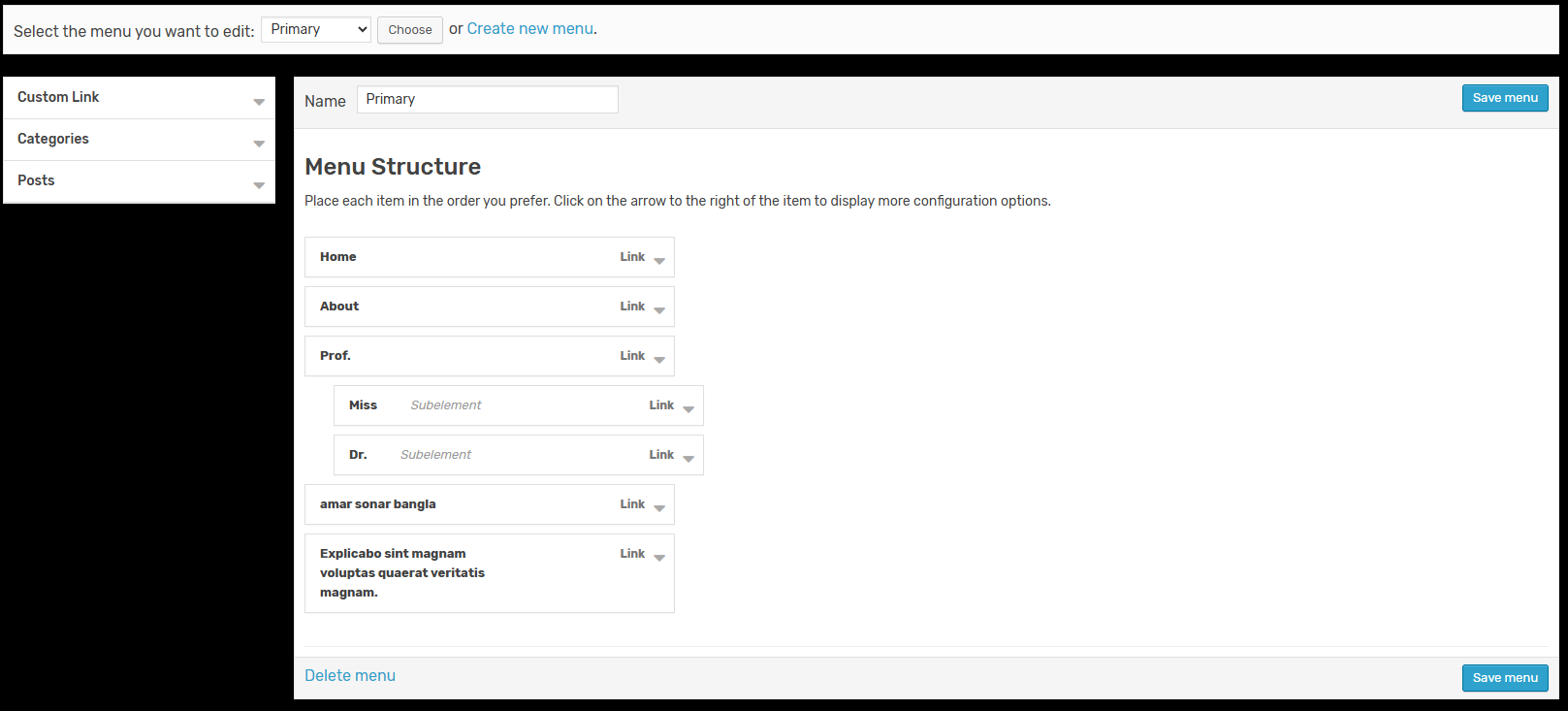
- Run
composer require bdhabib/laravel-menu- Run publish
php artisan vendor:publish --provider="Bdhabib\LaravelMenu\LaravelMenuServiceProvider"- Configure (optional) in config/menu.php :
- CUSTOM MIDDLEWARE: You can add you own middleware
- TABLE PREFIX: By default this package will create 2 new tables named "menus" and "menu_items" but you can still add your own table prefix avoiding conflict with existing table
- TABLE NAMES If you want use specific name of tables you have to modify that and the migrations
- Custom routes If you want to edit the route path you can edit the field
- Role Access If you want to enable roles (permissions) on menu items
- Post Model You can add your own post model. Default is Post
- Category Model You can add your own category model. Default is Category
- Post Title Column You can add your own post model title column. Default is title
- Category Title Column You can add your own category model title column. Default is name
- Run migrate
php artisan migrateDONE
On your view blade file
@extends('app')

@section('contents')
    {!! LaravelMenu::render() !!}
@endsection

// Recommended to Add Font Awesome CDN In Your Backend Header

//maxcdn.bootstrapcdn.com/font-awesome/6.1.1/css/font-awesome.min.css

//YOU MUST HAVE JQUERY LOADED BEFORE menu scripts
@push('scripts')
    {!! LaravelMenu::scripts() !!}
@endpushCall the model class
use Bdhabib\LaravelMenu\Models\Menus;
use Bdhabib\LaravelMenu\Models\MenuItems;A basic two-level menu can be displayed in your blade template
/* get menu by id*/
$menu = Menus::find(1);
/* or by name */
$menu = Menus::where('name','Your Menu name')->first();

/* or get menu by name and the items with EAGER LOADING (RECOMENDED for better performance and less query call)*/
$menu = Menus::where('name','Your Menu name')->with('items')->first();
/*or by id */
$menu = Menus::where('id', 1)->with('items')->first();

//you can access by model result
$primary_menu = $menu->items;

//or you can convert it to array
$primary_menu = $menu->items->toArray();// Using Helper
$primary_menu = LaravelMenu::getByName('Primary'); //return arrayNow inside your blade template file place the menu using this simple example
<nav class="" id="navbar">
    <div class="navbar__menu container">
        <ul>
            @if ($primary_menu)
                @foreach ($primary_menu as $menu)
                    <li>
                        <a href="{{ $menu['link'] }}" title="{{ $menu['label'] }}">{{ $menu['label'] }}</a>
                        @if ($menu['child'])
                            <ul class="sub-menu">
                                @foreach ($menu['child'] as $child)
                                    <li class=""><a href="{{ $child['link'] }}"
                                            title="">{{ $child['label'] }}</a>
                                    </li>
                                @endforeach
                            </ul><!-- /.sub-menu -->
                        @endif
                    </li>
                @endforeach
            @endif
    </div>
</nav>use Bdhabib\LaravelMenu\Facades\LaravelMenu;
...
/*
Parameter: Menu ID
Return: Array
*/
$menuList = LaravelMenu::get(1);In this example, you must have a menu named Admin
use Bdhabib\LaravelMenu\Facades\LaravelMenu;
...
/*
Parameter: Menu ID
Return: Array
*/
$menuList = LaravelMenu::getByName('Admin');you can edit the menu interface in resources/views/vendor/laravel-menu/menu.blade.php
- wmenu laravel package menu like wordpress
- Tested with laravel 11.x
- Work only laravel 11.x