🖐️ HAND GESTURE MOUSE CONTROLLER 🖐️
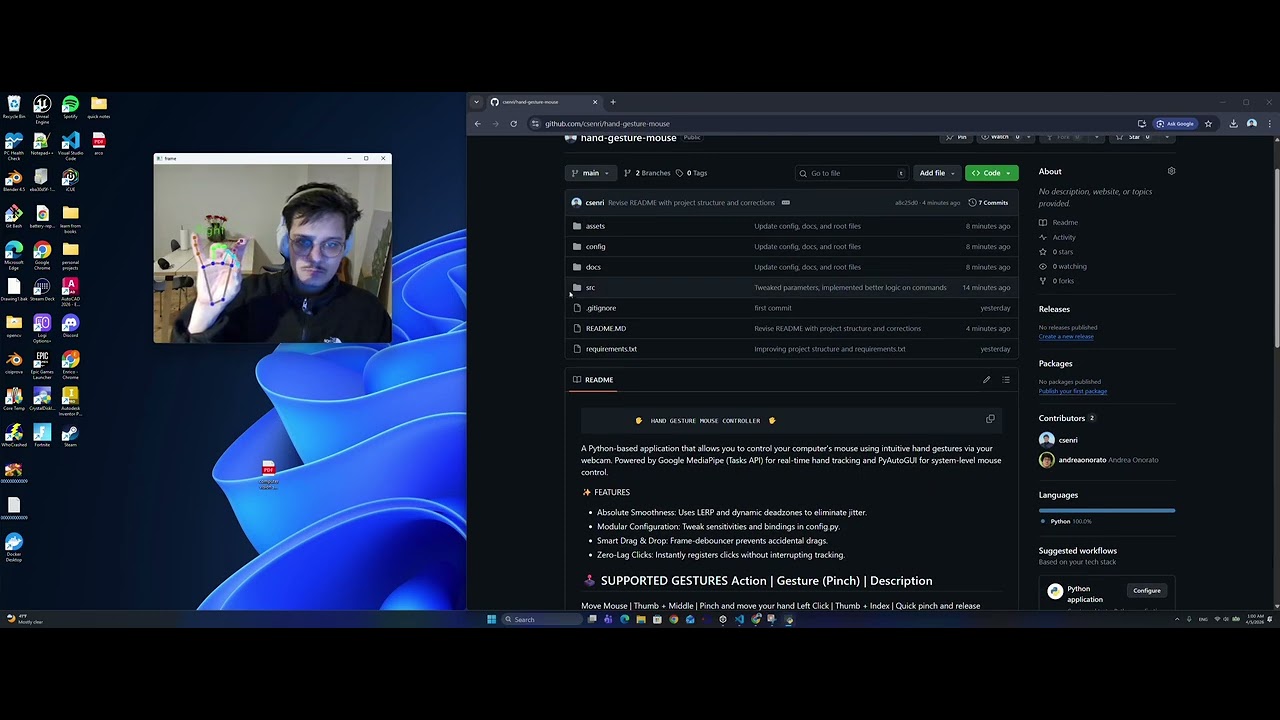
A Python-based application that allows you to control your computer's mouse
using intuitive hand gestures via your webcam. Powered by Google MediaPipe
(Tasks API) for real-time hand tracking and PyAutoGUI for system-level mouse control.
- Absolute Smoothness: Uses LERP and dynamic deadzones to eliminate jitter.
- Modular Configuration: Tweak sensitivities and bindings in config.py.
- Smart Drag & Drop: Frame-debouncer prevents accidental drags.
- Zero-Lag Clicks: Instantly registers clicks without interrupting tracking.
Move Mouse | Thumb + Middle | Pinch and move your hand Left Click | Thumb + Index | Quick pinch and release Double Click | Thumb + Index (x2) | Two quick pinches in a row Right Click | Thumb + Pinky | Quick pinch and release Scroll | Thumb + Ring | Pinch and move hand vertically Drag & Drop | Thumb + Index + Ring | Pinch, hold, and move
Pro Tip: For best accuracy, keep non-used fingers straight and open!
🛠️ PREREQUISITES Python 3.9+ installed. Run the following command: pip install .\requirements.txt
📦 MEDIAPIPE MODEL
- Download the hand_landmarker.task file from official MediaPipe docs.
- Create a folder named 'models' in your project root.
- Place the downloaded .task file inside the 'models' folder.
├── assets/
│   └── structure points.png      # Reference images and visual assets
├── config/
│   └── config.py                 # Configuration and gesture bindings
├── docs/
│   └── instructions.md           # Additional project documentation
├── models/
│   └── hand_landmarker.task      # Download Mediapipe model
├── src/
│   ├── main.py                   # Main execution loop
│   ├── gestures.py               # Math and logic for gesture detection
│   └── utils.py                  # Drawing utilities for visualization
├── README.MD                     # Main project documentation
└── requirements.txt              # Python dependencies list
🚀 HOW TO RUN
- Clone this repository.
- Ensure your webcam is connected.
- Download Mediapipe Model
- Run the following command: pip install .\requirements.txt
- Run the main script: python src/main.py Press q in the camera window to safely quit the application.
⚙️ CONFIGURATION (config.py) You can easily customize the application's behavior without touching the core logic:
- CAMERA_INDEX: Change to 0 or 1 if using an external webcam.
- MOUSE_SENSITIVITY: Increase for faster cursor movement.
- SMOOTH_TIME: Adjust LERP smoothing (lower = smoother but delayed).
- DEADZONE: Pixel threshold to ignore micro-jitters.
- TARGET_HAND: Choose 'Right', 'Left', or 'Both'.
- SHOW_VISUALIZATION: Set to False to boost performance.
📝 LICENSE This project is open-source and available under the MIT License.
======================================================================