A modern CLI tool to backup Confluence pages with images and attachments


Fast, reliable, and user-friendly Confluence backup solution
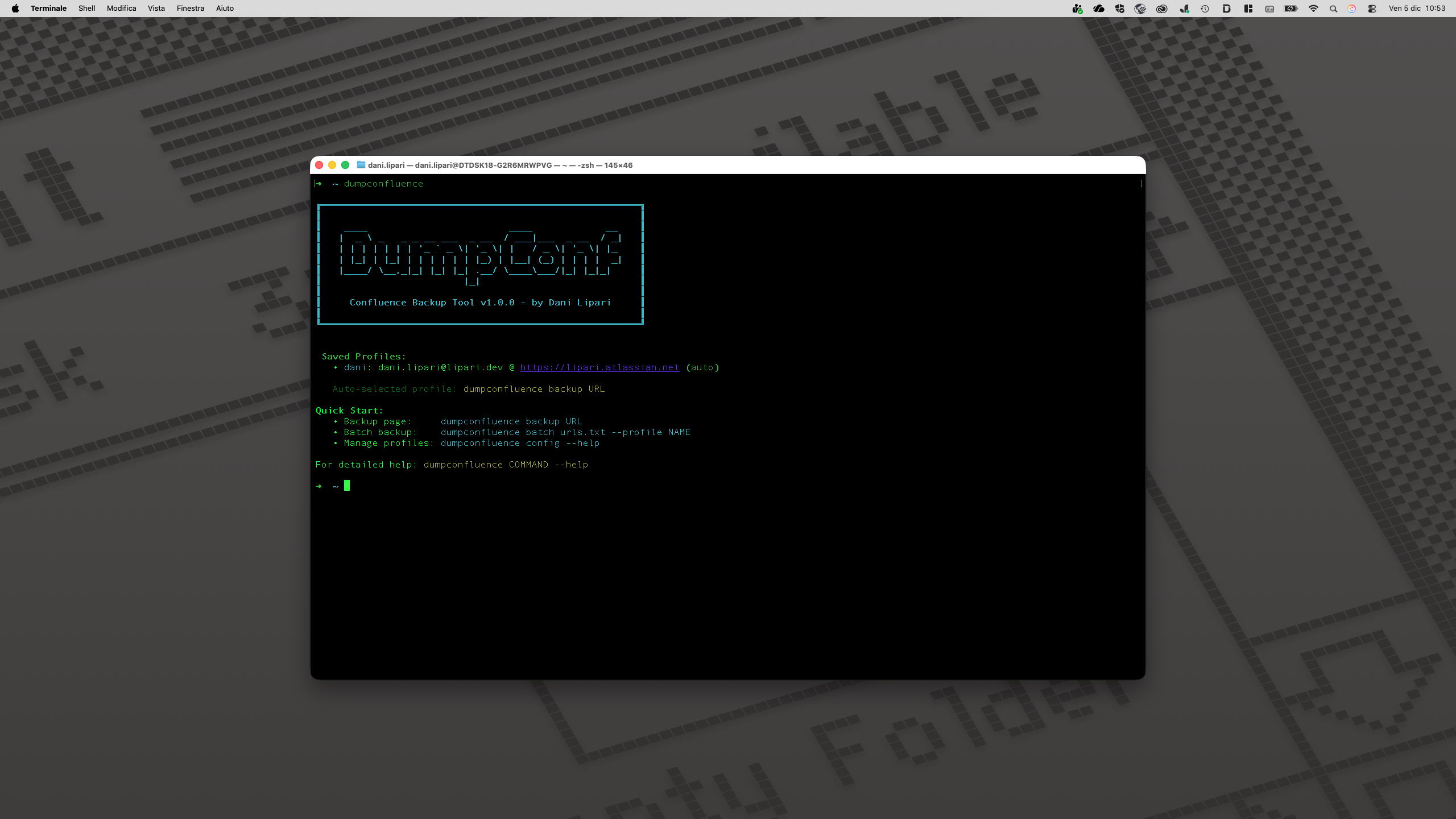
- Complete Page Backup - Download Confluence pages with all images and attachments
- Self-Contained HTML - Generate beautiful, standalone HTML files with embedded CSS
- Secure Profile Management - Store and manage multiple credential profiles safely
- Batch Processing - Backup multiple pages from URL lists efficiently
- Beautiful CLI Interface - Rich terminal UI with progress indicators and colored output
- Smart Directory Management - Flexible output directory options with auto-creation
- Auto-Profile Selection - Intelligent credential selection for seamless workflows
- Cross-Platform - Works on Windows, macOS, and Linux
- Python 3.8+ - Download Python
- pip - Usually included with Python installation
- Confluence Cloud account with API access
- Read permissions for target pages
pip install dumpconfluenceVerify installation:
dumpconfluence --version- Go to https://id.atlassian.com/manage-profile/security/api-tokens
- Click "Create API token"
- Give it a descriptive name
- Copy the token immediately (you won't see it again)
dumpconfluence backup "https://company.atlassian.net/wiki/spaces/SPACE/pages/123456/Page+Title"You'll be prompted for:
- Confluence URL (e.g., https://company.atlassian.net)
- Your email address
- API token
Save your credentials for future use:
dumpconfluence backup "URL" --save-profile workUse saved profile:
dumpconfluence backup "URL" --profile workTip: If you have only one profile saved, it will be used automatically.
By default, pages are saved in the current directory. To specify a different location:
dumpconfluence backup "URL" --output-dir /path/to/backupsCreate a new profile:
dumpconfluence config add myprofileList all profiles:
dumpconfluence config listRemove a profile:
dumpconfluence config remove myprofileCreate a text file with URLs (one per line):
https://company.atlassian.net/wiki/spaces/SPACE/pages/111/Page1
https://company.atlassian.net/wiki/spaces/SPACE/pages/222/Page2
https://company.atlassian.net/wiki/spaces/SPACE/pages/333/Page3
Process all URLs:
dumpconfluence batch urls.txt --profile workdumpconfluence backup [OPTIONS] PAGE_URL
Options:
-u, --url TEXT Confluence base URL
-e, --email TEXT Confluence account email
-t, --token TEXT Confluence API token
-o, --output-dir TEXT Output directory (default: current)
-p, --profile TEXT Use saved profile
--save-profile TEXT Save credentials as profile
--help Show this message and exitEach page creates its own directory:
Page_Title/
├── Page_Title.html    # Self-contained HTML with embedded CSS
├── metadata.json      # Page metadata and export info
└── images/            # Downloaded images
    ├── image1.png
    ├── image2.jpg
    └── ...
Profiles are stored in:
- Linux/macOS:
~/.config/dumpconfluence/config.json - Windows:
%APPDATA%\dumpconfluence\config.json
Security Note: Credentials are stored in plain text. Ensure proper file permissions.
- Verify your API token is correct
- Ensure your email matches the Confluence account
- Check you have read permissions for the page
- Some images may require special permissions
- Check if images are from external sources
- Verify API token has proper scope
- Verify the URL is correct
- Ensure you have access to the page
- Check if the page exists in the specified space
# Clone repo
git clone https://github.com/danilipari/dumpconfluence.git
cd dumpconfluence

# Create virtual environment
python -m venv venv
source venv/bin/activate  # On Windows: venv\Scripts\activate

# Install in development mode
pip install -e ".[dev]"pytest tests/black dumpconfluence/
ruff check dumpconfluence/MIT License - See LICENSE file for details.
Contributions are welcome! Please feel free to submit a Pull Request.
For issues and questions, please use the GitHub Issues page.