"About Me" Template to demonstrate making websites using GitHub Pages.
The template was built on top of Start Bootstrap - Resume.
- Create a Gihhub account.
- Create a repository using the AboutMe Template. See the GitHub Docs for more information.
- Goto the repo, https://github.com/digitalr00ts/aboutme-template.
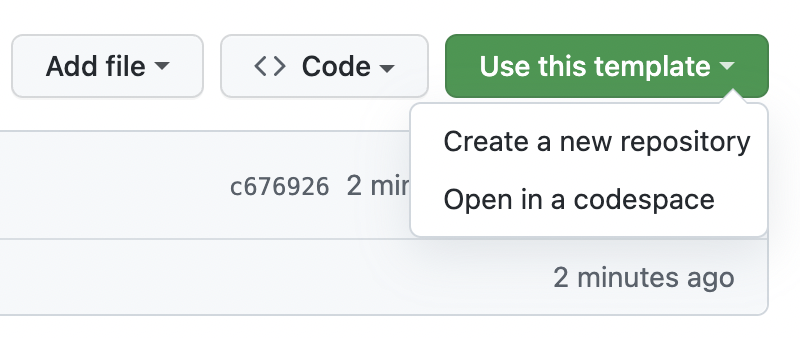
- Click Use this template
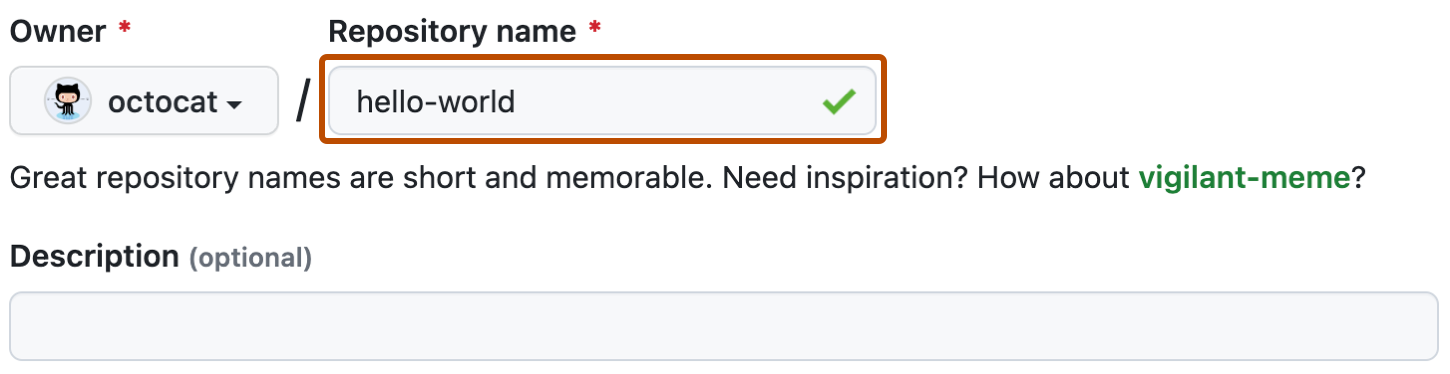
- Name your repo. I suggest
aboutme. - Click Create repository from template.
- The default template should now be visable at
https://<user>.github.io/<repository>
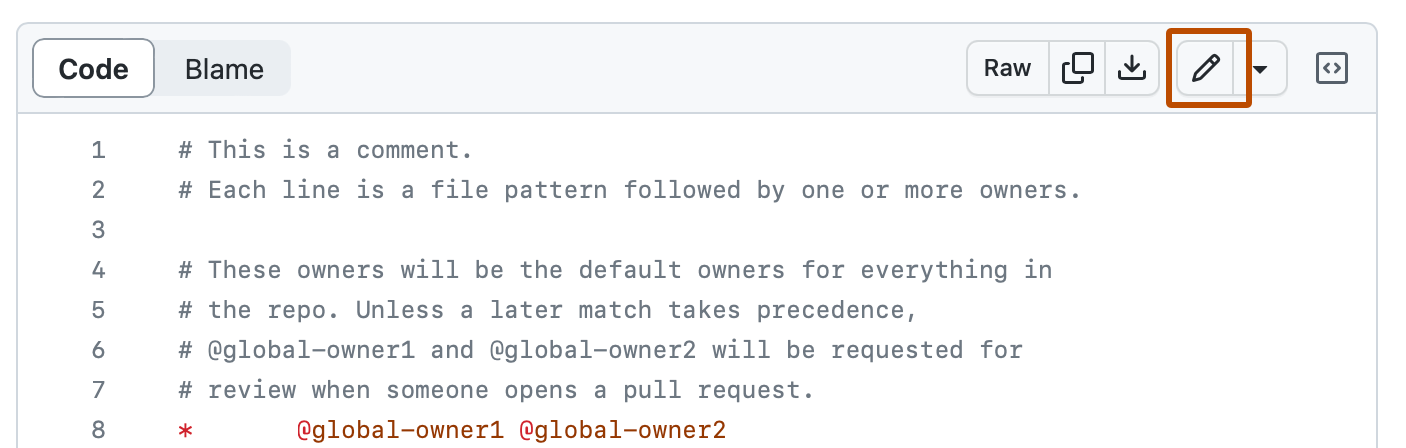
- Click on a file, i.e.
index.html. - In the upper right corner of the file view, click to open the file editor.
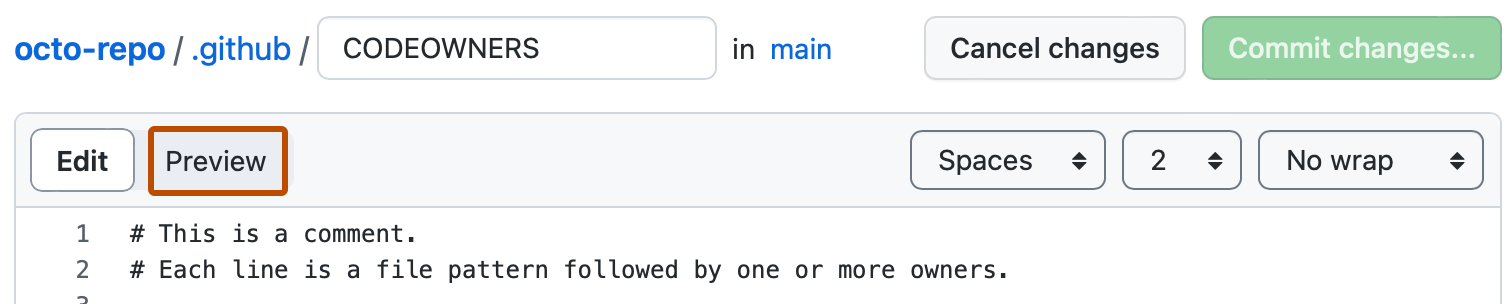
- On the Edit file tab, make any changes you need to the file.
- Above the new content, click Preview changes.
- Click Commit Changes when you are ready.

My repository created from this template, https://github.com/xsc27/gwc-aboutme. The website is at: https://xsc27.github.io/gwc-aboutme/.
You can see the changes (a.k.a "commits") that I made here: https://github.com/xsc27/gwc-aboutme/commits/gh-pages. Click on any commit and you can see how I made the change.