Changelog: https://github.com/donn/nudelta/blob/main/Changelog.md
On Windows, you will need to download and unzip the .exe file. You may see a Windows SmartScreen warning- you may safely ignore it.
On macOS, you will need to download the .dmg file, open it and drag Nudelta into your Applications folder. The app is not code-signed or notarized, so you will have to run this in your terminal before opening it: sudo xattr -cr /Applications/nudelta.app
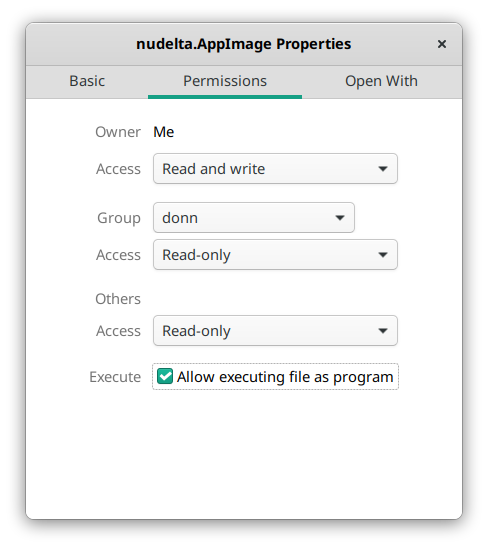
On Linux, download the .AppImage, enable "allow executing file as program" in its properties (shown below), then double-click it. * You may need to install libudev separately- on Ubuntu, you can
run sudo apt-get install -y libudev.