


React Native Boilerplate is a starting point for React Native application. This project is configured with redux, redux thunk and redux persist. Latest version of react-navigation (v4.0.10).
- Redux
- Redux Thunk
- Redux Persist
- React Navigation
- React Native Gesture Handler
- Redux DevTools Extension
- Node v10 (it is recommended to install it via NVM)
- Yarn
- A development machine set up for React Native by following these instructions
-
Clone this repo,
git clone https://github.com/duongtungls/react-native-boilerplate.git` -
Go to project's root directory,
cd <your project name> -
Remove
.gitfolder,rm -rf .git -
Open
package.jsonand change thenameproperty with your project name -
Open
app.jsonand replace'RNApp'by your project name -
Run
yarn installornpm installto install dependencies -
Run
react-native ejectto upgrade and add iOS & Android Folders. -
Run
react-native link -
Latest versions of react-navigation uses gesture handler which is native module. For android you have to do some additional steps to configure them. Follow these instructions
React Navigation should work fine even without these but when u need gestures or drawer navigation you need this setup
- Start the packager with
npm start - Connect a mobile device to your development machine
- Run the test application:
- On Android:
- Run
npm run-androidorreact-native run-android
- Run
- On iOS:
- Run
npm run-iosorreact-native run-iosOR - Open
ios/YourReactProject.xcodeprojin Xcode - Hit
Runafter selecting the desired device
- Run
- Enjoy!!!
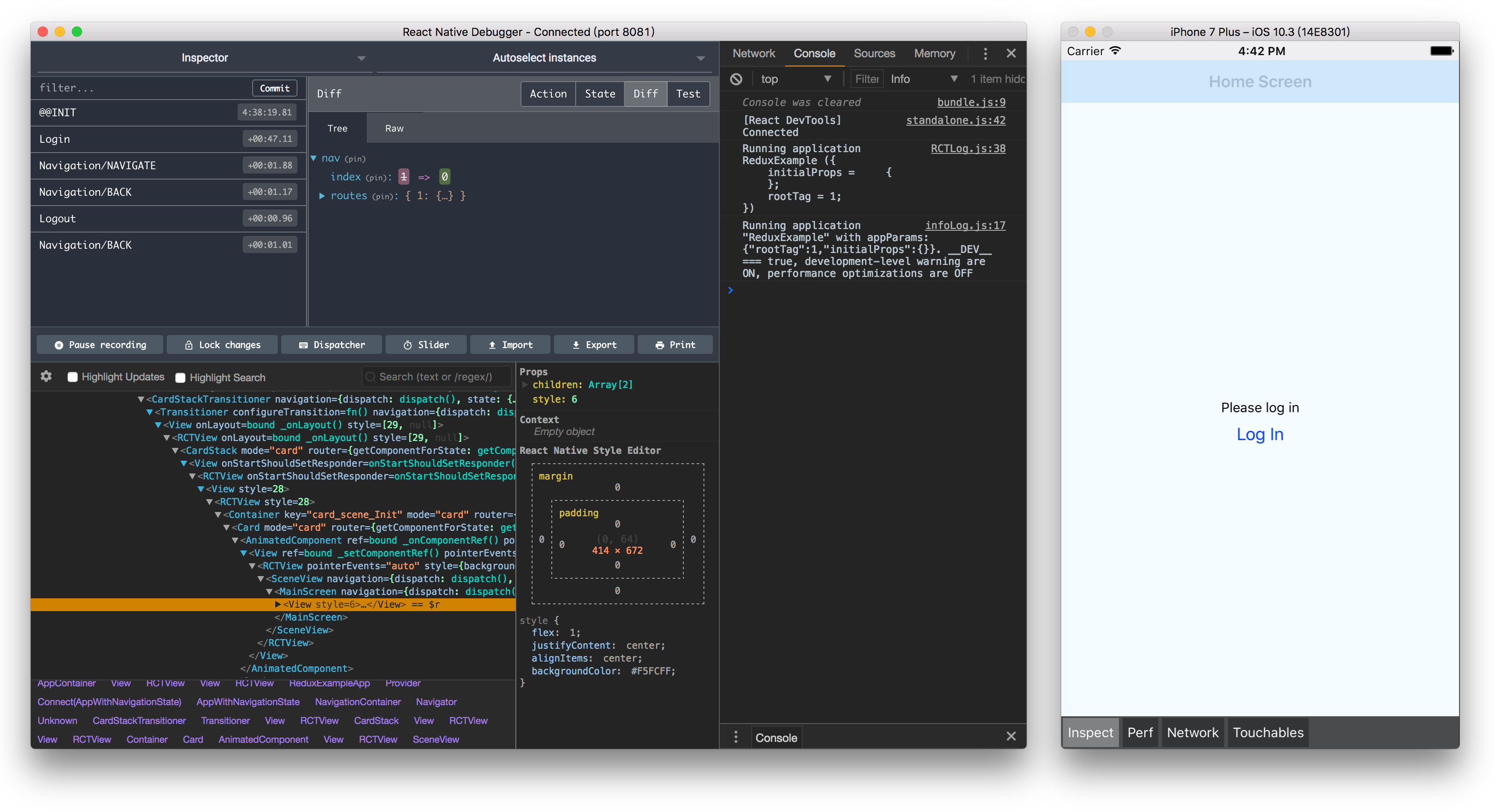
Use React Native Debugger to debug React and Redux with Redux devtool
PRs are welcome