Quantify your coding inside Vim.
-
Install Vundle, the Vim plugin manager.
-
Using Vundle:
echo "Bundle 'wakatime/vim-wakatime'" >> ~/.vimrc && vim +BundleInstall
or using Pathogen:
cd ~/.vim/bundle && git clone git://github.com/wakatime/vim-wakatime.git
-
Enter your api key, then press
enter. -
Use Vim like you normally do and your time will be tracked for you automatically.
-
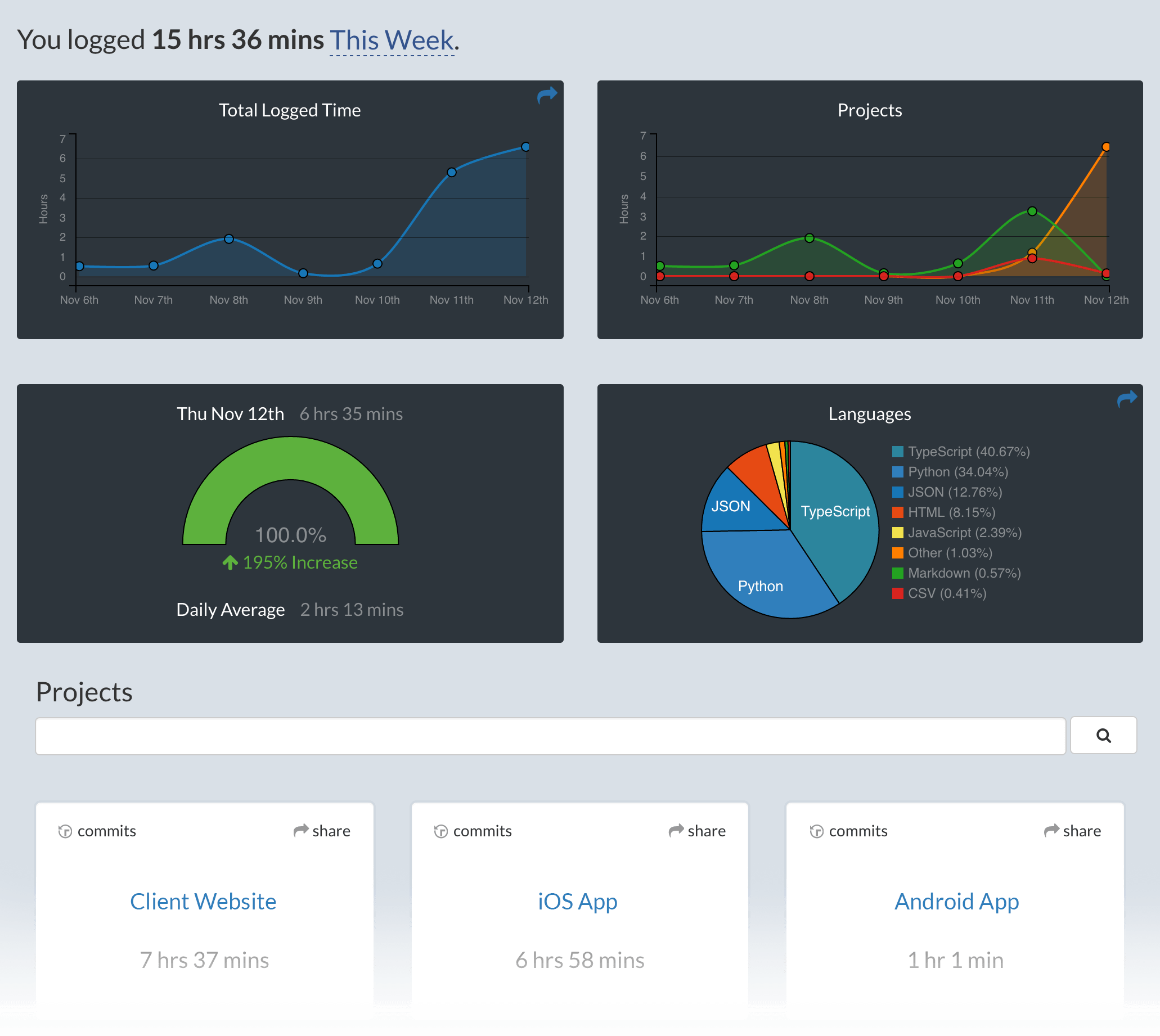
Visit https://wakatime.com to see your logged time.
Note: WakaTime depends on Python being installed to work correctly.
To use a custom python binary:
let g:wakatime_PythonBinary = '/usr/bin/python'
The default is to use python from your system PATH.
WakaTime plugins share a common config file .wakatime.cfg located in your user home directory with these options available.
Remove Bundle 'wakatime/vim-wakatime' from your .vimrc file, then delete your ~/.wakatime.cfg config file.