- JS, ReactJS, and Vanilla CSS for front-end.
- Firebase (BaaS) for back-end.
- JestJS Testing Framework for testing.
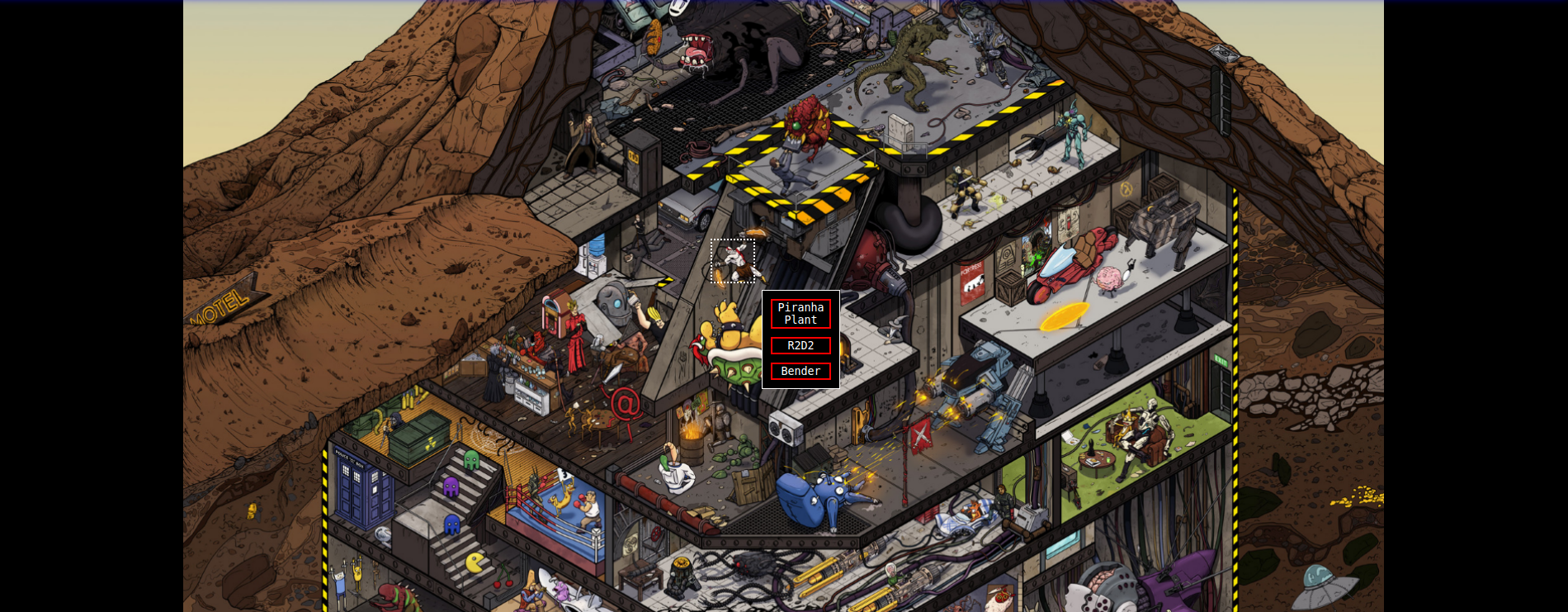
Demo ||
Follow me on Twitter! || Connect with me on LinkedIn!
- Become familiar with back-end concepts such as, retrieving from, storing to, and/or editing existing data in a database.
- Understand the interactions between client-side and server-side processes, as well as learn new information pertaining to dealing with security measures and authorization of stored data.
- Increase my understanding of ReactJS, more specifically with regards to hooks, lifecycle, and performance optimization.
-
There exists a fine line between trying to balance client-side and server-side interactions. During the early stages of this project I became aware that users would be able to spam/abuse the data being sent to one of my collections in Firestore. To combat this, I updated my security settings with appropriate measures that would disable users from adding new data to the collection.
-
Hooks and lifecycle are only a couple of the key concepts that one must understand in React to really take advantage of its performance capabilities. More specifically, utilizing particular hooks (or creating your own) in certain situations can significantly affect the performance of your application.
-
Furthermore, it is possible to increase performance by refactoring code, and sometimes it may be better to apply techniques/principles that are proven to work compared to trying to create something new. But, as someone who is trying to increase their understanding of programming concepts, techniques, and principles, trying new things can make the difference between becoming a better programmer and staying stagnant.
Assets used:
Bender: https://icons8.com/icon/YV_2mLwXMWyM/futurama-bender" by Icons 8
Moons by Zoltan Tasi: https://unsplash.com/photos/HQPJEEjHqSE?utm_source=unsplash&utm_medium=referral&utm_content=creditShareLink
Crown by RIkas Dzihab - Flaticon "https://www.flaticon.com/free-icons/monarchy"
This project was bootstrapped with Create React App.
In the project directory, you can run:
Runs the app in the development mode.
Open http://localhost:3000 to view it in your browser.
The page will reload when you make changes.
You may also see any lint errors in the console.
Launches the test runner in the interactive watch mode.
See the section about running tests for more information.
Builds the app for production to the build folder.
It correctly bundles React in production mode and optimizes the build for the best performance.
The build is minified and the filenames include the hashes.
Your app is ready to be deployed!
See the section about deployment for more information.
Note: this is a one-way operation. Once you eject, you can't go back!
If you aren't satisfied with the build tool and configuration choices, you can eject at any time. This command will remove the single build dependency from your project.
Instead, it will copy all the configuration files and the transitive dependencies (webpack, Babel, ESLint, etc) right into your project so you have full control over them. All of the commands except eject will still work, but they will point to the copied scripts so you can tweak them. At this point you're on your own.
You don't have to ever use eject. The curated feature set is suitable for small and middle deployments, and you shouldn't feel obligated to use this feature. However we understand that this tool wouldn't be useful if you couldn't customize it when you are ready for it.
You can learn more in the Create React App documentation.
To learn React, check out the React documentation.
This section has moved here: https://facebook.github.io/create-react-app/docs/code-splitting
This section has moved here: https://facebook.github.io/create-react-app/docs/analyzing-the-bundle-size
This section has moved here: https://facebook.github.io/create-react-app/docs/making-a-progressive-web-app
This section has moved here: https://facebook.github.io/create-react-app/docs/advanced-configuration
This section has moved here: https://facebook.github.io/create-react-app/docs/deployment
This section has moved here: https://facebook.github.io/create-react-app/docs/troubleshooting#npm-run-build-fails-to-minify