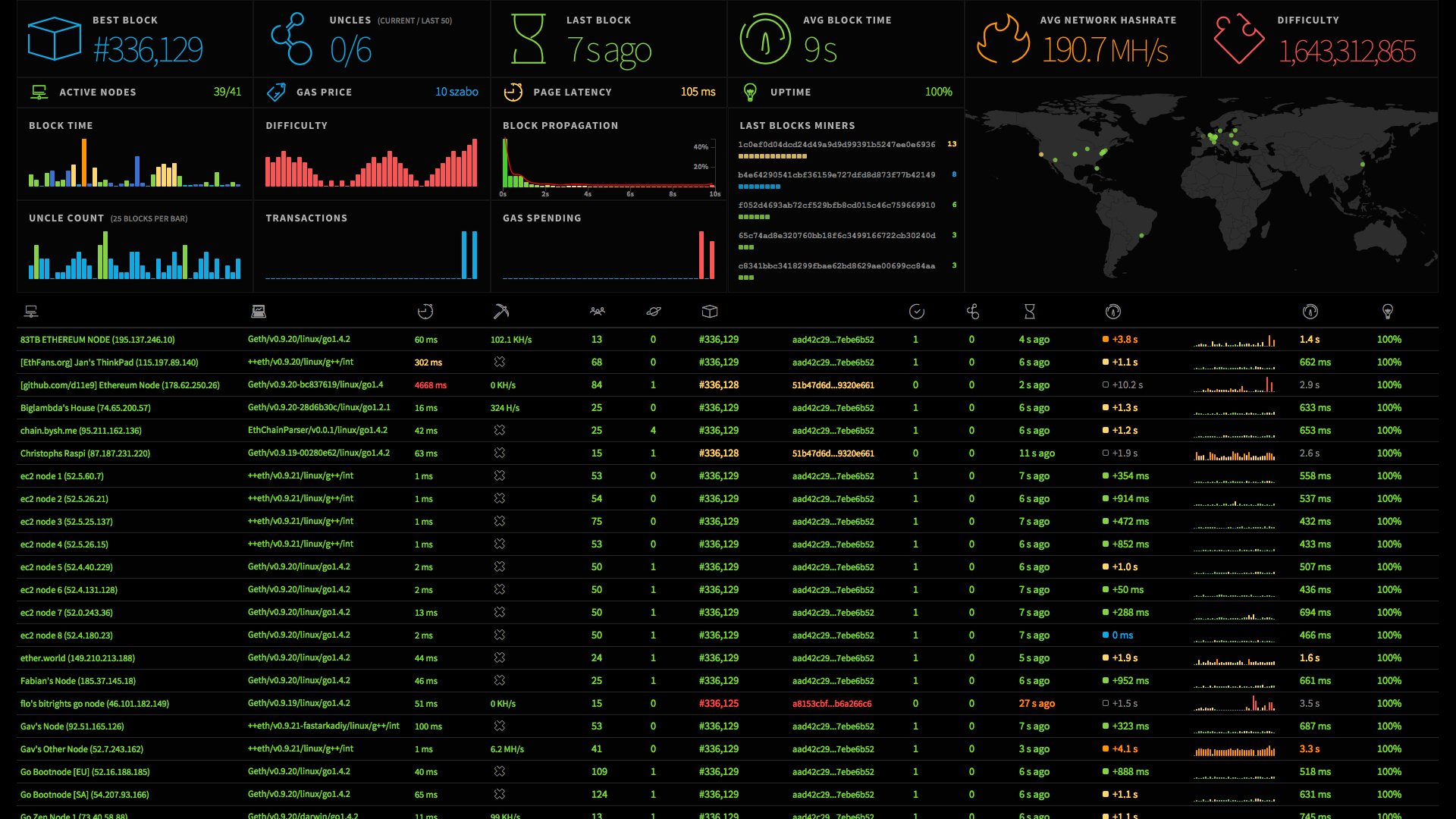
Eth-Netstats "Classic" is a visual interface for tracking ethereum network status. It uses WebSockets to receive stats from running nodes and output them through an Angular interface. It is the front-end implementation for eth-net-intelligence-api.
Other implementations of Eth-Netstats can be found at:
- node
- npm
Make sure you have node.js and npm installed.
Clone the repository and install the dependencies
git clone https://github.com/ethereum/eth-netstats
cd eth-netstats
npm install
sudo npm install -g grunt-cliNetStats features two versions: the full version and the lite version. In order to build the static files you have to run grunt tasks which will generate dist or dist-lite directories containing the js and css files, fonts and images.
To build the full version run
gruntTo build the lite version run
grunt liteIf you want to build both versions run
grunt allnpm startsee the interface at http://localhost:3000
In order to receive stats from running nodes the web socket password needs to be provided
WS_SECRET=<secret> npm startwhere <secret> is the value specified in the app.json file in the eth-net-intelligence-api directory. Running these tools concurrently with an etherium node will display the node on the eth-netstats interface.
Follow the instructions for installing and running The Ethereum Network Intelligence API. Make sure to edit the app.json file with the appropriate information. In particular:
- Confirm the correct configuration for the
RPC_PORTandCONFIGURATION_PORT. The defaults are"8545"and"30303"respectively. INSTANCE_NAMEis the name your Ethereum node appears as in the front end.WS_SERVERis the IP address and port (3000 is default).- As mentioned earlier
WS_SECRETneeds to match the environmental variable provided when runningnpm start.
The Ethereum Network Intelligence API should be run concurrently with the Ethereum client of your choice. More information on running Ethereum node can be found here.