A React-Native application that uses voice commands and text-to-speech to help you read your emails.
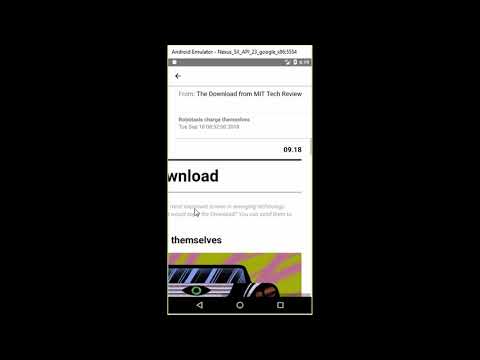
- Currently only works with Outlook email accounts (hotmail, outlook, office365). Gmail is shown in the accounts listing but isn't implemented (just for show).
- Only tested on Android using an emulator (Nexus 5X API 23 Google) on a Windows 10 machine.
Follow React-Native's getting started guide. I used Windows as my Development OS and Android as the Target. Note that the only difference is the react-native init command shown below.
react-native init emailassistant --version 0.55.4(0.56.0 is broken on windows facebook/react-native#20331. this will tell you of vulnerabilities that you can fix with npm audit fix. don't do this as it'll update react-native)npm installto install our dependenciesreact-native linkto link our dependencies- added the following to the second line of
android/app/build.gradleand updatedtargetSdkVersionto 26:apply from: project(':react-native-config').projectDir.getPath() + "/dotenv.gradle" - add the following to
android/app/src/main/AndroidManifest.xml:
        <intent-filter>
            <action android:name="android.intent.action.VIEW" />
            <category android:name="android.intent.category.DEFAULT" />
            <category android:name="android.intent.category.BROWSABLE" />
            <!-- Accepts URIs that begin with "URL_SCHEME://URL_HOST" -->
            <data android:scheme="@string/URL_SCHEME"
                  android:host="@string/URL_HOST" />
        </intent-filter>
and this to the activity:
      <activity
        android:name=".MainActivity"
android:launchMode="singleTask".env_examplehas the following environment variables that need to be configured. You can rename to just.env. Register your app with outlook by following https://docs.microsoft.com/en-us/outlook/rest/ios-tutorial#register-the-app.
URL_SCHEMEURL_HOSTOUTLOOK_CLIENT_ID