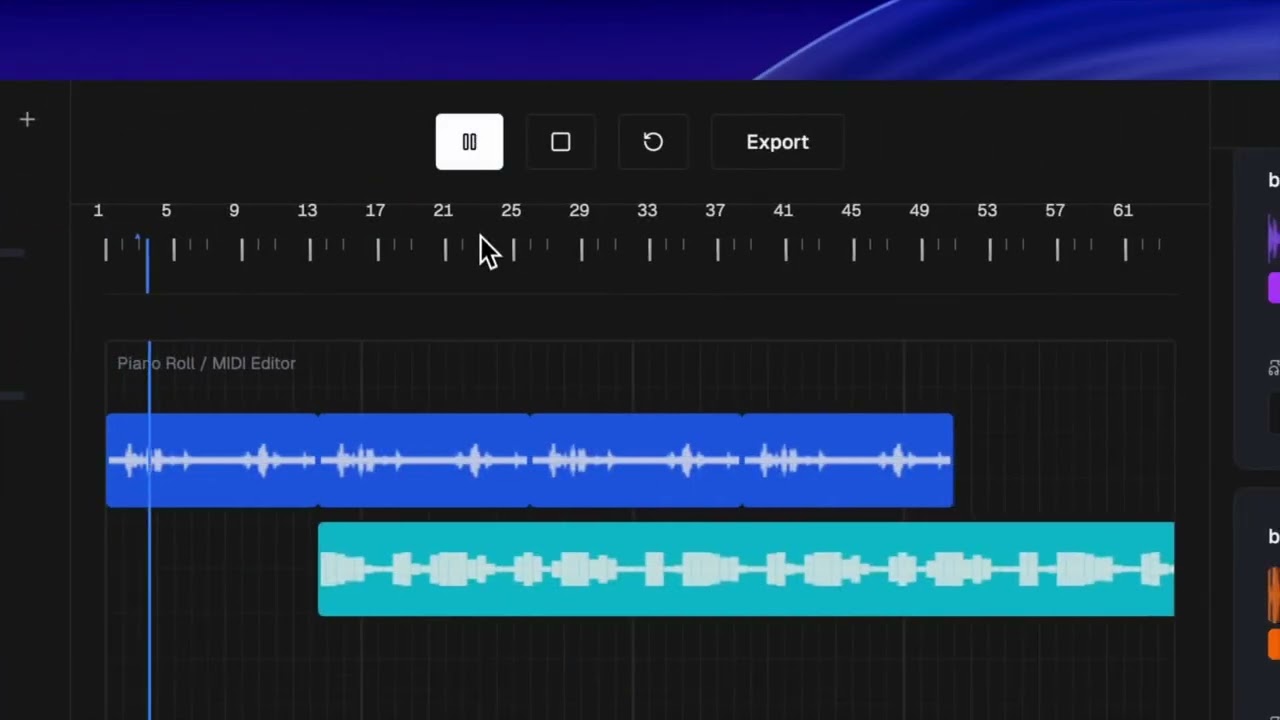
lavoe comes from the simple desire to make music - lower the barrier for music production access - with ai everyone's abilites are enhanced but when it comes to the creative industry tech doesnt give it as much attention we want to make it easieer for others to express themselves and we want to make the first stedp towards this facilitating music production.
- intuitive DAW interface
- Ai generated beats
- agentic chopping of beats
- agentic sorting of sounds
- agentic music engineering
- live audio recording
- react
- typescript
- next js
- vercel ai sdk
- python
- fast api
- librosa
- cohere
- pandas
- sklearn
This guide explains how to run the backend (FastAPI) and the frontend (Next.js) locally.
- Python 3.13 (recommended to match
pyproject.toml) - Node.js 18+ and npm/pnpm (Next.js 14)
- ffmpeg (recommended for broad audio codec support)
Create a .env file in backend/ based on backend/env.example:
BEATOVEN_API_KEY=your_key
MUBERT_CUSTOMER_ID=your_customer_id
MUBERT_ACCESS_TOKEN=your_access_token
Frontend can be configured via environment variables as well. The key one during local dev is the backend URL used by the chat tool route:
# frontend/.env.local
BACKEND_URL=http://localhost:8000
If you skip this, it defaults to http://localhost:8000.
Located in backend/.
Option A — Using uv (recommended):
- Install uv: see instructions at https://github.com/astral-sh/uv#installation
- Install deps:
cd backend uv sync - Run the server:
The API will be available at
uv run server.pyhttp://localhost:8000.
Option B — Using pip/venv:
-
cd backend python -m venv .venv && source .venv/bin/activate pip install -r requirements.txt -
python server.py
Health check:
- GET
http://localhost:8000/health->{ "status": "healthy" }
Key endpoints used by the frontend:
- POST
/extract-harmonics - POST
/process-reverb - POST
/chop-audio - ID-based processing:
/process/extract-harmonics,/process/reverb,/process/chop-audio,/process/speed - Upload/list/download:
/upload-audio,/tracks,/tracks/{track_id}/download
Located in frontend/.
-
Install deps:
cd frontend
npm install
or
pnpm install -
Run the dev server:
npm run devNext.js runs at
http://localhost:3000by default.
Build/start (optional):
npm run build
npm start
backend/: FastAPI server, audio processing, and file-based storagefrontend/: Next.js UI and API routes (/app/api) that call the backend