CodeCoverFlow is a vim plugin intended to help analyse code. It can be considered as an enhanced version of vim built-in code nivigator (g]/<C-t> stuff).
It is useful for those who tend to forget evoking context and input parameters when diving into definitions. CodeCoverFlow will display the definitions of functions/variables in new windows while keeping original window in sight. This process can be done iteratively, and creates a bidirectional flow between these windows.



Dashing forward (like g]) and jumping back (like <C-t>) are both supported. A highlight is also provided to indicate the line which you just jumped from.
There are plenty of ways to install vim plugins. I suggest using Vundle https://github.com/VundleVim/Vundle.vim.
After Vundle is setup, add this line to your Vundle script area. If you followed the instructions in the link above, add to somewhere between call vundle#begin() and call vundle#end() in your .vimrc file.
Plug 'freemandealer/CodeCoverFlow'
Then Launch vim and run :PluginInstall. From now on, you can use <leader>g] and <leader><C-t> to browse your code.
Enjoy!
CodeCoverFlow is inspired by Apple OS X Finder's CoverFlow display sytle (that's where we get the name apparently). So, great job, Jobs!
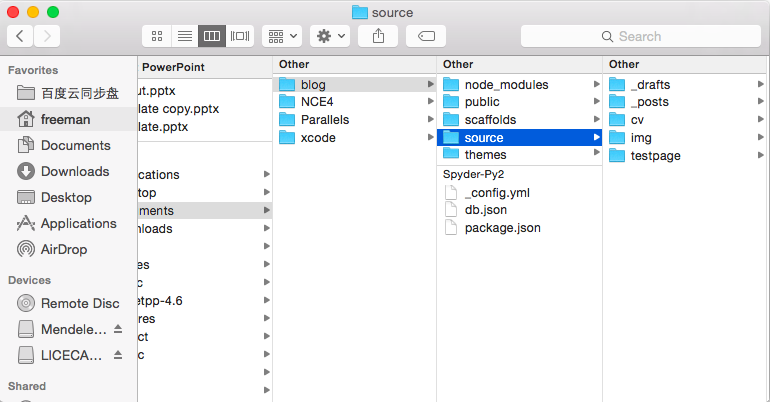
Also thanks to people on the vim_use mailling list, they gave me plenty of useful suggestions so that I could start with this work.
The implementation is a little bit hackish. I'm glad to use some help to tidy it up.
bug report to [email protected]