

Generate Watermark
It can be used to generate watermarking in internal system, which can prompt information security and responsibility tracking. Safety issues can not be ignored, which has a certain role in prompting the sensitive operation of internal personnel.
- Support the generation of three types of watermarking: canvas, SVG and element
- Supporting element monitoring to prevent tampering
- Extensibility
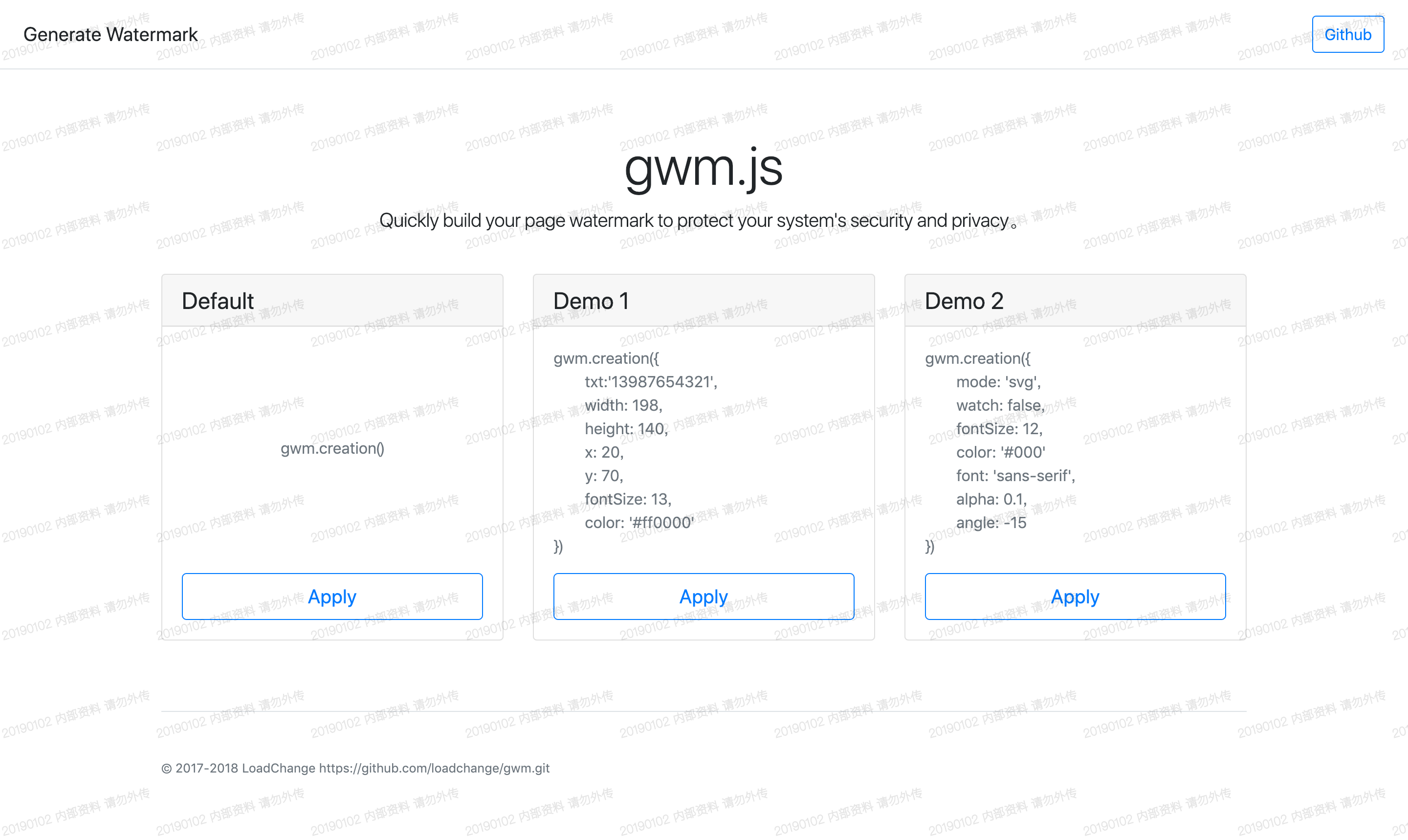
Click here to see the effect →:Demo示例
1、Introducing JS files
<script src="../js/gwm.js"></script>Or install with NPM
npm install gwm
2、Building watermark
gwm.creation()
| Parameter | Default value | Explain |
|---|---|---|
| txt | date 内部资料 请勿外传 | Watermarking text content |
| width | 158 | Watermark Canvas Width |
| height | 100 | Watermark canvas height |
| x | 0 | Watermarking coordinate X |
| y | 50 | Watermarking coordinate y |
| font | 'microsoft yahe' | Setting Watermark Font |
| fontSize | 12 | 水印字体大小 |
| color | #000 | Watermark font size |
| alpha | 0.1 | Watermark font transparency |
| angle | -15 | Watermarking Text Tilt Angle |
| mode | canvas | Optional parameters[canvas, svg, element] |
| watch | true | Monitoring whether watermarking elements have been tampered with Tampering triggers redrawing |
| css | null | Setting Watermark Element Styles |
| destroy | true | If `true`, cannot be called repeatedly `creation` |
| container | body | Pass in a package container, which can be a `string` Type selector, or a DOM object, defaults to body |
| Method | Explain |
|---|---|
| gwm.creation | Create a watermarking. |
| gwm.observing | Manually open the observer, when the watermarking element is tampered with, re-render the watermarking element. |
| gwm.cancel | Cancel the observer, the watermark can be hidden or deleted. |
1、Install
npm install
2、Running projects locally
npm run dev
Open index.html preview effect
3、build command
npm run build