

It was built using Electron React for cross-platform integration. It has two backend servers. One for bypassing CORS or X-Frame-options restrictions using iframely API. The other one is the GraphQL server to manage the application state. My inspiration came from this Youtube video for The Browser Company.Meet the team who builds Arc 🏗️. They mentioned have a cross-platform app. I just wanted to see if I could implement some the app features over the weekend. In recommend watching the video it is inspirational!
Create a directory with a [project_name] name of your choice
cd [project_name]
git clone https://github.com/Waraba2/arc-browser-electron.git
rm -rf .git # In case you want to update and push the project on your own repo
After cloning the repo this is the file structure of your project
project_name
│   README.md
│
└───backend
│   │   iframelyserver.js
│   │   index.js
|   |   ...
│
└───frontend
|   │
│   └───src
│       │   App.tsx
│       │   main.tsx
│       │   ...
The first thing you need to do is create an account on Iframely to get an API key. The iframelyserver.js allows fetching the link to web pages to be rendered in the app in an iframe. It won't work without it because many websites have restrictions like CORS or X-Frame-Options that may prevent embedding or fetching content directly.
Create a .env file in /backend/ directory with the content below. Replace "apiKey" with your API key from Iframely.
IFRAMELY_API_KEY="apiKey"
# DISCLAIMER: Make sure you create .gitignore and include .env in case you plan on pushing to
# your own repo.
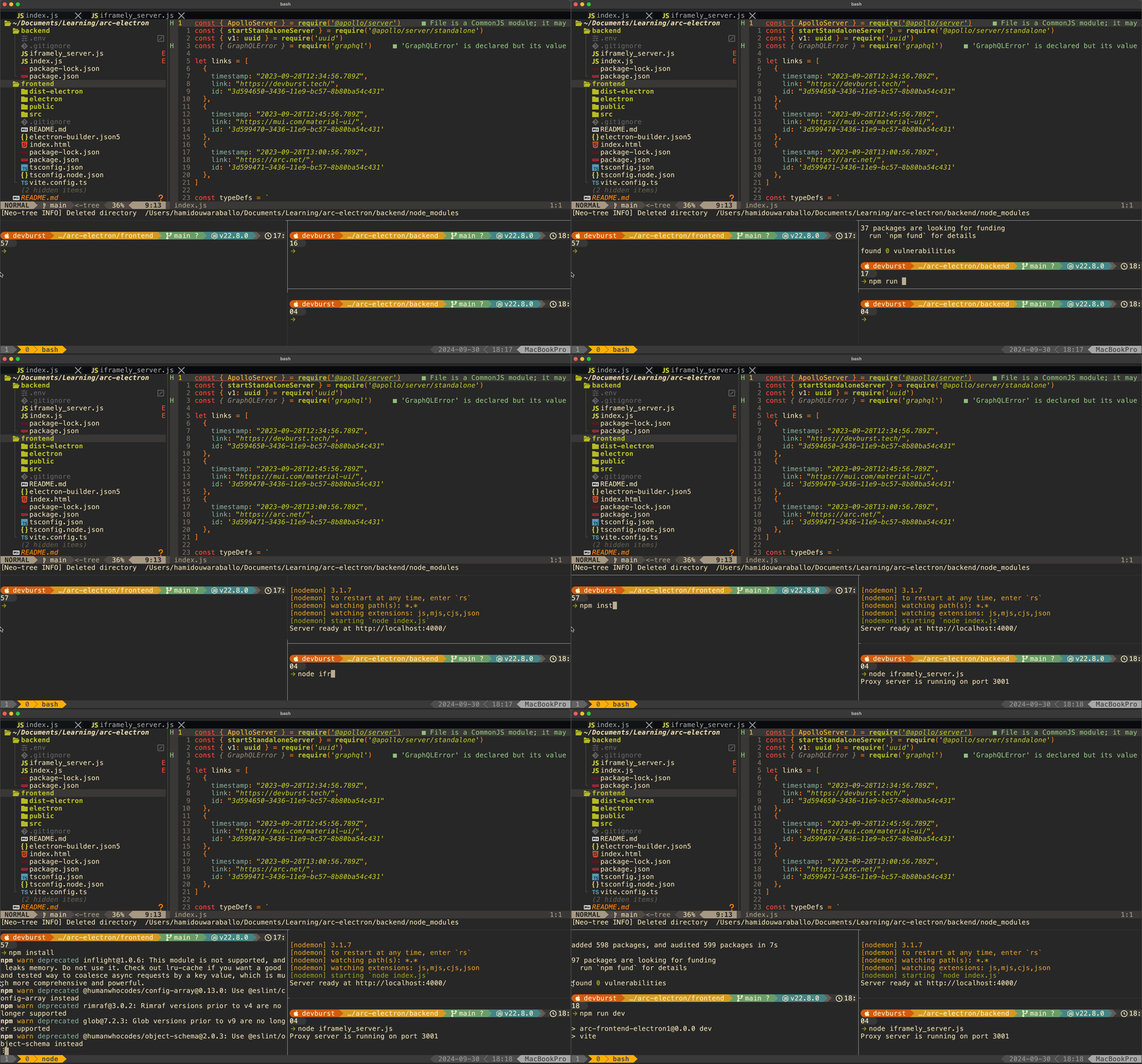
Now you can start running the project. Open 3 terminal windows.
- First terminal current directory /backend/. This will run the GraphQL server.
npm install
npm run server- Second terminal current directory /backend/. This will run the iframely server.
node iframelyserver.js- Third terminal current directory /frontend/. This will run the electron frontend.
npm install
npm run dev