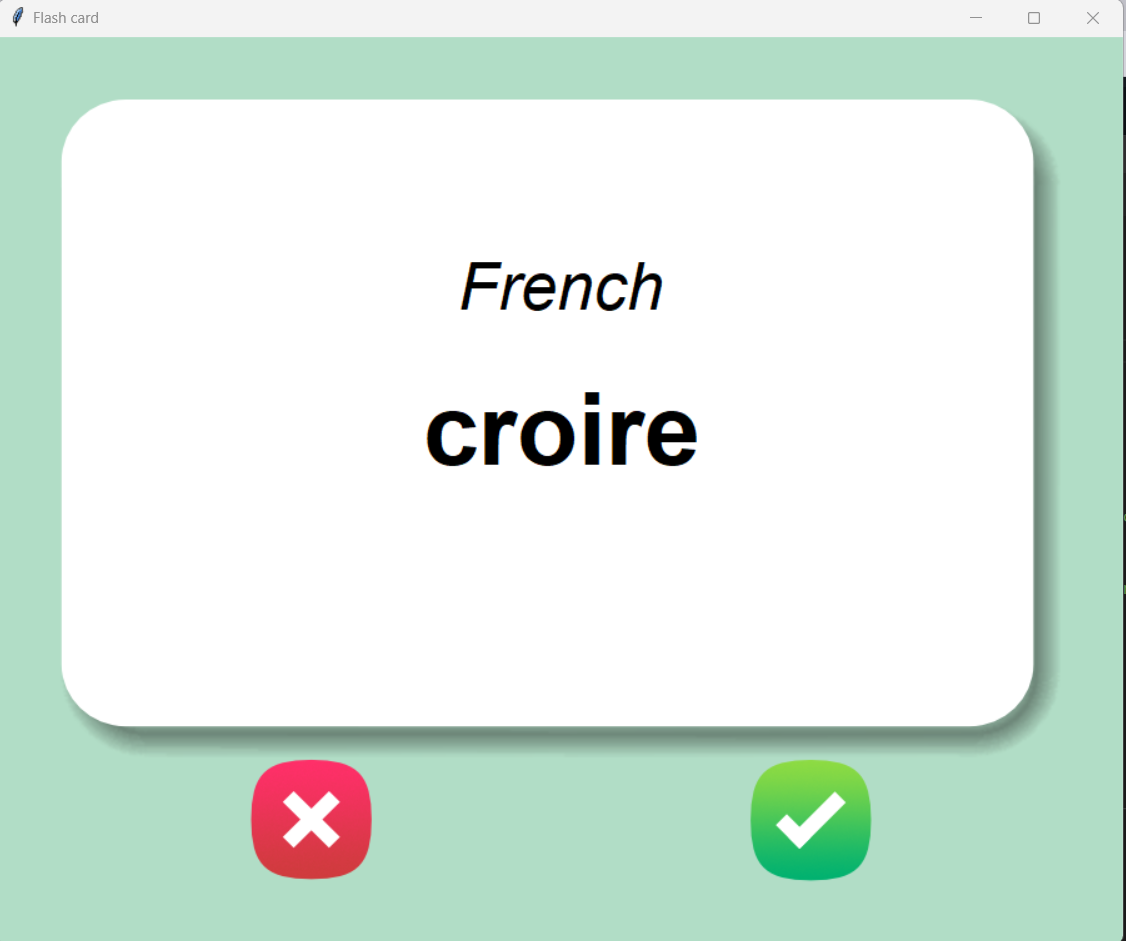
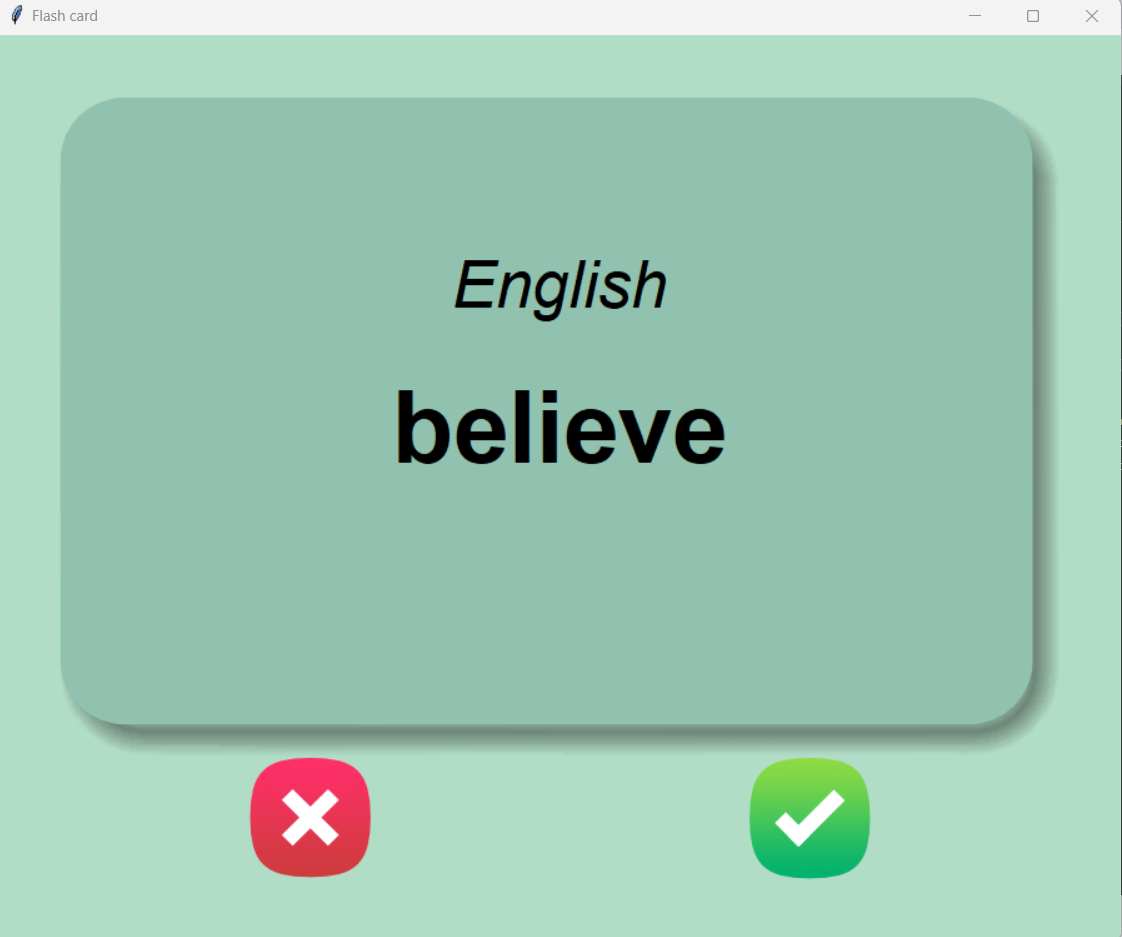
This game can be used by someone learning french words. The concept of the game is that a card containing a word in french is shown to the user, then after 3 seconds the card is flipped and english translation is shown. If the user already knows the word he should click the right(green) button indicating that he knows the word, otherwise he should click the red button which means he's still to learn that word. When the user clicks the right button that word is deleted from the list of the words so that it would never appear again. This way the user can only focus on the words that are he is unfamiliar with.
Before you can use the Pomodoro GUI App, you will need to have Python 3.6 or higher installed on your computer. If you don't have Python installed, you can download it from the official website: https://www.python.org/downloads/
To install the app, simply clone the repository to your local machine:
git clone https://github.com/harisbikovic/french-flash-cards.git
Navigate to your project directory. To run the app, simply run the main.py file:
python main.py
If the previous is not your preferred way then do this:
- Click on the green "Code" button, then select "Download ZIP"
- Extract the ZIP file to a location of your choice on your computer
- Navigate to the extracted ZIP file on your computer
- Double-click the main.py file
At the moment the game has 101 words. You can add any number of words by your choice simply by adding french-english word pairs to the french_words.csv (if you're launching the game for the first time) or to the words_to_learn.csv (if you've already launched the game previously).