
Main colors:
| Color | Hex | RGB | HSL | 🎨 |
|---|---|---|---|---|
| green | #37E7AC |
55, 231, 172 |
160°, 61%, 56% |
 |
| cyan | #51FBDE |
81, 251, 222 |
170°, 51%, 65% |
 |
| blue | #00B2FF |
0, 178, 255 |
198°, 100%, 50% |
 |
| purple | #9A89B4 |
154, 137, 180 |
264°, 13%, 62% |
 |
| lavender | #9B6DFF |
155, 109, 255 |
259°, 39%, 71% |
 |
| pink | #FF5CD3 |
255, 92, 211 |
316°, 46%, 68% |
 |
| rose | #FF6B9D |
255, 107, 157 |
340°, 40%, 71% |
 |
| orange | #FF9970 |
255, 153, 112 |
17°, 38%, 72% |
 |
| yellow | #FED604 |
254, 214, 4 |
50°, 97%, 51% |
 |
| gray-01 | #D9E0E8 |
217, 224, 232 |
212°, 2%, 88% |
 |
| gray-02 | #808182 |
128, 129, 130 |
210°, 0%, 51% |
 |
| gray-09 | #1F2330 |
31, 35, 48 |
226°, 21%, 15% |
 |

- Open the Extensions sidebar
- Search for
Ohlala - Click on Install
- Open the Command Palette with
Ctrl+Shift+Por⇧ ⌘ Por go toView → Command Palette... - Select Preferences: Color Theme and choose
Ohlala.
For more details go here.
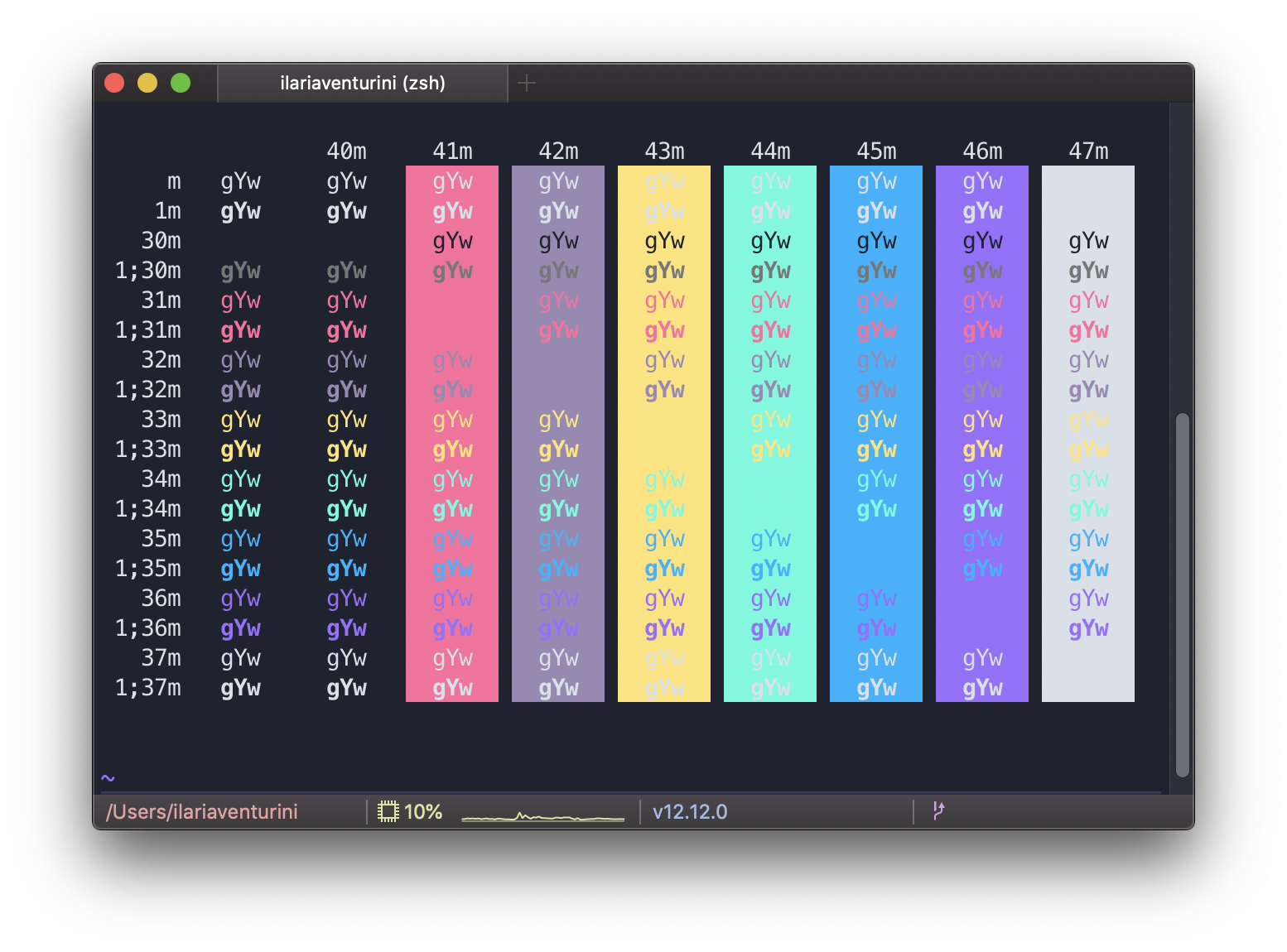
- Go to
iTerm2 → PreferencesthenProfiles → Colorstab - Click on
Load Presets... - Click
Import... - Select the
ohlala.itermcolorsfile - Select the
ohlalatheme fromLoad Presets....
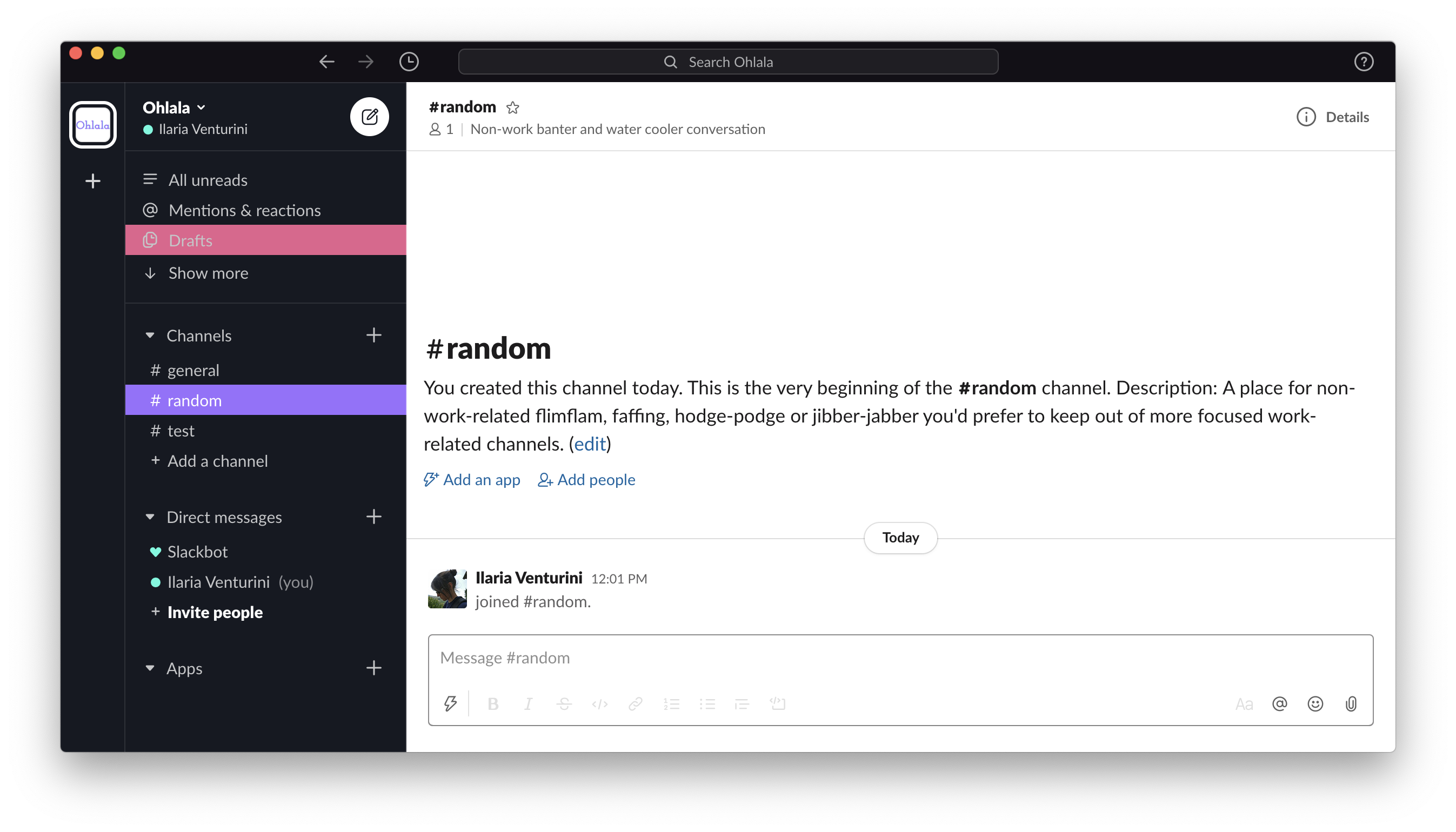
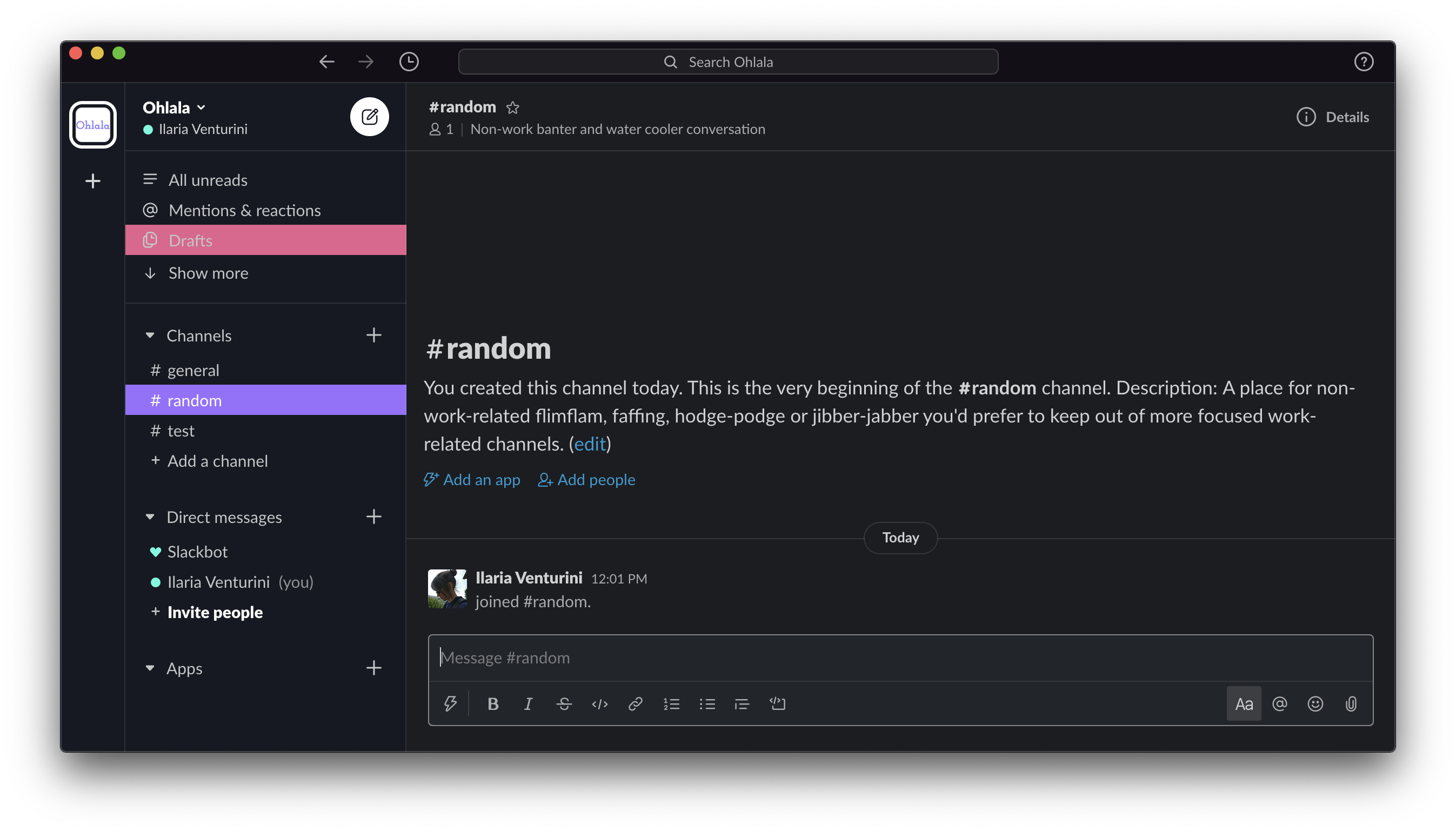
- Click on your workspace name and click on
Preferences - Select
Sidebar - Click the
customize your theme and share it with otherslink - Paste
#161922,#2F3237,#9B6DFF,#FFFFFF,#E6608D,#FFFFFF,#51FBDE,#00B2FF - Close the edit mode clicking on the
xbutton in upper right corner.