Skip to content

jasonliuspark123/vscode-multi-connection


Folders and files

NameName
Last commit message
Last commit date

Latest commit


History

2 Commits


Repository files navigation

Example of using VSCode-ObjectScript with multiple connections at once

Before start just start docker-compose environment with this command in the root of the project

docker-compose up -d --build

Then open multi.code-workspace with VSCode When you swithc between files VSCode-ObjectScript switch connection as well.
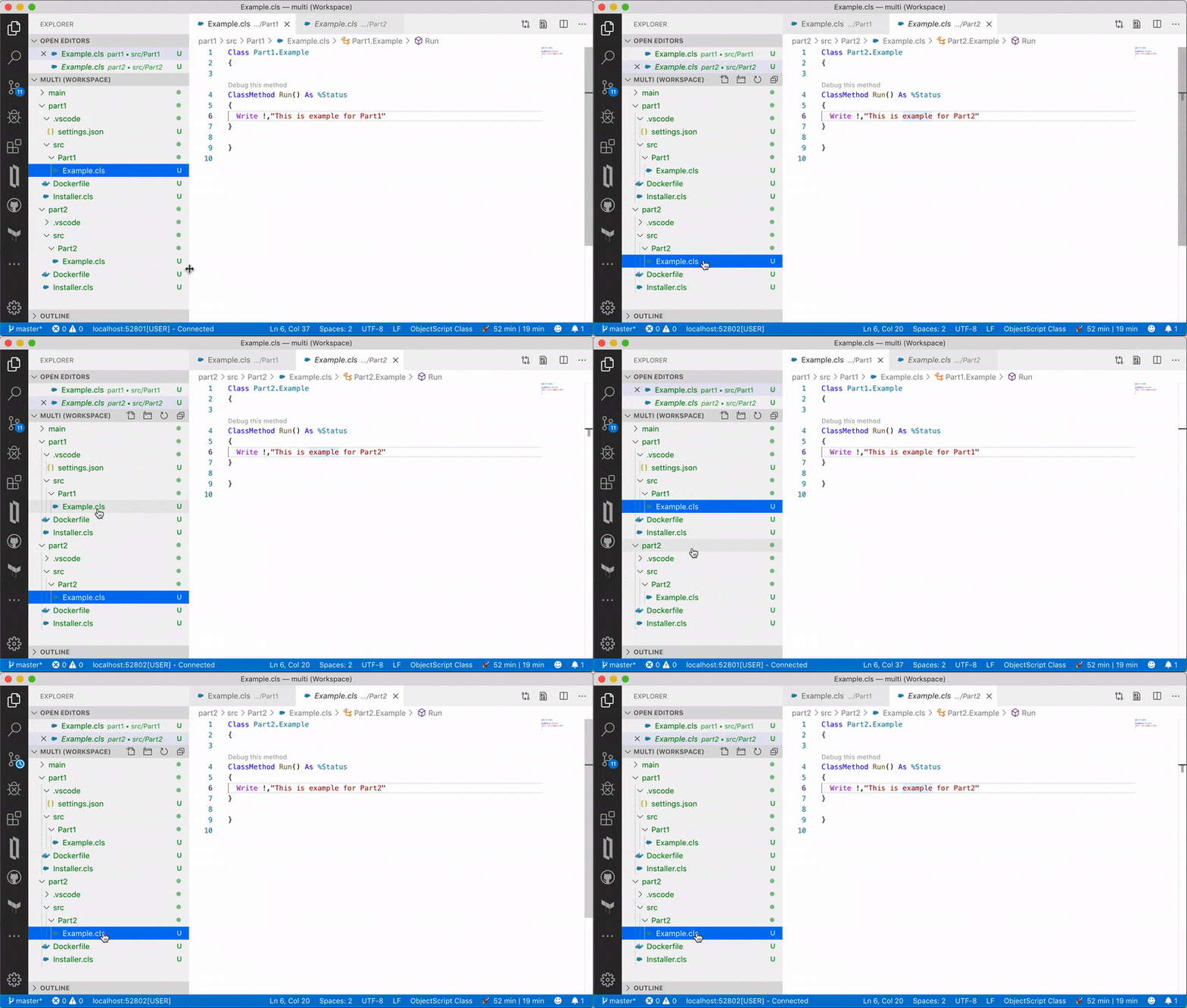
Switch Connection

Explorer view shows both connections at once.
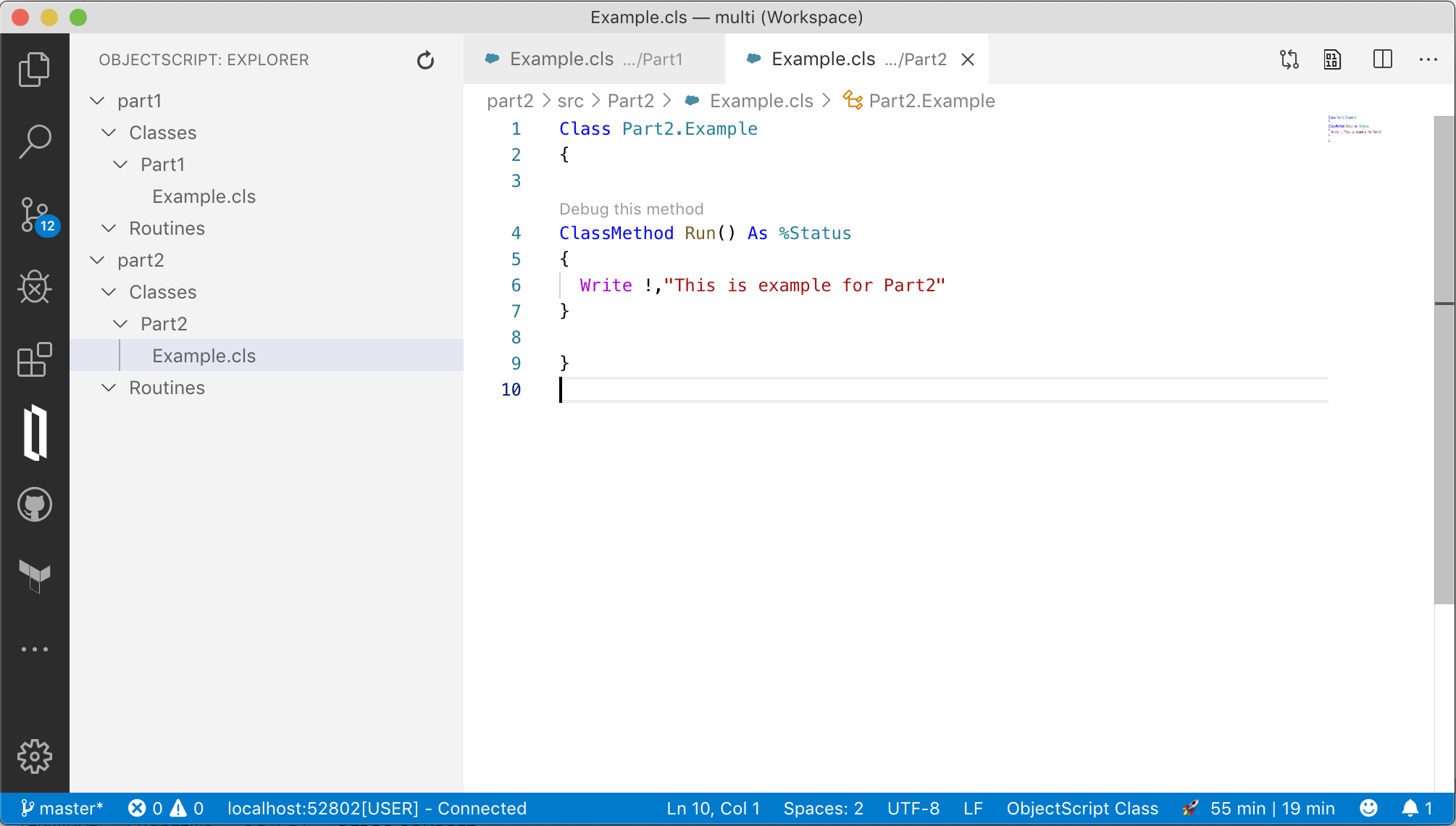
Explorer View

About

No description, website, or topics provided.

Resources

License

Stars

Watchers

Forks

Releases

No releases published

Packages

No packages published

Languages

  • ObjectScript 59.0%
  • Dockerfile 41.0%