







Graphical User interface for negar
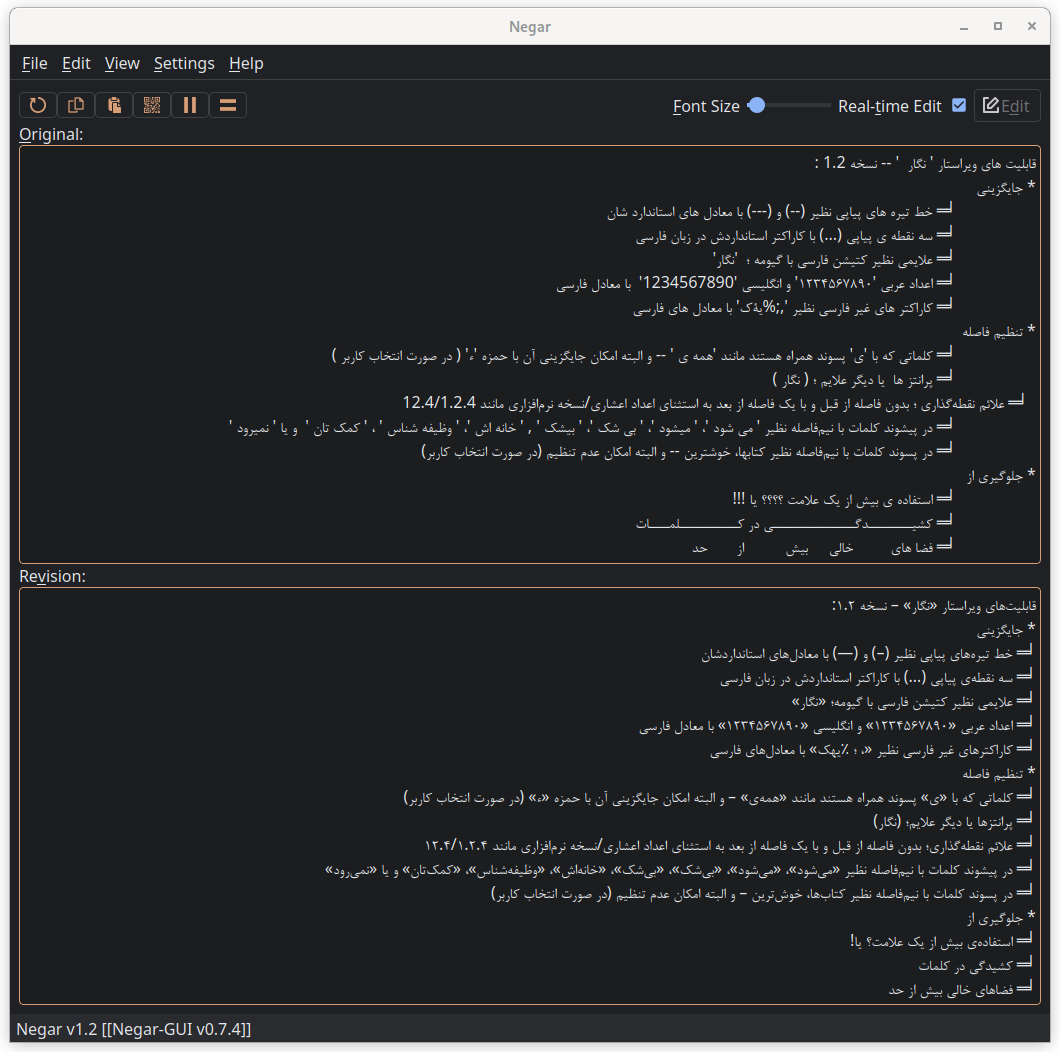
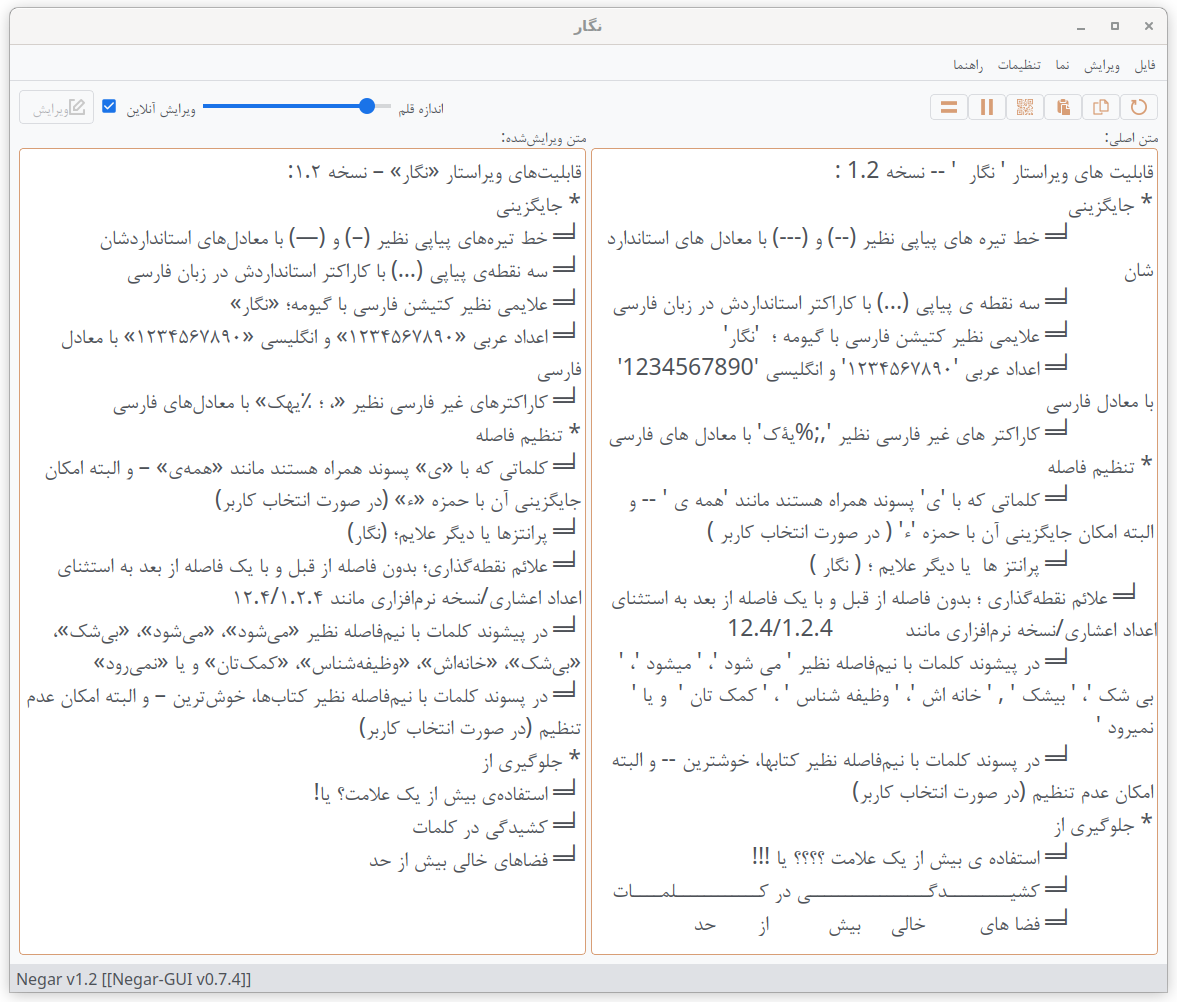
python-negar is available on PyPi:
$ pip install negar-gui
You can retrieve the latest stable changes from the GitHub server:
$ git clone https://github.com/javadr/negar-gui.git
$ cd negar-gui
$ python setup.py install
You can download the latest tarball.
Get the latest tarball & install:
$ wget -O negar-gui-master.tar.gz https://github.com/javadr/negar-gui/archive/master.tar.gz
$ tar xvzf negar-gui-master.tar.gz && cd negar-gui-master
$ python setup.py install
Download the latest zip archive.
https://github.com/javadr/negar-gui/archive/master.zip
Decompress it, and run the following command in the root directory of negar-gui
$ python setup.py install
The GUI is relied on python-negar as well as PyQt5/6, pyperclip, pyuca, redlines, regex, requests, qrcode, docopt, Image, pyqtdarktheme, and toml.
If you want to just run it by calling the script, you need to install its dependencies.
$ pip install python-negar PyQt5 PyQt6 pyuca pyperclip redlines regex requests qrcode docopt Image pyqtdarktheme toml
Just use one of the following in your terminal.
$ negar-gui
or simply
$ negar
A Docker image is available on Docker Hub:
$ docker pull javadr/negar-gui
Build it locally:
$ make docker-build
$ docker run --rm \
    -e DISPLAY=$DISPLAY \
    -v /tmp/.X11-unix:/tmp/.X11-unix \
    -v $HOME/.config/negar-gui:/home/negar/.config/negar-gui \
    javadr/negar-gui
$ docker run --rm \
    -e QT_QPA_PLATFORM=wayland \
    -e XDG_RUNTIME_DIR=$XDG_RUNTIME_DIR \
    -e WAYLAND_DISPLAY=$WAYLAND_DISPLAY \
    -v $XDG_RUNTIME_DIR/$WAYLAND_DISPLAY:$XDG_RUNTIME_DIR/$WAYLAND_DISPLAY \
    --device /dev/dri \
    -v $HOME/.config/negar-gui:/home/negar/.config/negar-gui \
    javadr/negar-gui
$ make docker-run