
Badger 2040 Studio is an open-source project designed to provide a user-friendly interface for the Pimoroni Badger 2040 device. This system allows users to create and customize digital badges directly from their browser using the Web Serial API to communicate with the device via MicroPython.
You can try this project for free here: https://badger2040studio.metaverseprofessional.tech/
This project was created with Google AI Studio. If you want to remix this project using that tool, use this link: https://ai.studio/apps/d671be32-f203-43dd-8901-155afef9a1b6.
For more info about this project: Medium post
- Visual Editor: Drag and drop text, basic figures, and lines to design your custom badge.
- No Code Deployment: Push your custom design to the device with a single button, eliminating the need to edit Python code manually.
- Official Examples: Execute and customize official examples from the Pimoroni GitHub repository, such as the standard badge, clock, or ebook.
You can find the hardware and its official documentation here: Pimoroni Badger 2040
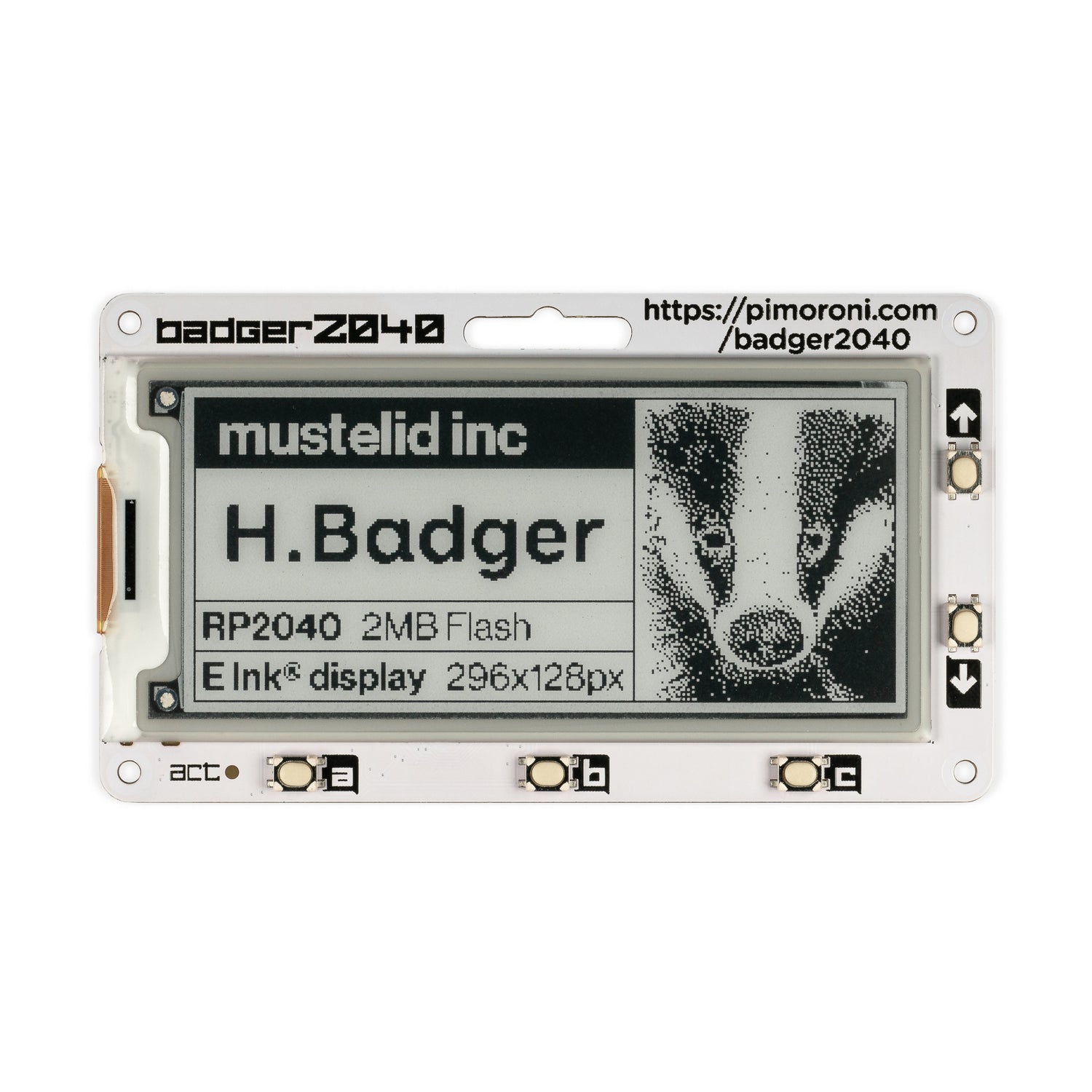
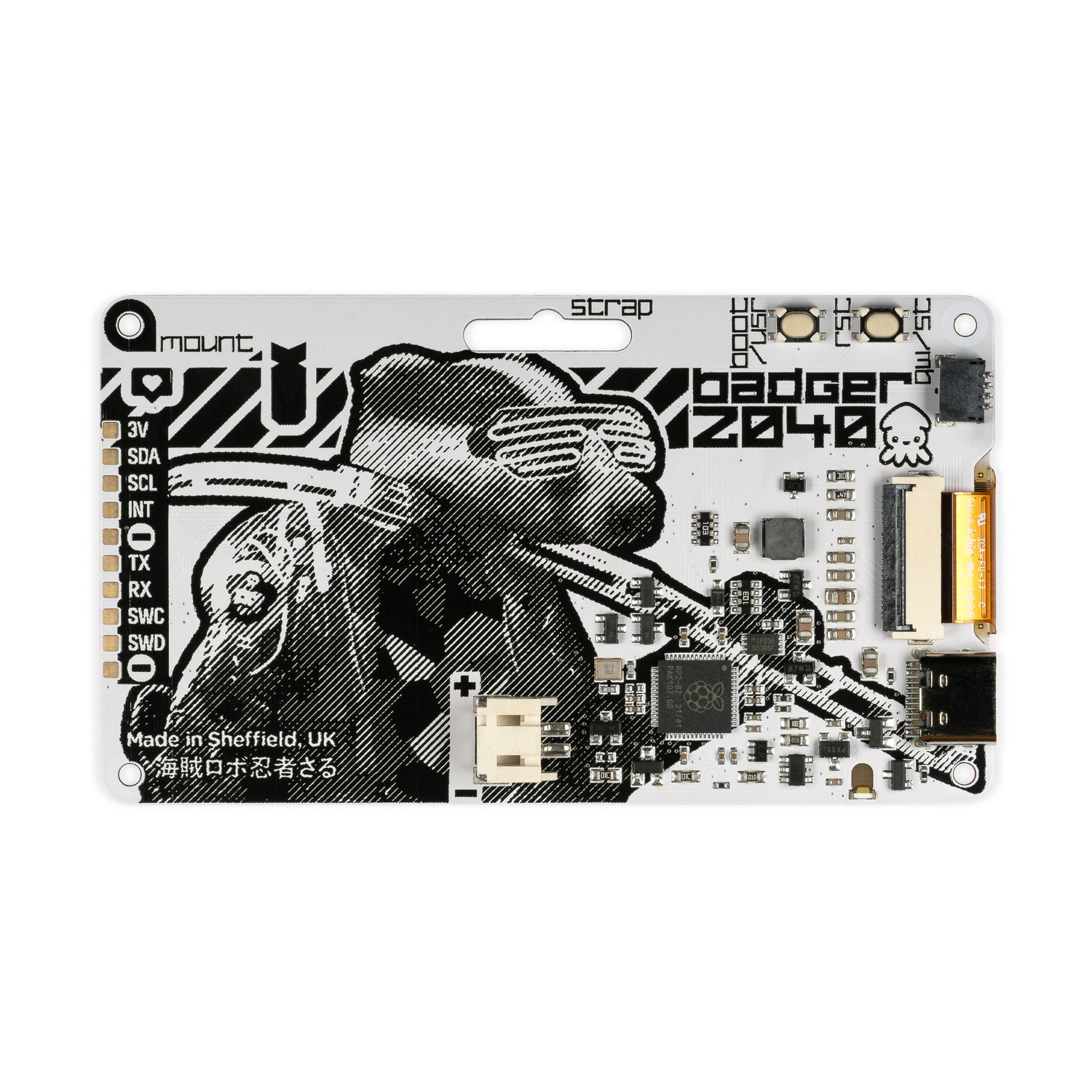


If you want to run this open-source project yourself, follow these steps:
Prerequisites: Node.js
- Install dependencies:
npm install - Run the app:
npm run dev
Developed by Enrique Gamboa as part of his Metaverse Professional portfolio.
