


Podinfo is a tiny web application made with Go that showcases best practices of running microservices in Kubernetes.
Podinfo is used by CNCF projects like Flagger
for end-to-end testing and workshops.
Specifications:
- Health checks (readiness and liveness)
- Graceful shutdown on interrupt signals
- File watcher for secrets and configmaps
- Instrumented with Prometheus and Open Telemetry
- Structured logging with zap
- 12-factor app with viper
- Fault injection (random errors and latency)
- Swagger docs
- Kustomize installer
- End-to-End testing with Kubernetes Kind
- Multi-arch container image with Docker buildx and GitHub Actions
- Container image signing with Sigstore cosign
- SBOMs and SLSA Provenance embedded in the container image
- CVE scanning with govulncheck
Web API:
GET /prints runtime informationGET /versionprints podinfo version and git commit hashGET /metricsreturn HTTP requests duration and Go runtime metricsGET /healthzused by Kubernetes liveness probeGET /readyzused by Kubernetes readiness probePOST /readyz/enablesignals the Kubernetes LB that this instance is ready to receive trafficPOST /readyz/disablesignals the Kubernetes LB to stop sending requests to this instanceGET /status/{code}returns the status codeGET /paniccrashes the process with exit code 255POST /echoforwards the call to the backend service and echos the posted contentGET /envreturns the environment variables as a JSON arrayGET /headersreturns a JSON with the request HTTP headersGET /delay/{seconds}waits for the specified periodPOST /tokenissues a JWT token valid for one minuteJWT=$(curl -sd 'anon' podinfo:9898/token | jq -r .token)GET /token/validatevalidates the JWT tokencurl -H "Authorization: Bearer $JWT" podinfo:9898/token/validateGET /configsreturns a JSON with configmaps and/or secrets mounted in theconfigvolumePOST/PUT /cache/{key}saves the posted content to RedisGET /cache/{key}returns the content from Redis if the key existsDELETE /cache/{key}deletes the key from Redis if existsPOST /storewrites the posted content to disk at /data/hash and returns the SHA1 hash of the contentGET /store/{hash}returns the content of the file /data/hash if existsGET /ws/echoechos content via websocketspodcli ws ws://localhost:9898/ws/echoGET /chunked/{seconds}usestransfer-encodingtypechunkedto give a partial response and then waits for the specified periodGET /swagger.jsonreturns the API Swagger docs, used for Linkerd service profiling and Gloo routes discovery
gRPC API:
/grpc.health.v1.Health/Checkhealth checking/grpc.EchoService/Echoechos the received content/grpc.VersionService/Versionreturns podinfo version and Git commit hash/grpc.DelayService/Delayreturns a successful response after the given seconds in the body of gRPC request/grpc.EnvService/Envreturns environment variables as a JSON array/grpc.HeaderService/Headerreturns the headers present in the gRPC request. Any custom header can also be given as a part of request and that can be returned using this API/grpc.InfoService/Inforeturns the runtime information/grpc.PanicService/Paniccrashes the process with gRPC status code as '1 CANCELLED'/grpc.StatusService/Statusreturns the gRPC Status code given in the request body/grpc.TokenService/TokenGenerateissues a JWT token valid for one minute/grpc.TokenService/TokenValidatevalidates the JWT token
Web UI:
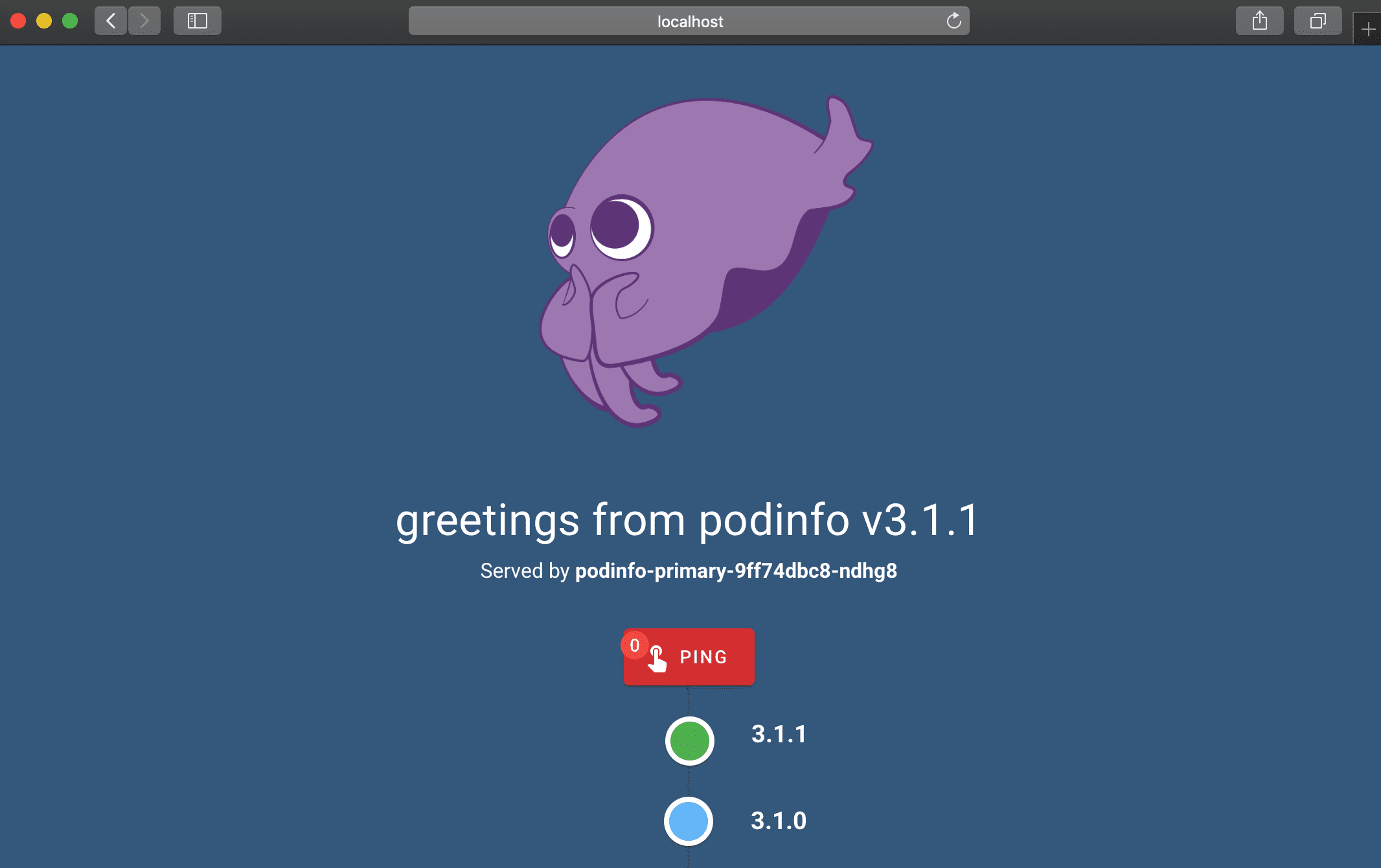
To access the Swagger UI open <podinfo-host>/swagger/index.html in a browser.
- Getting started with Argo CD
- Progressive Deliver with Flagger and Linkerd
- Automated canary deployments with Kubernetes Gateway API
To install Podinfo on Kubernetes the minimum required version is Kubernetes v1.23.
kubectl apply -k github.com/jmatiascabrera/podinfo//kustomizedocker run -dp 9898:9898 745892955196.dkr.ecr.us-east-1.amazonaws.com/javier/podinfoIn order to install podinfo on a Kubernetes cluster and keep it up to date with the latest release in an automated manner, you can use Argo CD.
Install the Argo CD CLI on MacOS using Homebrew:
brew install argocdDeploy Argo CD to your cluster and expose the API server (see the Argo CD getting started guide for options). Once the API server is reachable, create an application that tracks the Kustomize manifests in this repository:
argocd app create podinfo \
  --repo https://github.com/jmatiascabrera/podinfo \
  --path kustomize \
  --dest-server https://kubernetes.default.svc \
  --dest-namespace default \
  --sync-policy automated

argocd app sync podinfoIf you want to avoid Argo CD Image Updater automatically pushing a freshly built image to every environment, disable Image Updater on the ApplicationSet and let the GitHub Actions workflow handle promotions instead:
- Remove (or comment out) the
argocd-image-updater.argoproj.io/*annotations from thepodinfo-applicationsApplicationSet in theinfra/app-of-apps/templates/podinfo.yamlfile in the infra repository so Image Updater no longer writes image tags back to Git. - Push your new image to ECR as usual.
- Manually trigger the
Promote container imageworkflow in this repository and provide the image tag (and optional repository override). The workflow will update the pinned tags indeploy/overlays/{dev,preq,qa,production}/.argocd-source-podinfo-*.yaml, committing each promotion in order. - Because Argo CD still has automated sync enabled on the generated Applications, each commit from the workflow will roll out to the corresponding cluster namespace, one environment at a time, instead of every environment at once.
With automated sync enabled, Argo CD will upgrade the deployment whenever the manifests in this repository change. For multi-environment setups, point separate Argo CD Applications at the overlays under kustomize/overlays/.