Found some time to scrape (thanks @jamesplease) and build the baseline, outline, round, and sharp material icon families all into font ligatures. You can find the ligature reference gallery here. There's probably some bugs but feel free to try!
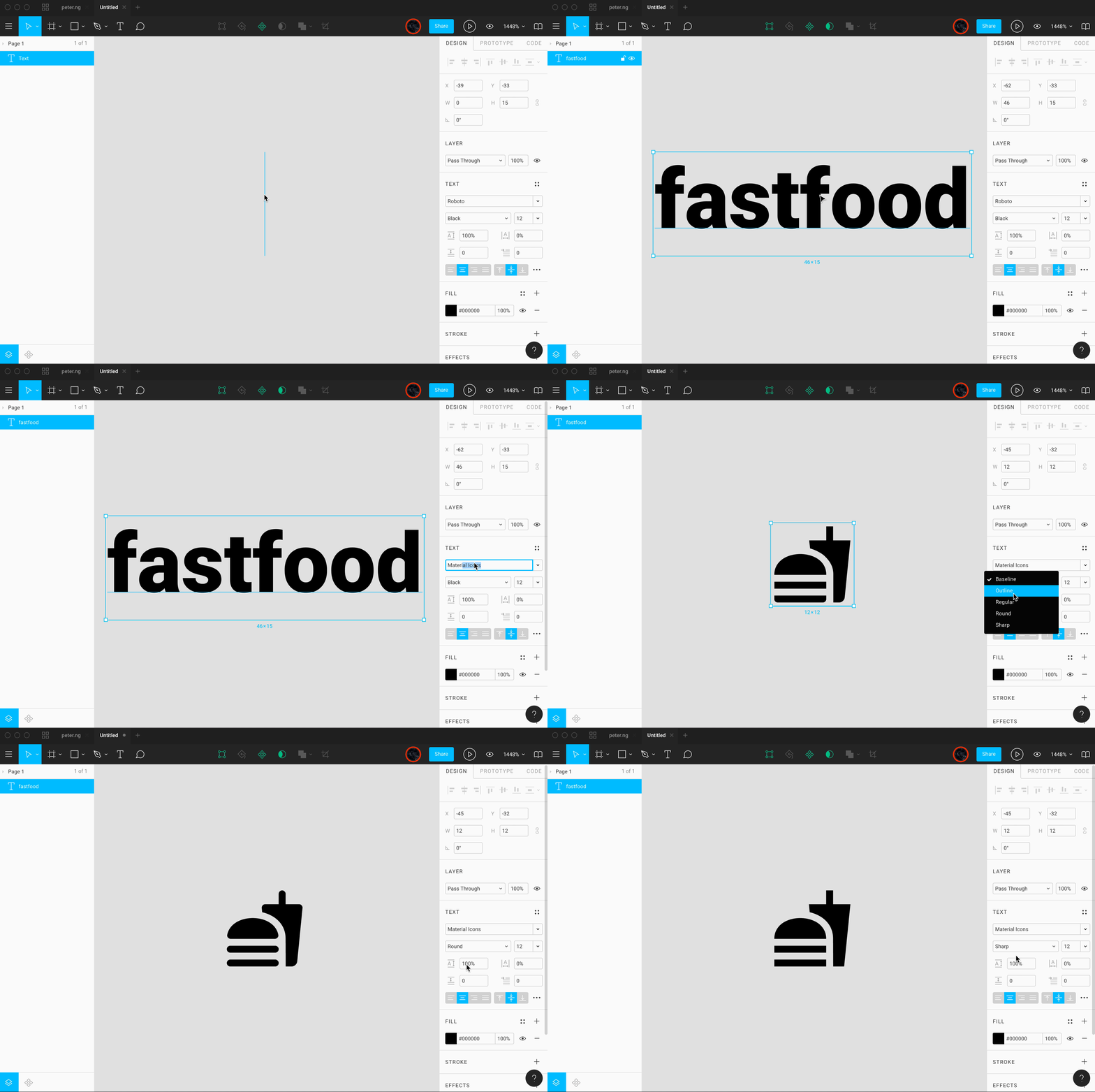
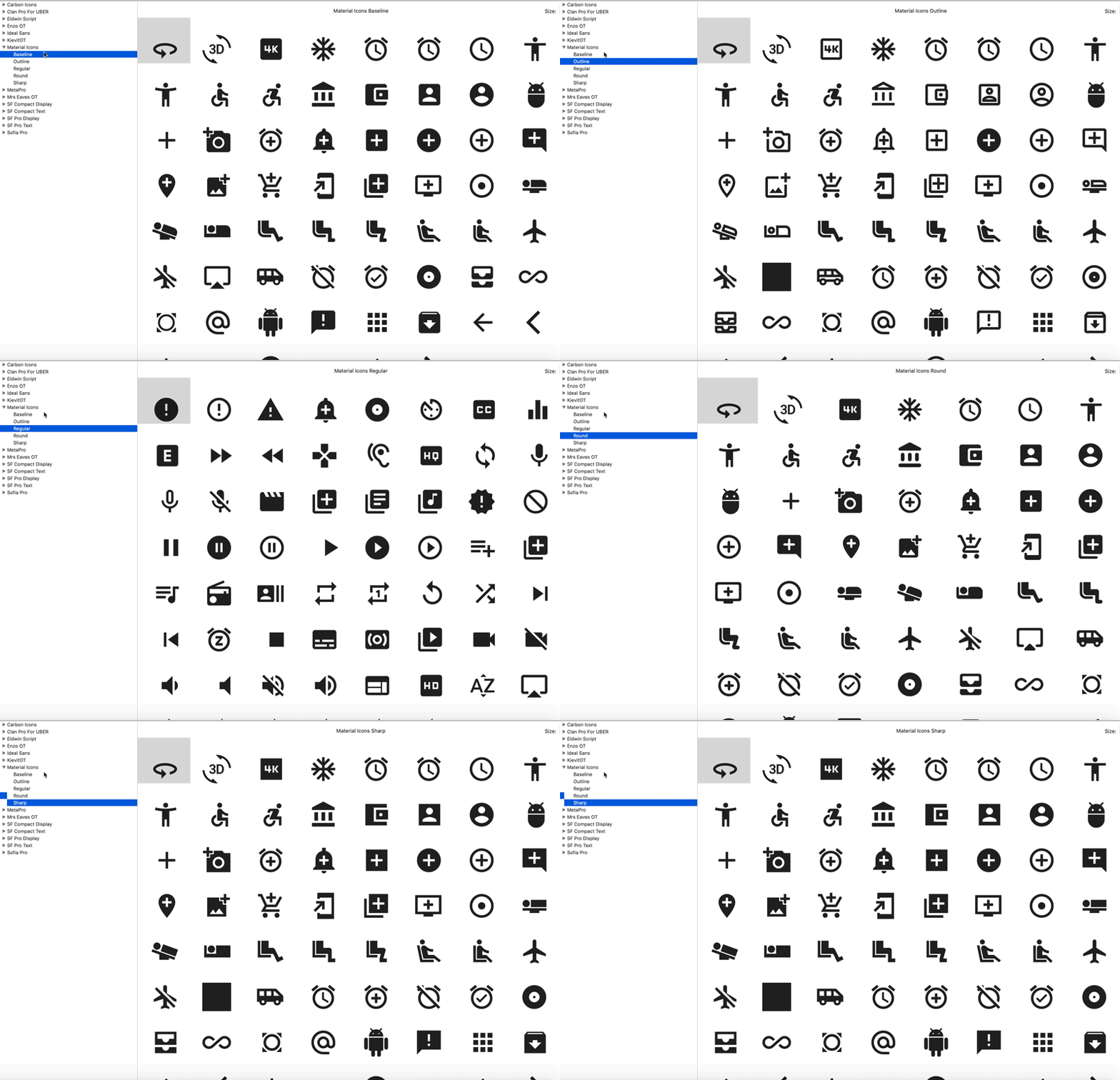
icon ligature reference gallery
npm installat the root
- Replace svgs located in res
- Navigate and make sure directory is in the root folder
- open makeMaterial and uncomment out the style variable you want to generate(i know this sucks for now)
node makeMaterial.jsin the terminal- Bin will hold all generated assets
using the font with Angular Material
- Install package via npm
npm i --save https://github.com/petergng/materialIconFont.git - Import font css in your projects style.css
@import '~material-icon-font/dist/Material-Icons.css'; - Define which font family you want to use in the
- to use it globally edit style.css
.material-icons { font-family: 'Material Icons Outline' }- to use it for one element only use style or class attribute
<mat-icon style="font-family: 'Material Icons Sharp'">fastfood</mat-icon>