This plugin allows you to search, copy and paste emojis/symbols.
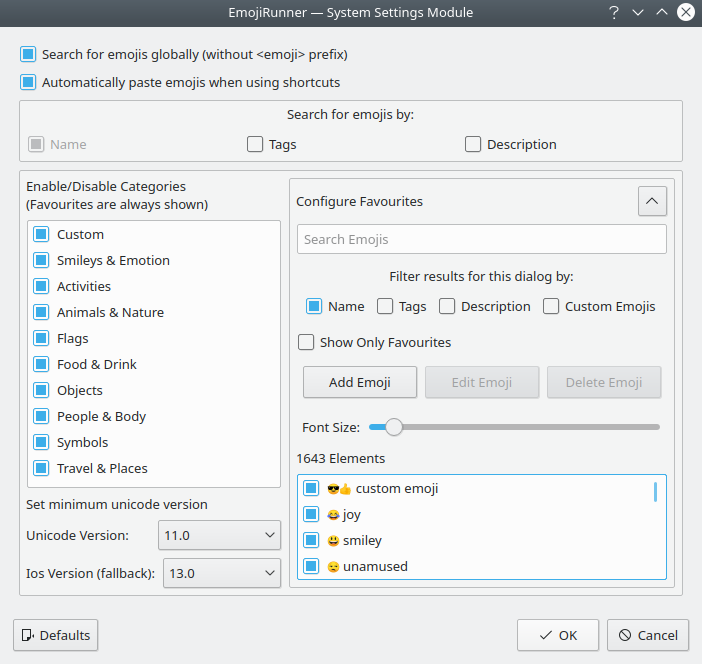
Additionally you can configure favourites, set the unicode version and enable/disable categories.
If you don't have colorful emojis please try the solution from alex1701c#1
Debian/Ubuntu:
sudo apt install cmake extra-cmake-modules build-essential libkf5runner-dev libkf5textwidgets-dev qtdeclarative5-dev gettext xdotool
openSUSE:
sudo zypper install cmake extra-cmake-modules libQt5Widgets5 libQt5Core5 libqt5-qtlocation-devel ki18n-devel ktextwidgets-devel kservice-devel krunner-devel gettext-tools xdotool
Fedora:
sudo dnf install cmake extra-cmake-modules kf5-ki18n-devel kf5-kservice-devel kf5-krunner-devel kf5-ktextwidgets-devel gettext xdotool
The easiest way to install is:
curl https://raw.githubusercontent.com/alex1701c/EmojiRunner/master/install.sh | bash
Or you can do it manually:
git clone https://github.com/alex1701c/EmojiRunner
cd EmojiRunner
mkdir build
cd build
cmake -DQT_PLUGIN_INSTALL_DIR=`kf5-config --qt-plugins` ..
make
sudo make install
kquitapp5 krunner 2> /dev/null; kstart5 --windowclass krunner krunner > /dev/null 2>&1 &
The emoji.json file is a modified version from https://github.com/github/gemoji
This project has a EmojiRunnerCommands.khotkeys file. This file contains two shortcuts (of course you can change them):
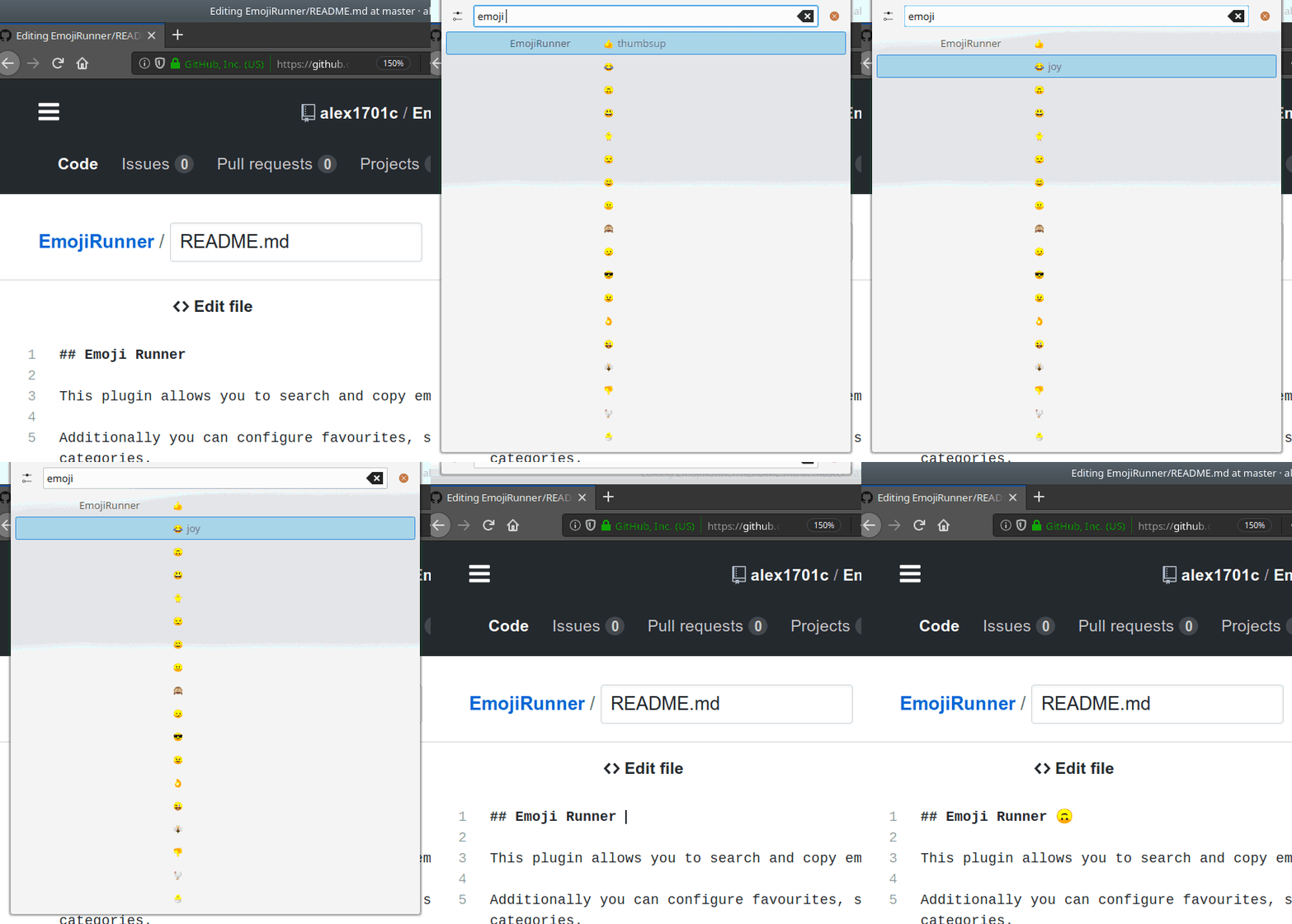
- Ctrl+Alt+Space Shows only EmojiRunner and favourites, if one emoji is selected it gets pasted to the current text input (demonstrated in gif). For this the Runner emits the Ctrl+V key combination using xdotool
- Ctrl+Alt+Shift+Space Same as above except the favourites are not shown
These shortcuts start Krunner using qdbus. For example the command to launch the favourites is:
qdbus org.kde.krunner /App org.kde.krunner.App.querySingleRunner "emojirunner" "emoji "
You can import them in the System Settings module "Custom Shortcuts" by clicking on edit and then import.
The feature to paste the emojis can be disabled in the config dialog.
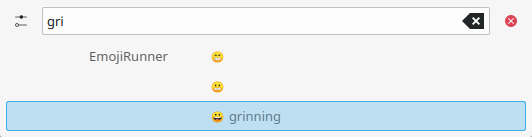
This global search can be enabled/disabled in the config dialog
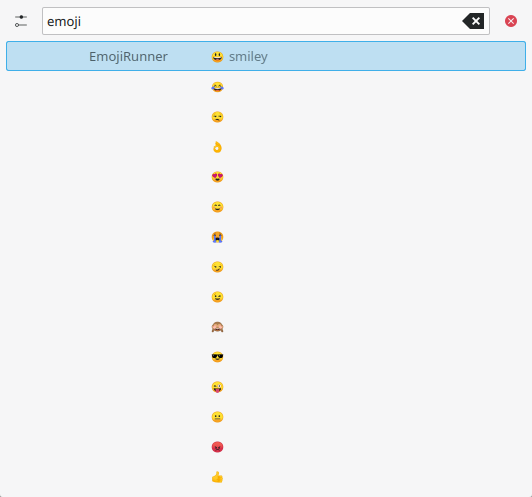
They are configured in the config dialog
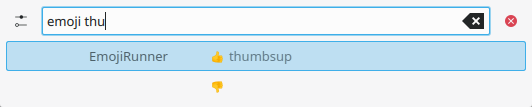
This way you can search for emojis without search results from other plugins
You can search for emojis, set the unicode level (later versions can not be displayed) and you can enable/disable categories
The sorting of the favourites inside Krunner does not work as intended, (they are not always sorted by relevance). Help is appreciated!