This project was generated with Angular CLI version 11.2.0 (Fernando Herrera's Angular Course).
- Angular 11
- Lazy load
- Angular Material
- Flex layout
- RxJs
Run ng serve for a dev server. Navigate to http://localhost:4200/. The app will automatically reload if you change any of the source files.
Run ng generate component component-name to generate a new component. You can also use ng generate directive|pipe|service|class|guard|interface|enum|module.
- Install json-server following this link.
- Locate the file db.json on the server folder.
- Open cmd, move to the db.json route and run this command
json-server --watch db.json(the dafault port is 3000). - Run
ng serve. - Open
http://localhost:4200/on your favorite browser. - Go to login page
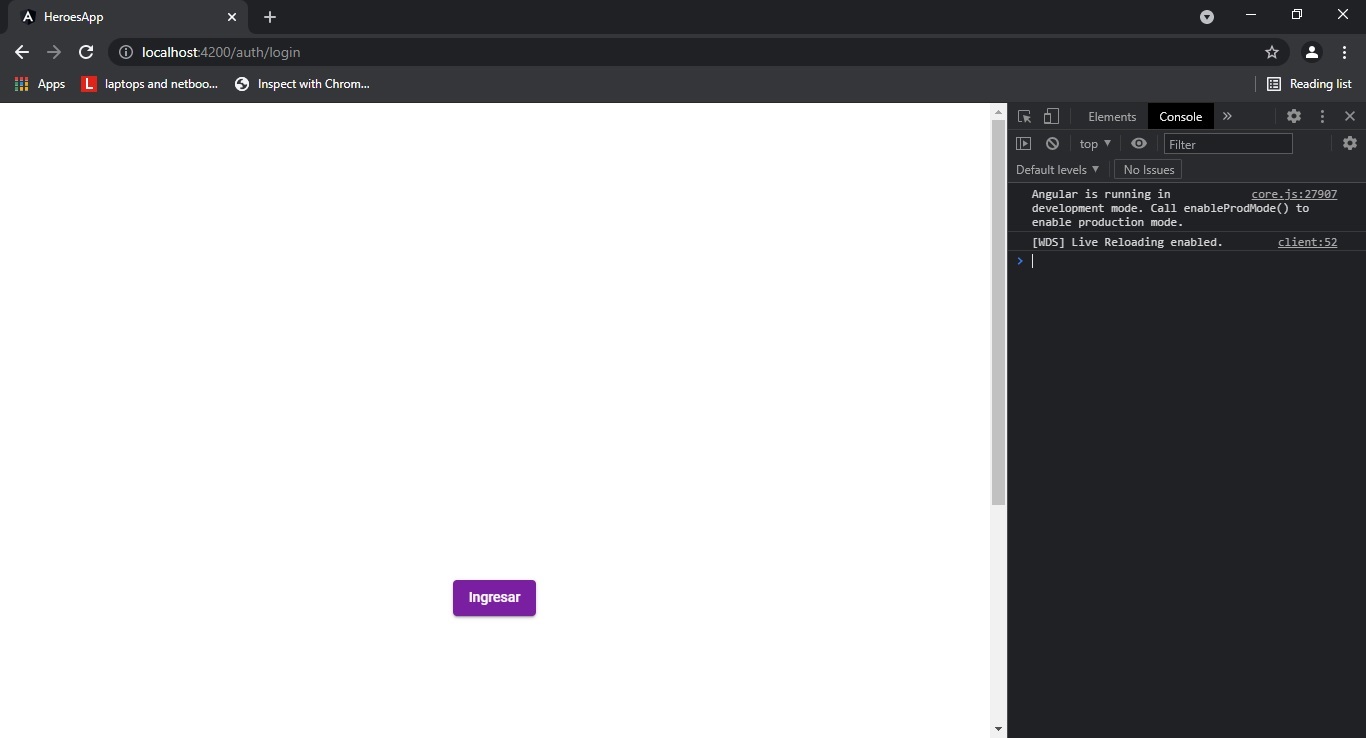
7. You'll see the following page
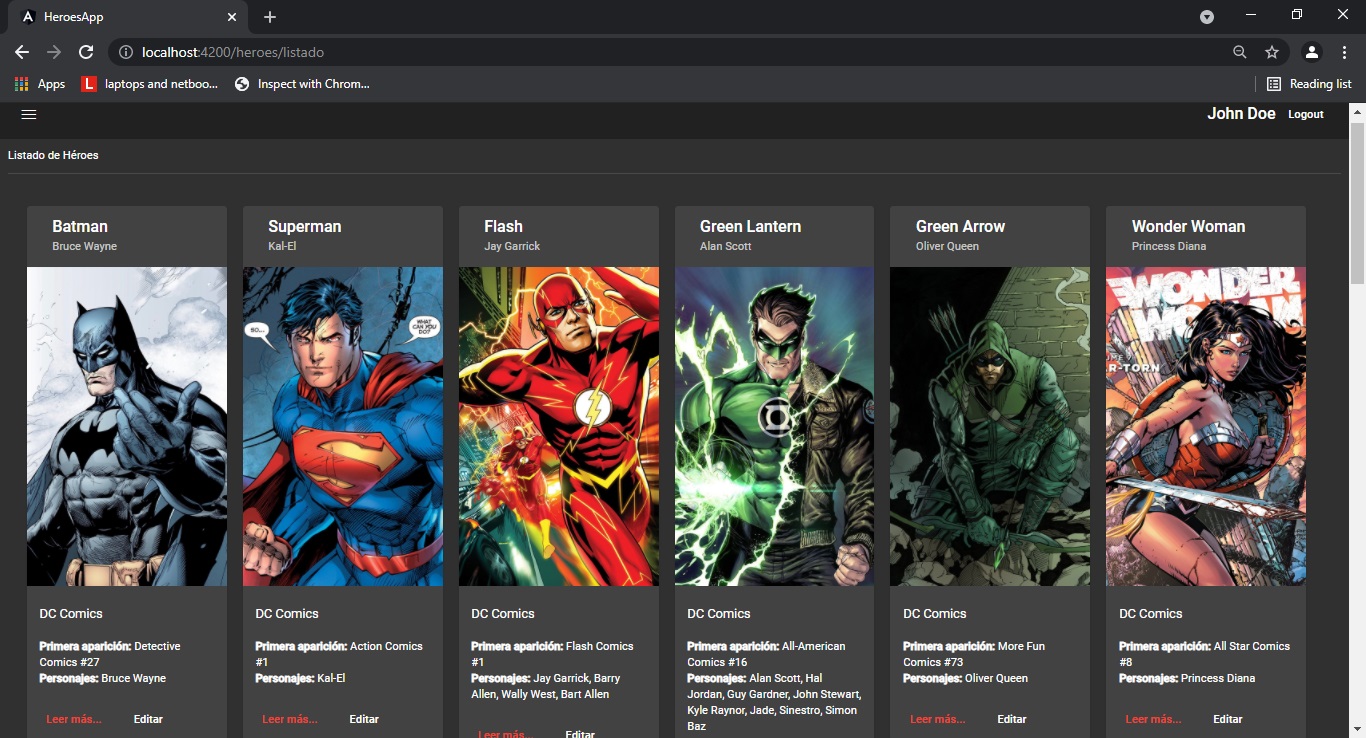 8. Also, you can do the following actions: List Heroes, Add Heroe, Search Hero.
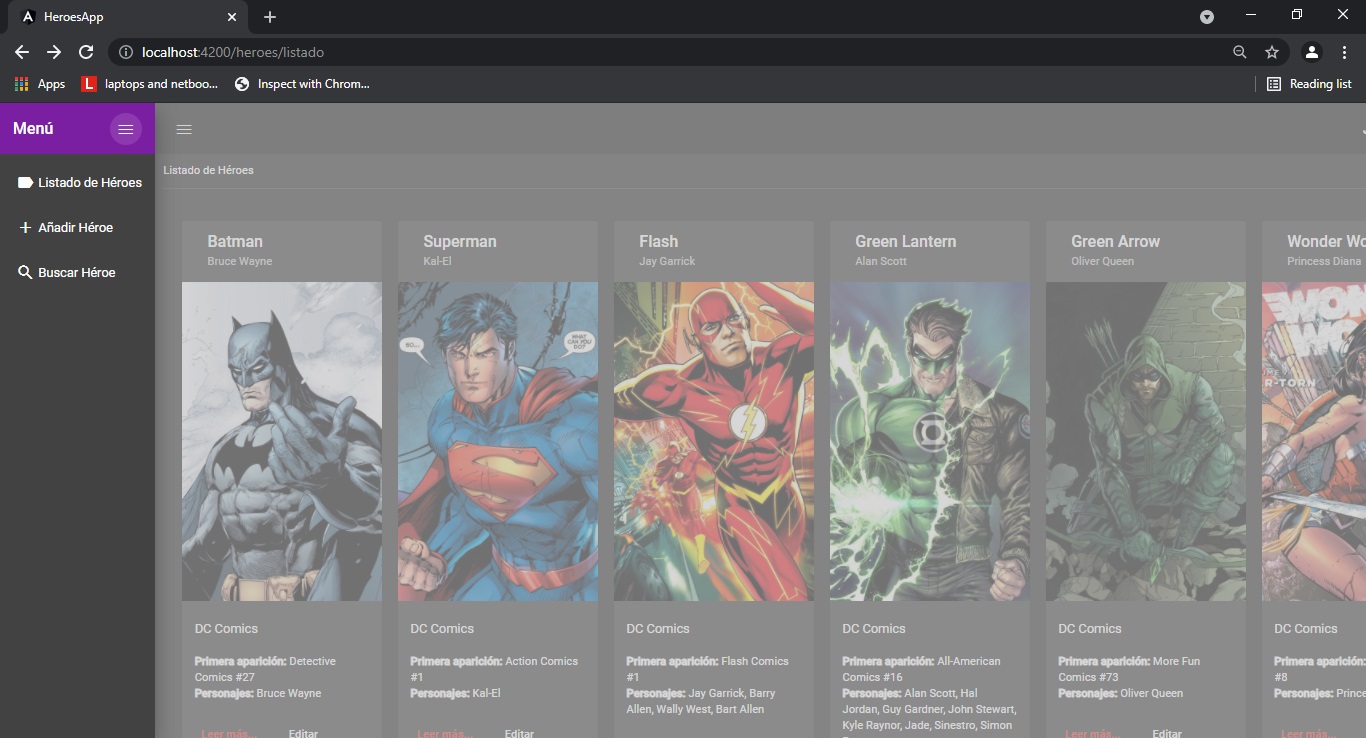 9. Have fun with HeroesApp 🤙 🌟
Run ng build to build the project. The build artifacts will be stored in the dist/ directory. Use the --prod flag for a production build.
Run ng test to execute the unit tests via Karma.
Run ng e2e to execute the end-to-end tests via Protractor.
To get more help on the Angular CLI use ng help or go check out the Angular CLI Overview and Command Reference page.