


About
I built this after spending way too many hours babysitting resource runs in several gacha titles inside BlueStacks. The emulator's own macro recorder kept dropping clicks whenever I resized the window or switched instances, and the built-in clicker tools never handled the DPI scaling BlueStacks uses on 1440p monitors. I wanted something lightweight that just watched the BlueStacks window and fired reliable taps without fighting the Android layer.
Features
- Instance-aware targeting that follows BlueStacks multi-instance manager windows by title
- Pixel search tuned for common BlueStacks overlay elements like the floating action button
- Adjustable random offsets to avoid anti-cheat patterns in most mobile titles
- Hotkey start/stop that works even when the emulator is in fullscreen mode
- Profile saving per game so you don't have to re-record click sequences after each update
- Low CPU mode that only polls the mobile emulator window when it's the foreground process
Requirements
- Windows 10 or 11 (64-bit)
- 4 GB RAM minimum (8 GB recommended when running 3+ BlueStacks instances)
- .NET 6.0 Desktop Runtime
Installation
- Download the latest release from GitHub Releases
- Extract the zip anywhere outside Program Files
- Run MobileEmulatorClicker.exe once to let Windows Defender do its thing
- Point the tool at your BlueStacks installation folder if it doesn't auto-detect
Screenshots
| Main Interface | Setup Wizard |
|---|---|
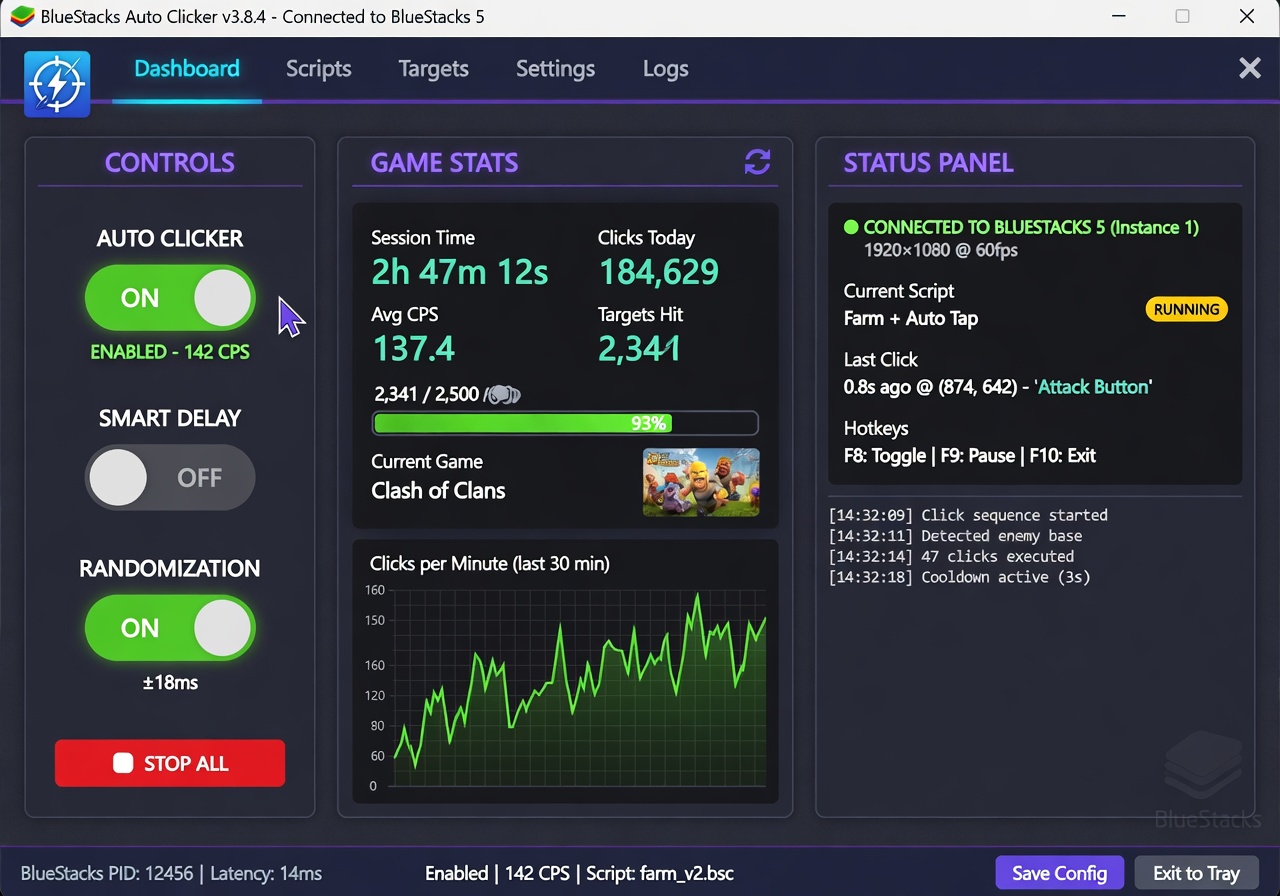 |
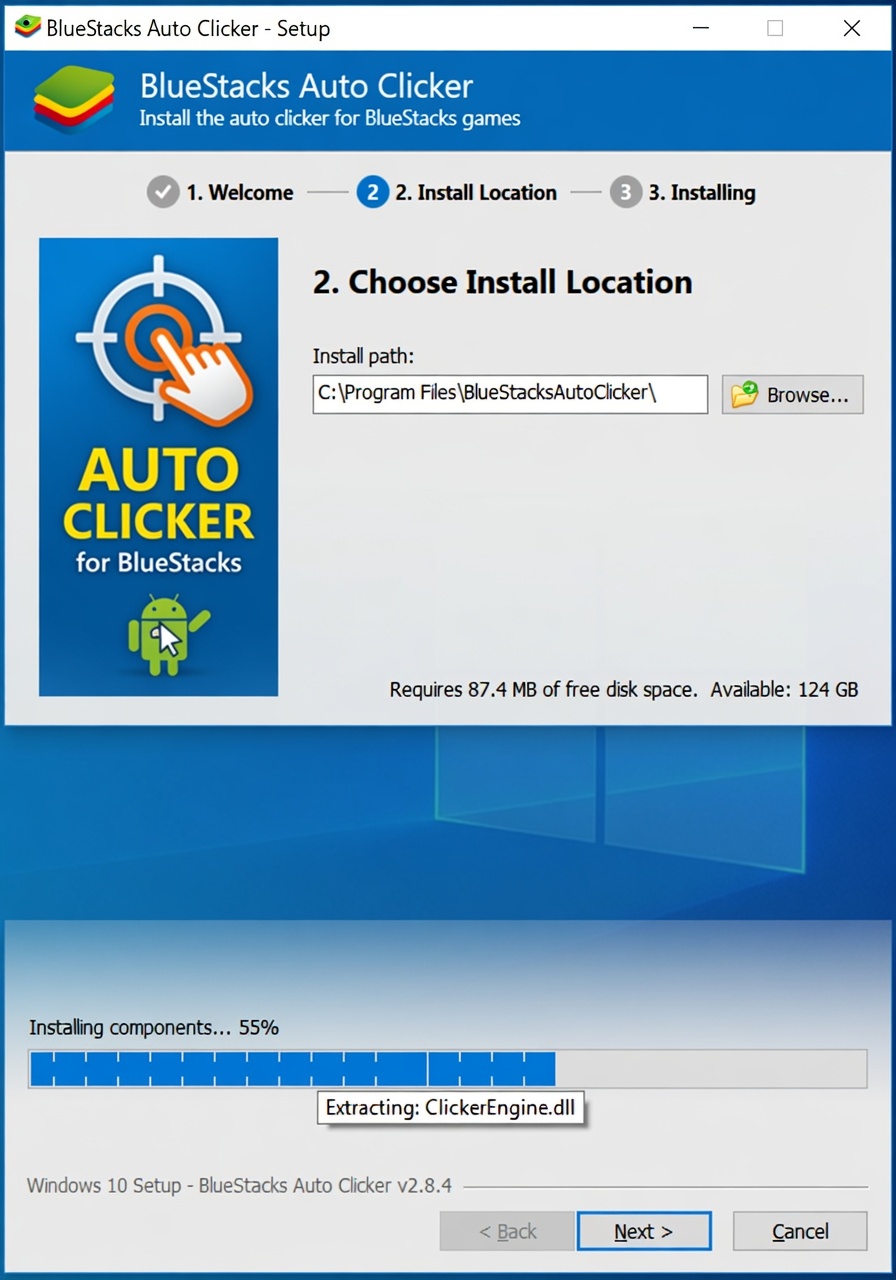 |
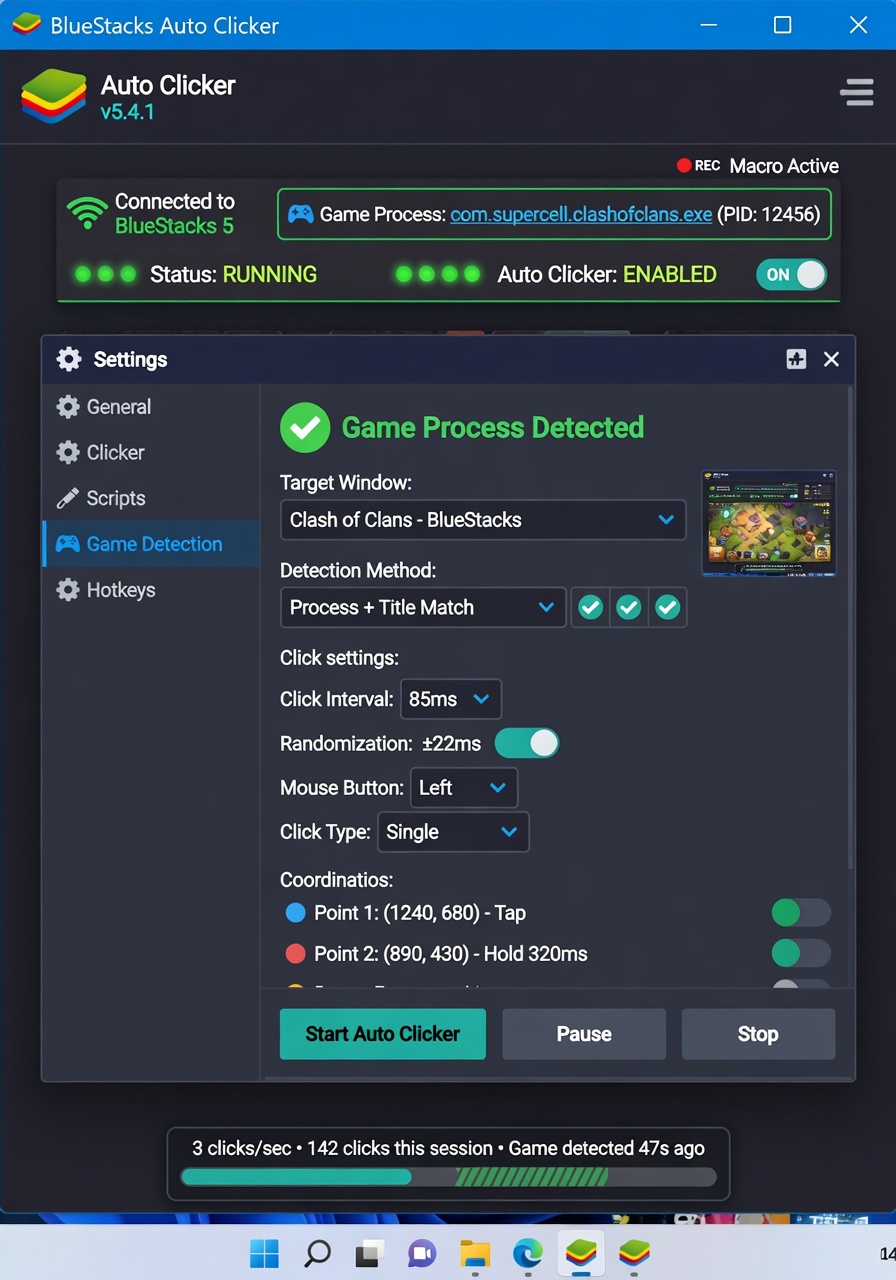 |
FAQ
Does this work with BlueStacks 5 and BlueStacks X?
Tested on 5.13 and the current BlueStacks X beta. Earlier versions before 5.10 may need the legacy input driver enabled in the emulator settings.
Will the auto-clicker keep running if I minimize the mobile emulator?
Only if you leave "background input" enabled inside BlueStacks settings. Otherwise the window needs to stay at least partially visible.
Can I use this on multiple instances at once?
Yes, just add each instance window in the target list. The tool cycles through them with a configurable delay so you don't overload your CPU.
Disclaimer
This is a hobby project. Using automation tools may violate the terms of service of the games you play. Use at your own risk; I take no responsibility for banned accounts.