
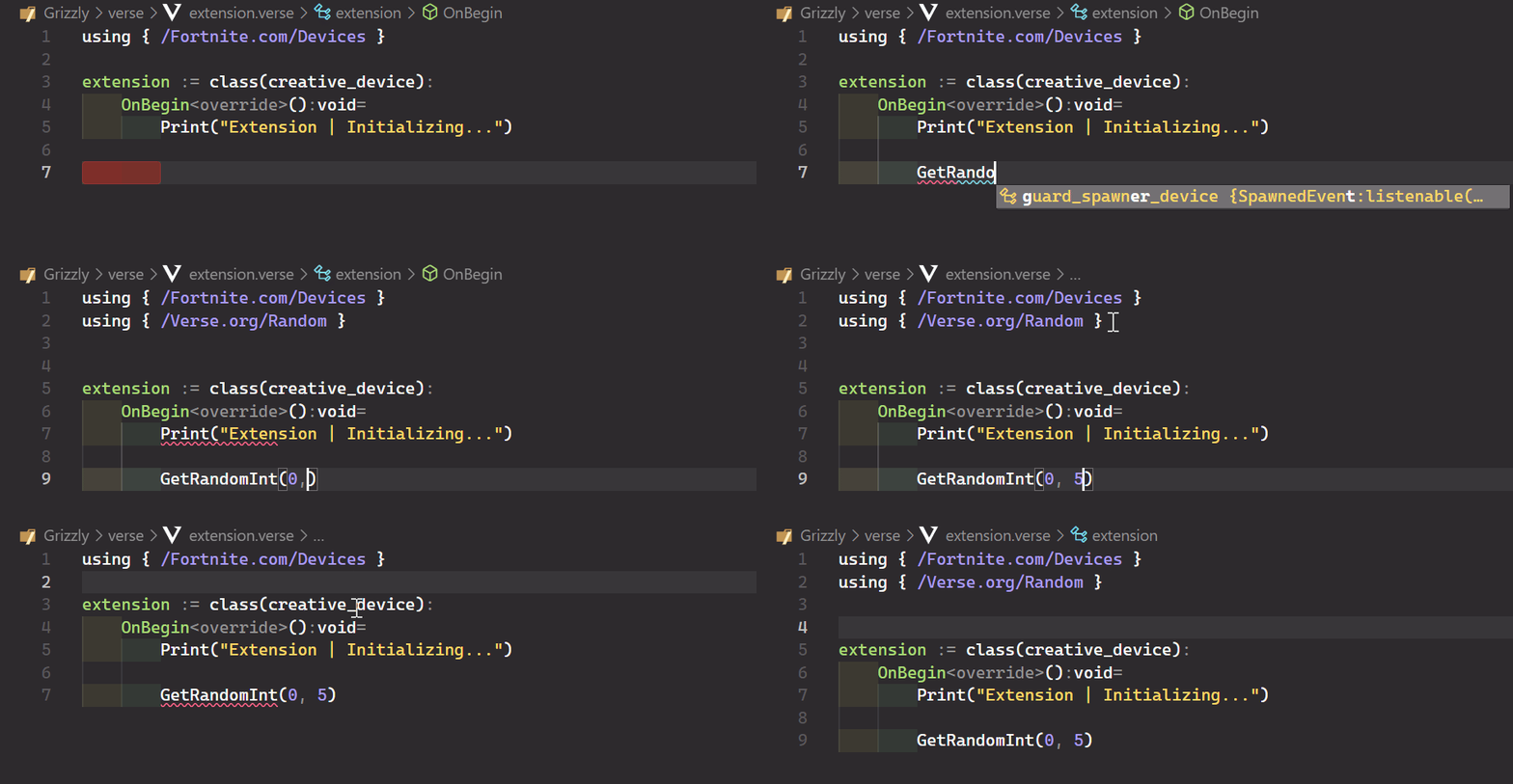


👋 Welcome to Verse Auto Imports (MIT License).
A lightweight VSCode extension for streamlining your workflow with import management and intelligent module visibility handling. Automatically detect, add, and organize imports while seamlessly managing module access specifiers.
- ⚡ Verse codebase management & organization.
- 🤖 Instantly sorts, consolidates, and cleans import statements.
- 🔍 Automatically resolves and adds module access specifiers.
- 💄 Resolves name collisions and ambiguous import conflicts.
- 🔨 No configuration needed, works out of the box.
- Download the Latest Release.
- Open VSCode and launch the Command Palette (
CTRL + SHIFT + P). - Search for
>Extensions: Install from VSIX...and select it. - Choose your
.vsixfile from your local system to install the extension. - Restart VSCode Extensions (
CTRL + SHIFT + P > Reload Window). Voilà! 🥳
You are able to configure the extension within VSCode Settings:
- Launch the Command Palette (
CTRL + SHIFT + P). - Search for
Verse Auto Importsto view your options.
Alternatively, advanced users may configure the extension through settings.json:
{
  "verseAutoImports.autoImport": true,
  "verseAutoImports.preserveImportLocations": false,
  "verseAutoImports.importSyntax": "curly",
  "verseAutoImports.diagnosticDelay": 1000,
  "verseAutoImports.ambiguousImports": {
    "vector3": "/UnrealEngine.com/Temporary/SpatialMath"
  }
}Please visit Development & Contribution Guidelines for information on starting a development environment and contributing to this project.
This project is open source and licensed under the MIT License.
Forked & maintained by Kaspar.
Extension originally created by by vukefn.