Install
h8mail 2.0 only requires the python requests module to run.
h8mail requires python 3.6 or higher. Use python --version to know which version you are running.
To install h8mail, run this command in your terminal:
$ pip3 install h8mailAnd that's basically it.
This is the preferred method to install h8mail, as it will always install the most recent stable release.
Please note:
If you don't have pip installed, this Python installation guide can guide
you through the process.
For troubleshooting, check the Troubleshooting section.
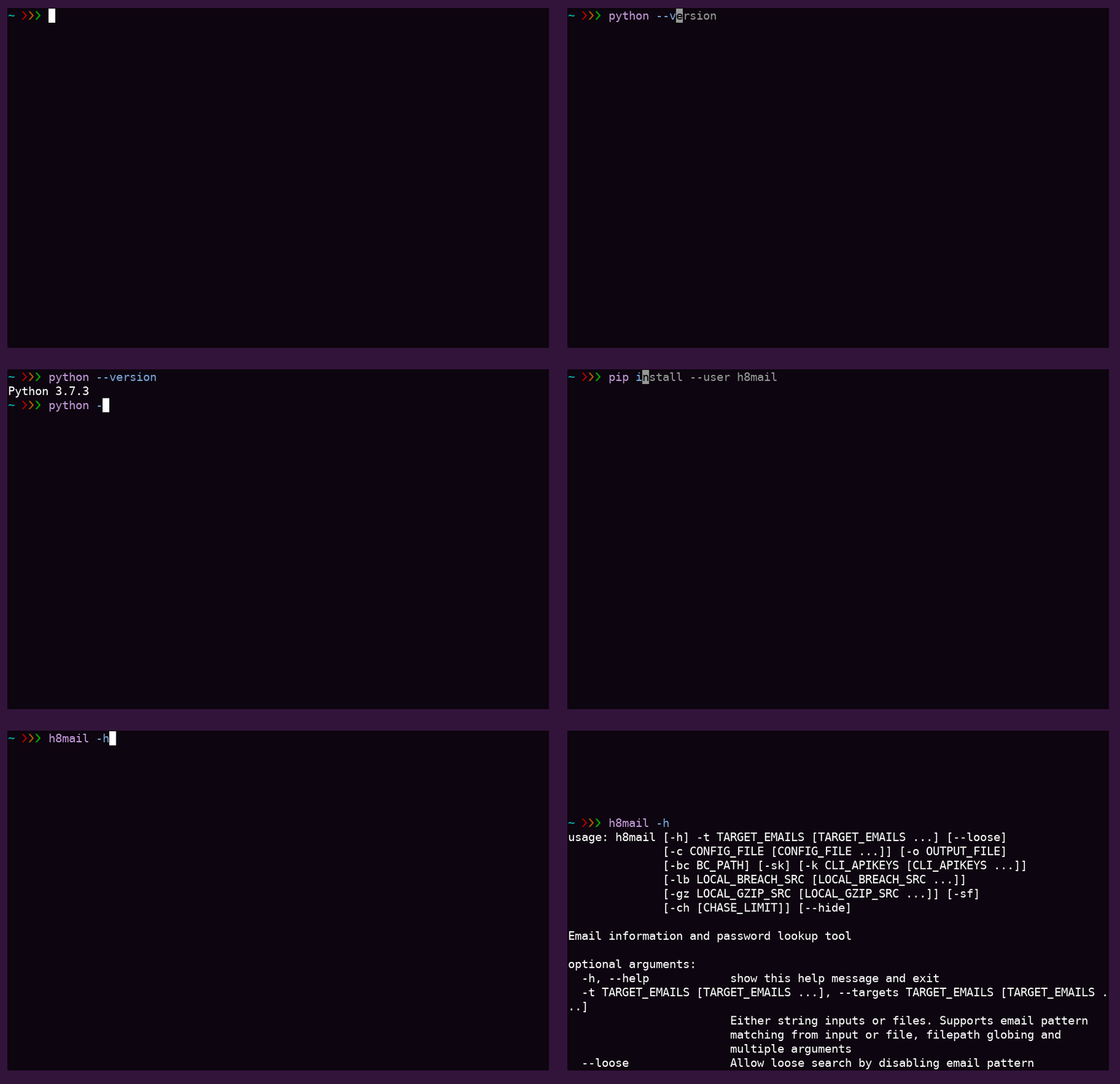
--user
The sources for h8mail can be downloaded from the Github repo.
You can either clone the public repository:
$ git clone git://github.com/khast3x/h8mailOr download the tarball:
$ curl -OL https://github.com/khast3x/h8mail/tarball/masterNext, decompress the downloaded archive.
Once you have a copy of the source, you can install it with:
$ cd h8mail/
$ python3 setup.py install
$ h8mail -h
Or just running it as a module:
$ cd h8mail/
$ python3 -m h8mail -h$ docker run -ti kh4st3x00/h8mail -h
$ docker run -ti kh4st3x00/h8mail -t [email protected]$ pip3 install --upgrade h8mailUse --user at the end if getting a permission message from pip