




Levante is a cross-platform desktop app (Windows, macOS, Linux) that brings powerful AI tools closer to everyone — not just technical users. It focuses on privacy, clarity, and ease of use, with first-class support for multiple AI providers and full Model Context Protocol (MCP) integration.
Levante is available for the major desktop platforms:
- macOS (Intel & Apple Silicon)
- Windows (x64)
- Linux (x64)
- Multi-provider support out of the box:
- OpenRouter (100+ models with a single API key)
- Vercel AI Gateway (routing, fallbacks, observability)
- Local models: Ollama, LM Studio, and custom HTTP endpoints
- Direct cloud providers: OpenAI, Anthropic, Google, Groq, xAI, Hugging Face, and more
- Automatic model sync to keep the model catalog up to date across providers.
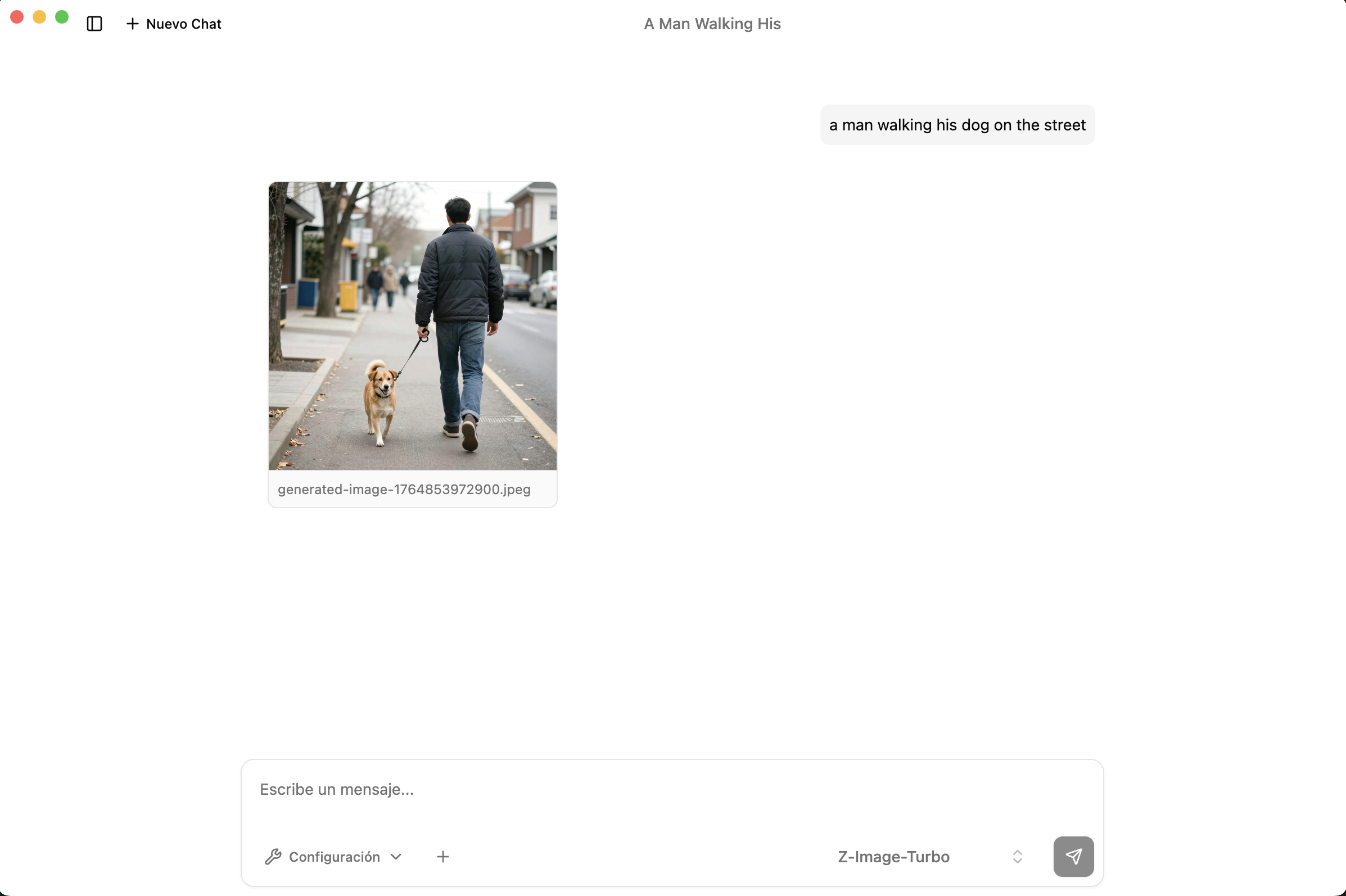
Chat with text, images, and (optionally) audio in a unified interface:
- Attach images directly into your conversations.
- Route requests automatically to compatible vision / audio models.
- Automatic capability detection to pick the right model features (vision, speech, etc.).
Levante is built with a privacy-first philosophy:
- Local-only storage for chats and settings.
- API keys encrypted using the system keychain where available.
- Offline-friendly when using local models.
- No hidden data collection; you stay in control of what is sent to providers.
Levante is a full MCP client, supporting:
- ✅ Tools
- ✅ Prompts
- ✅ Resources
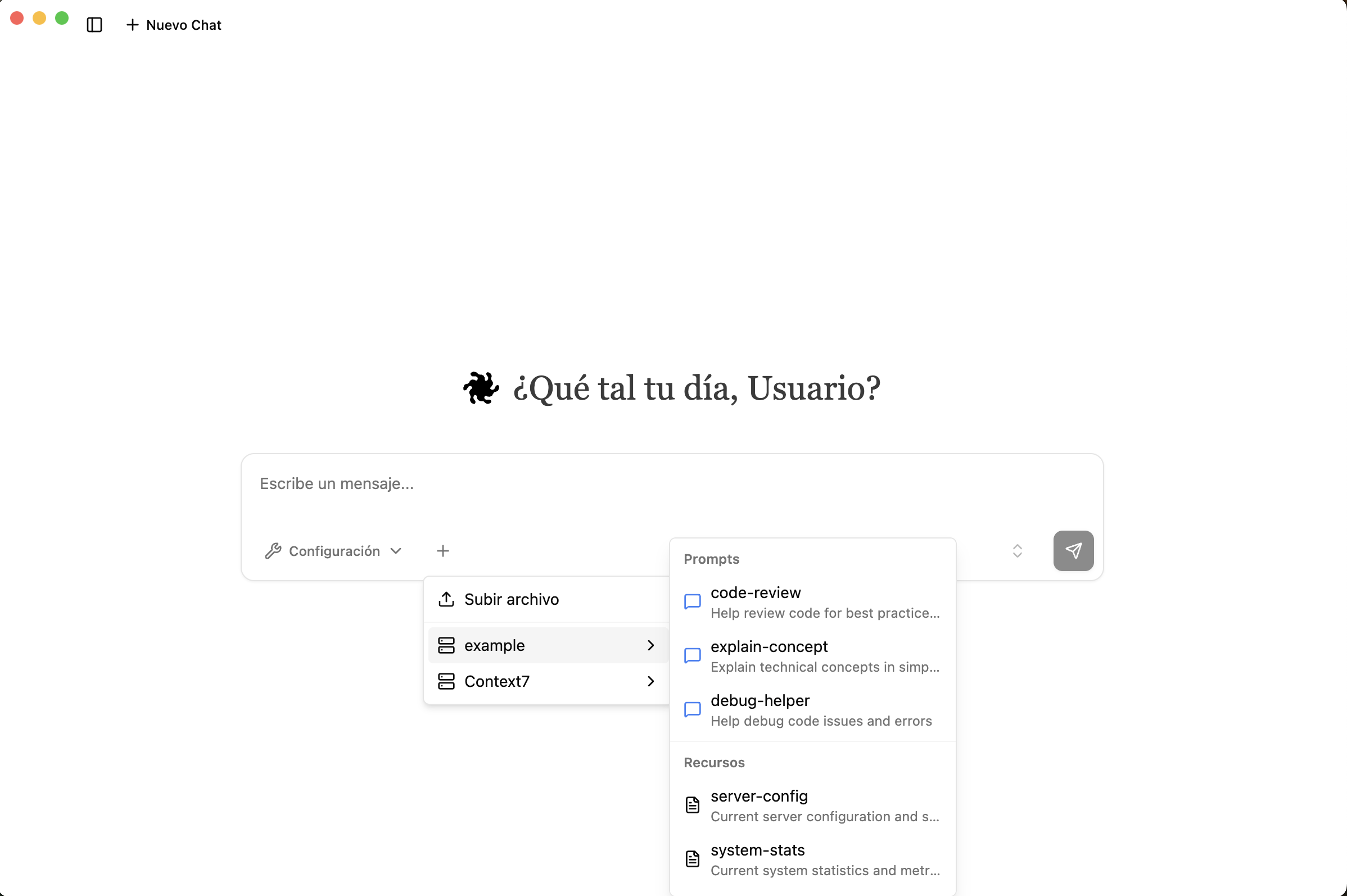
On top of basic MCP support, Levante includes:
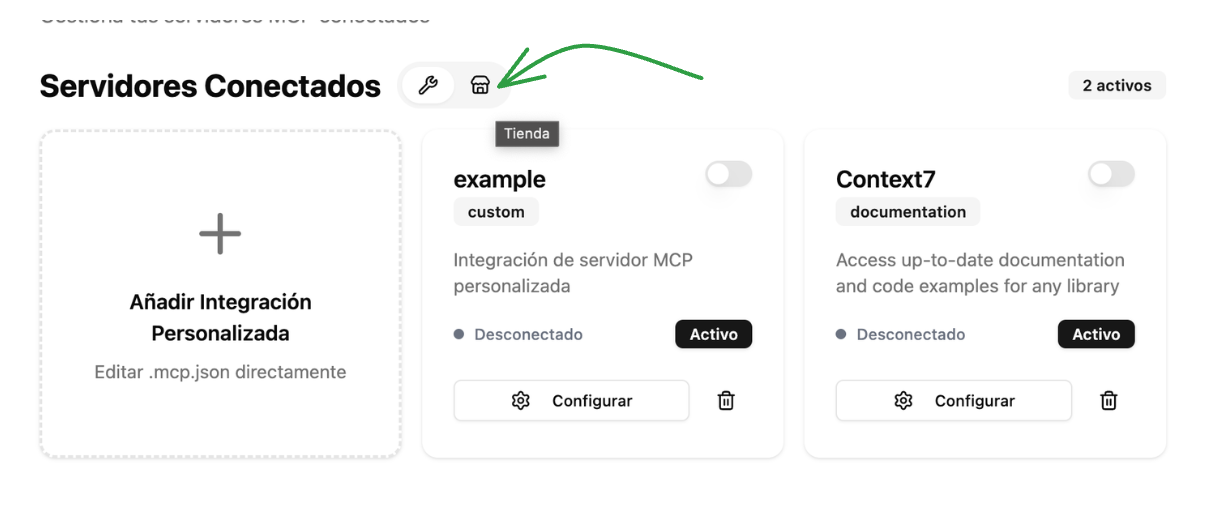
- MCP Store & MCP-UI flows: discover, configure, and manage MCP servers from a friendly UI — one of the few MCP clients that implements this pattern.
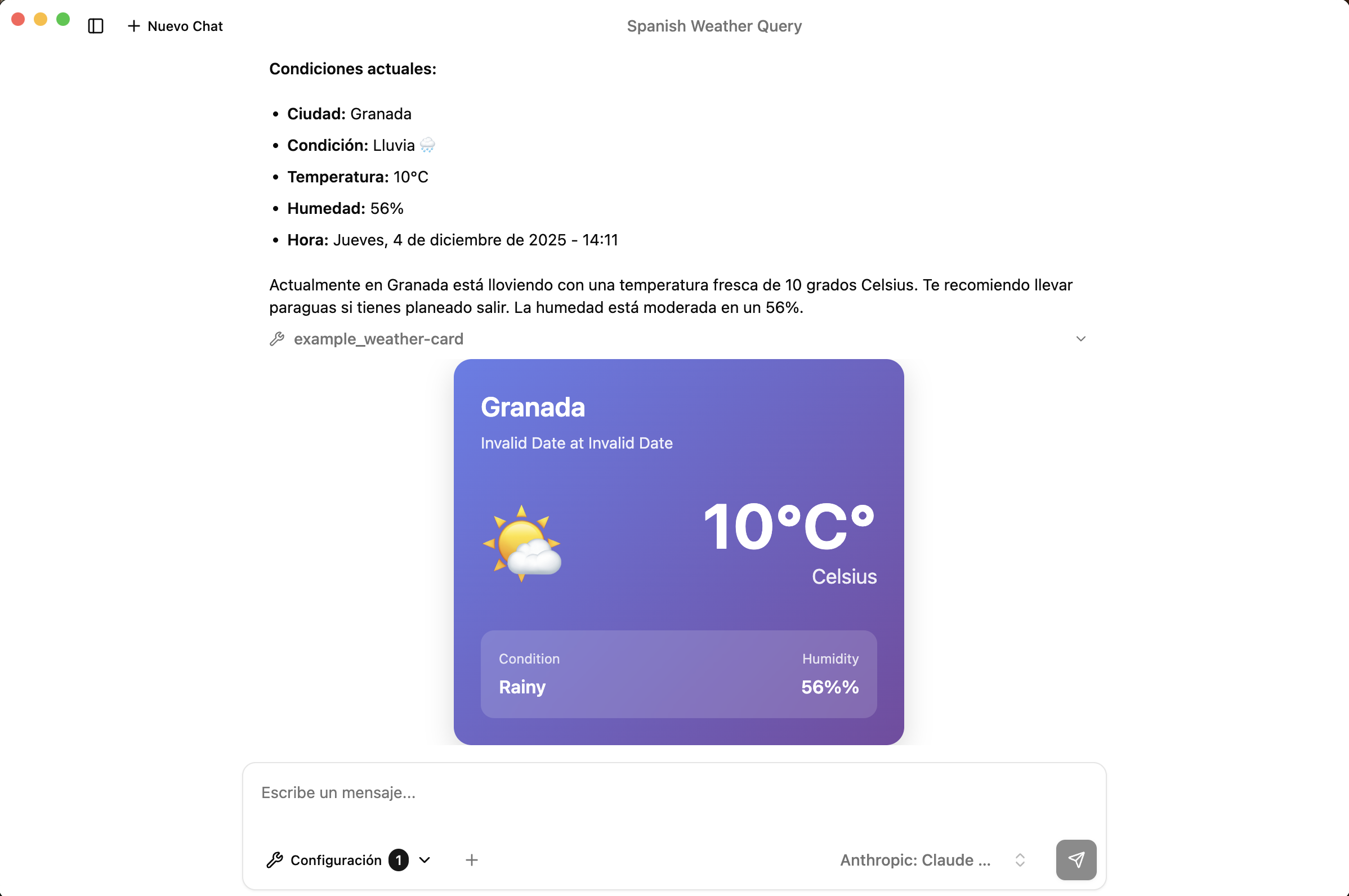
- Guided MCP setup:
- Automatic config extraction from docs/URLs.
- Runtime diagnostics and resolution.
- Designed so non-technical users can enable advanced MCP servers quickly.
- Go to levanteapp.com.
- Download the latest release for your OS:
- macOS (Intel or Apple Silicon)
- Windows x64
- Linux x64
- Install (or unzip) the application for your platform.
- Launch Levante.
- On first launch, follow the short onboarding questionnaire.
- Connect Levante to your primary AI provider (by default, OpenRouter) by pasting your API key.
- Optionally add more providers (OpenAI, Anthropic, local models, etc.) from the Settings / Providers section.
- Start chatting — your conversations and configuration are stored locally.
- Open the MCP Store inside Levante.
- Browse available MCP servers or add your own via URL/config.
- Once enabled, MCP tools/resources/prompts become available directly in the chat.
We welcome contributions of all kinds: bug reports, feature ideas, documentation improvements, and pull requests.
- Start with
docs/GETTING_STARTED.mdto set up your local development environment. - Read
CONTRIBUTING.mdfor:- Code style and linting rules
- Commit message conventions
- How to structure pull requests
- Issue and PR templates
If you’re unsure where to start, feel free to open a discussion or join the Discord (see Community).
We follow a simple, production-oriented Git workflow:
main- Production-ready releases only.
- Tagged and versioned builds.
develop- Default branch for day-to-day development.
- Integration branch for features and fixes.
- Feature branches
- Create from
develop:feature/short-description - Merge back into
developvia Pull Request. - Require at least one approval before merge.
- Create from
- Branch protection
- Direct pushes to
mainanddevelopare blocked. - All changes flow through pull requests for review.
- Direct pushes to
Levante is distributed under a source-available license:
- Base license: Apache 2.0 with Commons Clause (no right to “Sell” the software).
- Commercial use / embedding / resale:
- Requires explicit permission.
- Contact:
support@levante.app
For the full terms, please refer to:
COMMERCIAL-LICENSE.mddocs/LEGAL/LICENSING.md

Saúl
|

Oliver
|

Alejandro
|

Dennis
|

Mauro
|

Javier
|
We’re grateful to everyone who has contributed code, ideas, issues, and feedback.
Stay up to date, share feedback, and connect with other users and contributors:
- Discord: https://discord.gg/Ane83d2EFG
- Website: https://www.levanteapp.com/
If you’re using Levante in your own workflows or products, we’d love to hear about it — feel free to open a discussion or reach out on Discord.