Create Nifty tasks by email, from your terminal - no browser needed.


Full docs, FAQ, and troubleshooting: niftycli.mahmudunnabikajal.com
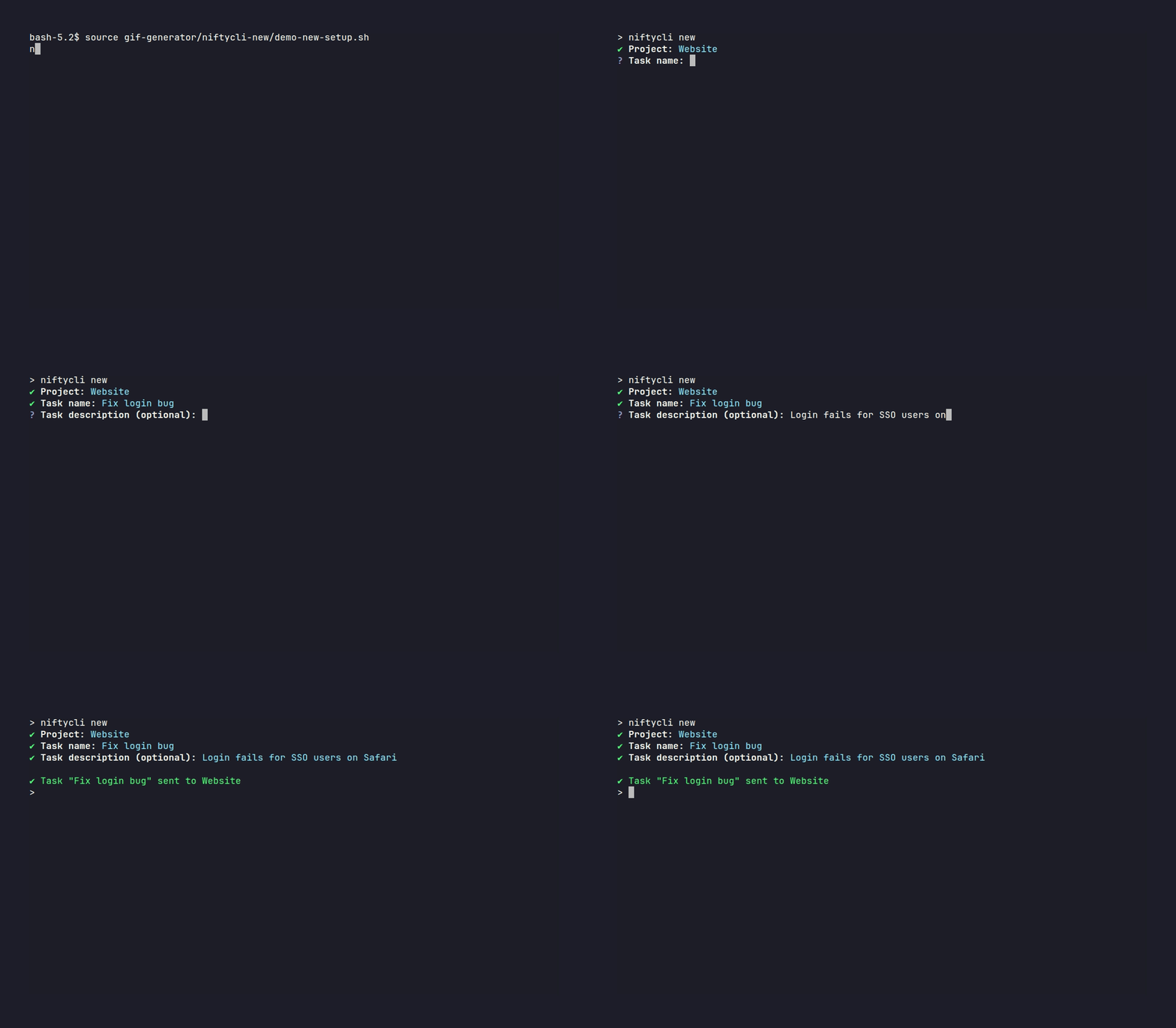
Nifty doesn't have an official command-line tool, but every Nifty project can accept new tasks by email through its project forwarding address. niftycli wraps that mechanism in a small CLI: instead of opening Nifty, finding the right project, and filling out a task form, you run one command and the task shows up in Nifty a moment later. It needs no Nifty API key — your own SMTP account sends the email, and Nifty's existing email-forwarding automation does the rest.
npm i -g niftycli@latest| Command | Does |
|---|---|
niftycli |
Setup (first run) or create a task |
niftycli init |
(Re-)run setup |
niftycli new |
Create a task |
niftycli project ... |
Manage projects (see below) |
niftycli --help |
List all commands |
Pass any of these flags to niftycli new to skip the matching prompt:
| Flag | Does | If omitted |
|---|---|---|
-n <name> |
Task name | prompts for it |
-d <text> |
Task description | prompts for it (blank if skipped) |
-s <status> |
Task status | defaults to To Do, no prompt |
-p <project> |
Project name (must match a saved project) | prompts to select one |
niftycli new -p "Website" -n "Fix login bug"Any flag left out falls back to an interactive prompt (status defaults to To Do if not set).
niftycli project add       # add another project
niftycli project list      # list saved projects
niftycli project edit      # rename / update a project's email
niftycli project remove # remove a project-
Open your Nifty project, click the
...menu next to the project name in the sidebar, and select Project Control Center.
-
In the Automations section, click Email Forwarding and copy the address shown - this is the email you'll give
niftyclifor this project.


niftycli ships an MCP server, niftycli-mcp, so AI
assistants like Claude can create tasks and manage projects directly. It runs locally over
stdio and reuses your existing niftycli init configuration - it doesn't handle SMTP setup
itself.
npm i -g niftycli@latest
claude mcp add niftycli -- niftycli-mcp
Without a global install, use npx -y -p niftycli niftycli-mcp instead (niftycli-mcp is a
bin inside the niftycli package, not its own package - npx niftycli-mcp alone will 404,
and npx niftycli niftycli-mcp without -p runs the wrong bin). Full docs:
MCP Server guide.
- SMTP connection fails - double-check host/port/username/password. Gmail and Microsoft 365 usually need an "app password", not your normal login.
- Task never arrives in Nifty - check the project's forwarding email is correct. Duplicate tasks will be ignored by Nifty.
- Ctrl+C cancels any prompt cleanly.
More fixes: Troubleshooting guide · FAQ