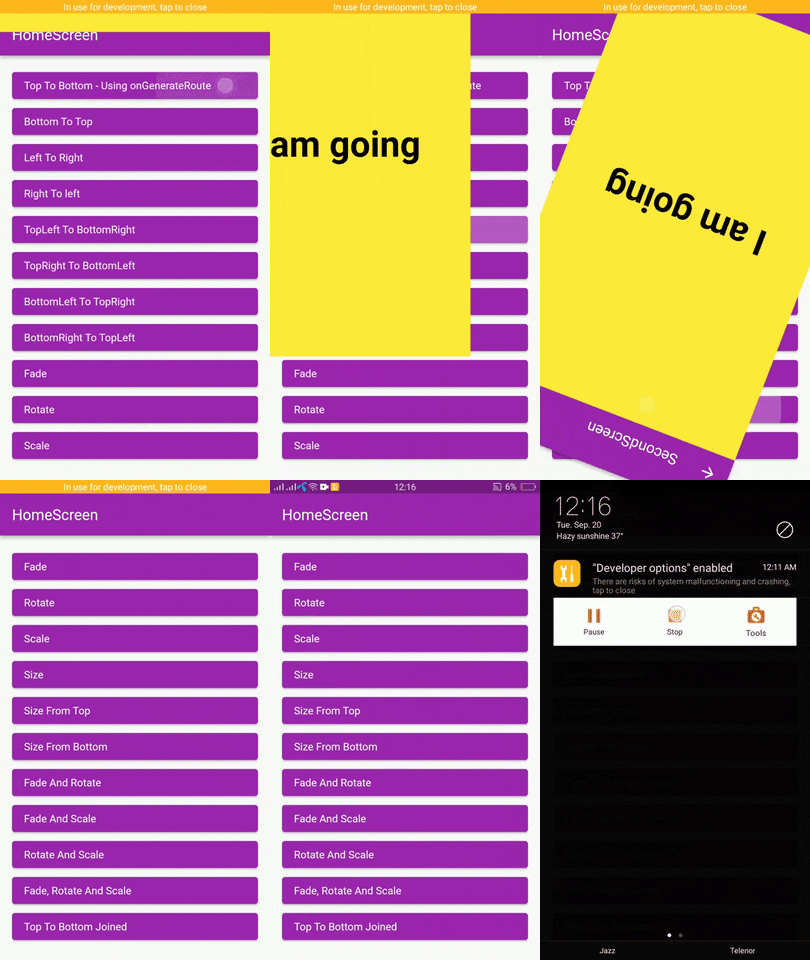
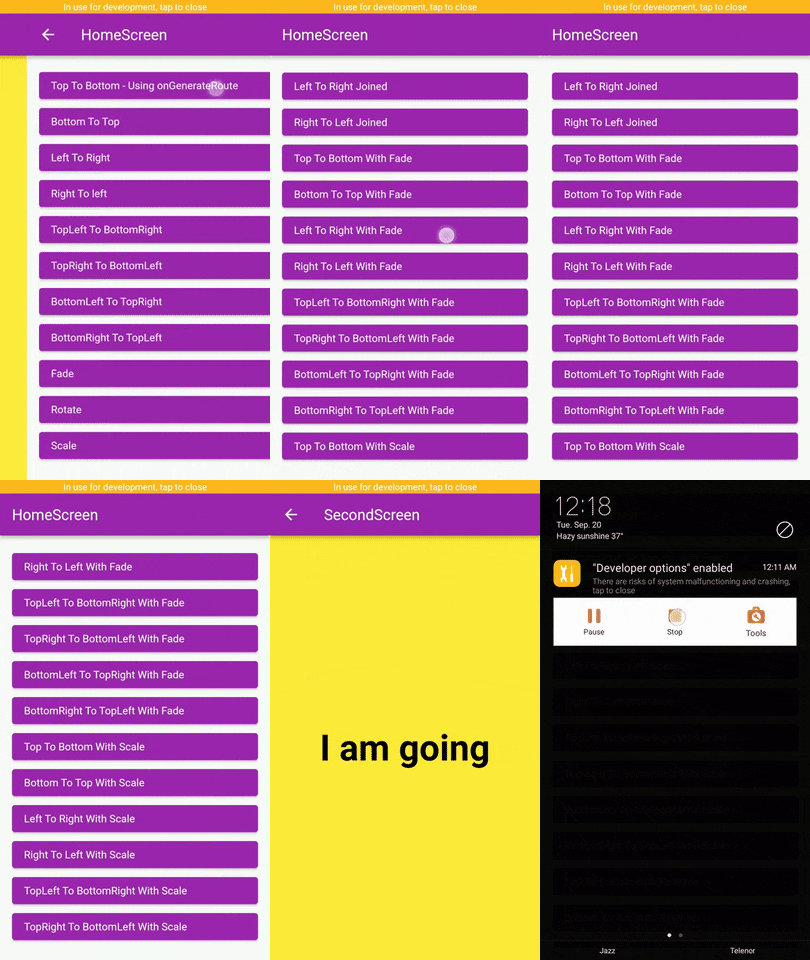
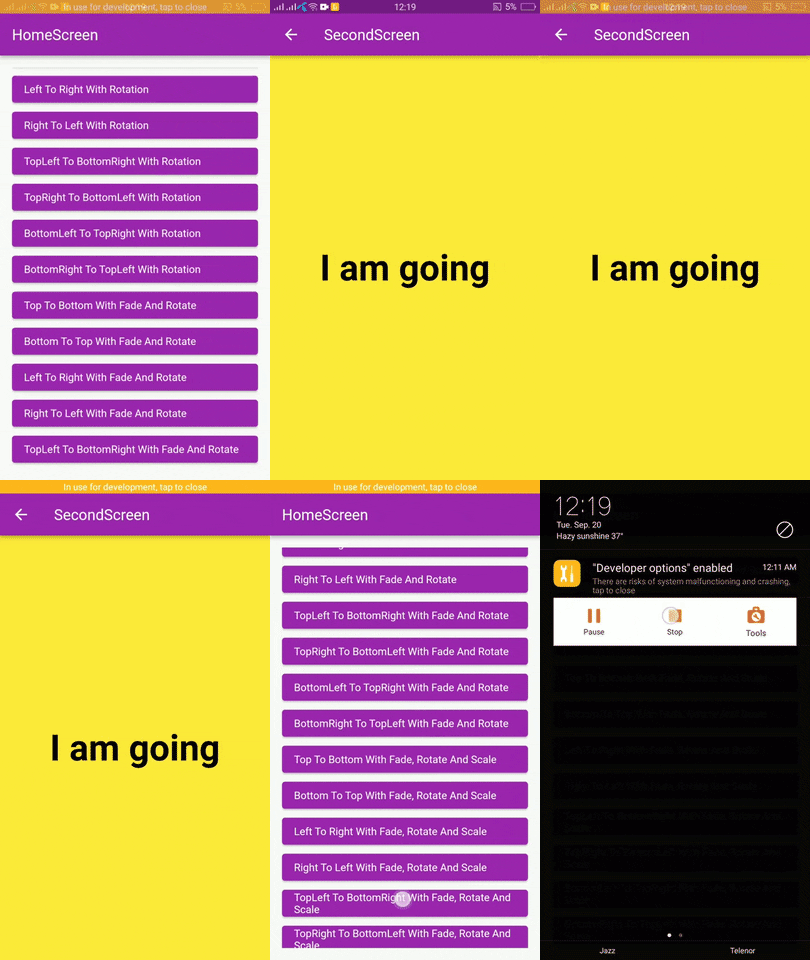
Flutter page route transition package, with 62 different page transitions.




|
|
|
In the pubspec.yaml of your flutter project, add the following dependency:
dependencies:
page_route_transition: ^1.0.4To use this package you have to import it in your file by using below command:
import 'package:page_route_animator/page_route_animator.dart';import 'package:flutter/material.dart';
import 'package:page_route_animator/page_route_animator.dart';
void main(List<String> args) => runApp(const MyApp());
/// This widget is the root of your app.
class MyApp extends StatelessWidget {
const MyApp({Key? key}) : super(key: key);
@override
Widget build(BuildContext context) {
return MaterialApp(
debugShowCheckedModeBanner: false,
title: 'Page Route Animator Code Example',
theme: ThemeData(primarySwatch: Colors.purple),
home: const HomeScreen(),
/// using onGenerateRoute
onGenerateRoute: (settings) {
switch (settings.name) {
case '/second-screen':
return PageRouteAnimator(
child: const SecondScreen(),
routeAnimation: RouteAnimation.topToBottom,
settings: settings,
curve: Curves.linear,
duration: const Duration(milliseconds: 500),
reverseDuration: const Duration(milliseconds: 500),
);
default:
return null;
}
},
);
}
}
/// HomeScreen
class HomeScreen extends StatelessWidget {
const HomeScreen({Key? key}) : super(key: key);
@override
Widget build(BuildContext context) {
return Scaffold(
appBar: AppBar(
title: const Text('HomeScreen'),
),
body: Padding(
padding: const EdgeInsets.all(16.0),
child: ListView(
children: [
/// Push using onGenerateRoute
/// Navigator.pushNamed()
ElevatedButton(
onPressed: () {
Navigator.pushNamed(
context,
'/second-screen',
arguments: 'I am going',
);
},
child: getText('Top To Bottom - onGenerateRoute'),
),
/// Navigator.push()
ElevatedButton(
onPressed: () {
Navigator.push(
context,
PageRouteAnimator(
child: const SecondScreen(),
routeAnimation: RouteAnimation.bottomToTop,
settings: const RouteSettings(arguments: 'I am going'),
curve: Curves.slowMiddle,
duration: const Duration(milliseconds: 500),
reverseDuration: const Duration(milliseconds: 500),
),
);
},
child: getText('Bottom To Top'),
),
ElevatedButton(
onPressed: () {
Navigator.push(
context,
PageRouteAnimator(
child: const SecondScreen(),
routeAnimation: RouteAnimation.leftToRight,
settings: const RouteSettings(arguments: 'I am going'),
curve: Curves.linear,
),
);
},
child: getText('Left To Right'),
),
ElevatedButton(
onPressed: () {
Navigator.push(
context,
PageRouteAnimator(
child: const SecondScreen(),
routeAnimation: RouteAnimation.rightToLeft,
settings: const RouteSettings(arguments: 'I am going'),
curve: Curves.easeOut,
),
);
},
child: getText('Right To left'),
),
ElevatedButton(
onPressed: () {
Navigator.push(
context,
PageRouteAnimator(
child: const SecondScreen(),
routeAnimation: RouteAnimation
.bottomRightToTopLeftWithFadeRotateAndScale,
settings: const RouteSettings(arguments: 'I am going'),
curve: Curves.easeOut,
),
);
},
child:
getText('BottomRight To TopLeft With Fade, Rotate And Scale'),
),
],
),
),
);
}
}
/// SecondScreen
class SecondScreen extends StatelessWidget {
const SecondScreen({Key? key}) : super(key: key);
@override
Widget build(BuildContext context) {
String? argument = ModalRoute.of(context)?.settings.arguments as String?;
return Scaffold(
backgroundColor: Colors.yellow,
appBar: AppBar(
title: const Text('SecondScreen'),
),
body: Center(
child: Text(
argument ?? 'No Data',
style: const TextStyle(
fontSize: 48.0,
fontWeight: FontWeight.bold,
color: Colors.black,
),
),
),
);
}
}
// Helper Widget
Widget getText(String text) {
return Align(
alignment: Alignment.centerLeft,
child: Text(text),
);
}- topToBottom,
- bottomToTop,
- leftToRight,
- rightToLeft,
- fade,
- rotate,
- scale,
- size,
- sizeFromTop,
- sizeFromBottom,
- fadeAndRotate,
- fadeAndScale,
- rotateAndScale,
- fadeRotateAndScale,
- topToBottomJoined,
- bottomToTopJoined,
- leftToRightJoined,
- rightToLeftJoined,
- topLeftToBottomRight,
- topRightToBottomLeft,
- bottomLeftToTopRight,
- bottomRightToTopLeft,
- topToBottomWithFade,
- bottomToTopWithFade,
- leftToRightWithFade,
- rightToLeftWithFade,
- topLeftToBottomRightWithFade,
- bottomLeftToTopRightWithFade,
- bottomRightToTopLeftWithFade,
- topRightToBottomLeftWithFade,
- topToBottomWithRotation,
- bottomToTopWithRotation,
- leftToRightWithRotation,
- rightToLeftWithRotation,
- topLeftToBottomRightWithRotation,
- bottomLeftToTopRightWithRotation,
- bottomRightToTopLeftWithRotation,
- topRightToBottomLeftWithRotation,
- topToBottomWithFadeAndRotate,
- bottomToTopWithFadeAndRotate,
- leftToRightWithFadeAndRotate,
- rightToLeftWithFadeAndRotate,
- topLeftToBottomRightWithFadeAndRotate,
- topRightToBottomLeftWithFadeAndRotate,
- bottomLeftToTopRightWithFadeAndRotate,
- bottomRightToTopLeftWithFadeAndRotate,
- topToBottomWithScale,
- bottomToTopWithScale,
- leftToRightWithScale,
- rightToLeftWithScale,
- topLeftToBottomRightWithScale,
- topRightToBottomLeftWithScale,
- bottomLeftToTopRightWithScale,
- bottomRightToTopLeftWithScale,
- topToBottomWithFadeRotateAndScale,
- bottomToTopWithFadeRotateAndScale,
- leftToRightWithFadeRotateAndScale,
- rightToLeftWithFadeRotateAndScale,
- topLeftToBottomRightWithFadeRotateAndScale,
- topRightToBottomLeftWithFadeRotateAndScale,
- bottomLeftToTopRightWithFadeRotateAndScale,
- bottomRightToTopLeftWithFadeRotateAndScale,
Learn about Curves from official docs, curves.