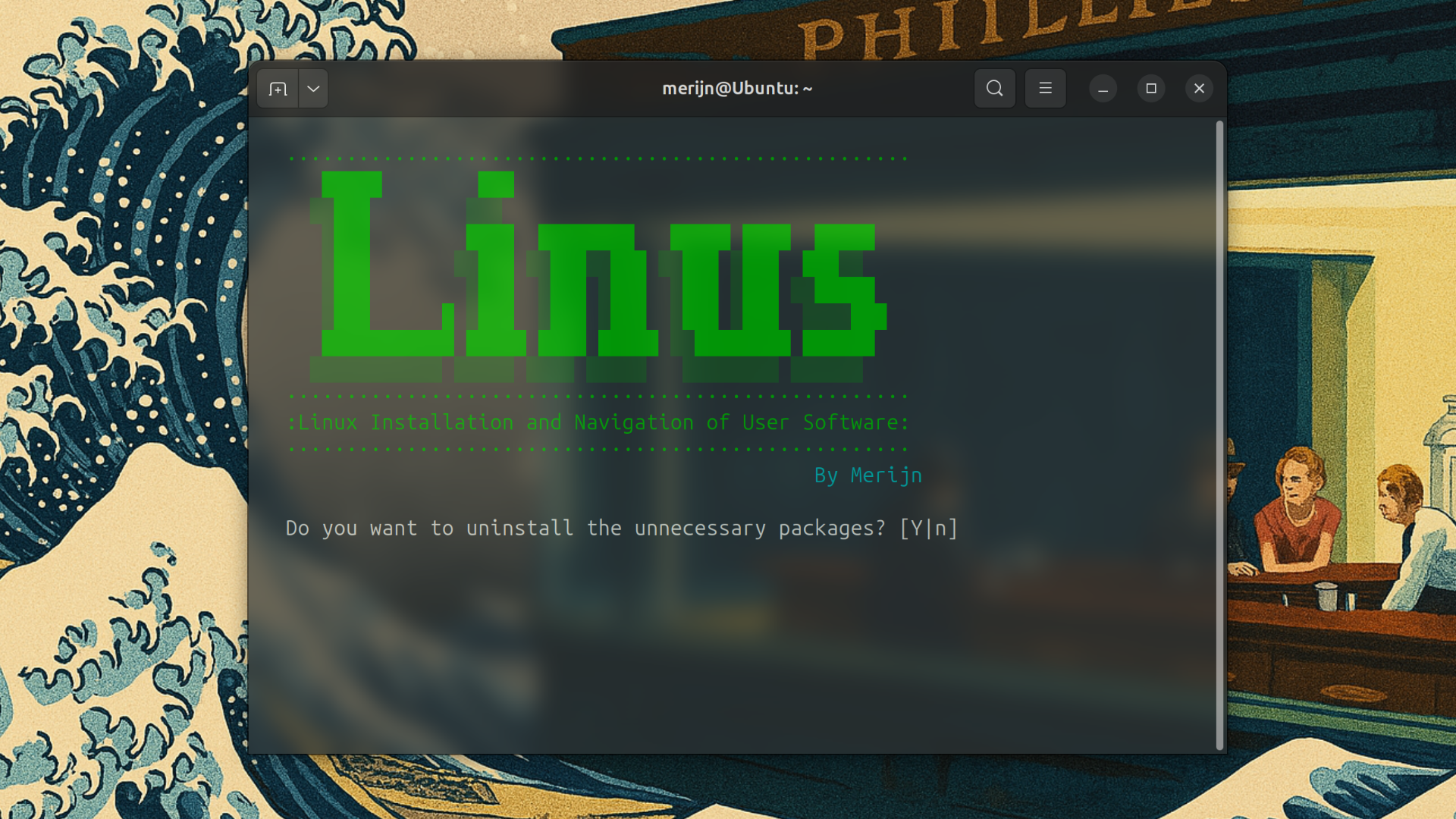
This script automates the installation and configuration of a fresh Linux system with essential software and custom dotfiles. It handles everything from uninstalling unnecessary packages to setting up Git and installing your preferred applications. It makes setting up a Linux system much quicker and easier!
- Ubuntu-based Linux distributions (e.g., Ubuntu, Linux Mint, Pop!_OS)
- Root (sudo) privileges for installing software and modifying system files. Make sure not to run LINUS itself in sudo, as this will break some installations.
- Git installed (to clone the repository with LINUS).
- Python 3 installed (for the SaveDesktop configuration setup).
-
Clone the repository:
git clone https://github.com/merijnvervoorn/LINUS cd LINUS -
Make the script executable:
chmod +x linus.sh
-
Run the script:
./linus.sh
-
Follow the prompts in the terminal to choose which steps you would like to perform (installing essentials, extra software, setting up Git, Tailscale, etc.).
The script will guide you through several steps of the setup process:
- Uninstall unnecessary applications: The script will prompt you to remove unnecessary default apps like Thunderbird, Totem, Shotwell, and more.
- Install essential and extra applications: The script installs a list of applications based on your needs (e.g., browsers, media players, office tools, etc.).
- Updates: The script will keep your system up to date by running regular updates for your installed packages.
- Cleanup: After the installation, the system is cleaned up and removes unnecessary files and packages.
- Set up Tailscale: The script will set up Tailscale and let you connect to your private network.
- Configure Git: The script will set your global Git username, email, and credential helper.
- Set up dotfiles: Your personal dotfiles are cloned from the GitHub repository, and symlinks are created to make them effective on your system.
You can modify the script to suit your preferences:
- Change installed packages: Add or remove packages in the install_essentials or install_extras functions.
- Add custom dotfiles: Update the URL in the dotfiles function to point to your own repository if you'd like to use a different set of dotfiles.
- Modify the Git configuration: You can change the Git username and email settings in the git_global function.
To keep the script updated:
- Navigate to the directory containing the repository.
- Run:
git pull origin main
- Missing dependencies: If you run into issues with missing dependencies (e.g., apt or snap packages), ensure you have a stable internet connection and that your system is up to date.
- Permission issues: Ensure you have root privileges when running the script, as it requires sudo for package installation and system modifications.
This project is licensed under the MIT License - see LICENSE for more details
This script uses various tools such as apt, snap, and curl to install and configure applications. Thanks to all contributors to the open-source software used in this setup.