AI Toolkit is an extension pack for Visual Studio Code that makes AI agent development fast and delightful. It ships with the Microsoft Foundry extension built-in, giving you direct access to Microsoft Foundry resources—deploy models, manage agents, and more—without leaving VS Code.
With AI Toolkit you can:
- 🔍 Discover and evaluate models from a wide range of providers—Microsoft Foundry, Foundry Local, Anthropic, OpenAI, GitHub, Google, NVIDIA NIM—or run models locally with ONNX and Ollama.
- ⚡ Build, test, and deploy AI agents using a no-code Agent Builder for prompt agents, or write code-based hosted agents with full debugging, streaming visualization, and MCP tool integrations.
| Feature | Description | Screenshot |
|---|---|---|
| Model Catalog | Discover and access AI models from multiple sources including Microsoft Foundry, Foundry Local, GitHub, ONNX, Ollama, OpenAI, Anthropic, and Google. Compare models side-by-side and find the perfect fit for your use case. | 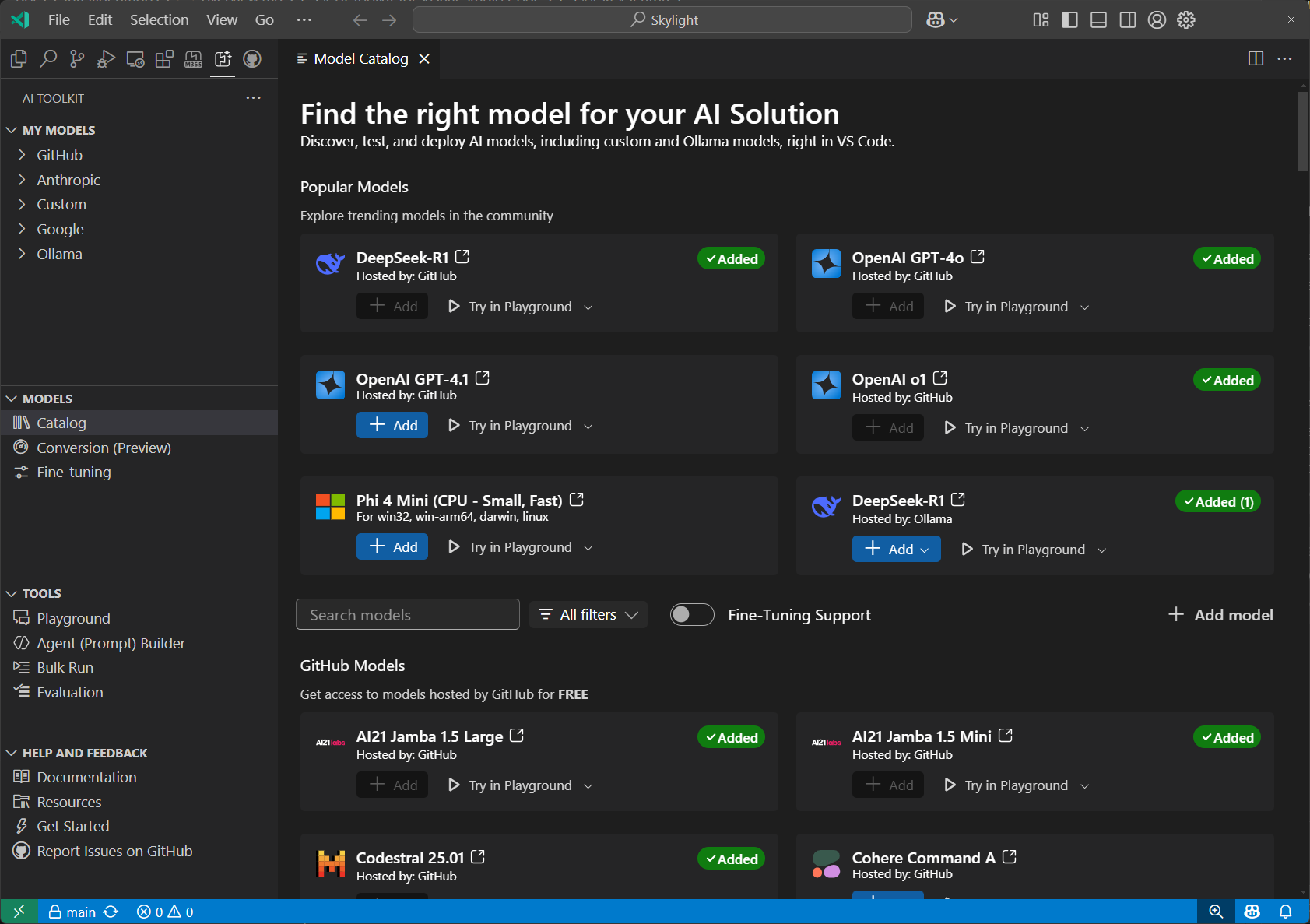 |
| Playground | Interactive chat environment for real-time model testing. Experiment with different prompts, parameters, and multi-modal inputs including images and attachments. | 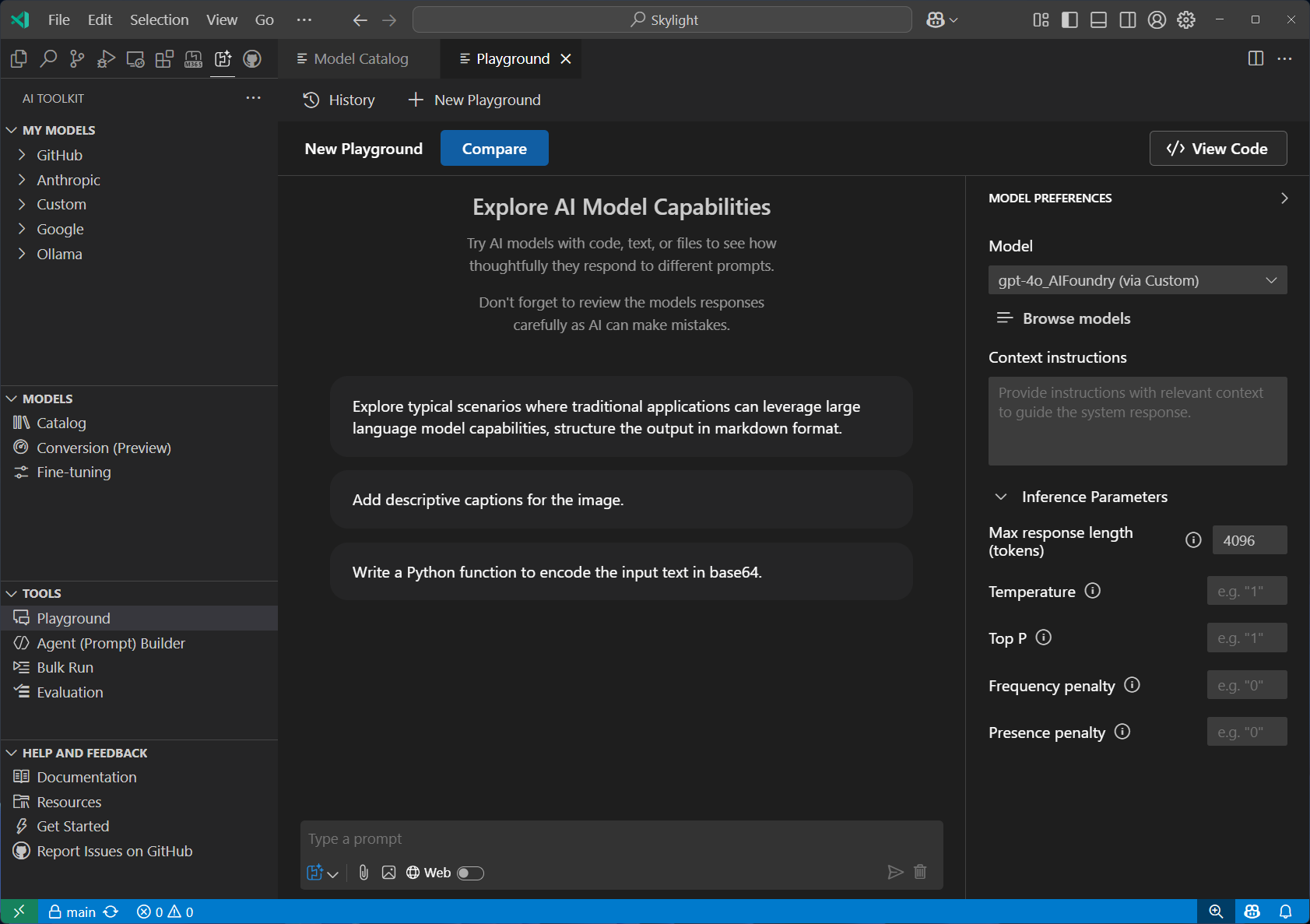 |
| Agent Builder | Streamlined prompt engineering and agent development workflow. Create sophisticated prompts, integrate MCP tools, and generate production-ready code with structured outputs. | 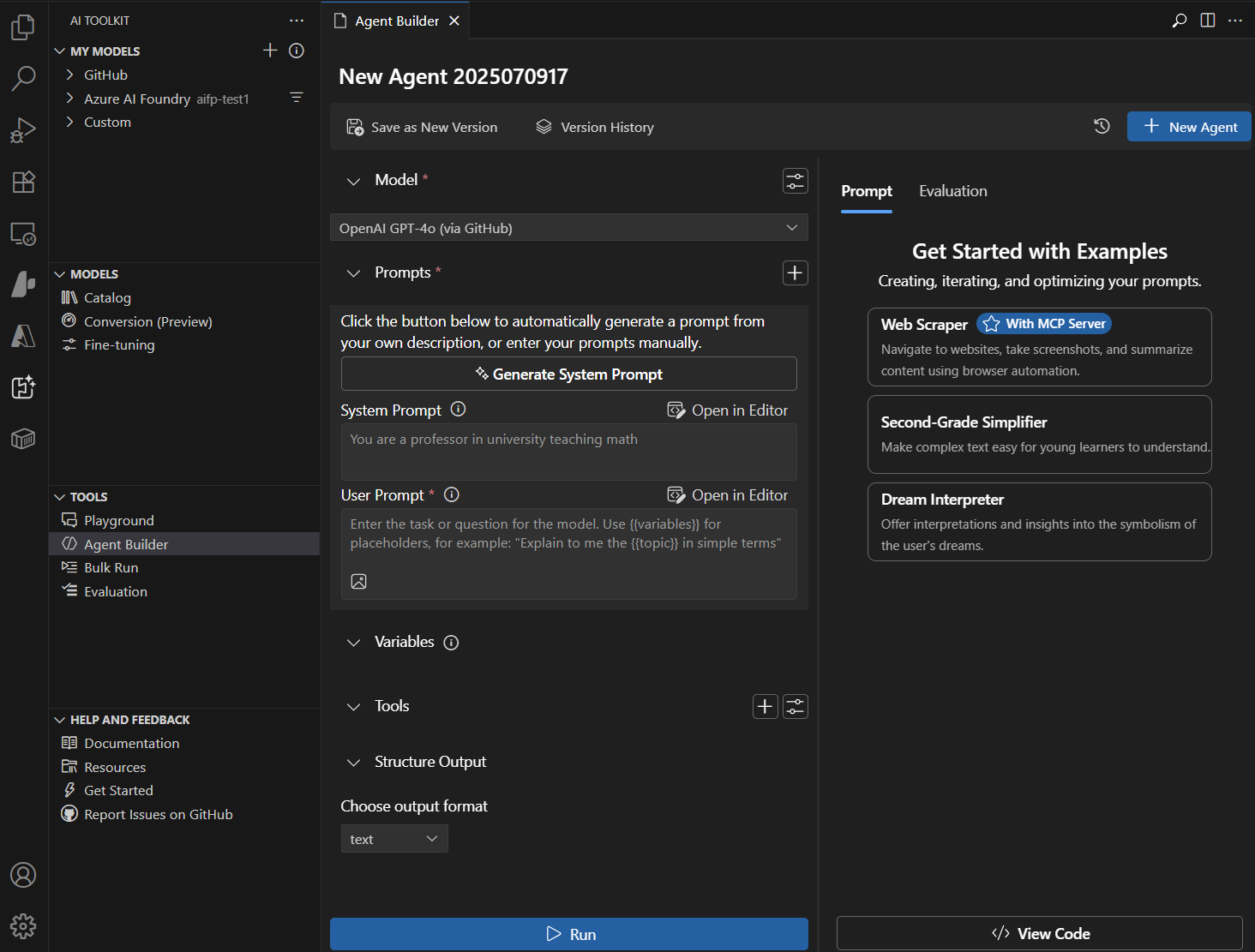 |
| Agent Inspector | Debug, visualize, and iterate on AI agents directly within VS Code. Press F5 to launch with full debugger support, view real-time streaming responses, and visualize multi-agent workflow execution with code navigation. | 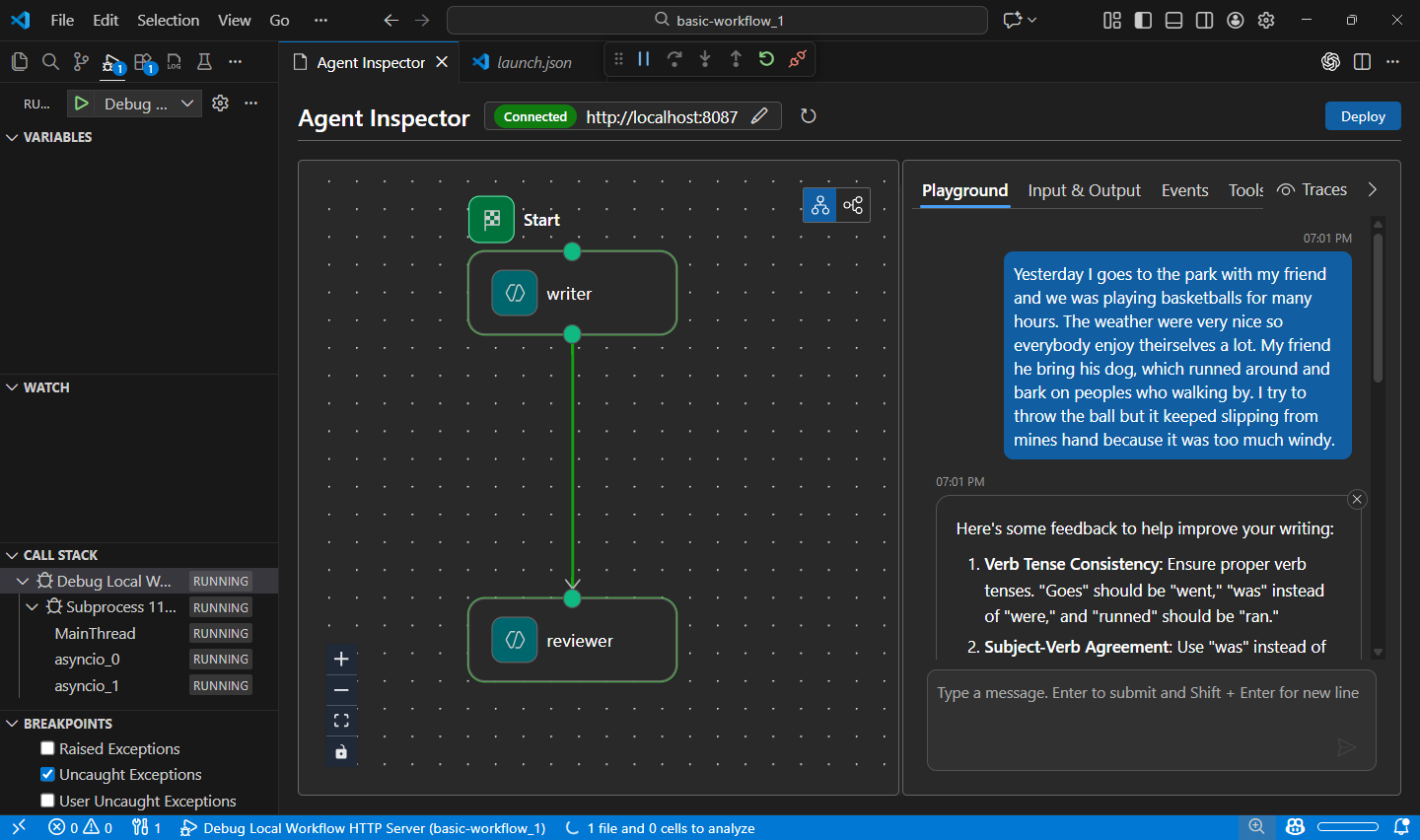 |
| Model Evaluation | Comprehensive model assessment using datasets and standard metrics. Measure performance with built-in evaluators (F1 score, relevance, similarity, coherence) or create custom evaluation criteria. | 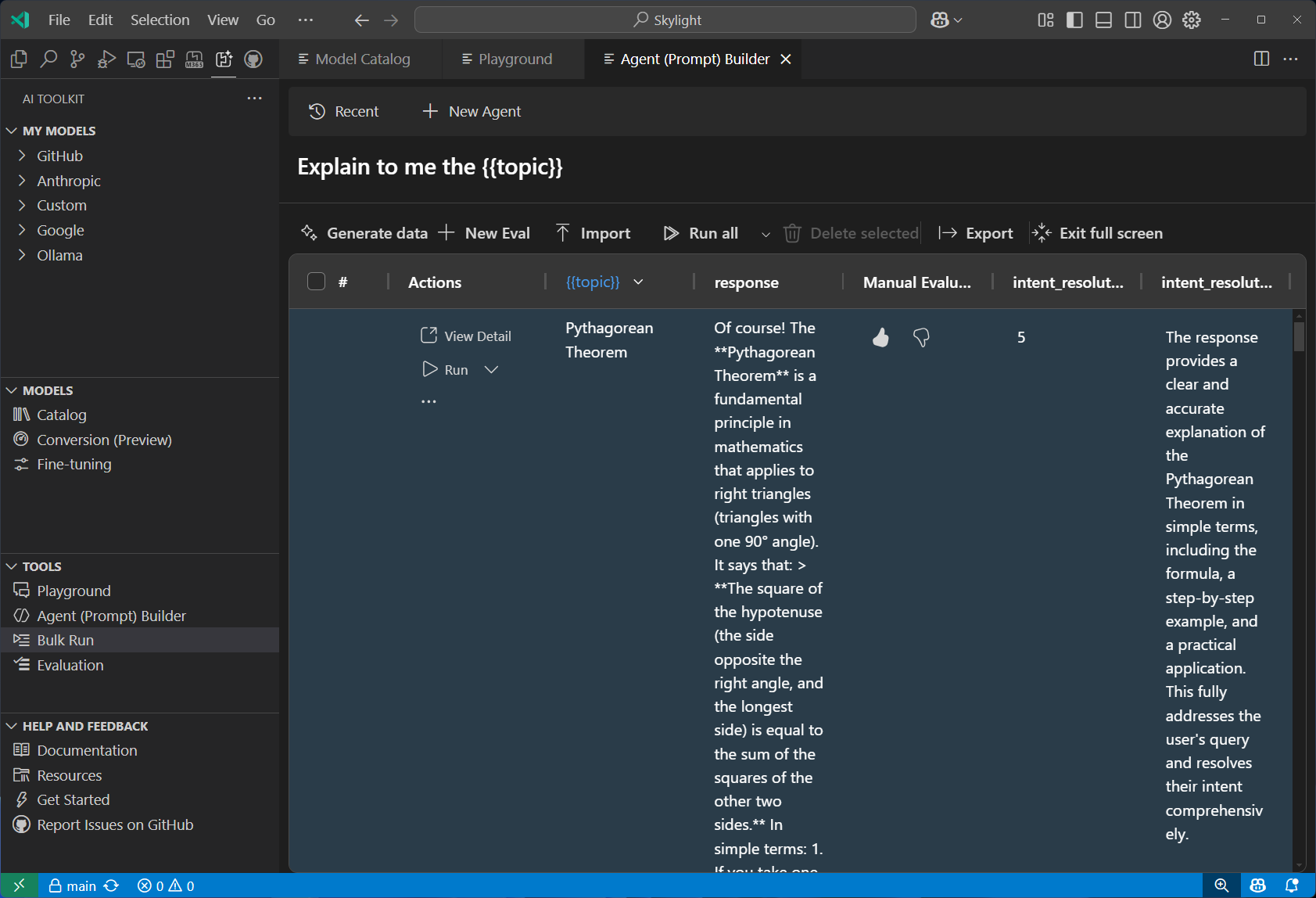 |
| Fine-tuning | Customize and adapt models for specific domains and requirements. Train models locally with GPU support or leverage Azure Container Apps for cloud-based fine-tuning. | 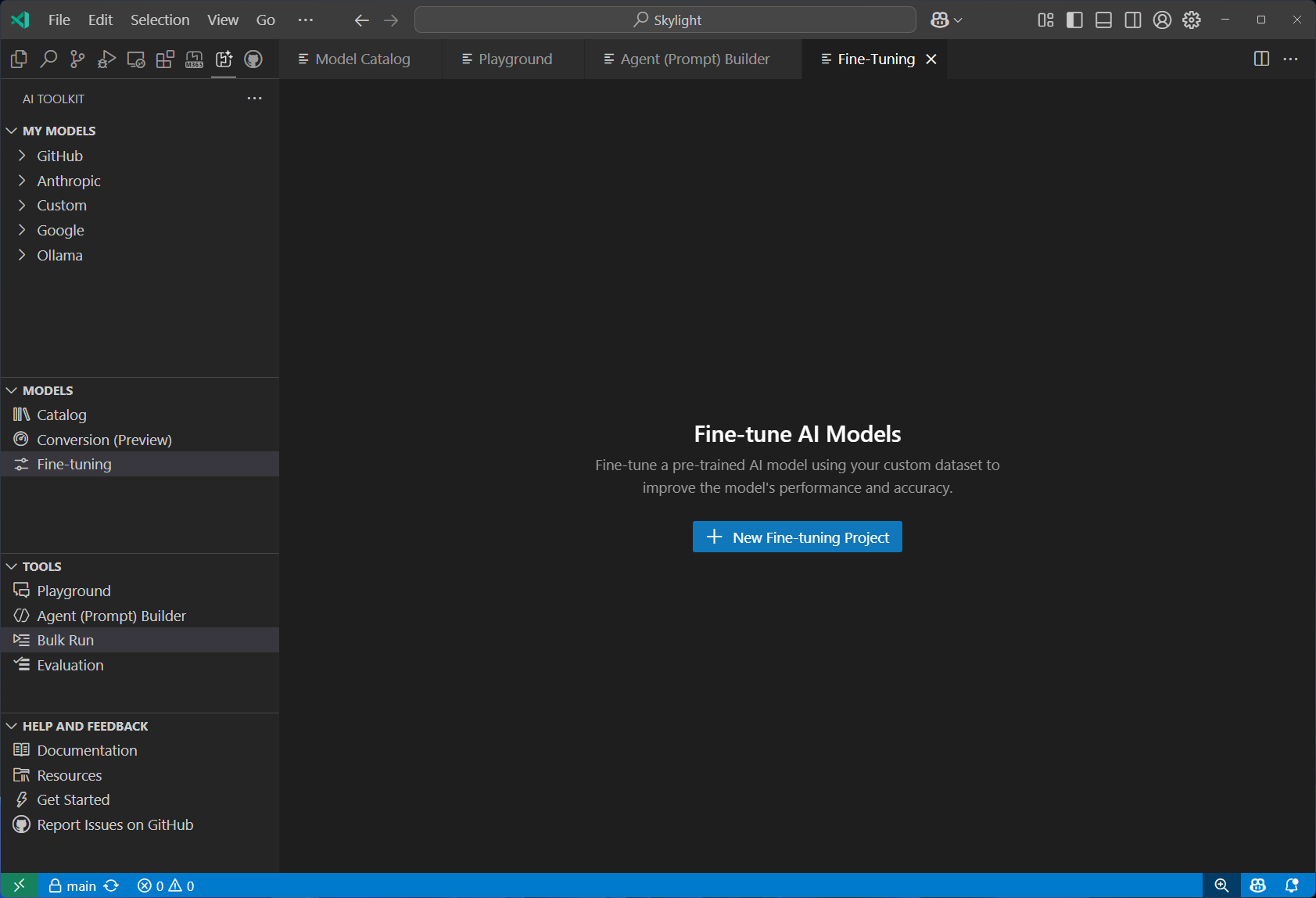 |
| Model Conversion | Convert, quantize, and optimize machine learning models for local deployment. Transform models from Hugging Face and other sources to run efficiently on Windows with CPU, GPU, or NPU acceleration. | 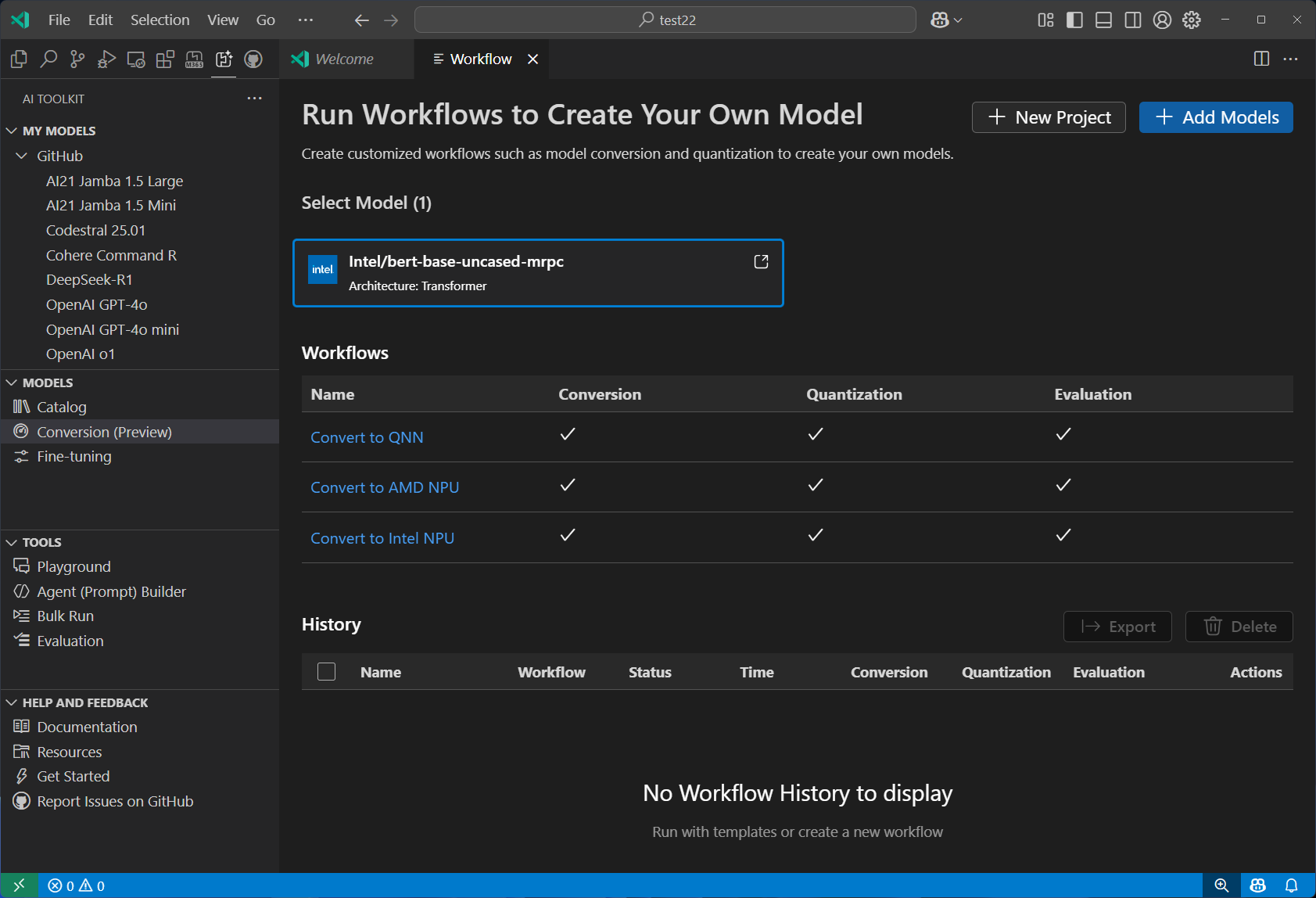 |
| Tracing | Monitor and analyze the performance of your AI applications. Collect and visualize trace data to gain insights into model behavior and performance. | 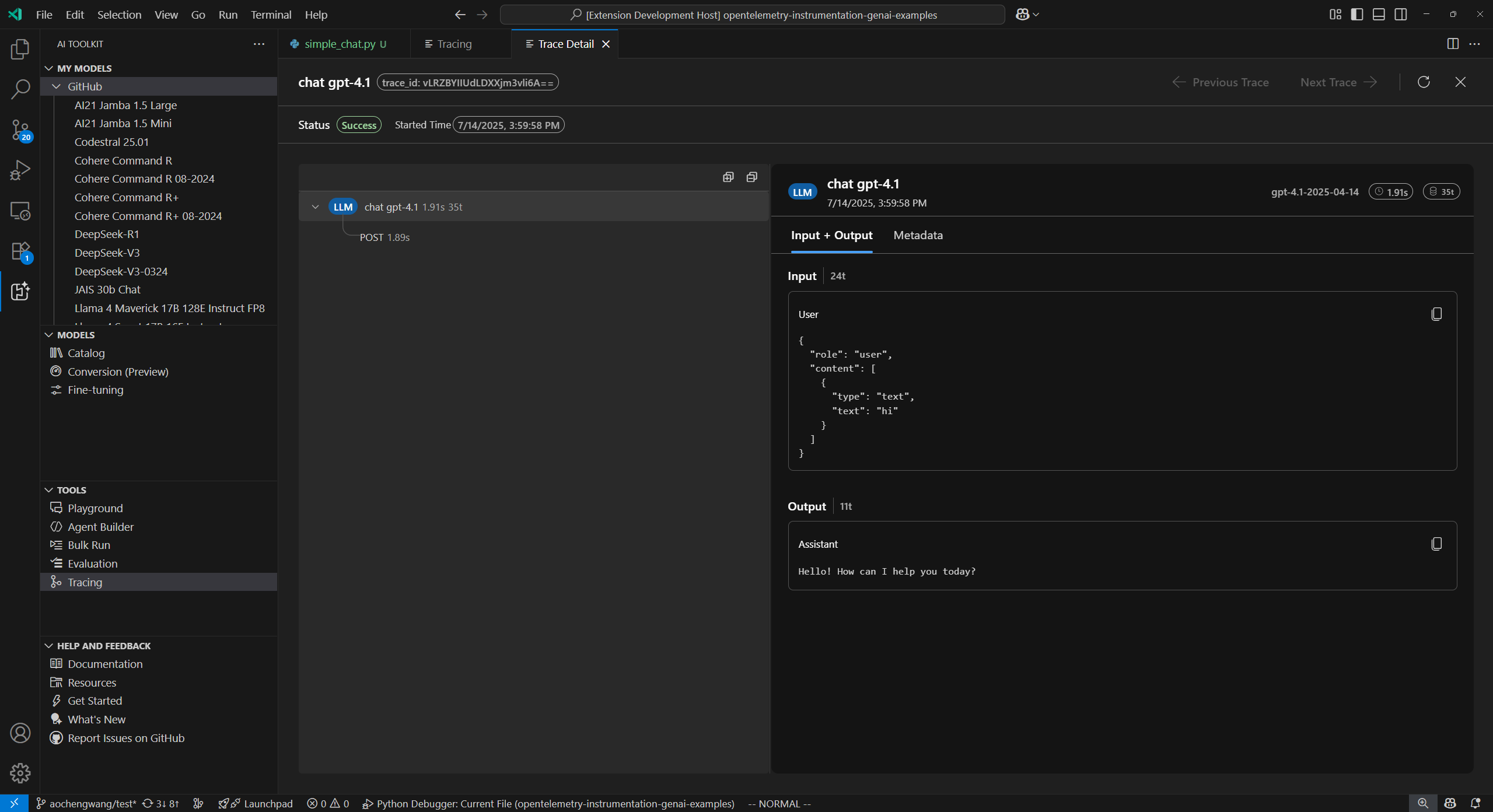 |
| Profiling (Windows ML) | Diagnose the CPU, GPU, NPU resource usages of the process, ONNX model on different execution providers, and Windows Machine Learning events. | 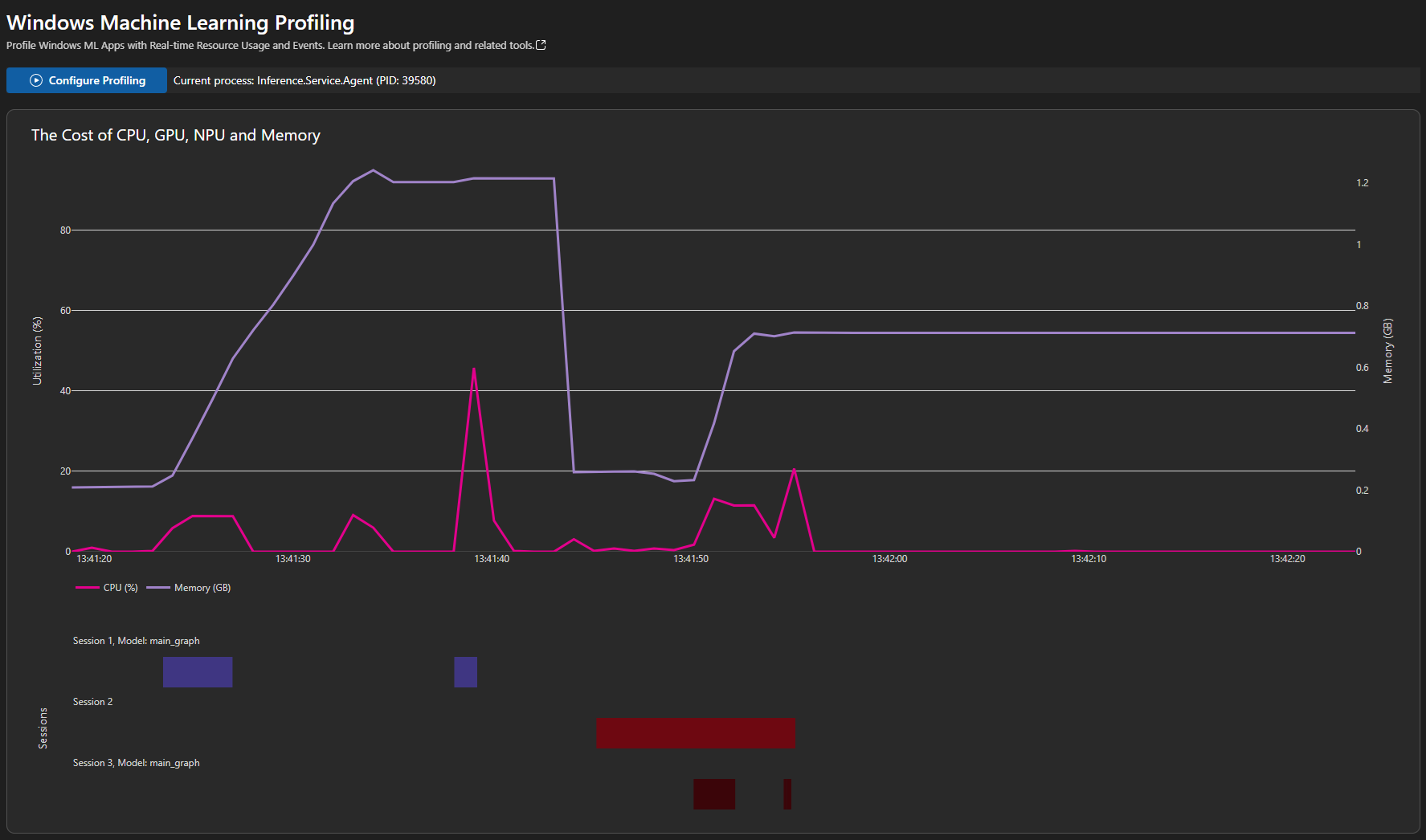 |
Get up and running to interact with a model in three steps:
- 📦 Install — Follow the installation guide to set up AI Toolkit on your device.
- 🗂️ Explore models — Open the extension tree view → Developer Tools → Discover → Model Catalog. We recommend starting with models hosted by GitHub.
- 💬 Try it out — Select Try in Playground on any model card to start experimenting right away.
AI Toolkit gives you two paths to build AI agents—pick the one that fits your workflow:
Use the Agent Builder to create, test, and deploy prompt agents through a visual interface—no code required.
- ✨ Generate and improve prompts with natural language, or let Inspire Me draft a starting point
- 🔁 Iterate and refine prompts based on real-time model responses in the integrated Playground
- 🧩 Extend your agent with tools from the Tool Catalog or custom function calling
- 📊 Evaluate accuracy and performance with built-in or custom metrics
- 💡 Export production-ready code snippets for rapid app integration
Build single-agent or multi-agent workflows in code using the Agent Framework SDK, with full debugging and deployment support.
- 🏗️ Code Generation — Scaffold hosted agent code or orchestrate multi-agent workflows with GitHub Copilot
- 🔬 Agent Inspector — Press F5 to launch with breakpoints, real-time streaming, workflow visualization, and one-click code navigation
- ☁️ Cloud Deployment — Deploy hosted agents to Microsoft Foundry
- 📈 Observability — Trace agent execution locally or evaluate performance with built-in and custom metrics
We'd love to hear from you! Your feedback helps shape our roadmap.
- 📖 Developer documentation — explore all features in depth
- 🐛 GitHub Issues — report bugs or suggest new features
- 💬 Discord community — connect with fellow developers
AI Toolkit ❤️ Developer Community.
AI Toolkit for Visual Studio Code collects usage data and sends it to Microsoft to help improve our products and services. Read our privacy statement to learn more. This extension respects the telemetry.enableTelemetry setting—learn more at disable telemetry reporting.