Transform your Claude chat history into reusable AI skills, templates, and knowledge bases.
This project provides a complete pipeline to export, clean, classify, and package your Claude (Anthropic) chat history into structured knowledge that can be used to create AI skills, templates, and best practices documentation.
Watch the full walkthrough on YouTube:
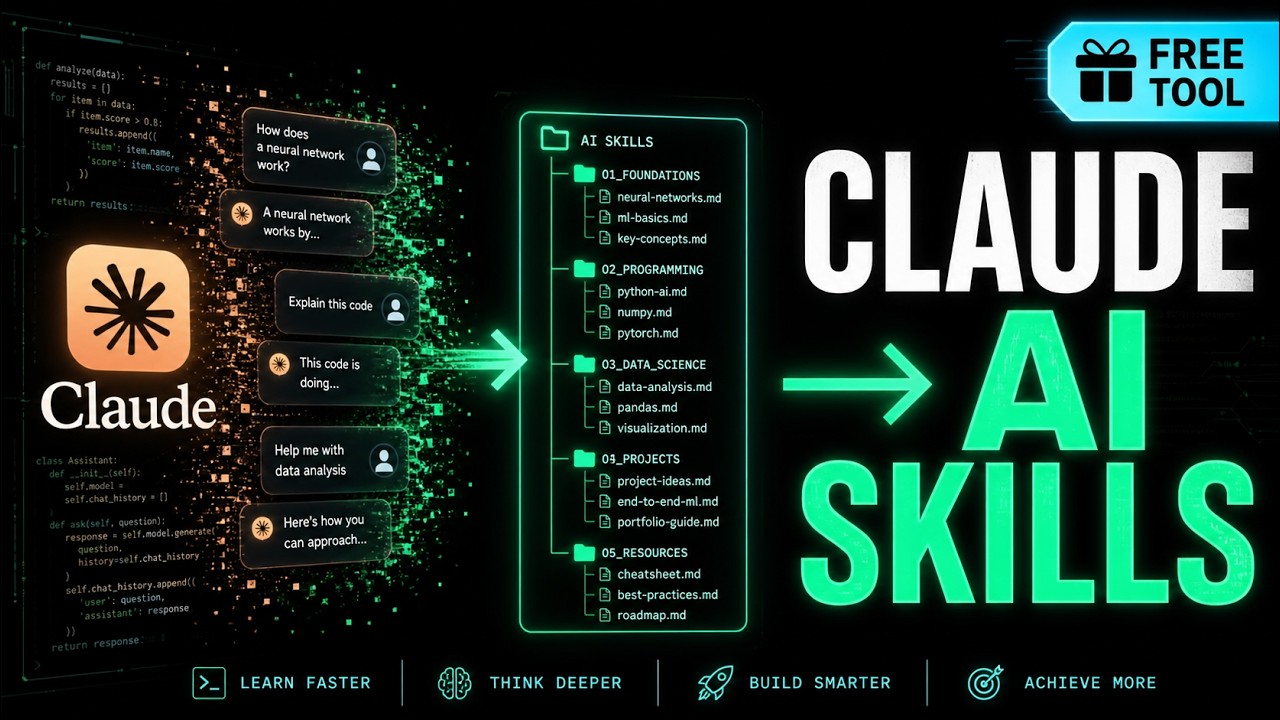
🇻🇳 Vietnamese tutorial — Covers export, pipeline setup, and skill packaging.
| Step | Script | Output | Description |
|---|---|---|---|
| 1️⃣ Export | Manual | fie1/, file2/ |
Raw Claude data export (JSON) |
| 2️⃣ Clean | step1_clean_sessions.py |
output/ |
Split into individual session files by month |
| 3️⃣ Stats | step2_generate_stats.py |
reports/ |
Generate statistical reports (MD + HTML dashboard) |
| 4️⃣ Extract | step3_extract_knowledge.py |
output_topic/ |
Filter & classify by your keywords |
| 5️⃣ Analyze | step4_analyze_patterns.py |
analysis_topic/ |
Deep analysis → patterns & templates |
Python 3.10+
# No external dependencies needed — uses only standard library- Go to claude.ai/settings
- Click Export Data
- Download the zip and extract to this directory:
export-claude/
├── fie1/              # Personal chat history
│   └── conversations.json
└── file2/             # Project-related data
    ├── conversations.json
    ├── memories.json
    ├── users.json
    └── projects/
python scripts/step1_clean_sessions.pyOutput: output/ directory with sessions organized by year-month:
output/
├── personal/2025-06/conv_xxx.json
├── personal/2025-07/conv_xxx.json
├── project_chats/2024-04/chat_xxx.json
└── ...
Each session file contains:
meta: uuid, name, date, topic hints, token estimateturns: list of chat turns (role + text)full_text: complete conversation in plain text
python scripts/step2_generate_stats.pyOutput: reports/
statistics_report.md— Markdown report with tablesstatistics_dashboard.html— Interactive HTML dashboard with charts
Edit step3_extract_knowledge.py to customize for your domain, then run:
python scripts/step3_extract_knowledge.pyOutput: output_topic/
output_topic/
├── index.md                    # Master index
├── topic_setup.md              # Setup & configuration sessions
├── topic_api.md                # API-related sessions
└── topic_general.md            # Other sessions
Edit step4_analyze_patterns.py to customize pattern detection, then run:
python scripts/step4_analyze_patterns.pyOutput: analysis_topic/
pattern_analysis.md— Extracted patterns with examplespatterns_data.json— Structured pattern data
Edit scripts/step3_extract_knowledge.py:
# Change these for your domain
TOPIC_KEYWORDS = [
    "your_product", "your_product_api",
    "your_sdk", "your_webhook",
]

SUBTOPICS = {
    "topic_setup": {
        "name": "Your Product - Setup",
        "keywords": ["setup", "install", "config"],
    },
    "topic_api": {
        "name": "Your Product - API",
        "keywords": ["api", "endpoint", "request"],
    },
    "topic_general": {
        "name": "Your Product - General",
        "keywords": [],  # Catch-all
    },
}
See scripts/TEMPLATE.md for full customization guide with examples (n8n, CRM, etc.).
Edit scripts/step4_analyze_patterns.py:
PATTERN_CATEGORIES = {
    "code_blocks": {
        "name": "Code Blocks",
        "regex": r"```(?:\w+)?\n(.*?)```",
        "flags": re.DOTALL,
    },
    "your_pattern": {
        "name": "Your Pattern Name",
        "regex": r"YOUR_REGEX_HERE",
    },
}export-claude/
├── scripts/ # Pipeline scripts (committed)
│ ├── step1_clean_sessions.py
│ ├── step2_generate_stats.py
│ ├── step3_extract_knowledge.py # Customize keywords here
│ ├── step4_analyze_patterns.py # Customize patterns here
│ └── TEMPLATE.md # Customization guide
├── fie1/ # ⚠️ Raw personal export (gitignored)
├── file2/ # ⚠️ Raw project export (gitignored)
├── output/ # ⚠️ Cleaned sessions (gitignored)
├── output_topic/ # ⚠️ Topic-extracted (gitignored)
├── reports/ # ⚠️ Stats reports (gitignored)
├── analysis_topic/ # ⚠️ Analysis output (gitignored)
├── .gitignore # Excludes sensitive data
├── README.md # This file
└── AGENTS.md # AI agent instructions
All personal data is gitignored:
- Raw export files (
fie1/,file2/) - Processed sessions (
output/) - Extracted knowledge (
output_topic/) - Reports (
reports/)
Only scripts and templates are committed.
Before sharing:
- Verify
.gitignoreexcludes all personal data - Run
git statusto confirm no sensitive files are staged - Consider anonymizing any examples in templates
- Extract your own expertise from chat history
- Create a searchable knowledge base
- Build AI skills that mirror your working style
- Aggregate team chat history
- Identify common patterns and solutions
- Create standardized templates and best practices
- Extract real-world patterns from actual conversations
- Build domain-specific AI skills
- Create comprehensive reference documentation
MIT License — use freely, modify, and share.
We help Vietnamese SMEs automate operations with LarkSuite, n8n, and custom data pipelines.
- 🌐 Website: https://diginno.net/services
- 📧 Contact: Reach out for automation consulting
Transform your AI conversations into actionable knowledge.