A React and shadcn/ui template for building standalone frontends backed by NocoBase.
pnpm install
cp .env.example .env.local
pnpm dev
The development server starts at http://localhost:5173 by default.
The minimum local configuration is:
NOCOBASE_API_URL=/api
NOCOBASE_PORTAL_BASE=/NOCOBASE_API_URLis the NocoBase REST API root and must include/api. Same-origin deployments normally use/api. During local development, an absolute URL is handled through the Vite proxy.NOCOBASE_PORTAL_BASEis the public path where the Portal is mounted. Use/for root development or set the deployment path before building.NOCOBASE_API_TOKENcan provide a temporary development token. Never commit real tokens.
The Portal uses the same authentication storage convention as NocoBase. If the
server customizes it, keep API_CLIENT_STORAGE_PREFIX,
API_CLIENT_STORAGE_TYPE, and API_CLIENT_SHARE_TOKEN aligned with the server.
# Start the Vite development server
pnpm dev

# Build the production assets
pnpm build

# Serve a production build
pnpm start

# Build a standalone HTML artifact
pnpm build:html
Application pages and resources live under src. The included Users page is a
working example based on the standard NocoBase users collection.
Application translations live in src/locales. Default locale, available
locale labels, i18next options, and post-switch behavior remain customizable in
src/providers/i18n/runtime.ts. Shared UI components live in
src/components/ui and follow the shadcn Base UI conventions.
Stable NocoBase runtime behavior is provided by @nocobase/portal-sdk.
The template records its inherited base version in
nocobase.defaultTemplateVersion; SDK installation, development, and builds
stop with an actionable error when that version is outside the SDK's supported
range. Application composition and visual source remain owned by this project.
Installed extensions live in src/extensions and are ordinary
application-owned source files. Their providers, resources, routes, login
adapters, and user-menu items are discovered automatically.
Routes declared with defineAppRoutes can use lazy: () => import(...) to
keep page modules out of the initial bundle while preserving synchronous menu,
resource, and access metadata.
Set registryRoutesEnabled to false in src/routes.tsx when replacing the
bundled example navigation with application-owned routes. Installed extension
providers, login adapters, and the /dev component showcases remain available.
Optional NocoBase integrations, including authentication methods and i18n, can
be installed from the @nocobase Registry configured in components.json.
After installation, the generated source can be customized and committed with
the application.
Registry implementations import runtime APIs from documented
@nocobase/portal-sdk subpaths and continue to use @/components for
application-owned visual composition. Each Registry item declares the minimum
compatible SDK version in registry.config.json.
In this Registry source repository, canonical extension source lives in
registry and is loaded directly by pnpm dev and pnpm build. The published
npm template contains the default extensions under src/extensions instead.
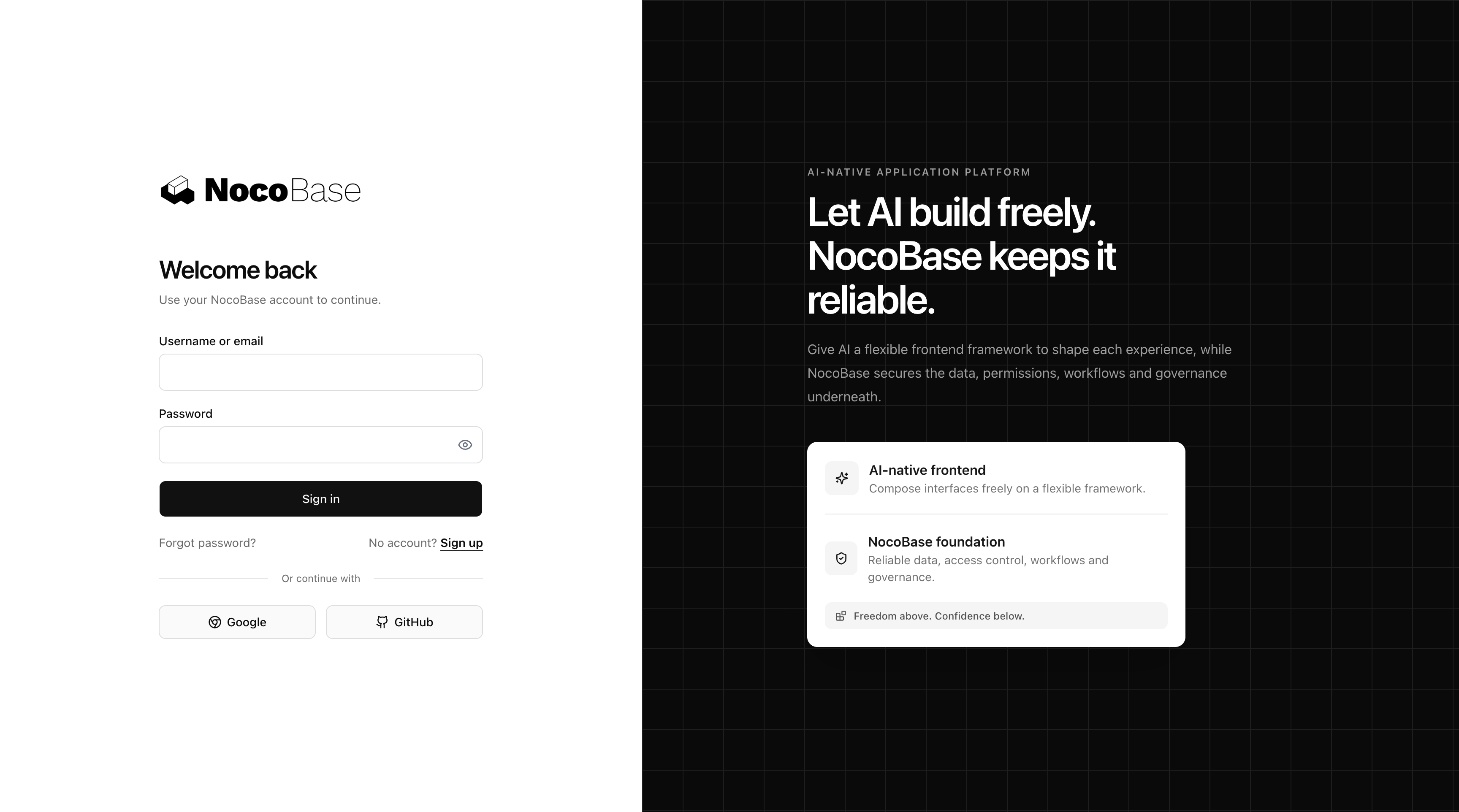
Basic username or email and password login is built in. The default login page also renders enabled NocoBase authentication methods when their frontend Registry adapters are installed.
Customize src/pages/login/index.tsx to replace the whole login page, or use
DefaultSignInPage to keep dynamic authentication while overriding individual
authenticator UI.
Frontend logic and component tests live under tests/ and run with Vitest and
Testing Library. Registry-owned tests live beside each item under
registry/<name>/tests, while Portal SDK tests live under sdk/tests and run
through the SDK package. These tests exercise local behavior without mocking
NocoBase APIs, authentication, ACL, or data providers. Put behavior that needs
real server data under e2e/ instead.
pnpm test
pnpm test:watch
pnpm test:coverage
pnpm test:sdk
Playwright E2E tests connect to a real NocoBase environment. The included smoke test signs in through the actual Portal login page, verifies the server session, and confirms that authentication survives a reload. It does not depend on any Registry example page.
Copy .env.e2e.example to .env.e2e and provide a dedicated test account.
Playwright always starts an isolated Portal dev server at
http://127.0.0.1:4173 (configurable with NOCOBASE_E2E_PORT) and stops it when
the run finishes. Set NOCOBASE_E2E_API_URL to the real NocoBase backend and
NOCOBASE_PORTAL_BASE to the Portal path under test. The default command never
reuses a manually started frontend.
pnpm test:e2e:install
pnpm test:e2e
pnpm test:e2e:ui
Reusable E2E helpers currently live in e2e/support. They provide environment
and basename resolution, NocoBase resource/action requests, API sign-in and
session checks, and browser session installation. Keep business-specific test
data and assertions in the application. These helpers can move into the Portal
SDK after their application-facing contract has stabilized.
The root pnpm test command includes both template and Registry tests. The
published template contains materialized extensions instead of registry/,
but their tests remain source-repository checks and are not copied into user
projects.
Default Template source upgrades are documented in the
template migration guide.
SDK API and compatibility changes are documented separately in the
Portal SDK migration guide.
MIT