A React and shadcn/ui template for building standalone frontends backed by NocoBase.
pnpm install
cp .env.example .env.local
pnpm dev
The development server starts at http://localhost:5173 by default.
The minimum local configuration is:
NOCOBASE_API_URL=/api
NOCOBASE_PORTAL_BASE=/NOCOBASE_API_URLis the NocoBase REST API root and must include/api. Same-origin deployments normally use/api. During local development, an absolute URL is handled through the Vite proxy.NOCOBASE_PORTAL_BASEis the public path where the Portal is mounted. Use/for root development or set the deployment path before building.NOCOBASE_API_TOKENcan provide a temporary development token. Never commit real tokens.
The Portal uses the same authentication storage convention as NocoBase. If the
server customizes it, keep API_CLIENT_STORAGE_PREFIX,
API_CLIENT_STORAGE_TYPE, and API_CLIENT_SHARE_TOKEN aligned with the server.
# Start the Vite development server
pnpm dev

# Build the production assets
pnpm build

# Serve a production build
pnpm start

# Build a standalone HTML artifact
pnpm build:html
Application pages and resources live under src. The included Users page is a
working example based on the standard NocoBase users collection.
Application translations live in src/locales. Shared UI components live in
src/components/ui and follow the shadcn Base UI conventions.
Installed extensions live in src/extensions and are ordinary
application-owned source files. Their providers, resources, routes, login
adapters, and user-menu items are discovered automatically.
Set registryRoutesEnabled to false in src/routes.tsx when replacing the
bundled example navigation with application-owned routes. Installed extension
providers, login adapters, and the /dev component showcases remain available.
Optional NocoBase integrations, including authentication methods and i18n, can
be installed from the @nocobase Registry configured in components.json.
After installation, the generated source can be customized and committed with
the application.
In this Registry source repository, canonical extension source lives in
registry and is loaded directly by pnpm dev and pnpm build. The published
npm template contains the default extensions under src/extensions instead.
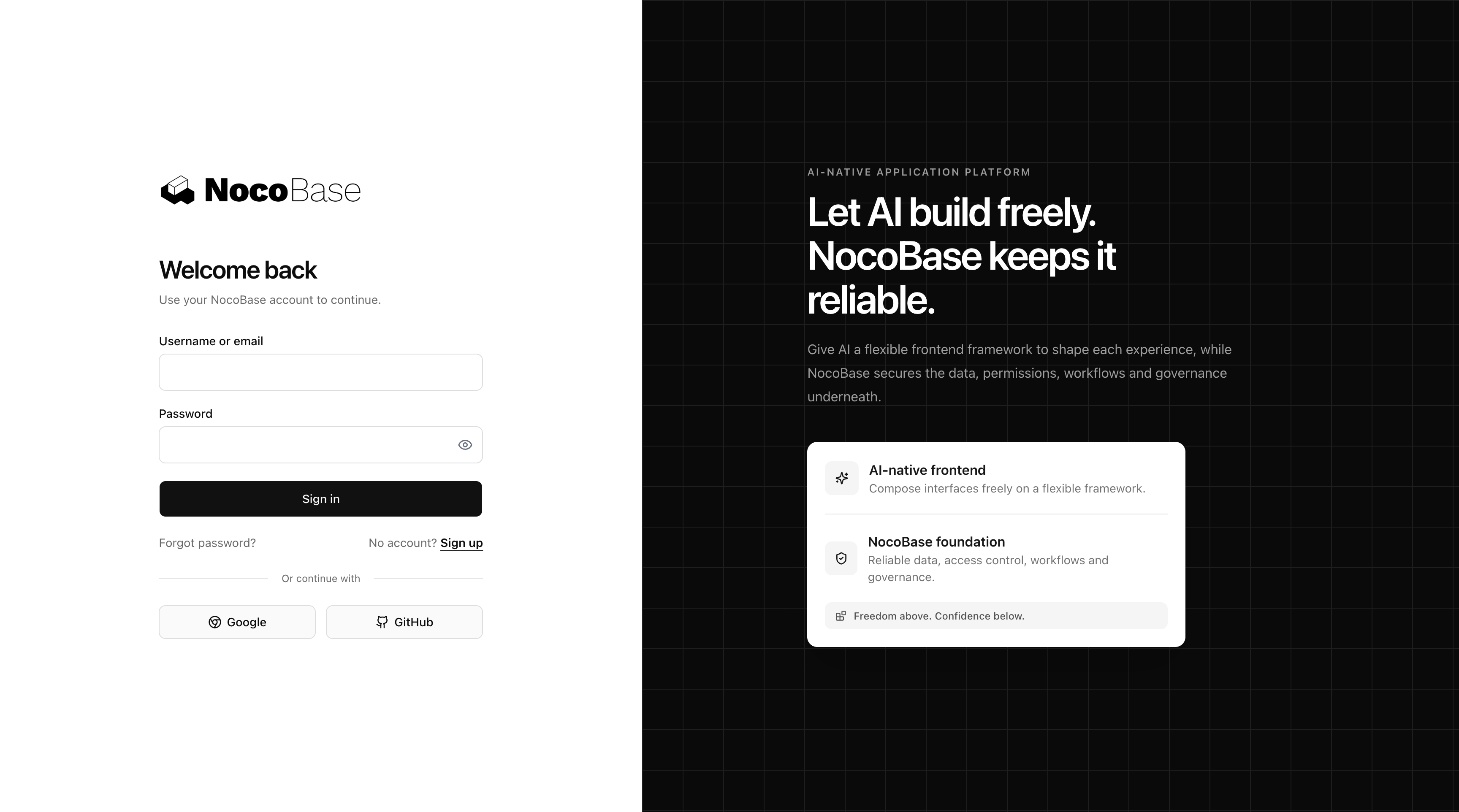
Basic username or email and password login is built in. The default login page also renders enabled NocoBase authentication methods when their frontend Registry adapters are installed.
Customize src/pages/login/index.tsx to replace the whole login page, or use
DefaultSignInPage to keep dynamic authentication while overriding individual
authenticator UI.
pnpm test:auth
pnpm test:acl
pnpm test:i18nMIT