A simple GL JS basemap style showcasing OpenStreetMap data. It is using the vector tile schema of OpenMapTiles.
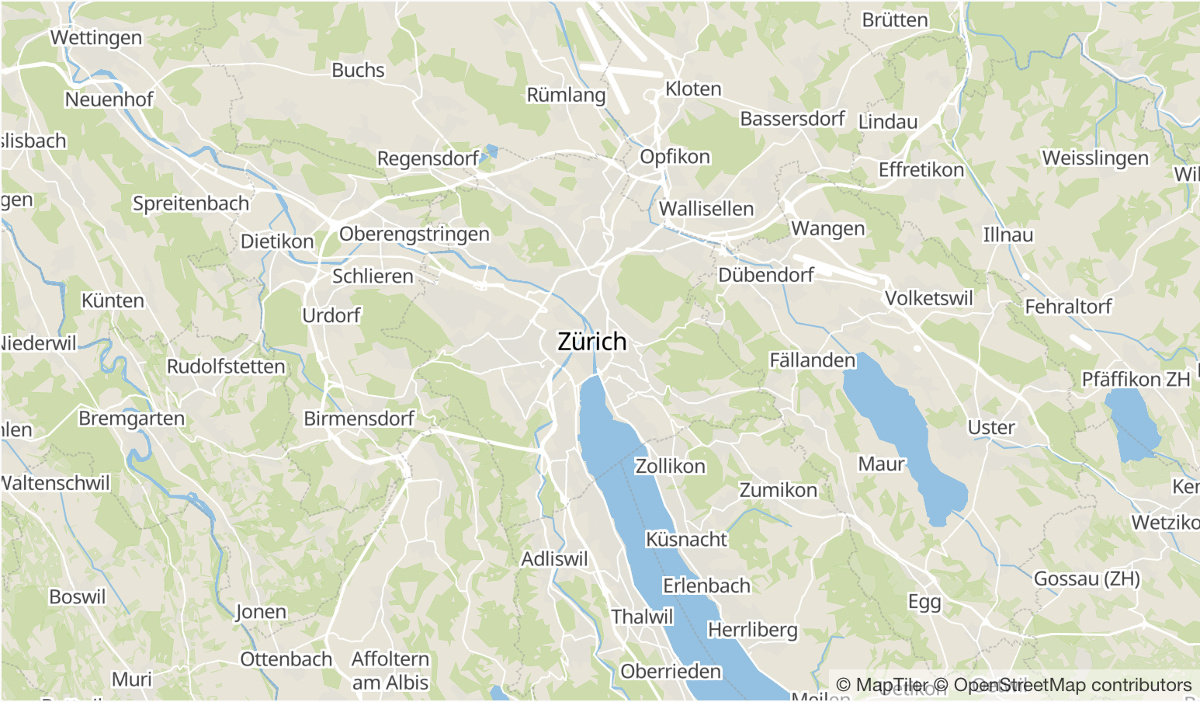
<!DOCTYPE html>
<html lang="en">
<head>
  <meta charset="UTF-8">
  <meta name="viewport" content="width=device-width, initial-scale=1.0">
  <title>Display a map</title>
  <script src="https://cdn.maptiler.com/maptiler-sdk-js/v4.0.2/maptiler-sdk.umd.min.js"></script>
  <link href="https://cdn.maptiler.com/maptiler-sdk-js/v4.0.2/maptiler-sdk.css" rel="stylesheet" />
  <style>
    body { margin: 0; padding: 0; }
    #map { position: absolute; top: 0; bottom: 0; width: 100%; }
  </style>
</head>
<body>
  <div id="map"></div>
  <script>
      maptilersdk.config.apiKey = 'Get your own API key at https://www.maptiler.com/cloud/';
      const map = new maptilersdk.Map({
        container: 'map',
        style: "basic", // ev. "https://www.yourdomain.com/styles/basic.json"
      });
  </script>
</body>
</html>
Tip
This style has a high-quality alternative called Base map style for lightweight basemap available in dark/light mode, multi-lingual, government compliant, easy to customize. Try it!
Use the map design editor in MapTiler Cloud to view and adjust this map. Open the designer and upload style from this repository or host from various styles available on the platform.