


AntelopeQL (Antelope Query Language).
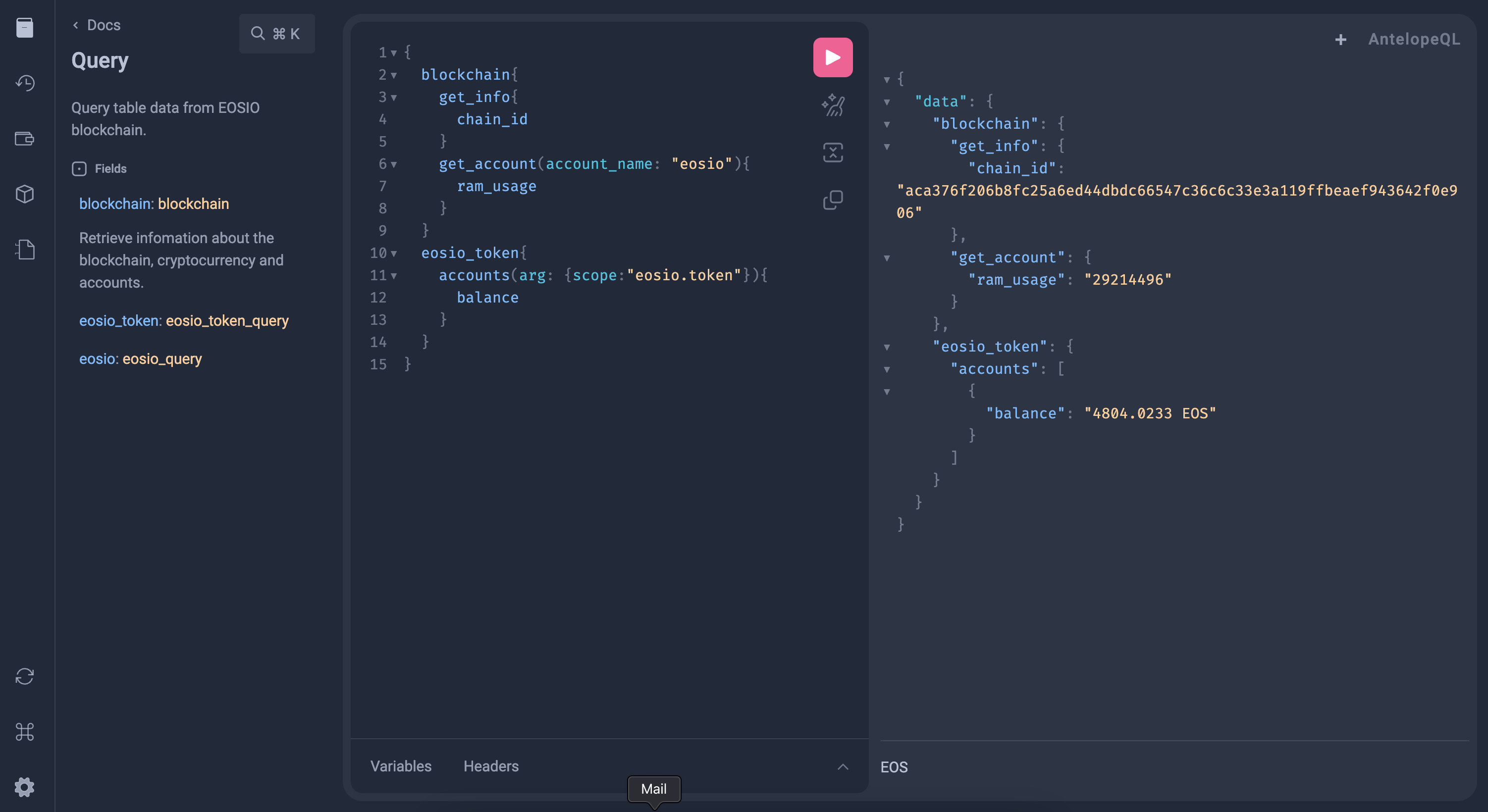
AntelopeQL is a GraphQL client and server library that allows developers to interact with the Antelope blockchain using GraphQL. It provides a unified interface to communicate with different blockchains within the Antelope ecosystem, enabling developers to leverage the unique features and capabilities of each blockchain while still benefiting from a consistent development experience.
As a GraphQL client library, AntelopeQL simplifies the process of building and executing GraphQL queries and mutations, handling errors, and signing transactions. As a server library, it provides a framework for building GraphQL APIs that can interact with the Antelope blockchain and other data sources.
With AntelopeQL, developers can focus on building the frontend and business logic of their DApps, while relying on the library to handle the complexities of interacting with multiple blockchains in the Antelope ecosystem.
Live working example can be found here.
For Node.js, to install AntelopeQL and the peer dependency graphql run:
npm install antelopeql graphqlSee the examples folder on how to run AntelopeQL as a Node.js endpoint.
import { AntelopeQL } from "antelopeql";

const query = /* GraphQL */ `
  {
    vaulta {
      get_blockchain {
        get_account(account_name: "relockeblock") {
          core_liquid_balance
          ram_quota
          net_weight
          cpu_weight
          ram_usage
        }
      }
    }
  }
`;

const { data } = await AntelopeQL({ query });

console.log(data);
Logged output included an account infomation.
import { AntelopeQL } from "antelopeql";
import sign_txn from "antelopeql-ecc/sign_txn.js";

const query = /* GraphQL */ `
  mutation {
    jungle {
      send_transaction(
        actions: [
          {
            eosio_token: {
              transfer: {
                authorization: { actor: "relockeblock" }
                to: "relockechain"
                from: "relockeblock"
                memo: ""
                quantity: "0.0002 EOS"
              }
            }
          }
        ]
      ) {
        transaction_id
        block_num
      }
    }
  }
`;

const { data } = await AntelopeQL({
  query,
  contracts: {
    // List of your smart contracts accounts for each chains.
    jungle: ["eosio.token"]
  },
  signTransaction: async (hash) => {
    const wif_private_key = "PVT_K1_…"; // your private key
    const signature = await sign_txn({ hash, wif_private_key });
    return [signature]; // signatures must return array
  }
});

console.log(data);
Logged output includes transaction_id and block_num
Supported runtime environments:
- Node.js versions
>=18.0.0. - Browsers matching the Browserslist query
> 0.5%, not OperaMini all, not dead.