


A modern Sphinx theme that treats documentation as a first-class product experience. Clean typography, responsive layout, dark mode, and instant search — out of the box.
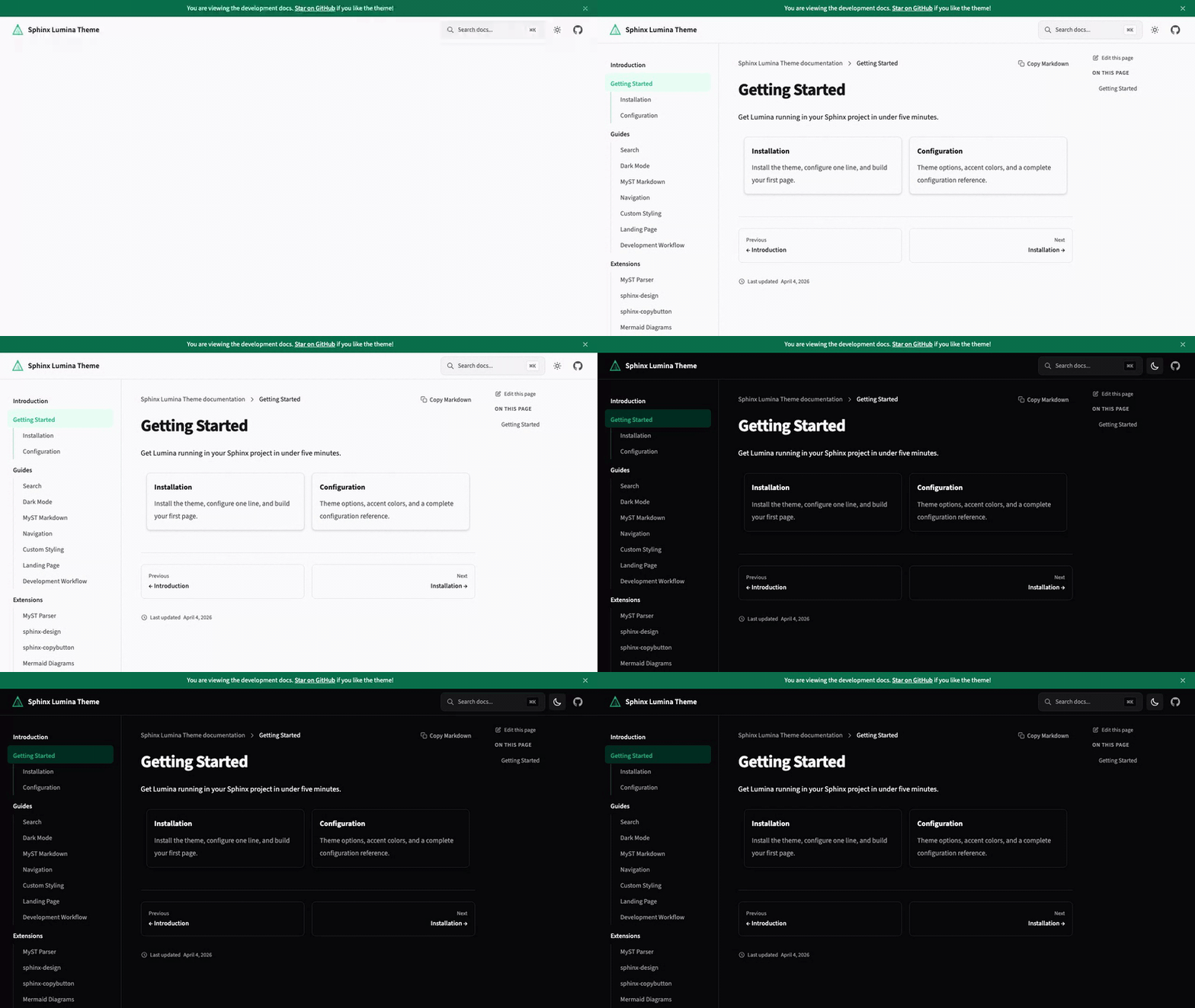
- Dark mode — follows system preference with manual toggle, no flash of unstyled content
- Instant search — Pagefind-powered search with keyboard navigation (
⌘K) - Responsive layout — mobile-first with collapsible sidebar and sticky table of contents
- MyST Markdown — write docs in Markdown with full Sphinx directive support
- Interactive HTTP API — OpenAPI endpoint docs with live "Try it out" panels and curl copy buttons; no Swagger UI needed
- Code blocks — syntax highlighting with one-click copy
- Self-hosted fonts — Source Sans 3 and JetBrains Mono, no external CDN calls
- Version switcher — dropdown to navigate between documentation versions, loaded from a JSON URL
- Customizable — accent colors, navigation links, social links, and more via
conf.py
Requires Python 3.12+ and Sphinx 8.0+.
pip install sphinx-lumina-themeor with uv:
uv add sphinx-lumina-themeSet the theme in your conf.py:
html_theme = "lumina"Build your docs:
uv run sphinx-build docs docs/_build/htmlThat's it. For MyST Markdown setup and configuration options, see the Getting Started guide.
All options go in html_theme_options in your conf.py. Every option has a sensible default — you only need to set what you want to change.
html_theme_options = {
    "accent_color": "#10b981",
    "dark_mode_default": "auto",       # "auto", "light", or "dark"
    "nav_links": "Guide=/guide, API=/api",
    "source_repository": "https://github.com/you/your-repo",
    "social_links": "github=https://github.com/you",
    "api_base_url": "https://api.example.com/v1",  # enables interactive API features
}
See the full Configuration reference for all available options.
git clone https://github.com/r4sky0/sphinx-lumina-theme.git
cd sphinx-lumina-theme
pnpm install        # JS dependencies
uv sync --dev       # Python dependencies
pnpm run build      # Build CSS + JS assets
uv run pytest       # Run tests