



This project is tested with BrowserStack
📢 Status Update
This repository is no longer actively maintained.
After careful consideration, I have made the decision to discontinue development and support for this project. This means that no further updates, feature enhancements, bug fixes, or security patches will be released moving forward.
💭 A Personal Note
What started as an idea grew into something meaningful—supported, used, and appreciated by many. Over time, this project became more than just code; it became a shared effort between contributors, users, and supporters who believed in its purpose.
I am deeply grateful for:
- Every contribution made through pull requests and issues
- Every user who trusted and used this project
- Every message of encouragement and feedback
Your support has truly meant a lot.
📊 About Previous Support & Donations
In the past, this project required ongoing infrastructure support, including hosting costs. Community contributions helped sustain these efforts and allowed the project to remain accessible.
I remain committed to the principle of transparency and appreciate everyone who contributed financially or helped spread the word. Your support directly enabled the project to operate for as long as it did.
📦 Current State of the Repository
- 🛑 Development: Stopped
- 🛠 Maintenance: No longer active
- 🐛 Issue Support: Closed / Not monitored
- 🔐 Security Updates: Not guaranteed
This repository will remain publicly available for:
- Educational purposes
- Reference implementations
- Personal or experimental forks
If you are currently using this project in production or in any critical environment, it is strongly recommended to:
- Consider migrating to an actively maintained alternative
- Avoid relying on this project for long-term or security-sensitive use
- Fork and maintain your own version if needed
🔄 For Contributors & Developers
You are welcome to:
- Fork the repository and continue development independently
- Build upon the existing codebase for your own projects
- Adapt and reuse components under the applicable license
If you choose to continue the vision of this project, I genuinely wish you success.
🤝 Final Words
Every project has its lifecycle, and this marks the closing chapter of this one.
While development has come to an end, the journey, learning, and community built around it will always remain valuable.
Thank you for being part of this journey.
When Your Contact will be online 🤳 on Whatsapp 👀 get the notification 🔔 in your Desktop 🖥️ and cross-platform notification without any installed app in Smartphone 📱 and more


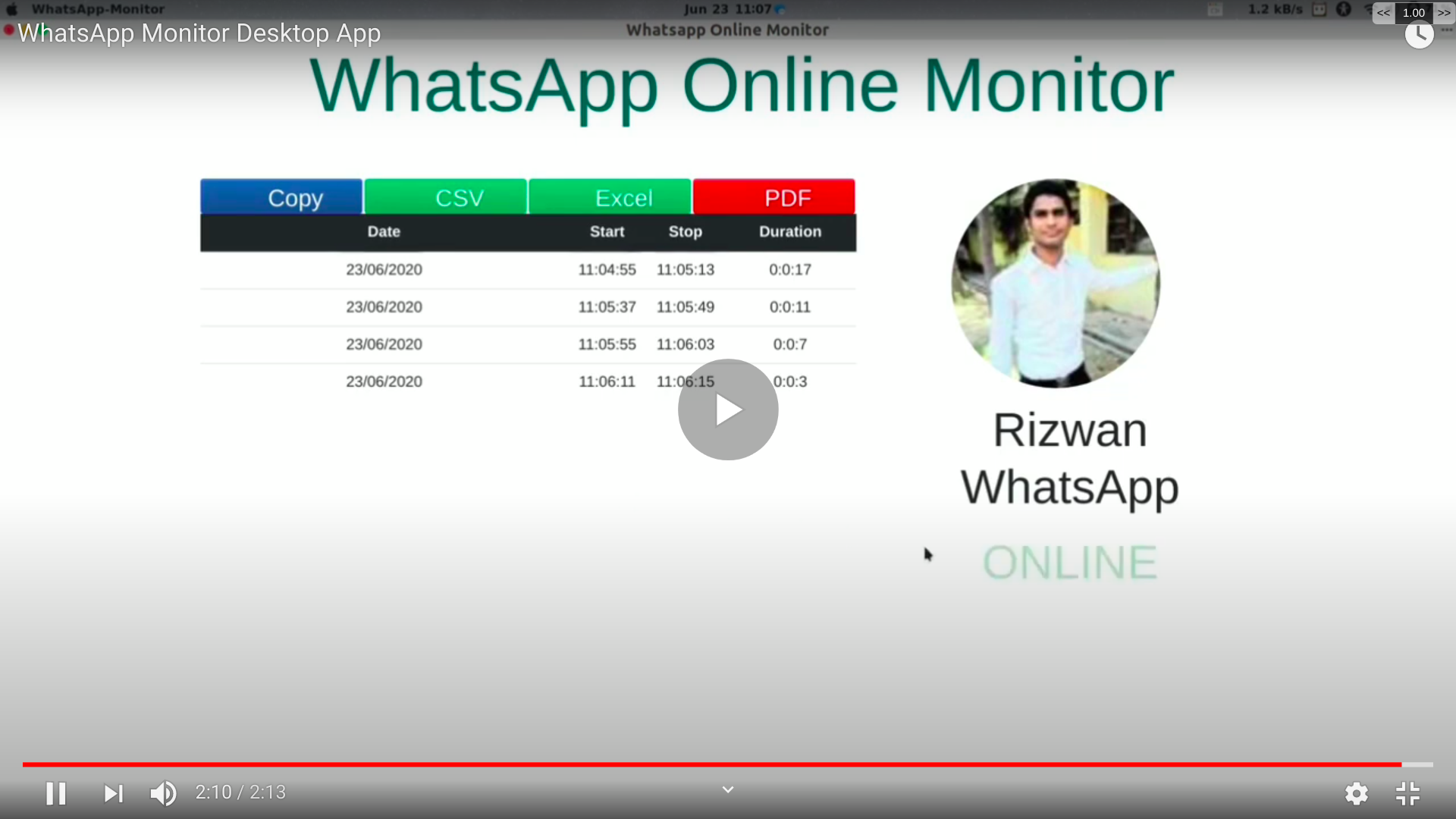




Play Sound 🔉 when Contact become Online 🤳 and Web Push Notification 📳 and Cross Platform Notification e.g. Android(No need to Install any App) Download 📥 History 📜 of Online in CSV Format


-
Install Kiwi Browser in your Android
-
Install Chrome Extension in Kiwi Browser
-
Open WhatsApp Web in Desktop mode and click on Link with phone number and proceed with steps to login in WhatsApp web after login allow notification run extension from three dot menu and scroll down below click on online monitor for WhatsApp and allow sound all time 1st option click OK now back to WhatsApp web tab open contact when contact will be online you will get sound notification.
| Feature | WhatsApp Monitor (Chrome Extension & Desktop App) | Paid WhatsApp Online Tracker Tools |
|---|---|---|
| Price | Free & Open Source | Usually paid/subscription |
| Platforms | Windows, Linux, Chrome Extension | Android/iOS apps, Web, Windows, Mac |
| Multiple Contact Tracking | Yes | Usually limited by plan |
| Notifications | Desktop sound & web push (cross-platform) | Push notifications, Email, SMS |
| Export History | PDF, CSV, Excel | Often limited, usually CSV only |
| Privacy | Data stored locally, no credentials collected | Varies, often stored on vendor servers |
| Account Required | No | Yes |
| Ads/Tracking | None | Often present |
| Support | Community-driven | Vendor support |
| Lock-in | None | Vendor lock-in |
Issues 🙋 and Pull requests 📃 are most welcome
This program is free 🆓 software: you can redistribute it and/or modify 👨🏻💻 it under the terms of the GNU General 📢 Public License with Credit Mention of all contributors of repo in Your Project as published by the Free Software Foundation 🌎

