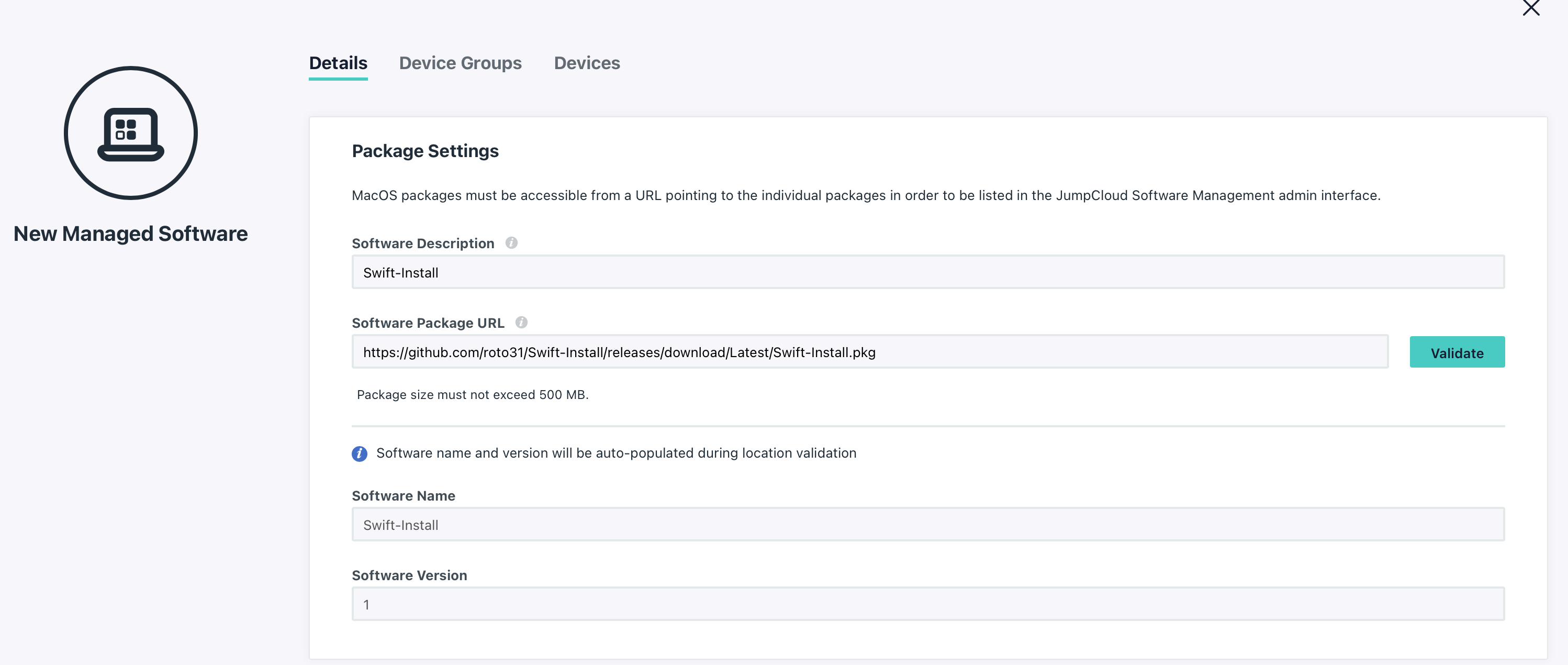
JumpCloud Setup
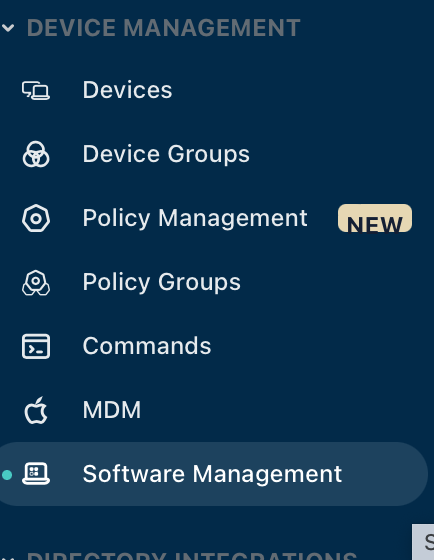
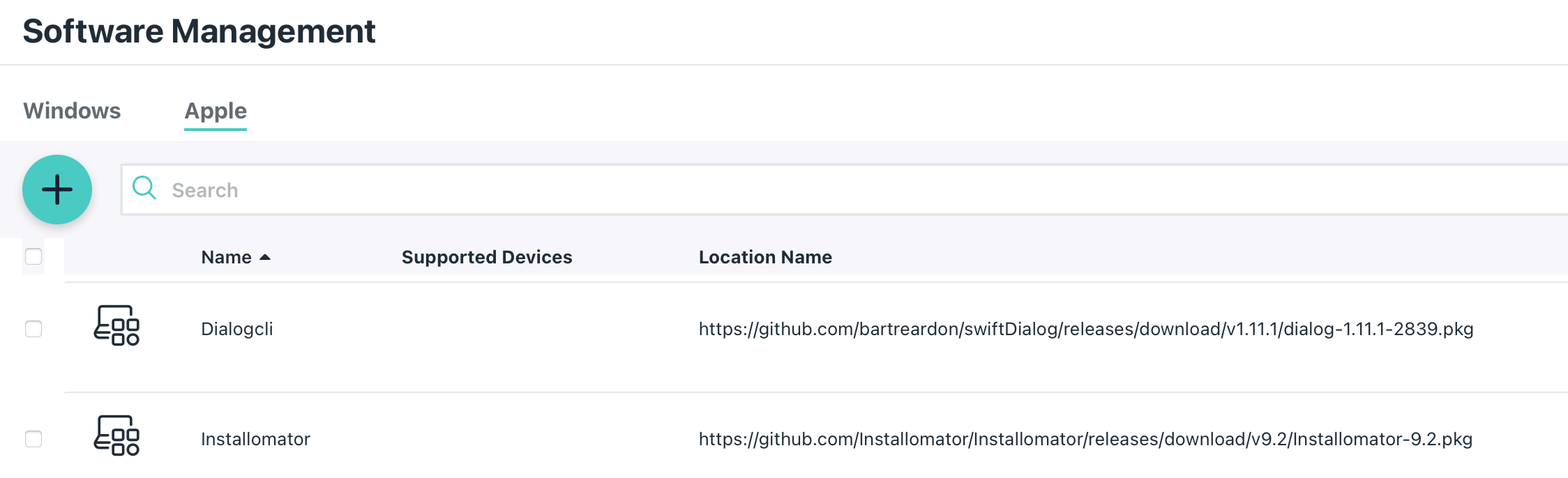
- Use the JumpCloud Software Management function under Device Management to add swiftDialog and Installomater as available software.
-
Scope accordingly
-
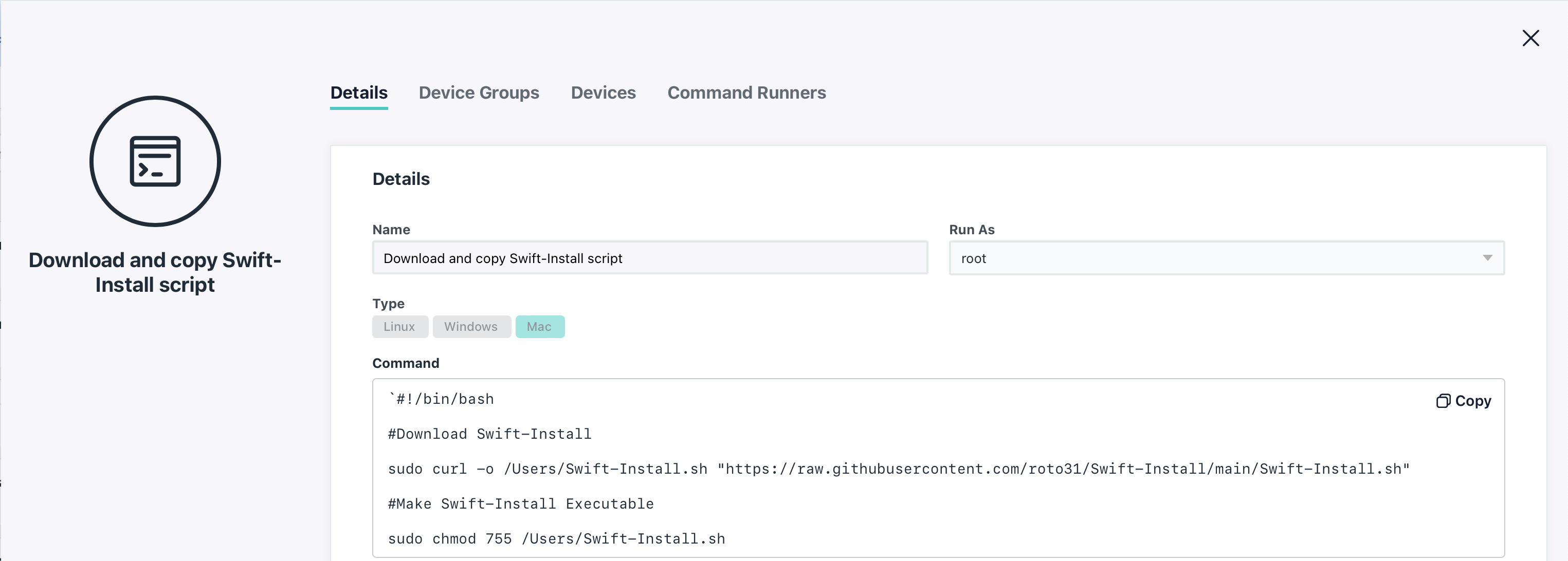
Add new Command from JumpCloud Commands Menu to add Swift-Install.sh script to "/Users"
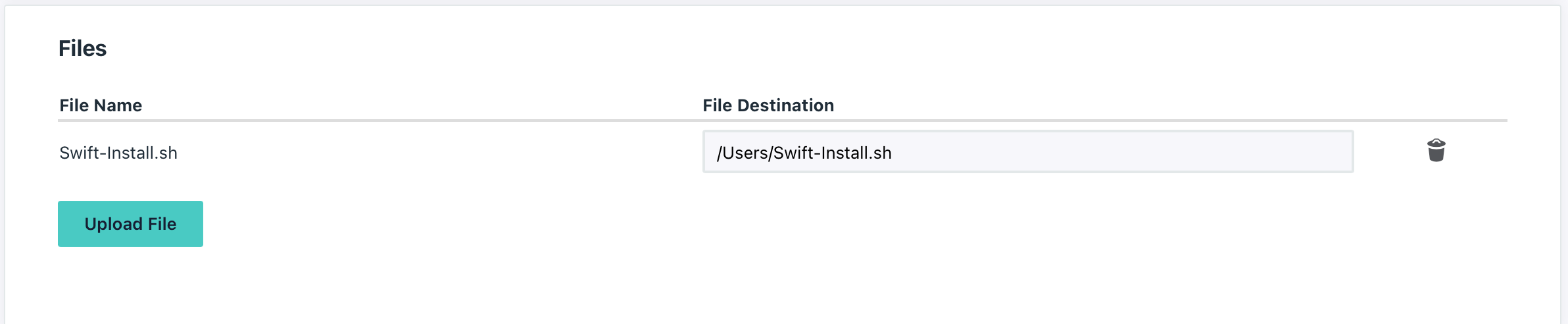
*Note: For my purposes I did this as an install from my GitHub for ease of use. I would recommend forking my GitHub, then making the script edits there and then use the below script format. Alternatively you can also copy and paste the RAW script into your favorite text editor. Add the script as a file and specify an installation path at the bottom of the same page where it shows "Upload File" (shown in screenshot below).
Script to add to Command section:
`#!/bin/bash
#Download Swift-Install
sudo curl -o /Users/Swift-Install.sh "https://raw.githubusercontent.com/roto31/Swift-Install/main/Swift-Install.sh"
#Make Swift-Install Executable
sudo chmod 755 /Users/Swift-Install.sh
- Download Swift-Install .pkg file here and upload to JumpCloud via the Software Management function under Device Mangagement.