Usage
See First Steps at the beginning.
There are some settings on MainWindow.xaml:
-
File name indicates a basis of names of image files. The extension must be any one of the following:
- .png
- .bmp
- .gif
- .jpeg, .jpg, .jpe
- .tiff, .tif
- .wdp, .hdp
- .ico
The value is given by FileNameText.Text property.
-
Black version indicates whether this app creates black version of images, that is, images with blackened shapes.
The value is given by CreateBlackCheck.IsChecked property. -
Image sizes indicates a variety of sizes of image files.
The values are given by ImageSizeList.Items property. Each item must be a value of Size structure.

The output is shown below:
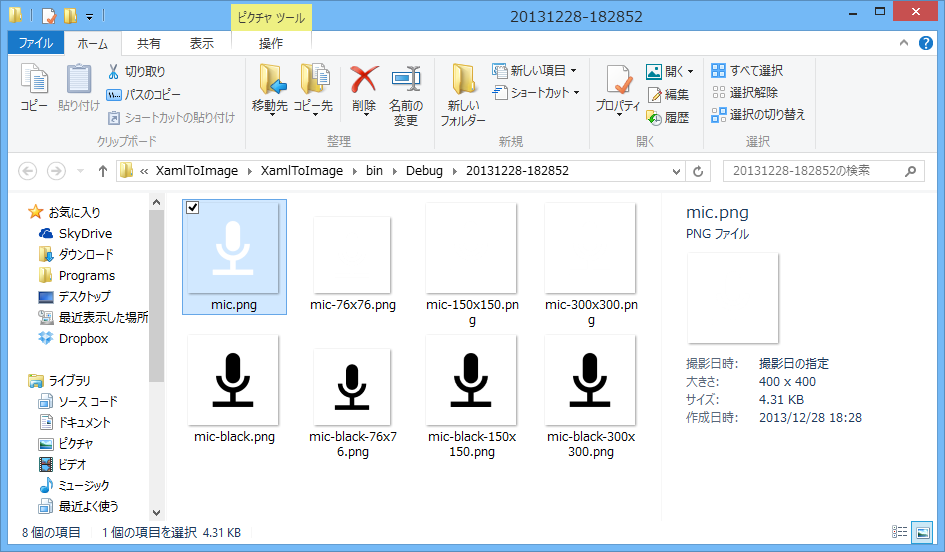
You can design images as you like, on the Canvas named "MainCanvas".
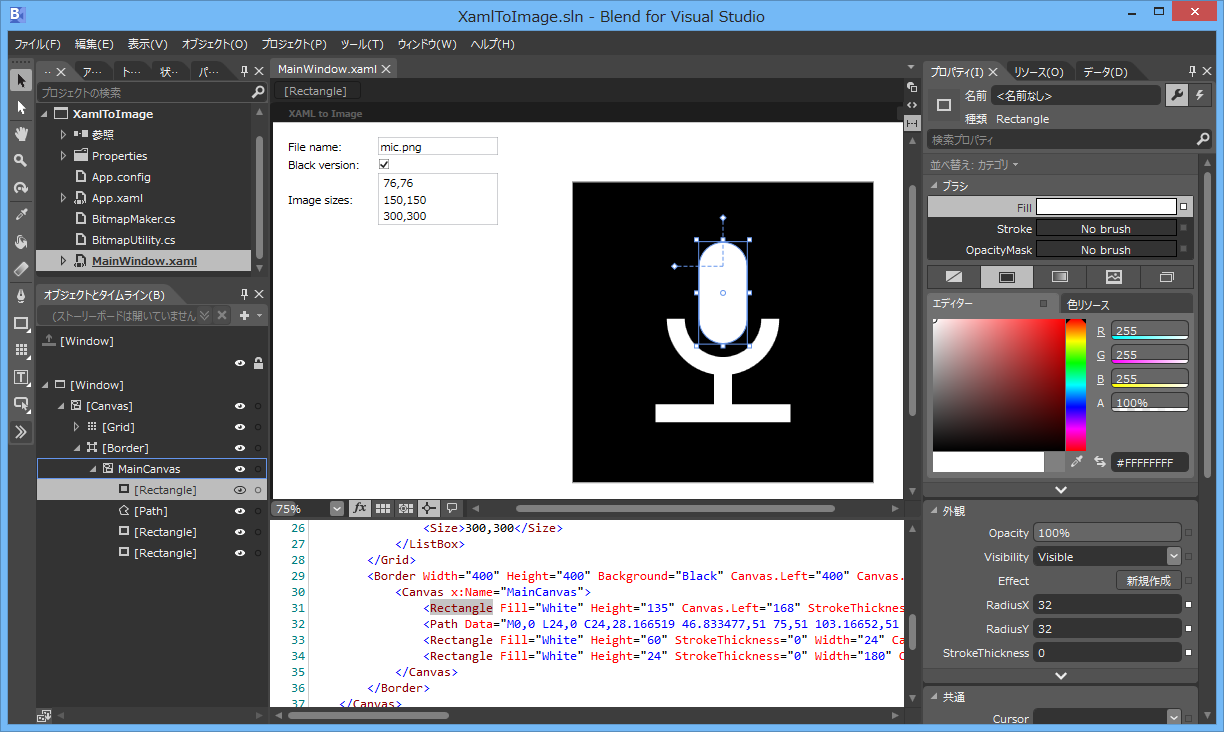
The following sample shows some variations:
- Sets both Width and Height of the parent Border to 300.
- Sets Background of MainCanvas to White.
- Uses an existing image file.

The output is shown below:

The files of samples shown above are saved to Images.