React-based customer and admin interface for the FlavorFiesta food ordering application. Built with React 18, Redux Toolkit, Tailwind CSS, Vite, and Stripe.
- Overview
- Tech Stack
- Project Structure
- Getting Started
- Application Routes
- State Management
- API Services
- Key Features
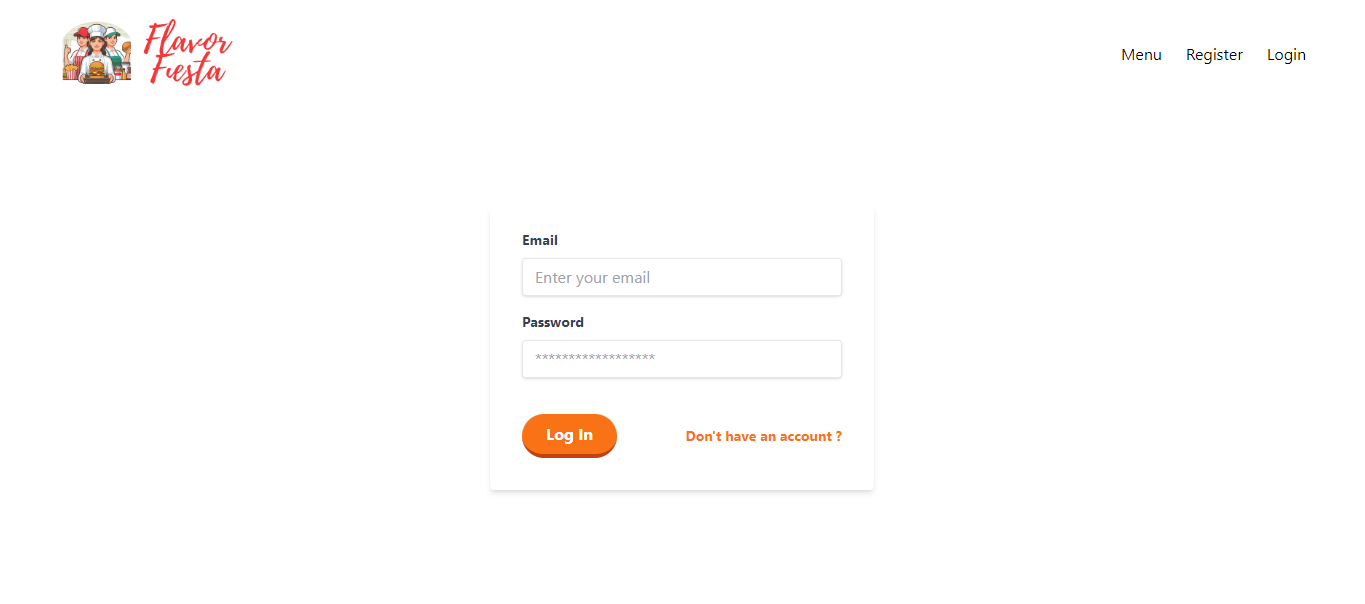
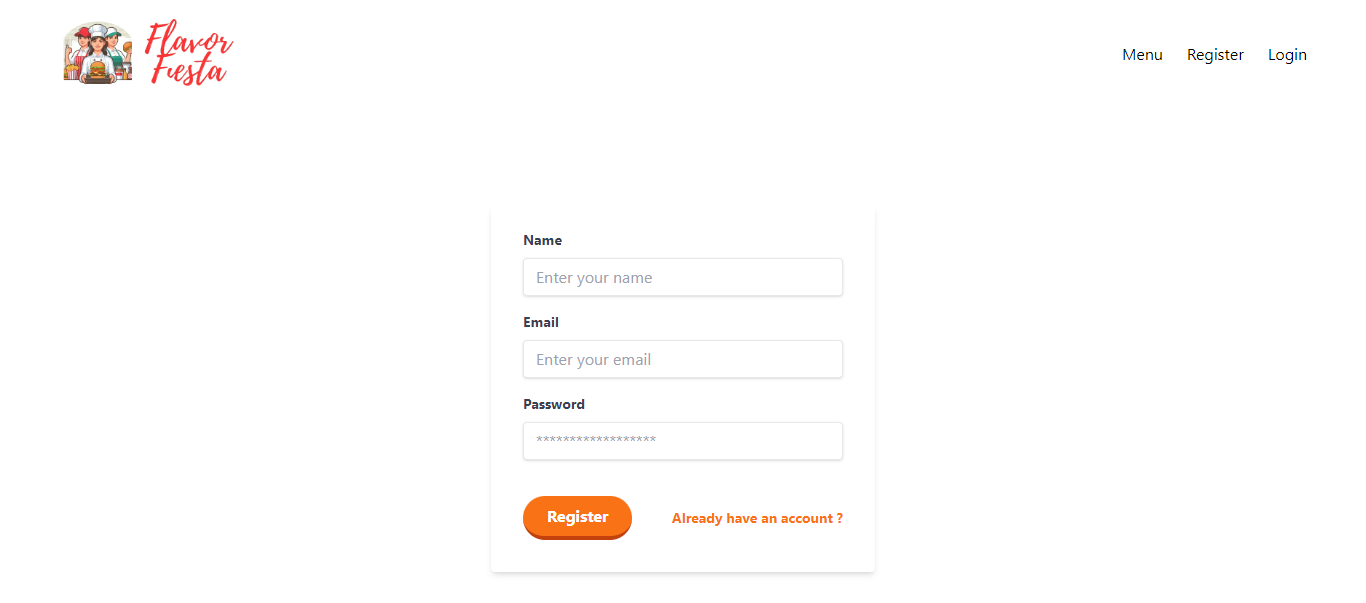
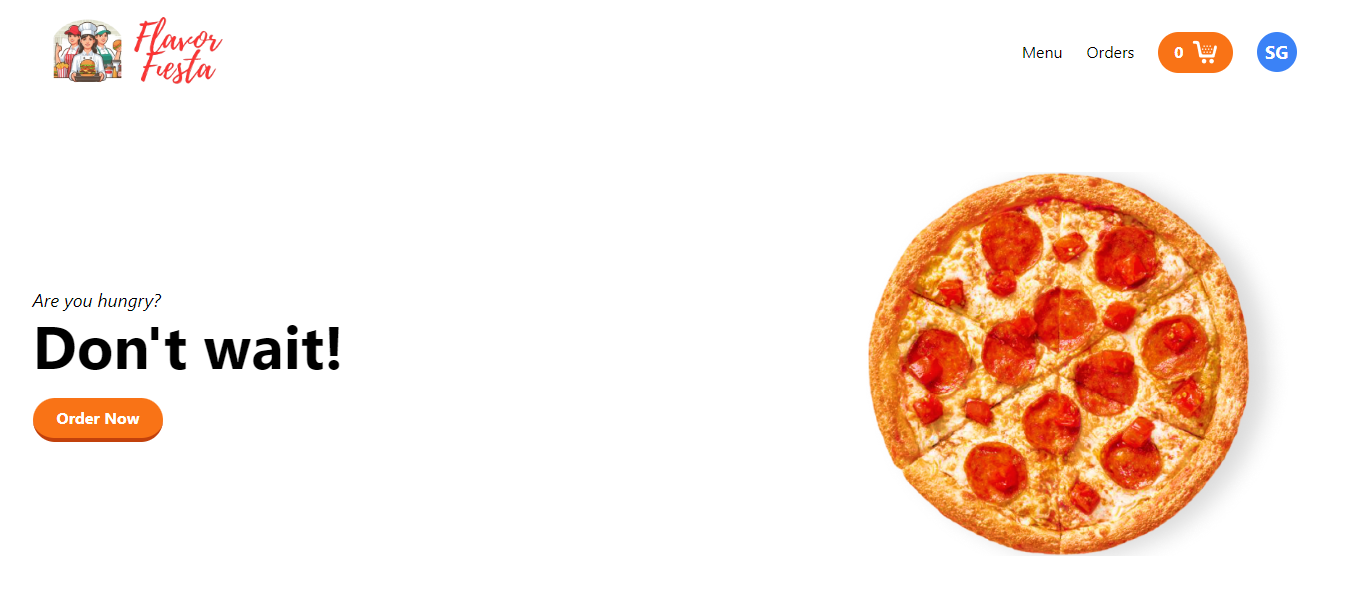
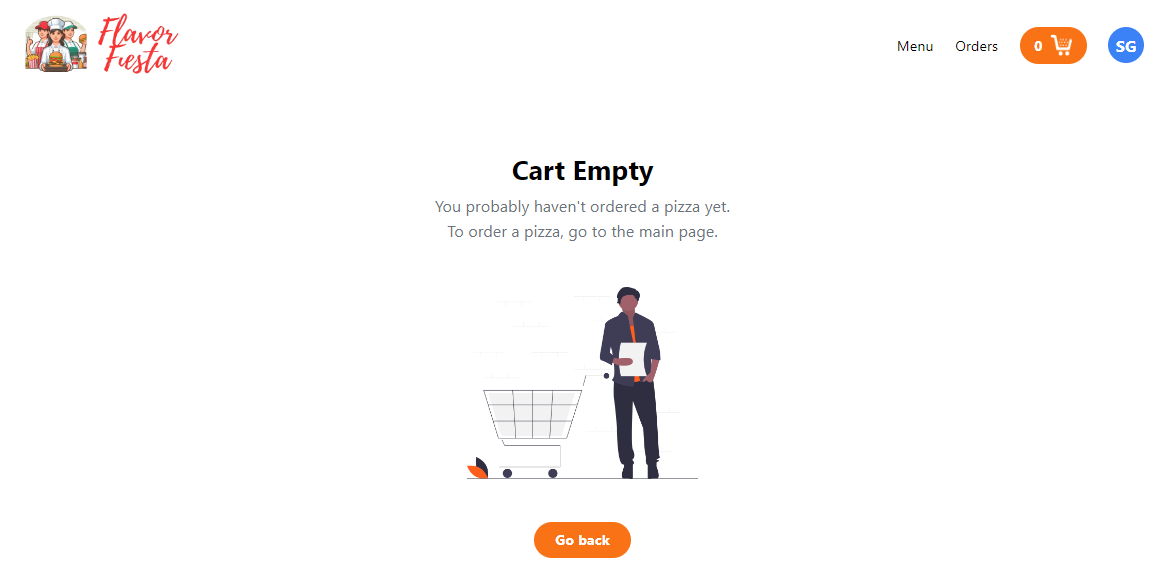
- Screenshots
FlavorFiesta Frontend is the client-side of a full-stack food ordering platform deployed separately from the backend. It provides two distinct interfaces:
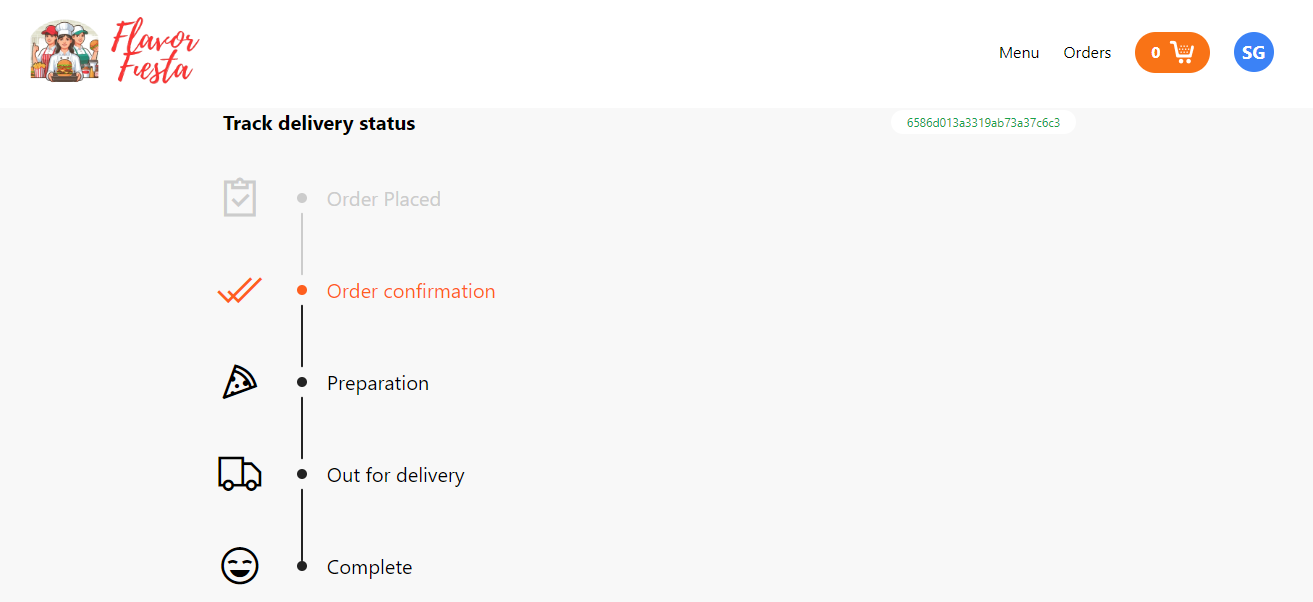
- Customer interface — Browse the menu, manage a shopping cart, checkout via Stripe, and track order status in real time
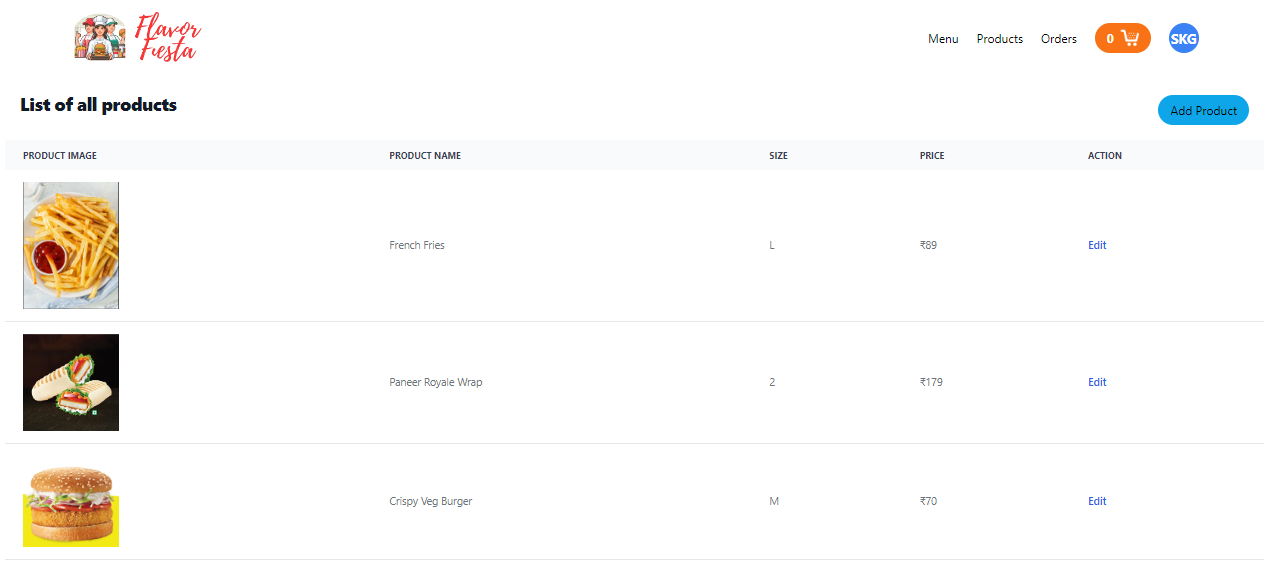
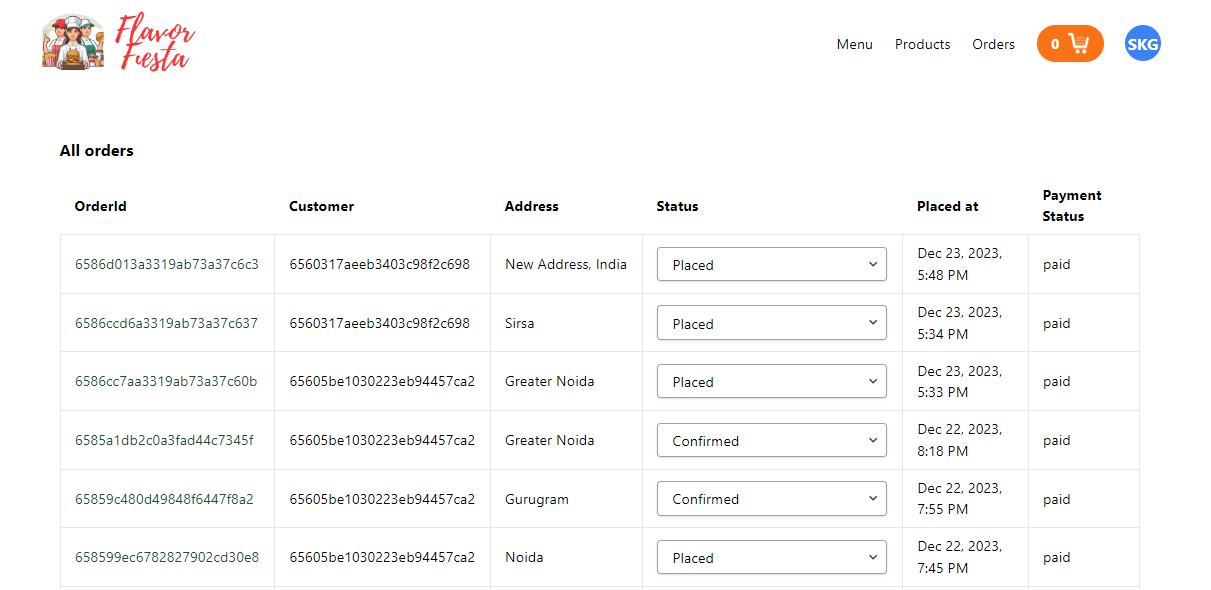
- Admin interface — Manage the product catalogue and update order fulfilment statuses
The app communicates with the FlavorFiesta Backend over HTTPS and receives real-time order status updates via Socket.io.
| Layer | Technology |
|---|---|
| UI Library | React 18 |
| Build Tool | Vite 5 |
| Styling | Tailwind CSS 3 |
| State Management | Redux Toolkit + manual localStorage persistence |
| Routing | React Router DOM v6 |
| HTTP Client | Axios |
| Forms | React Hook Form |
| Payment | Stripe JS + react-stripe-checkout |
| Real-time | Socket.io Client |
| Notifications | react-toastify |
| Carousel | react-slick |
| Date Formatting | moment.js |
src/
├── assets/                        Static images (logo, cart icon, etc.)
├── components/
│   ├── HeroSection/
│   │   ├── Carousel.jsx           Auto-playing hero image carousel
│   │   └── HeroSection.jsx        Landing section combining carousel + tagline
│   ├── Menu/
│   │   └── Menu.jsx               Product grid on the home page
│   ├── Navbar/
│   │   └── Navbar.jsx             Top navigation with cart badge and auth links
│   └── Loader.jsx                 Spinner shown during API calls
├── config/
│   └── conf.js                    Reads Cloudinary env variables
├── pages/
│   ├── admin/
│   │   ├── AddProduct/
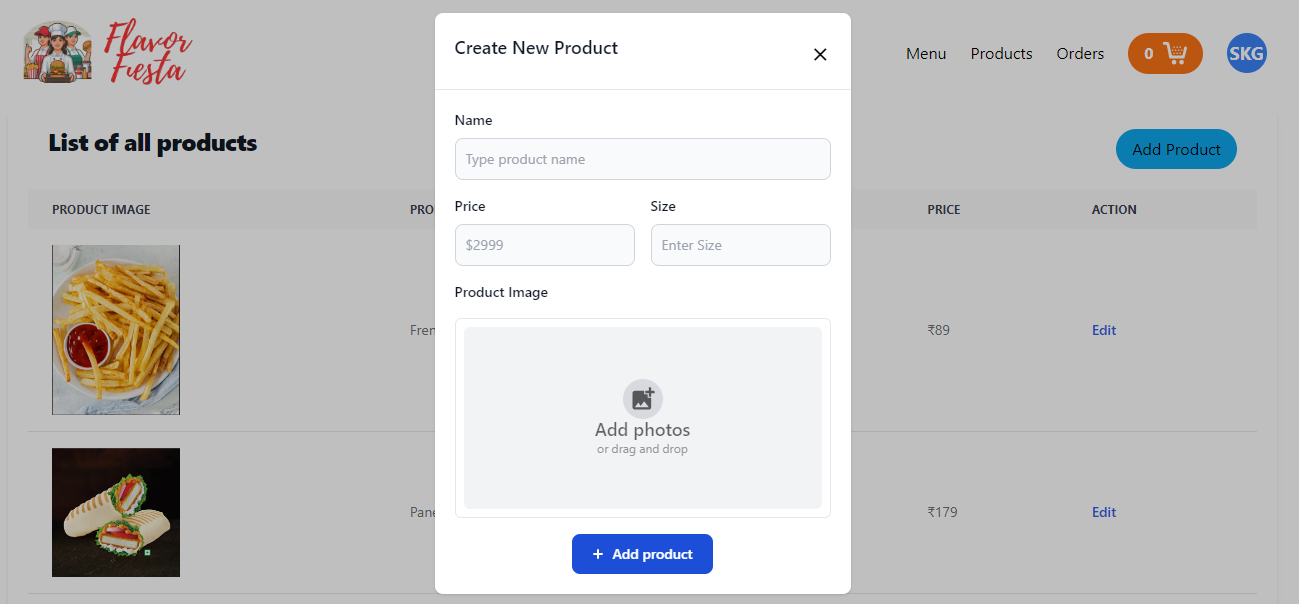
│   │   │   └── AddProduct.jsx     Modal form to create a new product
│   │   ├── AllOrders/
│   │   │   ├── AllOrders.jsx      Table of all customer orders
│   │   │   ├── OrderDetailModal.jsx  Modal showing full order details
│   │   │   └── OrderStatus.jsx    Dropdown to change order fulfilment status
│   │   └── Products/
│   │       └── Products.jsx       Product listing + AddProduct trigger
│   ├── auth/
│   │   ├── Login/
│   │   │   └── Login.jsx          Email/password login form
│   │   └── Register/
│   │       └── Register.jsx       Account registration form
│   ├── customer/
│   │   ├── Cart/
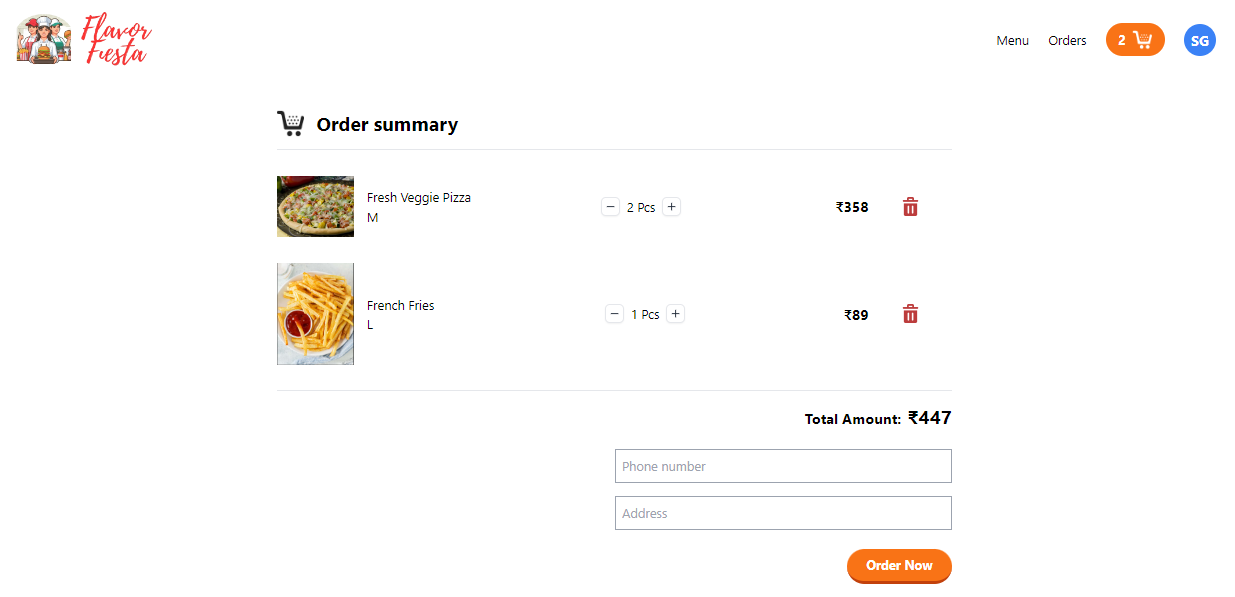
│   │   │   └── Cart.jsx           Cart page with quantity controls + Stripe checkout
│   │   ├── OrderDetail/
│   │   │   └── OrderDetail.jsx    Order detail & real-time status tracking
│   │   └── Orders/
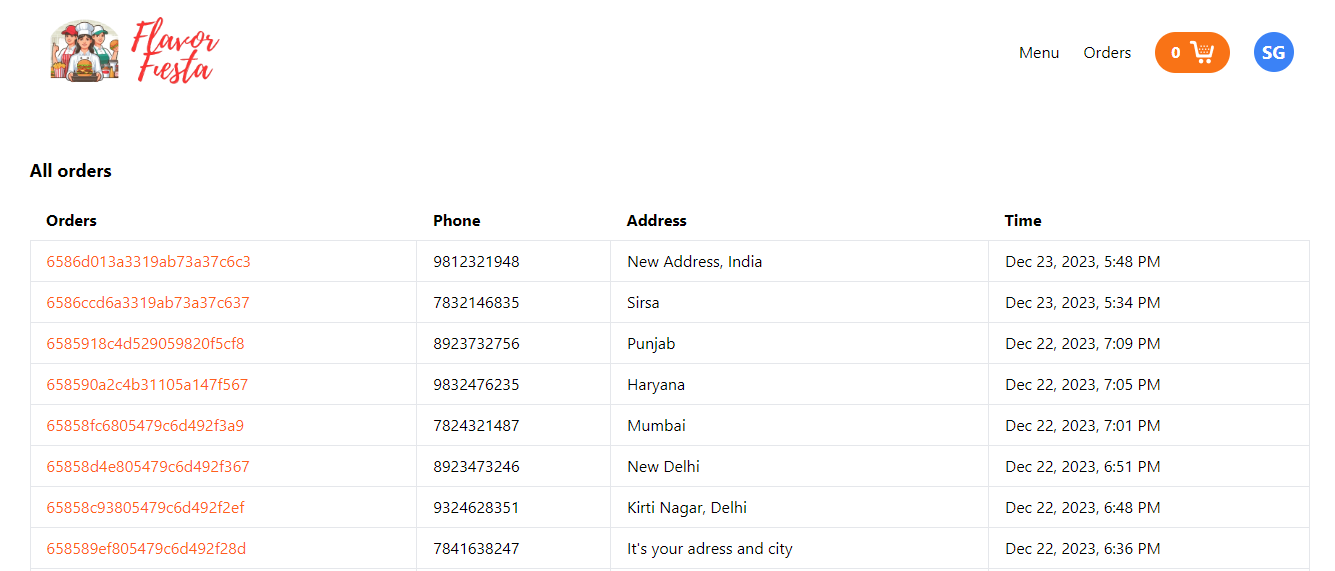
│   │       └── Orders.jsx         Customer's order history list
│   └── Home/
│       └── Home.jsx               Landing page (HeroSection + Menu)
├── services/
│   ├── auth.js                    AuthService class: register, login
│   ├── cart.js                    addToCart, getCart, removeFromCart, clearCart
│   ├── menu.js                    getAllProducts, createNewProduct
│   ├── order.js                   createOrder, getOrders, updateStatus
│   └── toast.js                   Wrapper for react-toastify notify()
├── store/
│   ├── authSlice.js               Auth state: status, userData, jwtToken
│   ├── cartSlice.js               Cart state: itemCount, items[]
│   ├── modalSlice.js              UI state: showModal (OrderDetailModal)
│   └── store.js                   Redux store with localStorage persistence
├── App.jsx                        Route definitions and route guards
├── main.jsx                       React DOM bootstrap with Redux Provider
├── App.css                        Global app styles
└── index.css                      Tailwind CSS directives
- Node.js >= 18
- A Stripe publishable key (test or live)
- The backend must be running and accessible (deployed or local)
Create a .env file in the project root:
VITE_STRIPE_PUBLISHABLE_KEY=pk_test_...
VITE_CLOUDINARY_CLOUD_NAME=your_cloud_name
VITE_CLOUDINARY_UPLOAD_PRESET=your_upload_preset| Variable | Description |
|---|---|
VITE_STRIPE_PUBLISHABLE_KEY |
Stripe client-side publishable key for loadStripe() |
VITE_CLOUDINARY_CLOUD_NAME |
Cloudinary cloud name for image uploads (admin product creation) |
VITE_CLOUDINARY_UPLOAD_PRESET |
Cloudinary unsigned upload preset |
All Vite environment variables must be prefixed with
VITE_to be exposed to the browser bundle.
npm installnpm run devThe app starts at http://localhost:5173 by default.
npm run buildOutputs to the dist/ directory. Preview the production build locally:
npm run preview| Path | Access | Component | Description |
|---|---|---|---|
/ |
Public | Home |
Hero section + product menu |
/login |
Public | Login |
Email/password login form |
/register |
Public | Register |
New account registration |
/cart |
Customer | Cart |
Cart items, quantities, delivery info, and checkout |
/customer/orders |
Customer | Orders |
Order history list |
/customer/orders/:orderId |
Customer | OrderDetail |
Single order with real-time status tracker |
/admin/products |
Admin | Products |
Product listing + add new product modal |
/admin/orders |
Admin | AllOrders |
All customer orders + status management |
* |
Public | — | 404 Not Found |
<ProtectedRoute> — Checks auth.status in Redux. Redirects unauthenticated users to /login, passing the attempted URL via state.from so the login page can redirect back after login.
<AdminRoute> — Two-stage check:
- No user logged in → redirect to
/login - User logged in but
role !== "admin"→ redirect to/
Redux Toolkit is used with three slices. The entire state tree is persisted to and rehydrated from localStorage automatically so sessions and cart contents survive page refreshes.
{
  status: false,       // true when logged in
  userData: null,      // { _id, name, email, role }
  jwtToken: ""         // Bearer token for API requests
}
Actions: login({ userData, jwtToken }), logout()
{
  itemCount: 0,        // Used for the Navbar cart badge
  items: []            // Enriched items from the API: [{ productId, name, price, quantity, total, … }]
}
Actions: addItemToCart({ itemCount, items }), removeItemsFromCart()
{
  showModal: false     // Controls visibility of the admin OrderDetailModal
}
Actions: setShowModal({ showModal })
All services in src/services/ call the deployed backend at https://flavor-fiesta-backend.onrender.com/api/v1.
| Service file | Functions | Auth required |
|---|---|---|
auth.js |
createAccount(data), login(data) |
No |
menu.js |
getAllProducts() |
No |
menu.js |
createNewProduct(data, jwtToken) |
Admin |
cart.js |
getCart(jwtToken), addToCart(productId, data, jwtToken), removeFromCart(productId, jwtToken), clearCart(jwtToken) |
Customer |
order.js |
createOrder(data, jwtToken), getAllOrdersOfUser(jwtToken), getOrderById(orderId, jwtToken) |
Customer |
order.js |
getAllOrders(jwtToken), updateStatus(data, jwtToken) |
Admin |
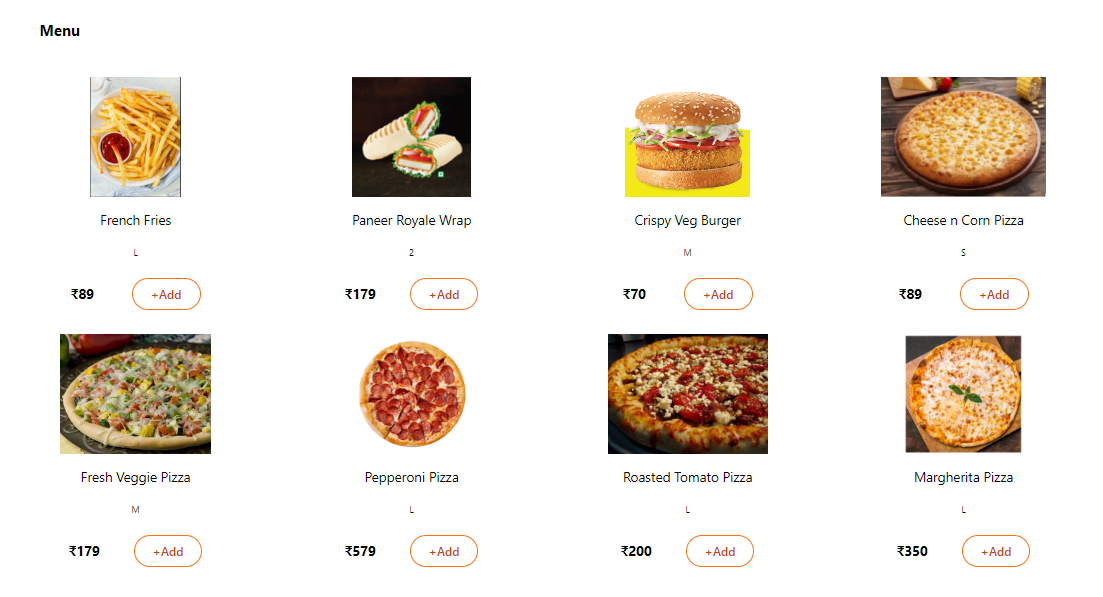
- Browse menu — Home page displays all products in a responsive grid
- Add to cart — One click adds a product; quantity is set on the Cart page
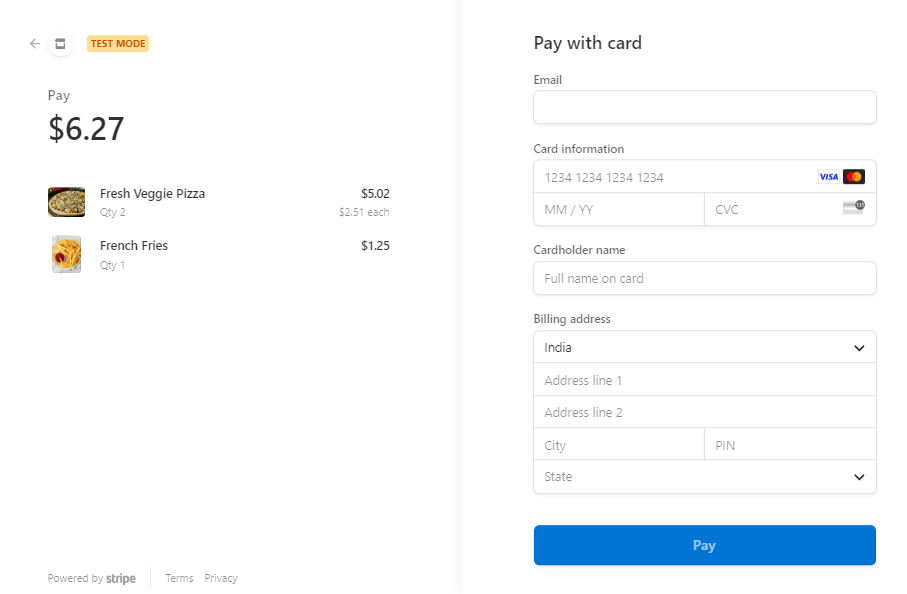
- Checkout — Enter phone + address, click "Order Now" to be redirected to Stripe Checkout
- Order tracking — After payment, the Orders page lists all past orders; clicking an order shows a real-time status tracker updated by Socket.io
- Manage products — View all products; open the Add Product modal to create new items (with Cloudinary image upload)
- Manage orders — View all customer orders in a table; click an order to see details; change the status via a dropdown (broadcasts real-time update to the customer via Socket.io)
The app connects to the backend via socket.io-client. When an admin updates an order status:
- The admin page calls
POST /orders/order/status(HTTP) - The admin page emits
changeStatusvia Socket.io - The server broadcasts
changeStatusto all connected clients - The customer's OrderDetail page listens for the event and updates the status bar without a page refresh