A full-stack quiz portal: users browse categories, attempt timed quizzes, and see scored results. Administrators manage categories, quizzes, and questions through a dedicated dashboard.
|
|
| Frontend |
Angular 16 + Angular Material, deployed to Vercel |
| Backend |
Spring Boot 3.1, Java 17, JWT auth, deployed to Render |
| Database |
PostgreSQL (Neon serverless) |
| API docs |
OpenAPI 3 (Springdoc) — Swagger UI at /swagger-ui.html |
+--------------------+        HTTPS         +-------------------------+         JDBC + SSL         +-----------------+
|   Angular SPA      |  -----------------\  |   Spring Boot API       |  ------------------------\ |  Neon Postgres  |
|   (Vercel)         |   Bearer JWT      \\ |   (Render free dyno)    |   Connection pooled       \|  (us-east-2)    |
|                    |  =================\\>|                         |   ====================== >|                 |
|   - Angular 16     |                     |   - REST /api/v1/**     |                            |  - Tables auto-  |
|   - JWT in         |                     |   - JWT bearer auth      |                            |    migrated via |
|     localStorage   |                     |   - DTO validation       |                            |    Hibernate    |
|   - HttpInterceptor|                     |   - Global exception     |                            |  - ddl-auto=    |
|     adds Bearer    |                     |     handler              |                            |    update       |
+--------------------+                     +-------------------------+                             +-----------------+
Request flow on a typical action (e.g. "load quizzes"):
- The Angular HTTP interceptor pulls the JWT from
localStorage and stamps Authorization: Bearer <token> onto every request.
- The browser hits the Render-hosted Spring Boot API (CORS-allowed origins are env-configured).
JwtAuthenticationFilter validates the token signature against the server secret, loads UserDetails, and populates Spring Security's SecurityContext.- The controller delegates to a service, which performs the business logic in a
@Transactional boundary and returns a DTO.
- Jackson serializes the DTO to JSON. If anything fails along the way,
GlobalExceptionHandler produces a uniform ApiError JSON body.
QuizAdda/
├── quizadda_client/          Angular 16 frontend  (deployed to Vercel)
│   └── README.md             Frontend setup, env config, deployment guide
│
├── quizadda_server/          Spring Boot 3 backend (deployed to Render)
│   ├── README.md             Backend architecture, env vars, API reference
│   └── .env.example          Template for required environment variables
│
└── README.md                 You are here
Each subproject has its own README with detailed setup, architecture, and operations notes.
Prerequisites: Java 17, Node.js 18+, a free Neon Postgres database (https://neon.tech).
# 1. Clone
git clone https://github.com/satishgupta07/QuizAdda.git
cd QuizAdda

# 2. Configure backend env vars
cp quizadda_server/.env.example quizadda_server/.env
# Edit .env: paste Neon connection string and generate a JWT_SECRET (>= 32 chars)

# 3. Run the backend (auto-creates tables and seeds USER/ADMIN roles in Neon)
cd quizadda_server
./mvnw spring-boot:run

# 4. In a second terminal, run the frontend
cd quizadda_client
npm install
npm start              # http://localhost:4200
The Angular dev server points at http://localhost:9797 by default (see environment.ts). Browse to http://localhost:9797/swagger-ui.html to explore the API interactively.
Detailed setup instructions live in each subproject's README:
| Component |
Service |
Free tier notes |
| Frontend |
Vercel |
Auto-builds on git push. Static hosting, no cold starts. |
| Backend |
Render |
Free web service sleeps after 15 min idle (~30–60 s cold start). |
| Database |
Neon |
0.5 GB storage, scales to zero when idle (<1 s warm-up). |
Production env vars (set on Render):
| Variable |
Example |
Purpose |
SPRING_DATASOURCE_URL |
jdbc:postgresql://ep-...neon.tech/neondb?sslmode=require |
Neon JDBC URL |
SPRING_DATASOURCE_USERNAME |
neondb_owner |
Neon username |
SPRING_DATASOURCE_PASSWORD |
(from Neon) |
Neon password |
JWT_SECRET |
(>= 32 chars random) |
HS256 signing key |
JWT_EXPIRATION_MS |
18000000 |
Token lifetime (5 hours default) |
CORS_ALLOWED_ORIGINS |
https://quizadda.vercel.app |
Comma-separated allowed origins |
After backend is deployed, update environment.prod.ts with the Render URL and push — Vercel rebuilds automatically.
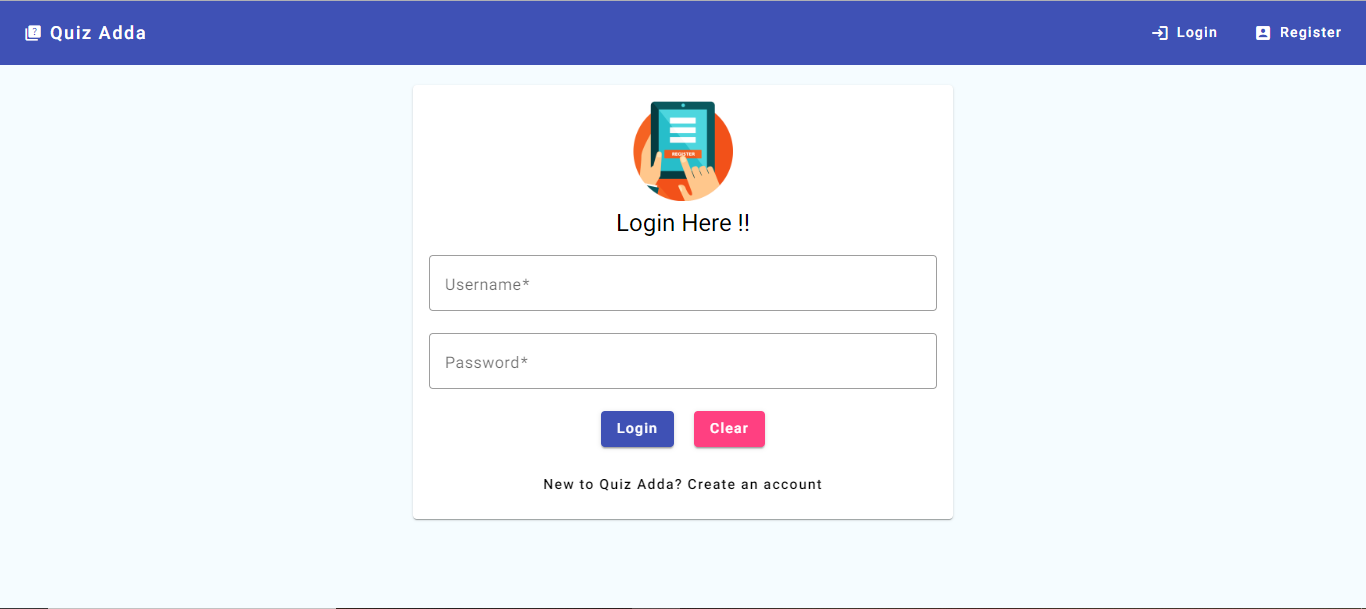
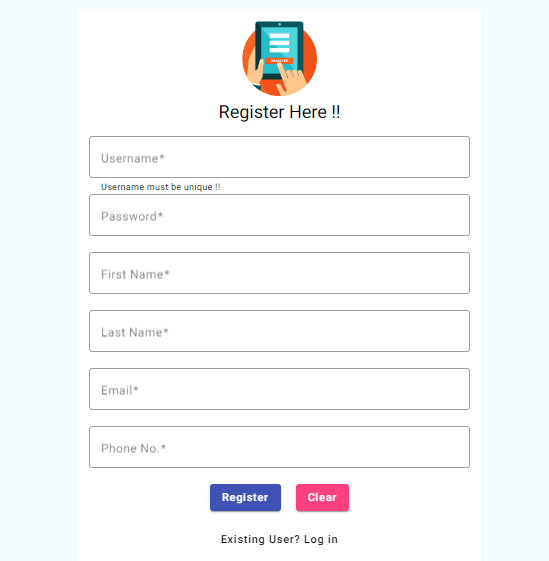
- Register / log in (JWT bearer auth)
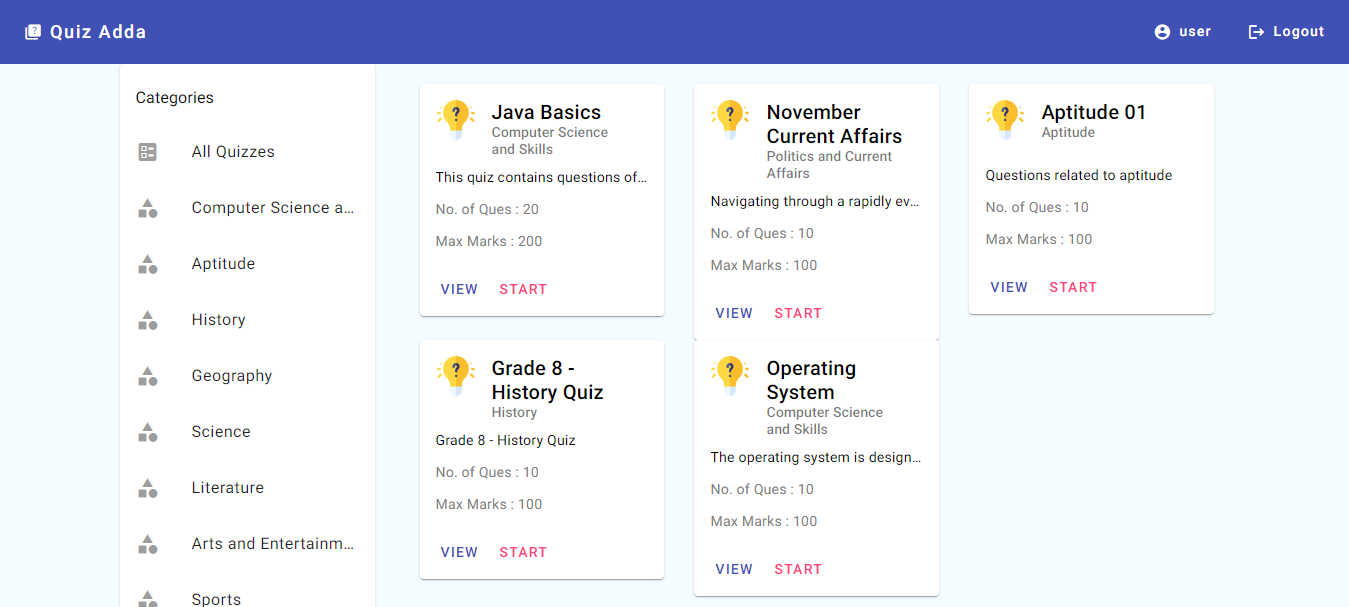
- Browse quiz categories and active quizzes
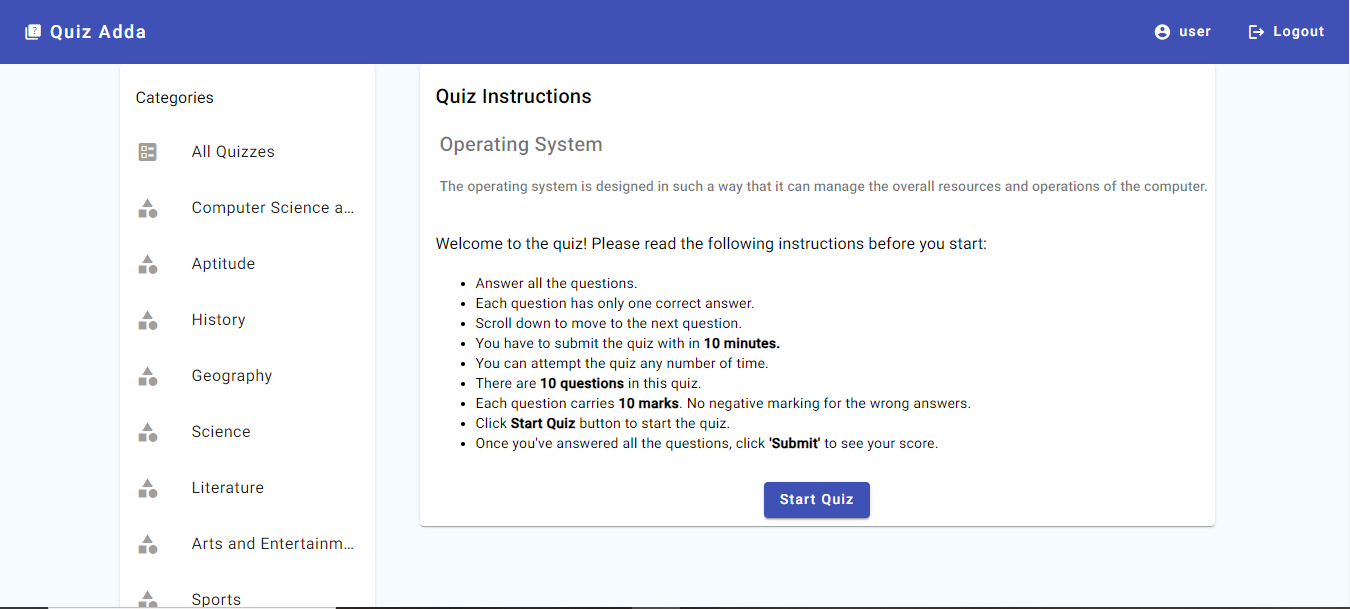
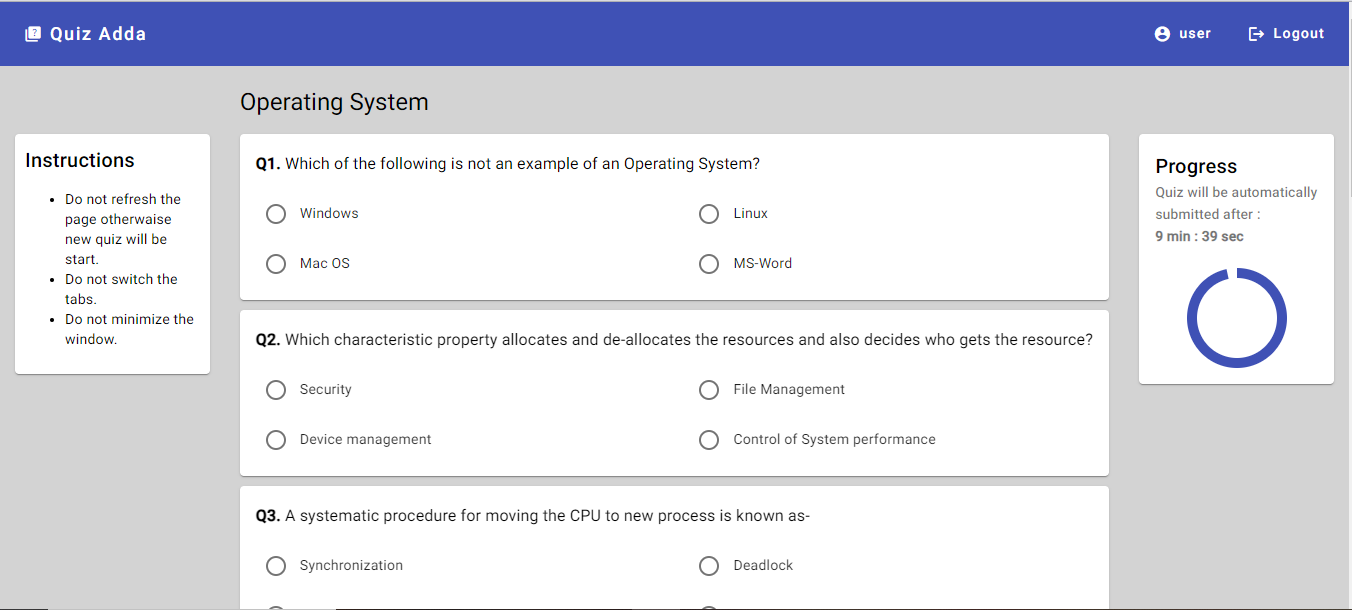
- Take a randomized quiz with countdown timer
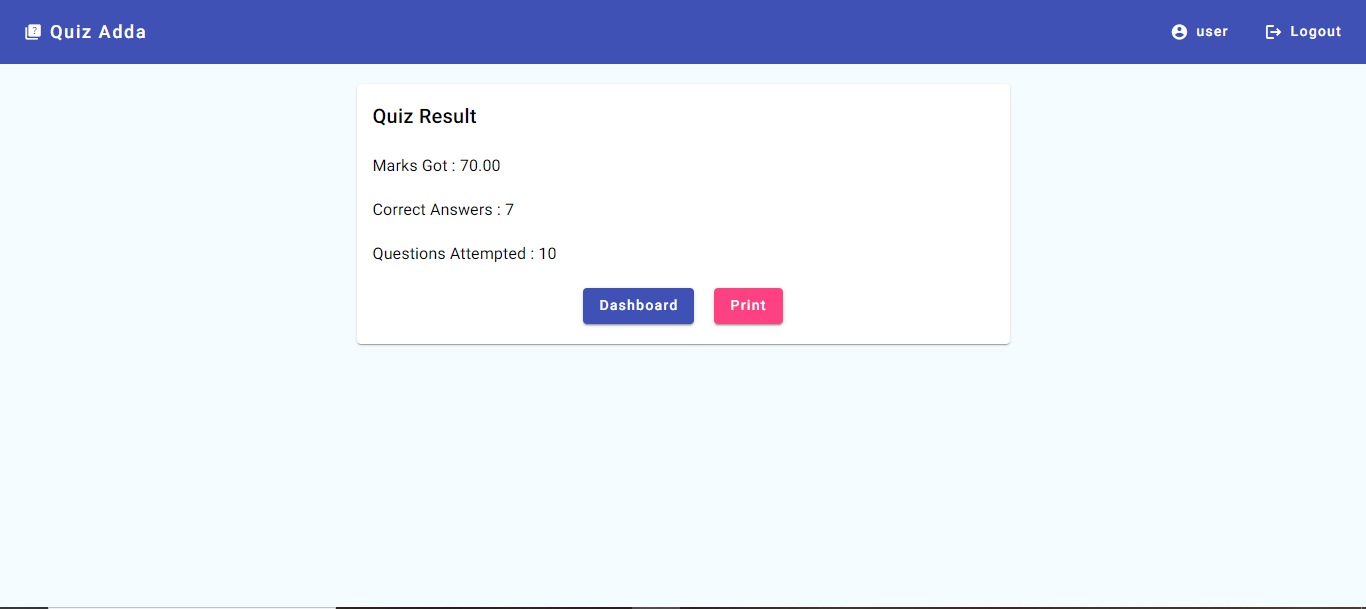
- See marks, correct answers, and attempted count after submission
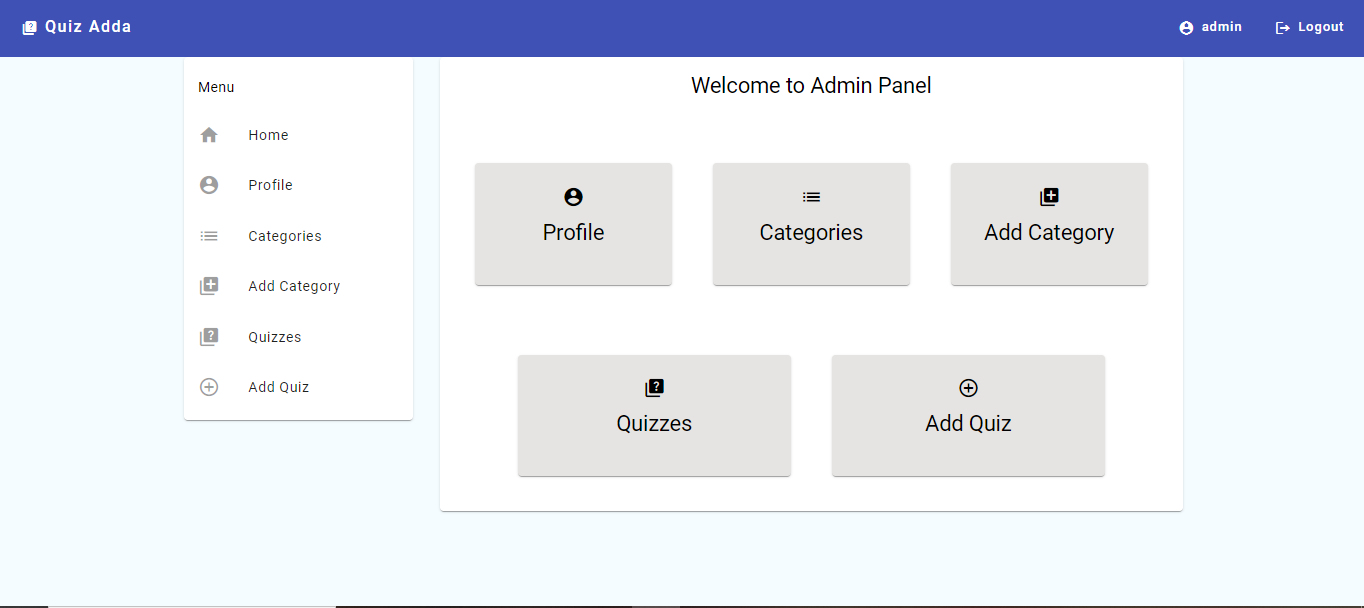
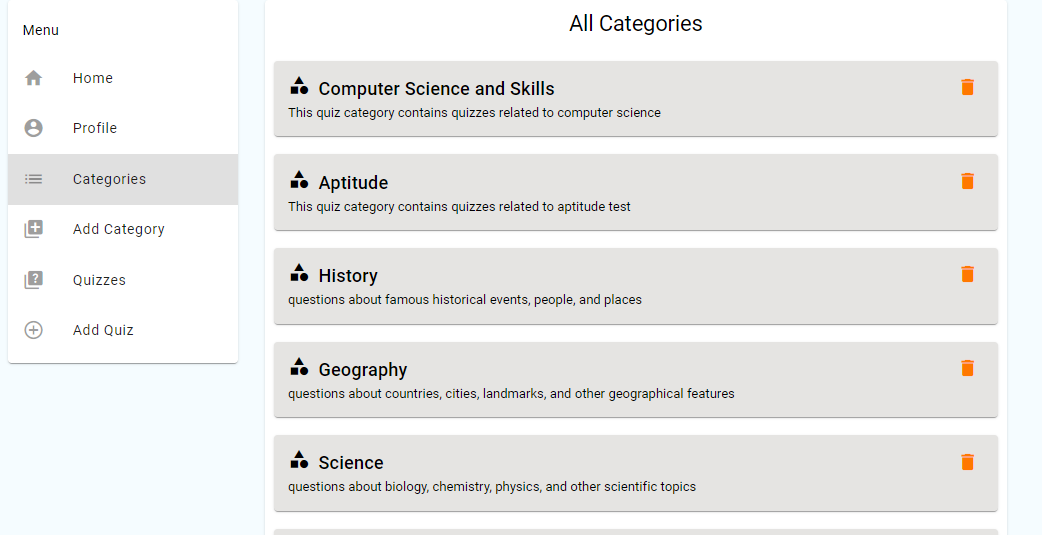
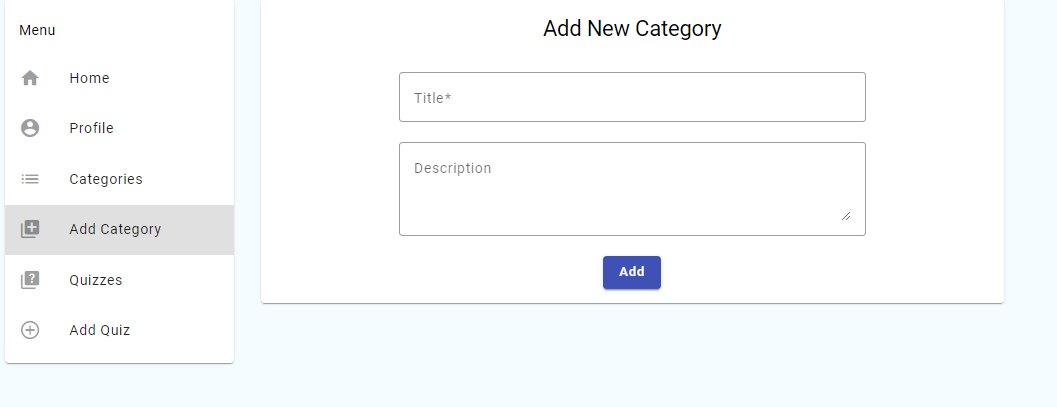
- Manage categories (CRUD)
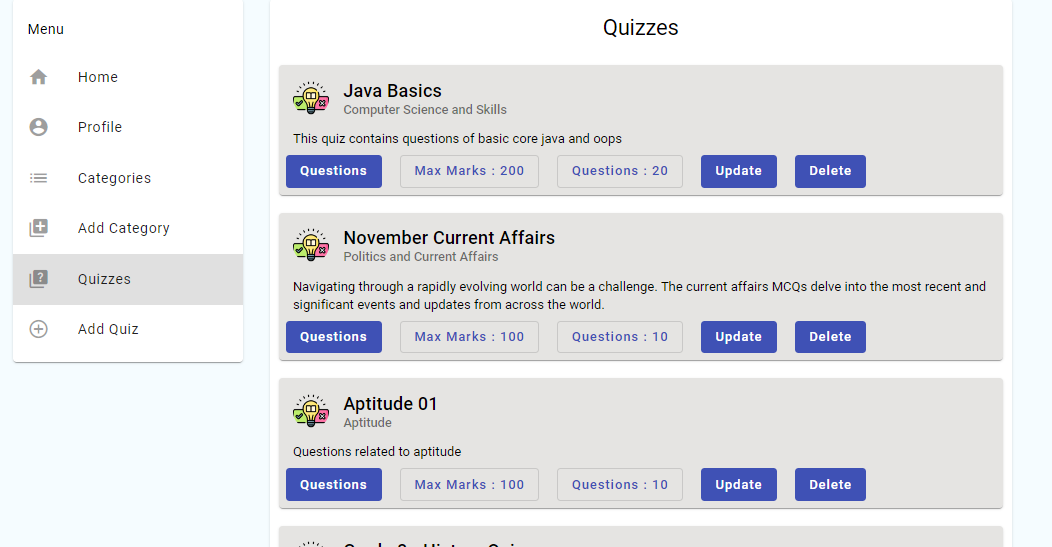
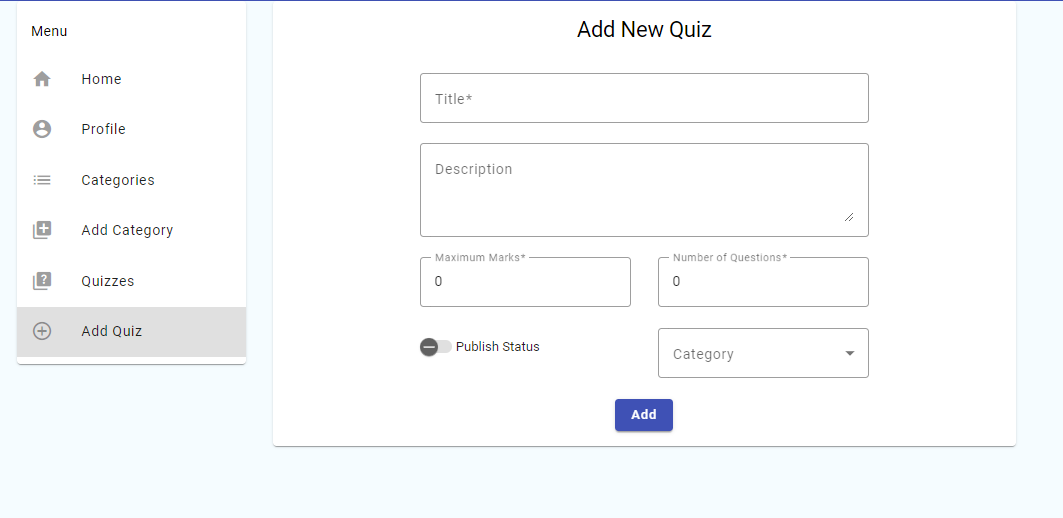
- Manage quizzes — title, description, category, max marks, active/inactive
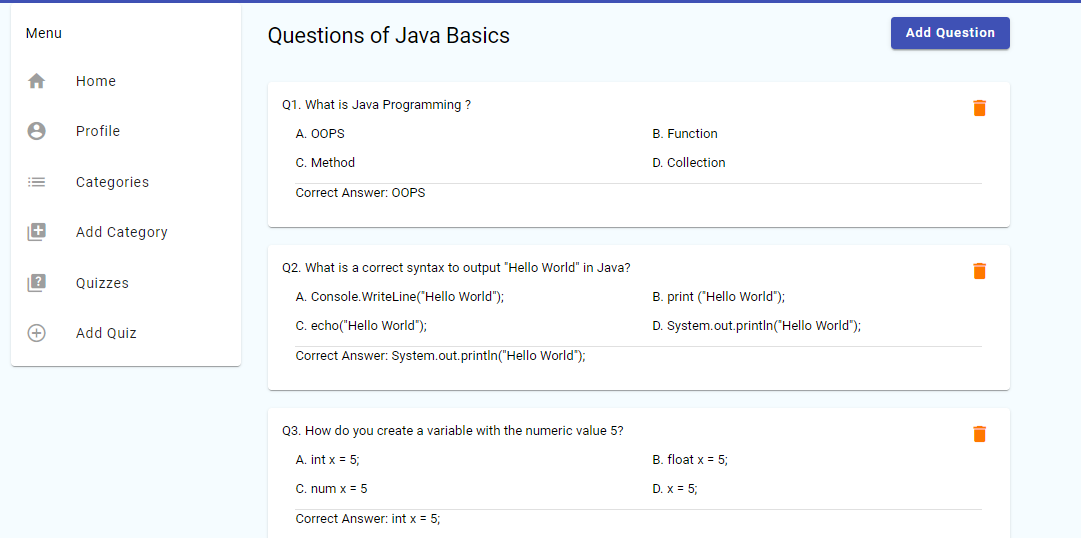
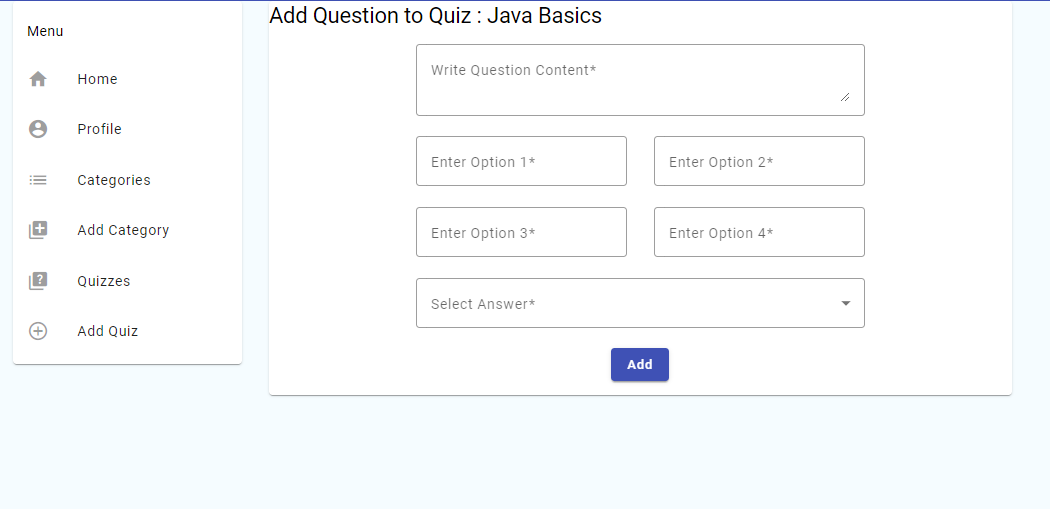
- Manage questions — content, four options, correct answer
- Server-side answer-key evaluation (clients cannot tamper with scoring)
- Bean Validation on every write endpoint
- Centralized JSON error responses with field-level violations
- Username enumeration prevention on login
After registering or seeding manually, the dev fixtures use:
| Role |
Username |
Password |
| USER |
user |
user |
| ADMIN |
admin |
admin |
DataLoader only seeds the roles; users must be registered explicitly via POST /api/v1/users.
| Login |
Registration |
 |
 |
| User Dashboard |
Quiz instructions |
 |
 |
| Attempting a quiz |
Result |
 |
 |
| Admin Dashboard |
All categories |
 |
 |
| Add category |
All quizzes |
 |
 |
| Add quiz |
Questions of a quiz |
 |
 |
| Add question |
Swagger UI |
 |
 |