A classic Minesweeper game built with HTML, CSS, and JavaScript — fully reimagined with sound, animation, and responsive polish. This version stays true to the original while adding modern feedback and user experience touches.



HTML – For layout and semantic structure CSS – Grid layout, tile styling, animations, responsive design JavaScript – Game logic, event handling, DOM updates, audio triggers
This game was developed to reinforce DOM manipulation, modular JavaScript logic, event-driven UI behavior, and thoughtful UX design. What began as a basic grid quickly expanded into a polished product with dynamic visuals, sound effects, responsive design, and deeper gameplay mechanics.
The game includes key features like:
- A simple grid-based UI built with HTML, CSS Grid, Flexbox and JavaScript
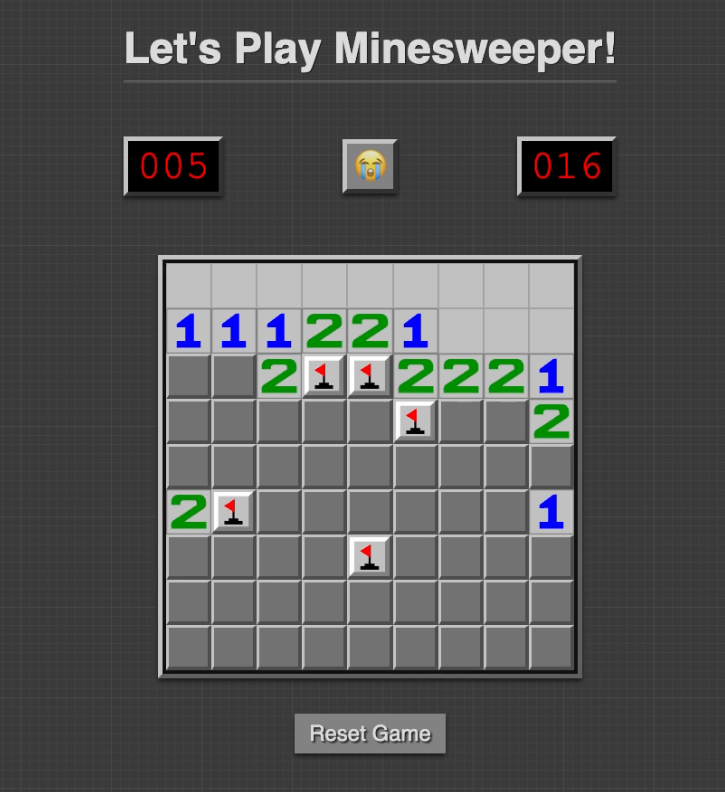
- Tile interactions (revealing tiles, flagging mines)
- Random mine placement and adjacent mine counting
- Individual tile and flag rendering
- Win/loss detection
- Handled with classes and transitions in .css file and rules that change visual states when certain classes are added or removed by JS.
- Tile Reveal Effects: Beveled to flat look using .revealed class.
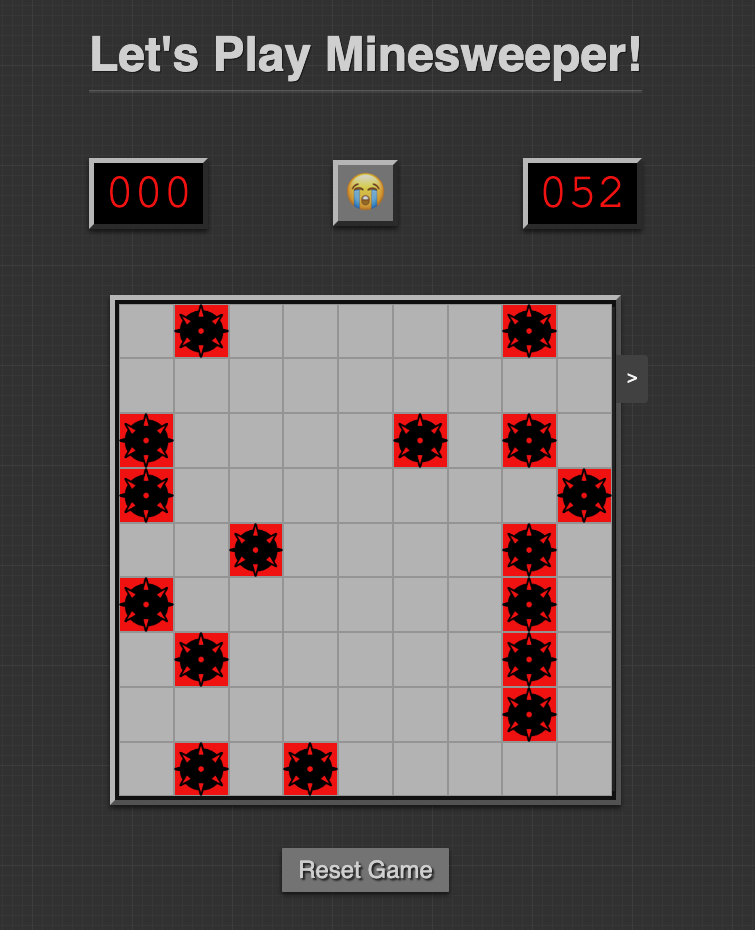
- Tile Explosion Coloring: Mine tiles turn red via .isMine class.
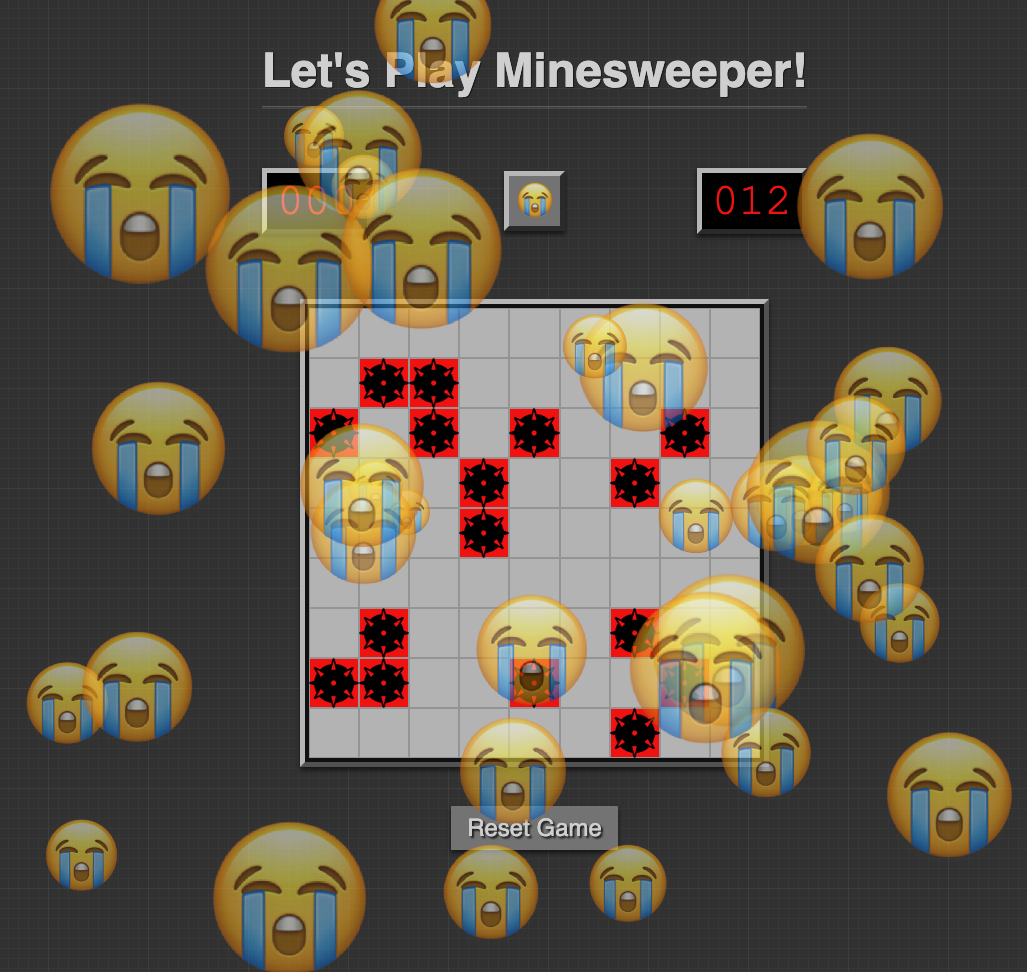
- Face Emoji Animations: The win/lose faces like 😎 and 😭 were animated by applying CSS classes tied to game state.
- Hover Effects: For unrevealed tiles to show feedback on cursor movement.
- Leveraged CSS Grid for the tile board and Flexbox everything else. While technically not responsive (aka not mobile) ready, its playable across a wide variety of screen sizes.
- JS was responsible for triggering and coordinating animations.
- JS adds/removes classes (like .revealed, .isMine) at the correct times.
- Emoji transitions and message displays (like “You Win!”) were triggered in JS based on game events.
- Cascade Reveal: JavaScript handled per-tile reveals recursively but each reveal triggered a visual update via renderTile() — giving the illusion of animation as it happened tile-by-tile.
- Full recursive flood reveal on tiles with 0 adjacent mines
- Mine placement delayed until first left-click
- All mines revealed on loss; numbers stay hidden to avoid spoilers
- Win/loss message panel slides into view after game ends
- Game can be paused/resumed by clicking the face-button
- Board interaction is disabled after win/loss or while paused
- DOM updates are modular and fast — uses
renderTile()andrenderFlag()per tile
Emoji face-button updates based on game state: actively playing, pause 😴 win 😎 lose😭
Sound effects - Click sounds for revealing a tile and placing a flag via rght mouse click - Flag placement sound - Explosion on mine click - Applause on win
Visuals: - Centered bomb icons - Red background on clicked mine - Cascading tile reveal animation - Flat styling on revealed tiles - Emoji burst animations on win/loss
UI Counters: - Flag counter (live updates) - Mine counter based on dynamic % (20% of board) - Incrementing Timer (3-digit, pause/resume supported)
- Reset Button: Adds a button to restart the game without refreshing the page.
- Save/Load Game: Allows users to save and load game states for later continuation.
- Mobile Responsiveness: Optimizes the layout for smaller screen sizes.
- Floating Game Options Panel for Hint, Undo, Replay options
- Dynamic Favicon Swap based on game state
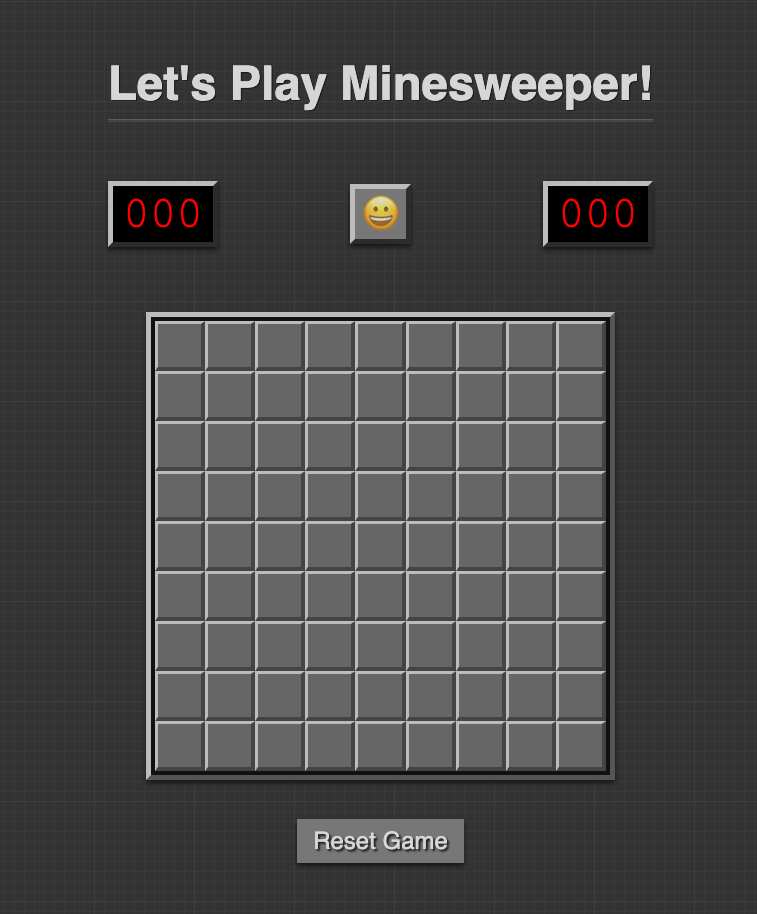
- Dynamically generated board HTML (no hardcoded grid)
- Difficulty modes (Easy, Medium, Hard)
- Support for user-chosen board size & mine count
- Add tile.svg as background image for unrevealed tiles
- Side panel to display full game rules
To run the game locally, you need to follow these steps:
-
Clone the repository:
git clone https://github.com/shawnhank/minesweeper.git -
Navigate to the project folder
cd minesweeper -
Open the
index.htmlfile in your browser:- Double-click the
index.htmlfile, or open it using your preferred browser to play the game.
- Double-click the
- Left click to reveal / uncover tiles. If a tile contains a mine, the game ends (game over).
- Flag potential mines: Right-click on a tile to flag it as a suspected mine.
- Win condition: The game is won if all non-mine tiles are revealed before any mines are clicked.
- Restart the game: Click the Reset Button or Right Click on the emoji button between the Flag Counter and Timer
- Pause & Unpase the game by left-clicking on the emoji button as well
The goal of Minesweeper is to uncover all the squares on a grid that do not contain mines without being "blown up" by clicking on a square with a mine underneath. The location of most mines is discovered through a logical process, but some require guessing, usually with a 50-50 chance of being correct. Clicking on the game board will reveal what is hidden underneath the chosen square or squares (a large number of blank squares [bordering 0 mines] may be revealed in one go if they are adjacent to each other). Some squares are blank while others contain numbers (from 1 to 8), with each number being the number of mines adjacent to the uncovered square.
To help the player avoid hitting a mine, the location of a suspected mine can be marked by flagging it with the right mouse button. The game is won once all blank or numbered squares have been uncovered without hitting a mine.
This project is licensed under the MIT License – see the LICENSE file for details.
-
Background image generated using Hero Patterns
-
Board Images courtesy of Wikipedia - Category Minesweeper
-
Mine icon courtesy of The Noun Project
-
Favicon courtesy of Jaumes Segarra on GitHub
-
Badges courtesty of Vecteezy
-
Applause Effect courtesy of Sound Effect by u_1s41v2luip from Pixabay
-
Explosion Effect courtesy of freesound_community from Pixabay
-
Flag Click Sound Effect courtesy of Envato Elements