Documentation
This Shotgun app gives you quick access to reviewing a VRED scene with VRED Presenter from Shotgun.
To use the "Review with VRED" feature set, you must have the following:
- Using a Shotgun Toolkit Configuration with this app defined
- Using a Shotgun Toolkit Configuration with a tk-vred version of at least v2.0.7.
- VRED Presenter 2021.2 or later, (or VRED Pro 2021.2 which includes VRED Presenter)
- Shotgun Desktop or Shotgun Create installed and signed in
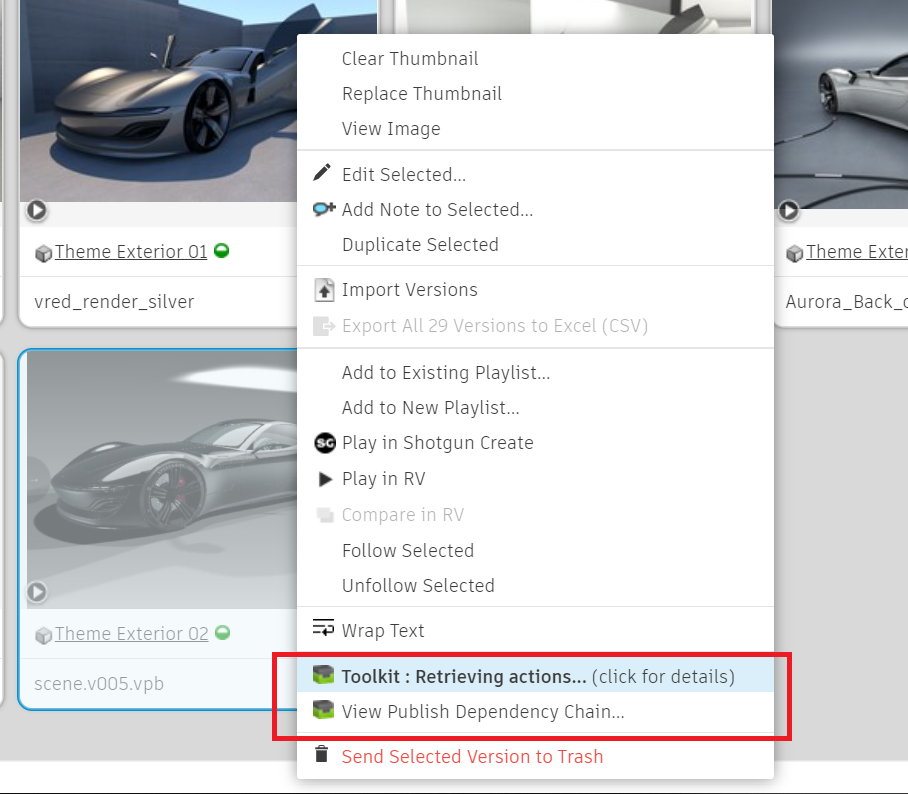
The "Review with VRED" feature is found on your Shotgun Version page as a Toolkit Action. A Version in Shotgun is a visual representation, used specifically for review. You can create a Version during the VRED Publish process in Shotgun.
You will only see these Toolkit Actions if you are using Shotgun integrations. To use the basic integrations, all you need to do is install Shotgun Desktop or Shotgun Create. The links to these installations can be found in your Shotgun site under "Apps".
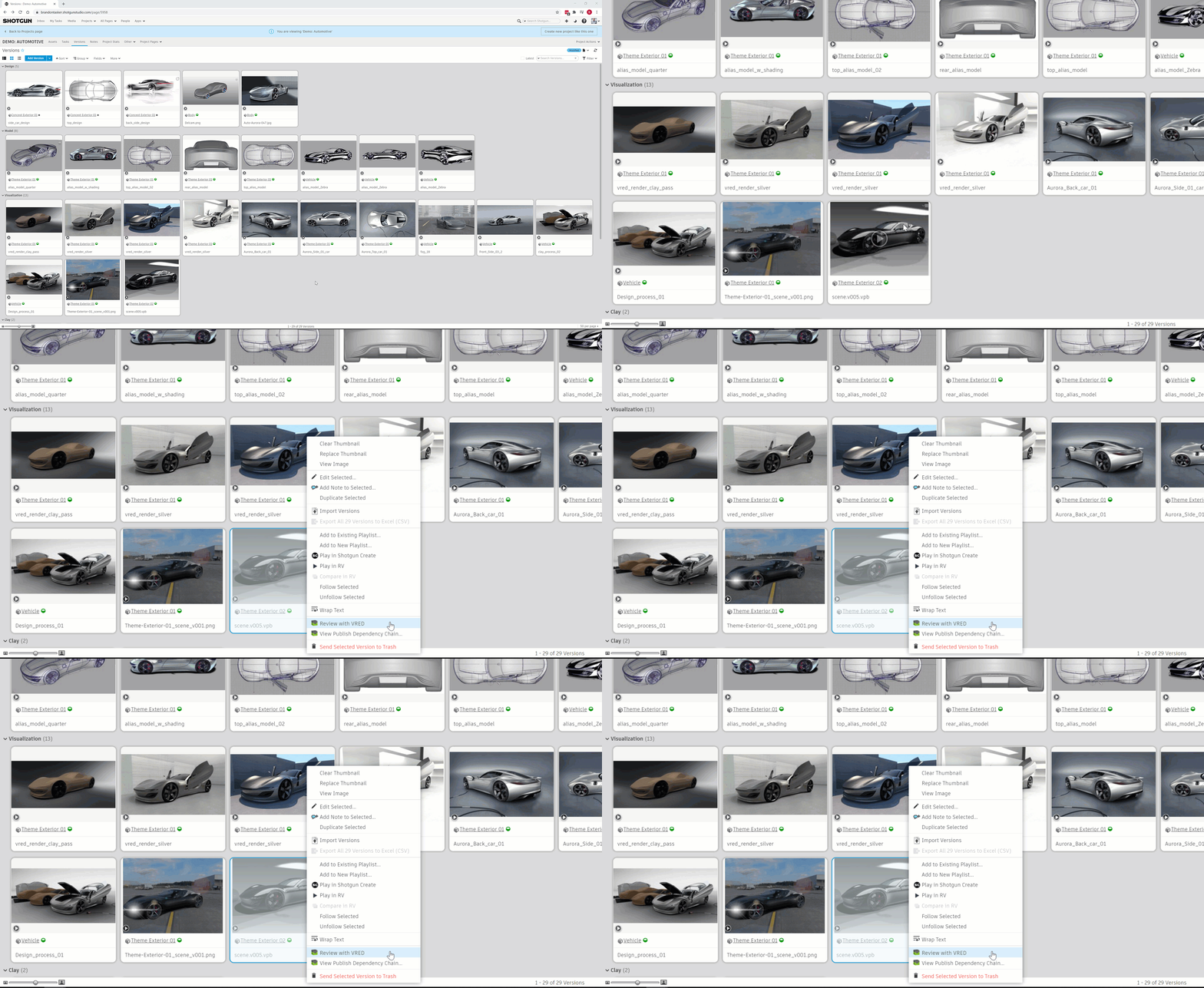
Launching a Version from Shotgun will open your scene using the simplified VRED tool VRED Presenter.
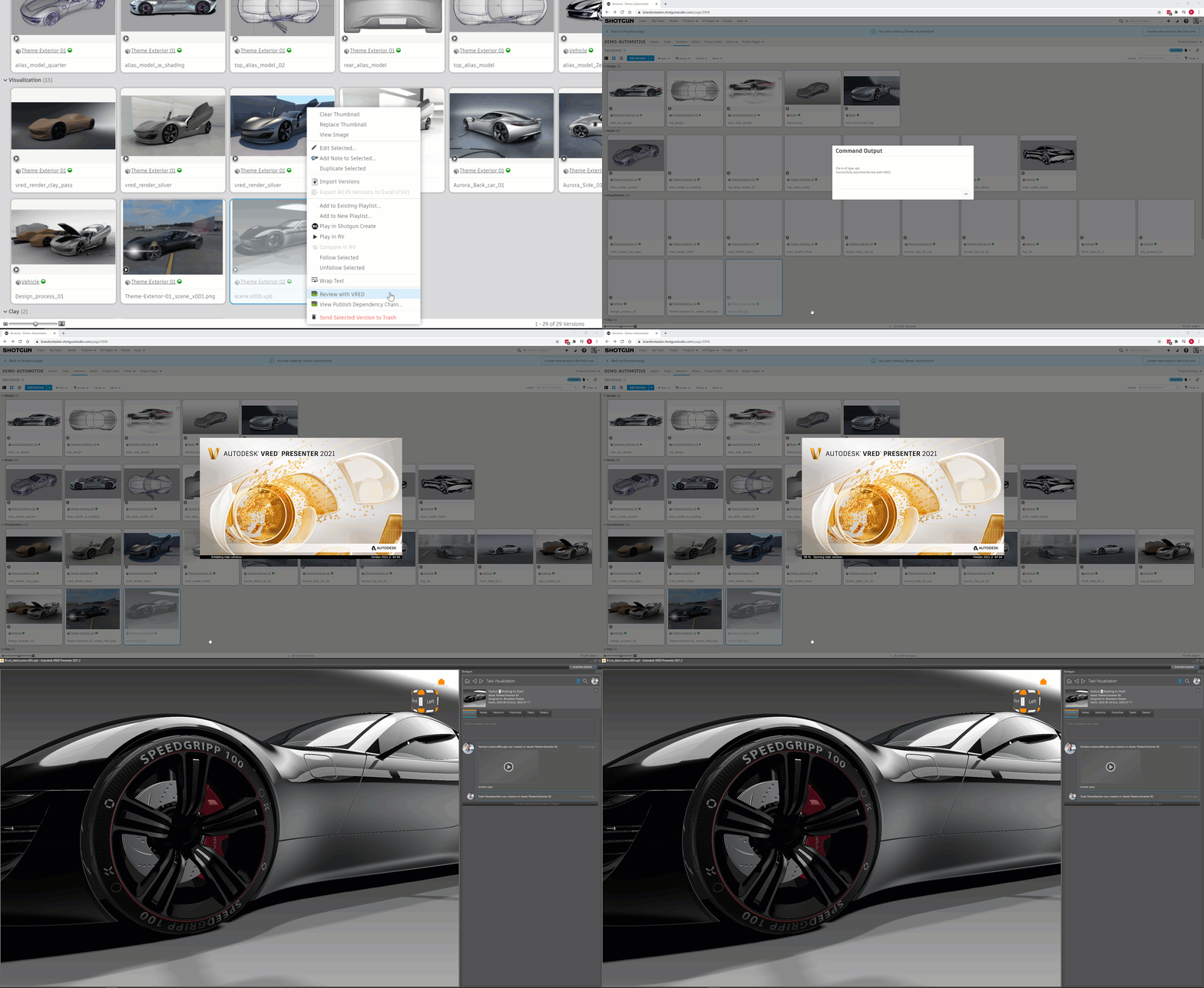
Once your Version opens, you can use the Shotgun panel to capture notes from your VRED scene. All your notes are tracked in Shotgun, making it easy to follow up on notes, and make sure all the work is addressed.
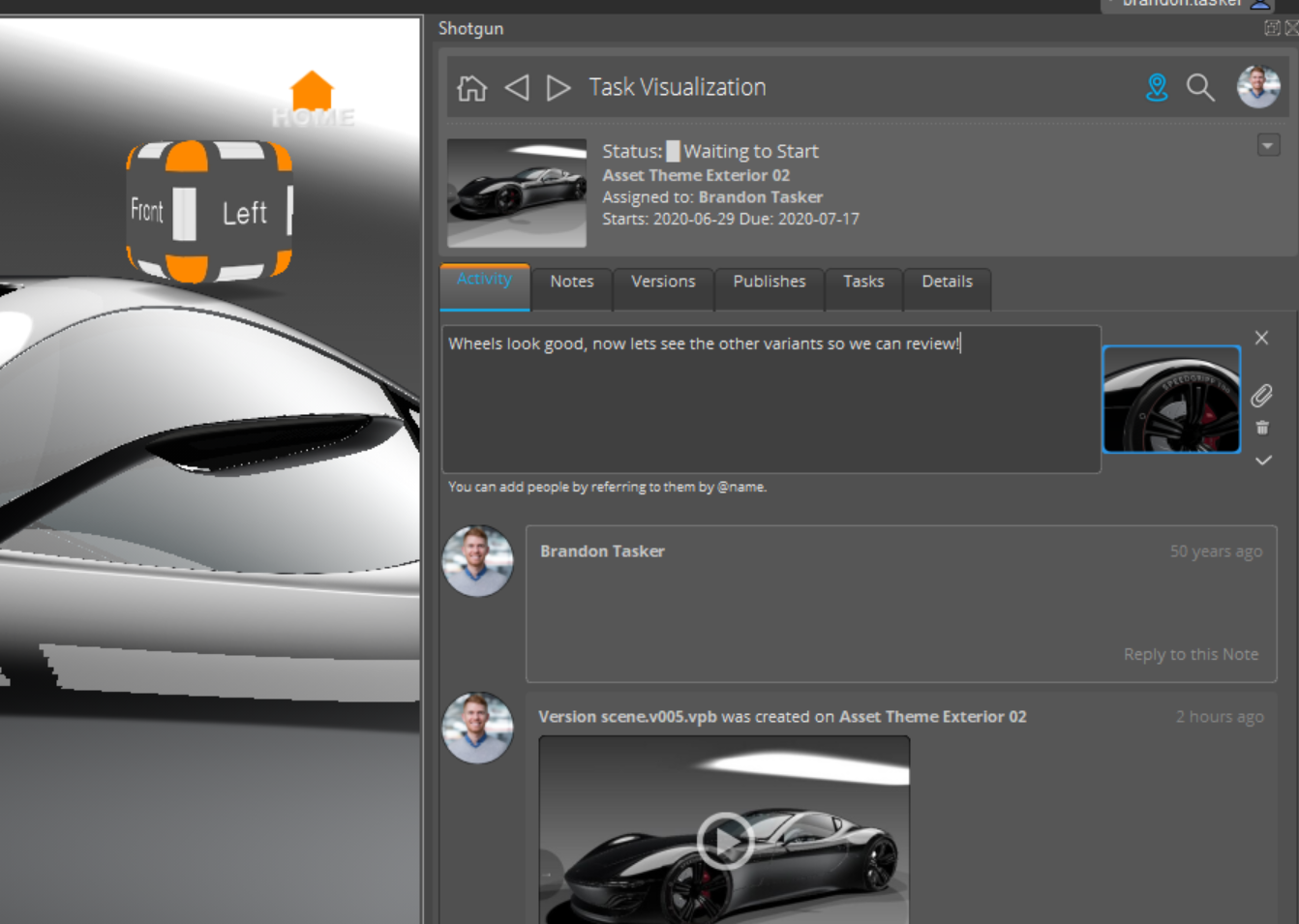
If you don't have VRED presenter installed on this computer you will see an error like this. Shotgun looks at the windows registry to determine the VRED install location.
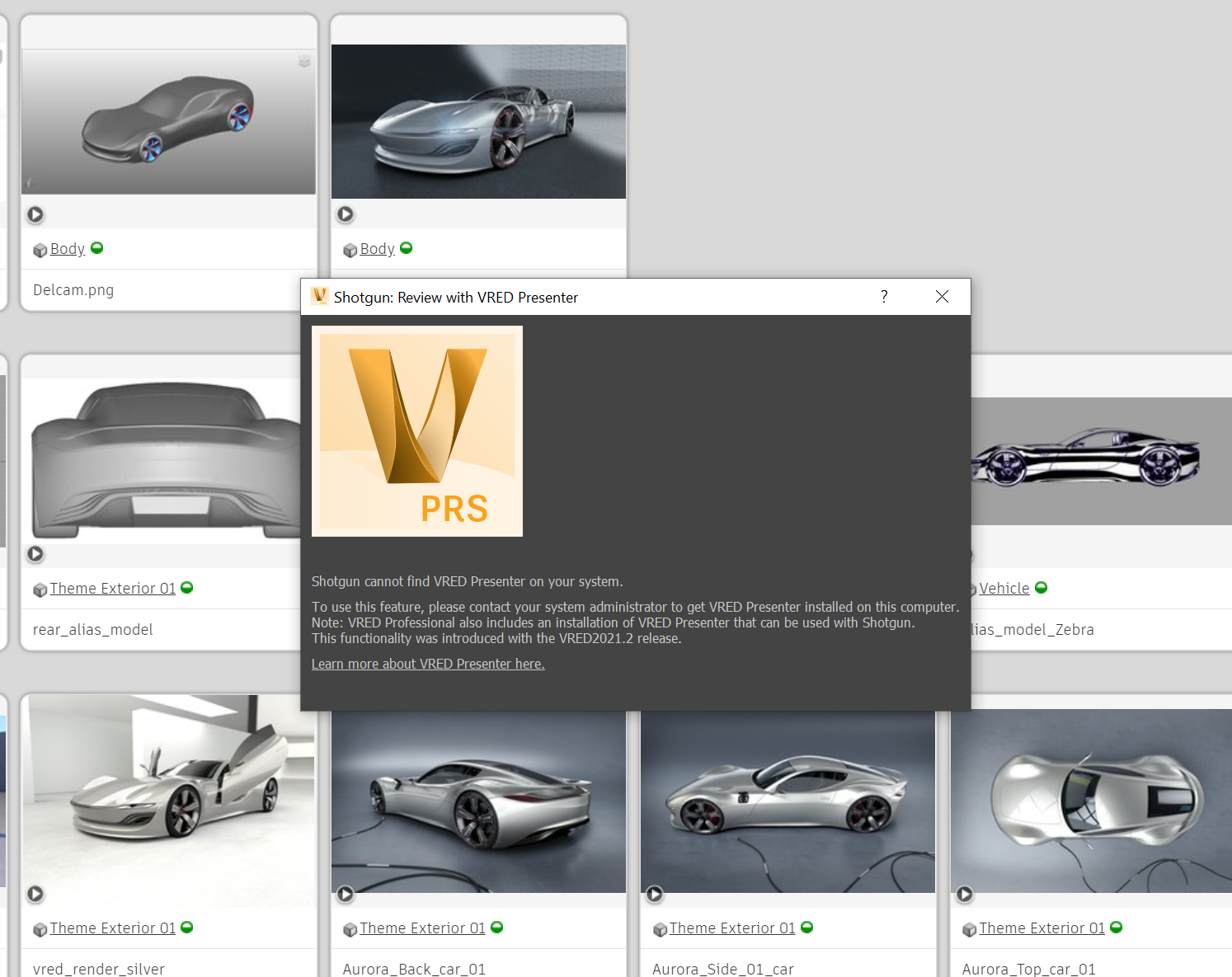
Because Toolkit Actions use a desktop link to your web browser, its possible you will run into issues.
If you see this image, that means your desktop toolkit environment is not running. Do you have Shotgun Desktop or Shotgun Create open? If not, start one of those apps and try reloading the page.
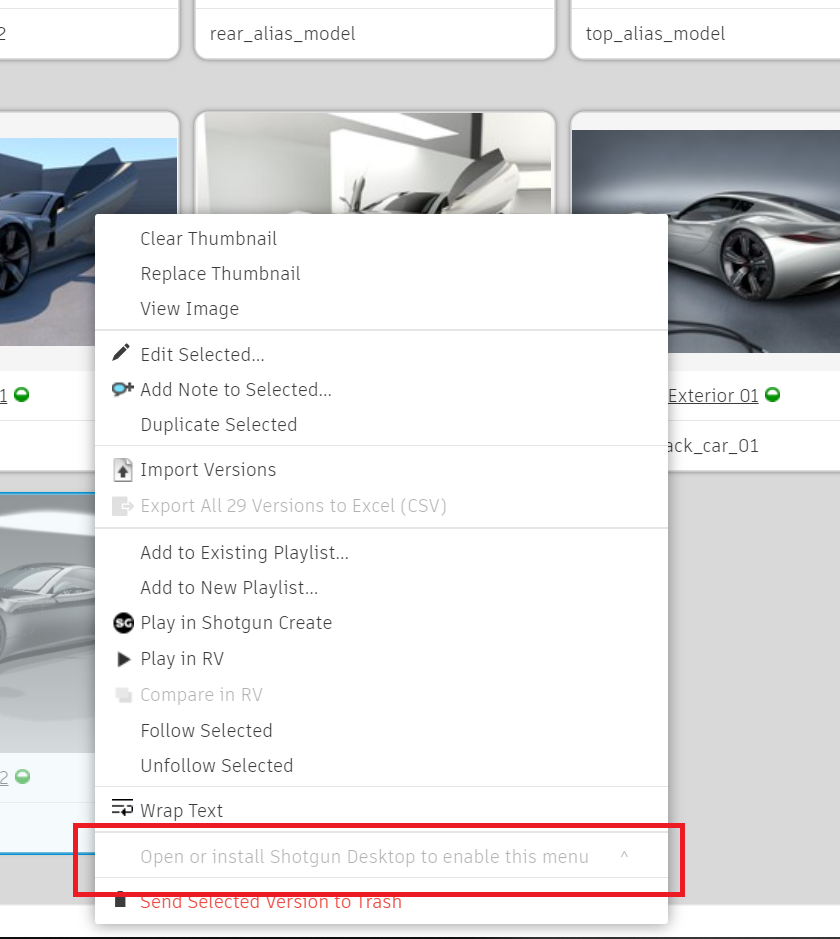
If you see this image, that means Toolkit is still caching your menu items. The first time you try to use these may take longer then normal while the cache is generated. Once the items are cached once, they should re-appear much quicker.